


Use APKPure App
Get HaloVPN old version APK for Android

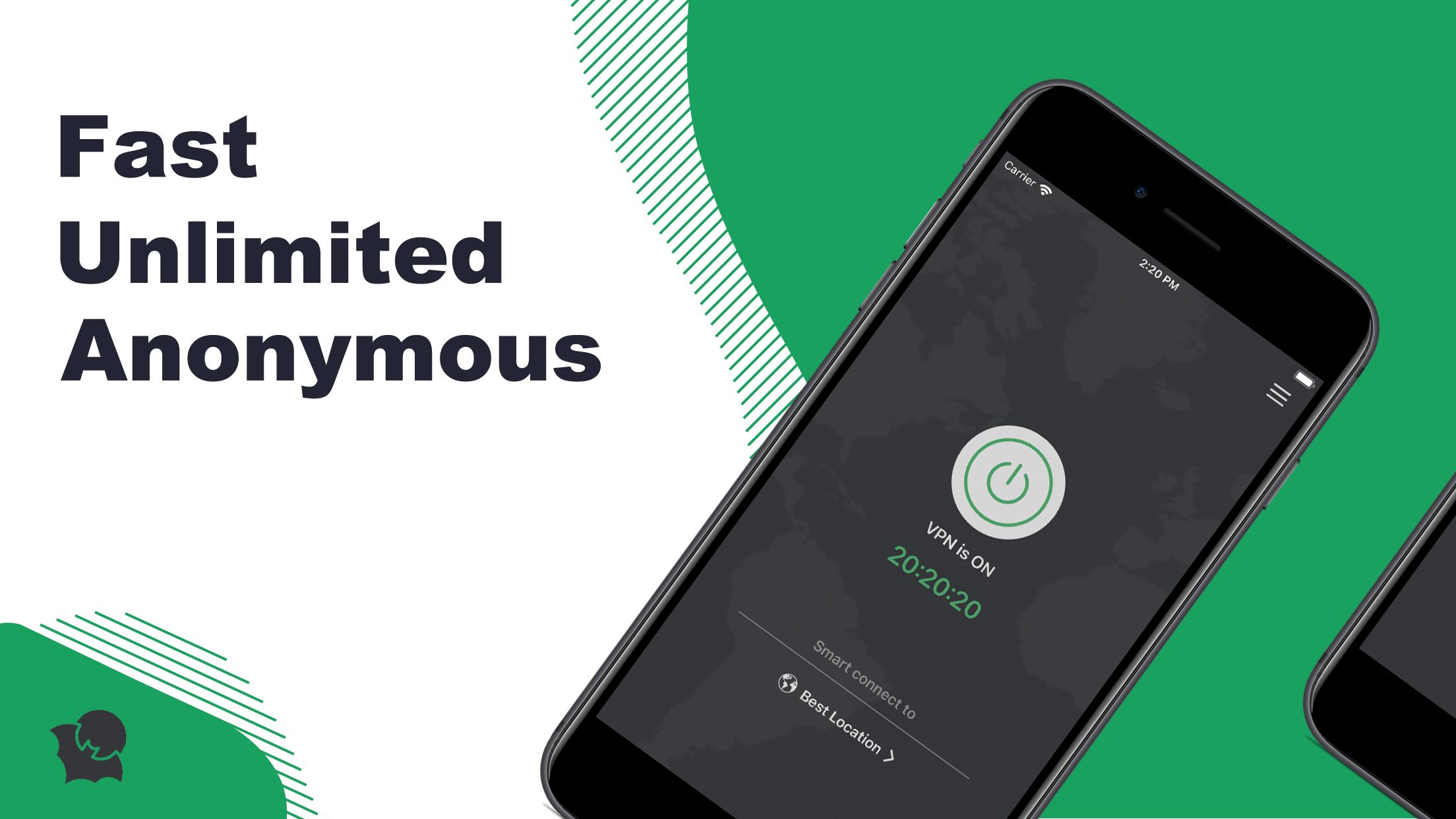
HaloVPN is a VPN proxy app that encrypts traffic and hides your IP for private browsing.
HaloVPN suits users who need private access across school networks, office setups, and while traveling. It keeps your online activity discreet so you can browse, stream, and play without drawing attention. Whether you are on public Wi‑Fi or mobile data, the app is designed for stable performance and simple control. For those comparing installation choices, HaloVPN APK is a straightforward option for Android devices.
You can reach sites and services that are limited by school, office, or location rules. HaloVPN routes your traffic through allowed paths so region locks stop interrupting your routine. This helps when you need access during class breaks, work trips, or hotel stays.
Private browsing with IP masking and encryptionHaloVPN hides your IP and location to reduce tracking from ISPs and third parties. Data passing through the app is encrypted, which limits exposure of personal information. As a result, your sessions stay more private across different networks.
Fast connections with auto server selectionHaloVPN chooses the nearest and most stable server automatically. This aims to keep streaming, gaming, and browsing responsive while reducing lag and buffering. You can switch servers when needed, yet the default pick usually provides a steady baseline.
Unlimited bandwidth and timeHaloVPN allows sessions without data caps or daily limits. Long streaming queues or extended gaming nights do not require manual resets, so you avoid interruptions. This is useful when you rely on a VPN throughout the day.
Protection on public Wi‑FiWhen you connect at cafes, airports, or shared hotspots, HaloVPN encrypts your traffic to help protect passwords and sensitive details. This reduces the risk from open networks where other users can see unprotected data. It adds a layer of safety without complicated setup.
Streaming platforms sometimes gate content by region, and HaloVPN can provide access paths when you travel or live in a restricted area. Online games may route traffic differently by location, so a consistent VPN connection can reduce sudden drops on busy networks. School and office networks often block social apps or media sites; using a VPN can help reach essential tools during breaks. During travel, switching networks frequently is common, and HaloVPN keeps sessions consistent across Wi‑Fi and mobile data.
HaloVPN is officially available on Android and iOS. There is no official Windows desktop app, so direct installation on a PC is not offered. If you prefer new releases, check for the HaloVPN latest version on Android to benefit from stability and server updates. For brand and naming clarity, HaloVPN is the same app across supported platforms, with features adapted for mobile use.
Getting started is simple, and you can secure your device in moments. For users who prefer manual installs, download HaloVPN on Android and follow these steps for a clean setup.
HaloVPN focuses on private access, stable speed, and simple controls for everyday browsing, streaming, and gaming. If you plan to install, look for the HaloVPN latest version to keep performance and security improvements current.
For official details and support, refer to the information below.
Last updated on Mar 25, 2026
1.Upgrade and strengthen services, so that any corner of the world can use HaloVPN.
2.Bug fixes and performance improvements.
Latest Version
 19.0.0
Uploaded by
Haziq Fauzian
Requires Android
Android 8.0+
Available on

Category
Report



Discover what you want easier, faster and safer.
