


Use APKPure App
Download Google Play Store in a faster and safer way
Google Play Store is a digital marketplace app that helps you discover, install, and manage apps, games, movies, TV, and books.
Google Play Store serves as the official app marketplace for Android-certified devices, and it is pre-installed on most phones and tablets. It brings millions of titles together in one place, so you can find content, keep your library in sync, and manage purchases with a single account. It supports use across phone, tablet, TV, Chromebook, watch, car, and XR, which helps you enjoy content wherever you are. In addition, Google Play Store reaches users in more than 190 markets, so availability and offers can differ by region. Therefore, it works as a trusted hub for discovery and daily use.
Cross-device discovery and installs
Google Play Store lets you browse and install on phone, tablet, TV, Chromebook, watch, car, and XR. Your content stays linked to your account, which makes it easy to pick up where you left off across devices.
Library and account controls
Manage your Library and devices, view My Play activity, and review purchases in one place. You can see pending updates, manage app install preferences, and keep your content organized without extra steps.
Payments and subscriptions
Google Play Store helps you update payment methods, track subscriptions, and view Offers. You can add gift card credits, redeem codes, and manage recurring charges with clear controls.
Programs and rewards
Join Play Pass for access to selected apps and games, and earn Play Points as you use eligible content. Google Play Store also supports gift cards, redemption, and a straightforward Refund policy for qualifying purchases.
Family-friendly browsing
Use the Kids section for age-based content with ratings and a Parent Guide. Family sharing helps you share selected purchases across a family group while keeping controls in place.
Editorial highlights and events
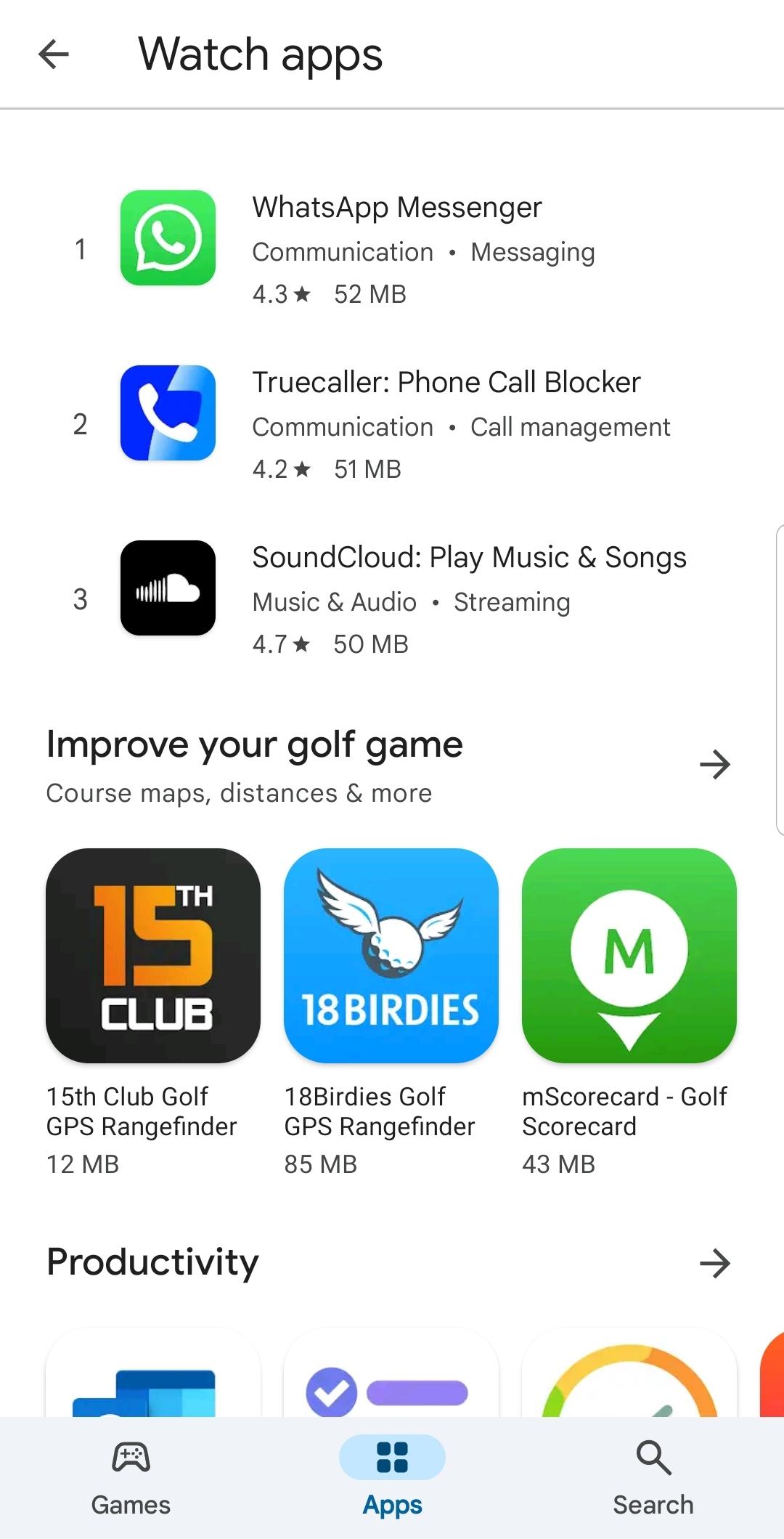
Open Google Play Store to discover Popular apps, Editors' Choice selections, and Events happening now. These highlights surface timely updates, seasonal picks, and notable releases so you can find what's relevant today.
Google Play Store operates in more than 190 markets. Content, payment options, and features can vary by country or region, so some sections or offers may differ from what friends see elsewhere.
Beyond search, Google Play Store mirrors how people explore. Popular apps and Editors’ Choice collections present reviewed selections, while event banners showcase new releases and limited-time promotions to help you find notable content faster.
When you sign in on a new device, your Library appears with past purchases and installs. That way, you can reinstall essential apps quickly on a TV, a new phone, or a Chromebook without starting from scratch.
Follow this quick guide to get started. These steps cover finding content, installing, and managing purchases within the app. After installation, the same account tools are available across your devices.
Open Google Play Store from your app drawer or home screen, then sign in with your account if prompted.
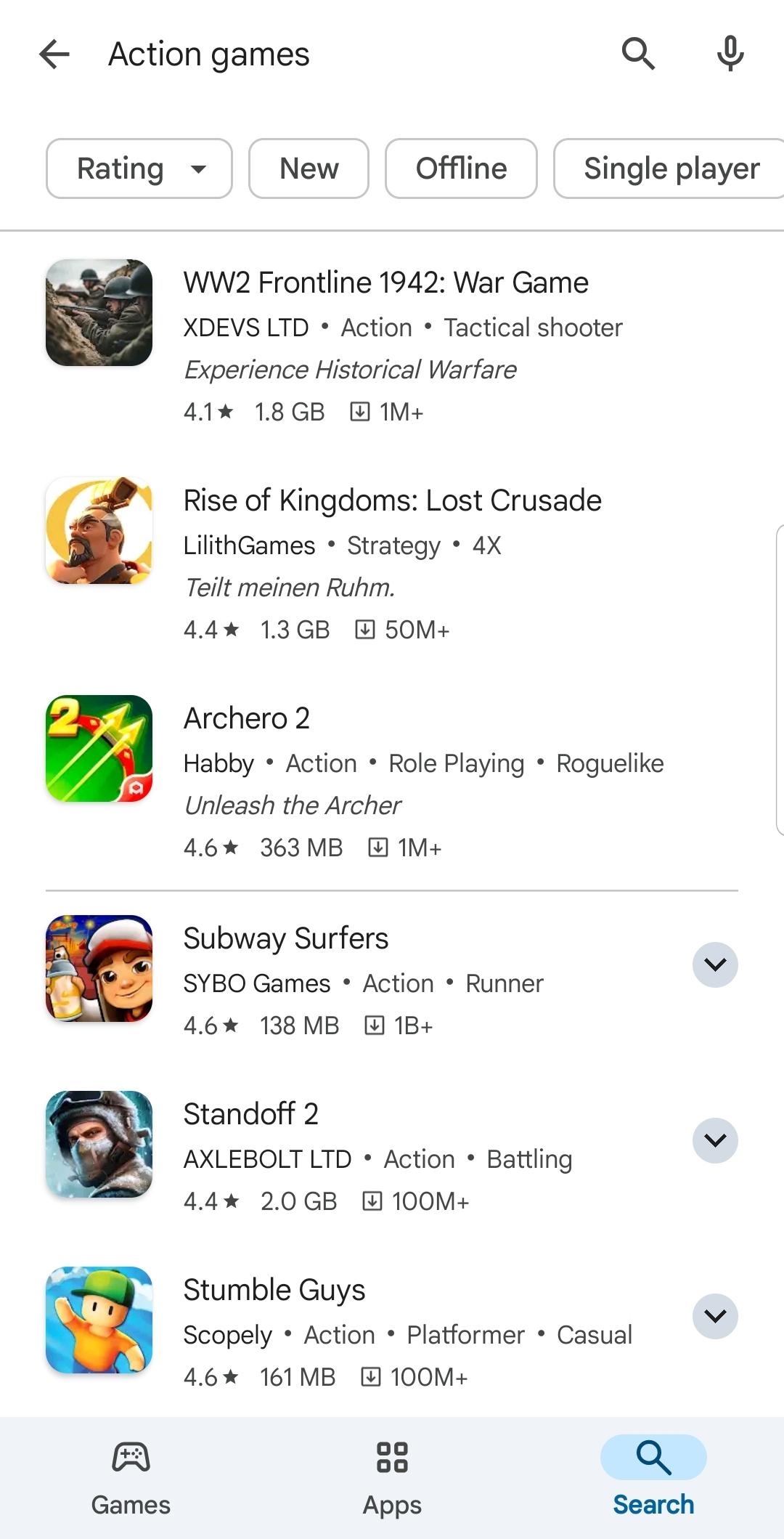
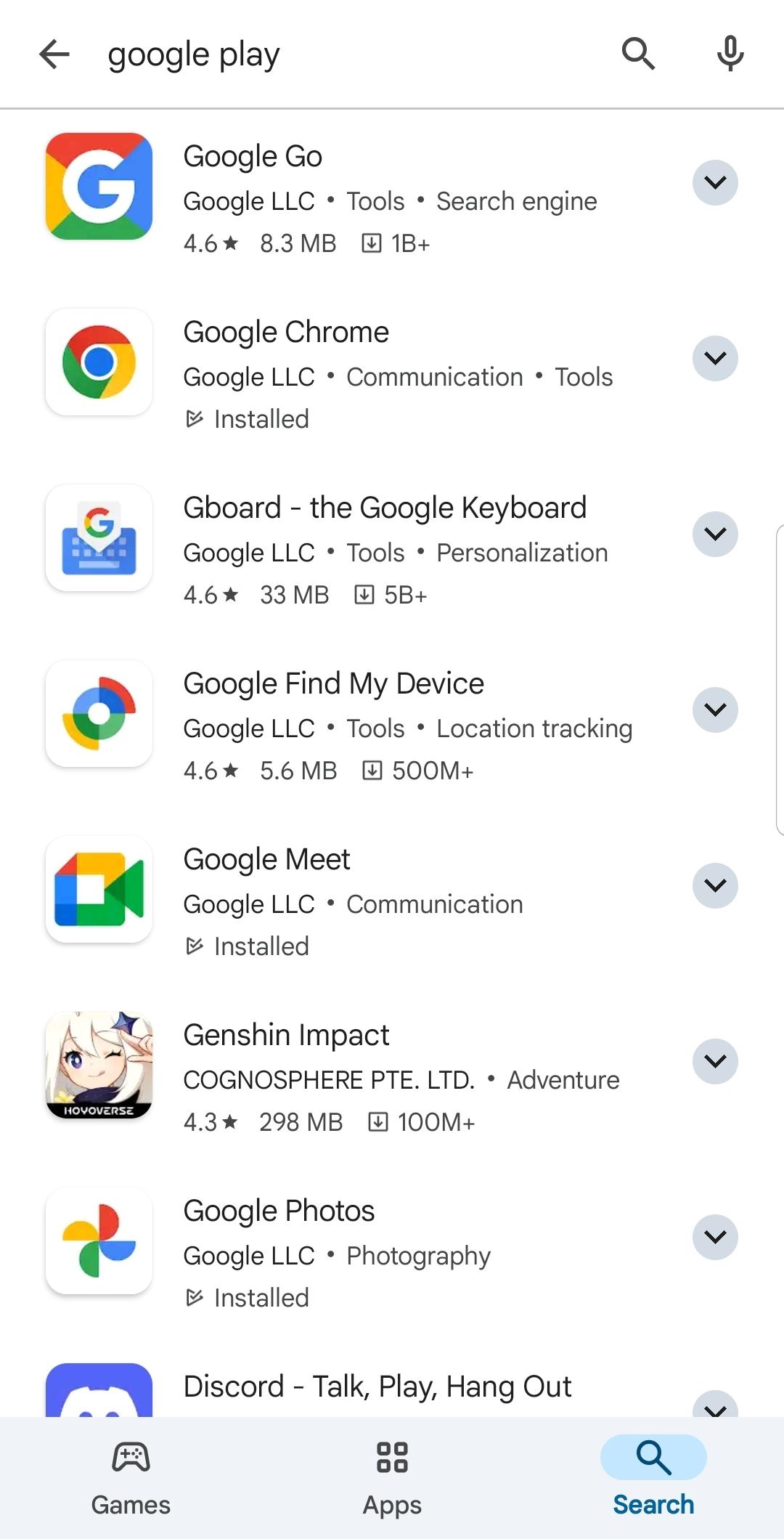
Browse Popular apps or Editors’ Choice, or use the search bar to find a specific app, game, movie, TV show, or book.
On a content page, review the description, screenshots, ratings, and available devices. Tap Install or Buy to proceed.
Confirm any prompts for permissions or payment. Then wait for the download and app install to finish.
Go to the Library to view your installed items and purchase history. Manage subscriptions, payment methods, and offers in Payments and subscriptions.
Google Play Store keeps your digital content and purchases in one place across your Android-certified devices. To stay current with improvements and fixes, download Google Play Store APK from APKPure and complete the app install in a few steps.
Why is Google Play Store not visible on my device?
Google Play Store is pre-installed on most Android-certified devices, but in some regions, device types, or custom interfaces may hide the icon. Check the app drawer, search your device settings for “Store,” or verify that your device is set up with a supported account and region.
How do Play Pass and Play Points work in Google Play Store?
Play Pass is a subscription that gives access to selected apps and games, while Play Points rewards you with points for eligible purchases. Points can be redeemed for benefits, and both programs appear in your account hub in Google Play Store.
Last updated on May 10, 2026
Minor bug fixes and improvements. Install or update to the newest version to check it out!
Latest Version
 51.3.24-24 [0] [PR] 910186993
Uploaded by
Google LLC
Requires Android
Android 7.0+
Available on
Category
Report
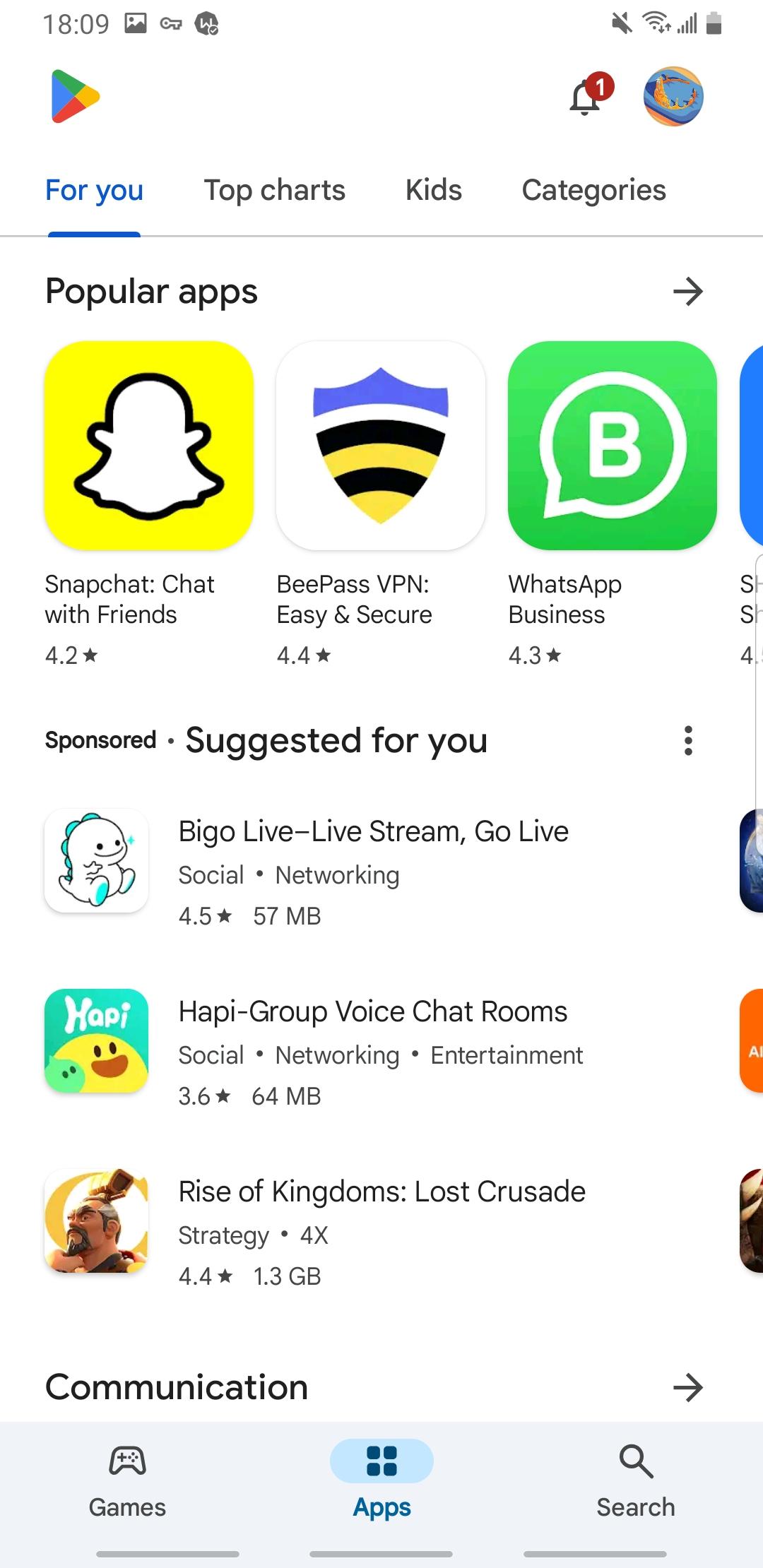
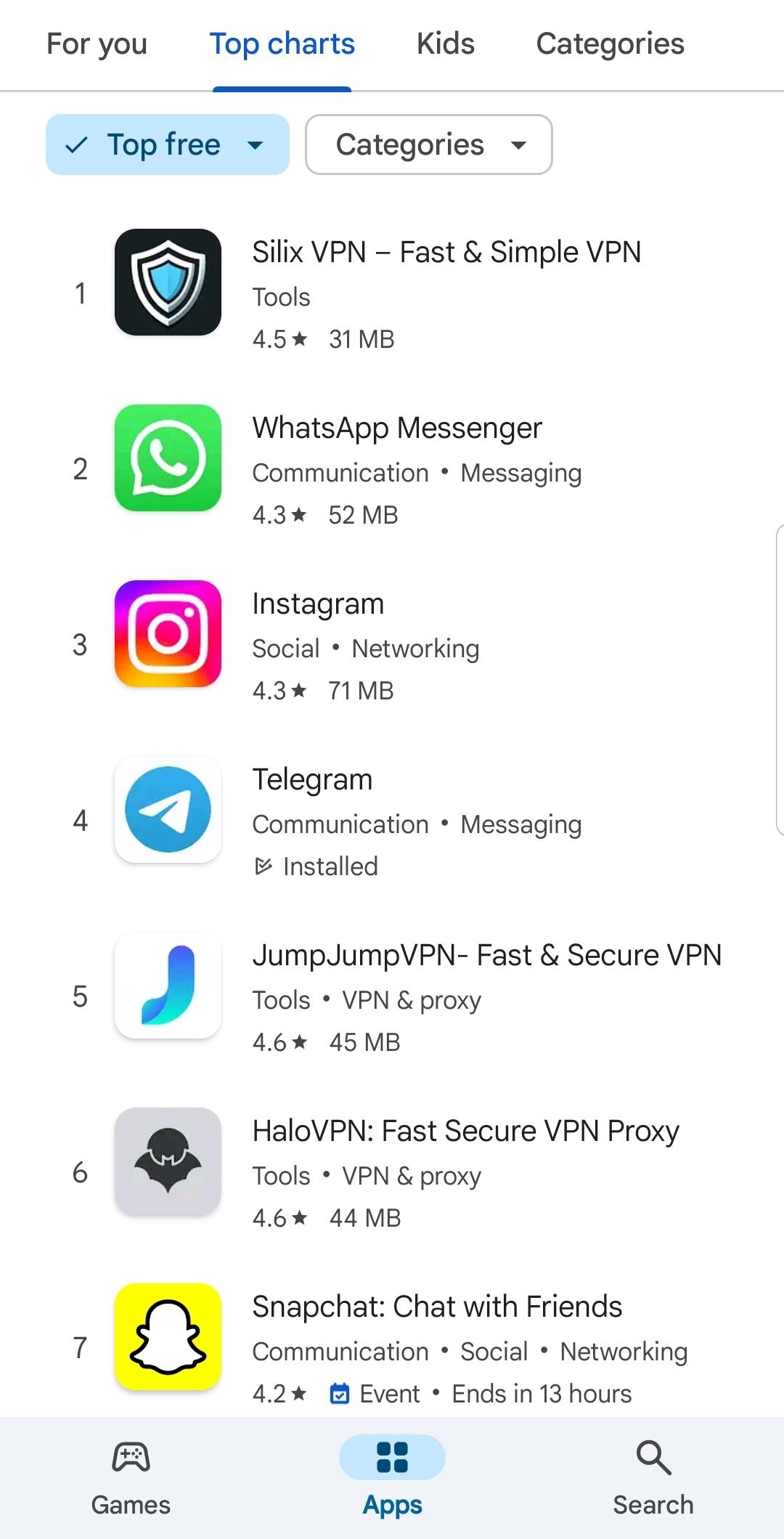
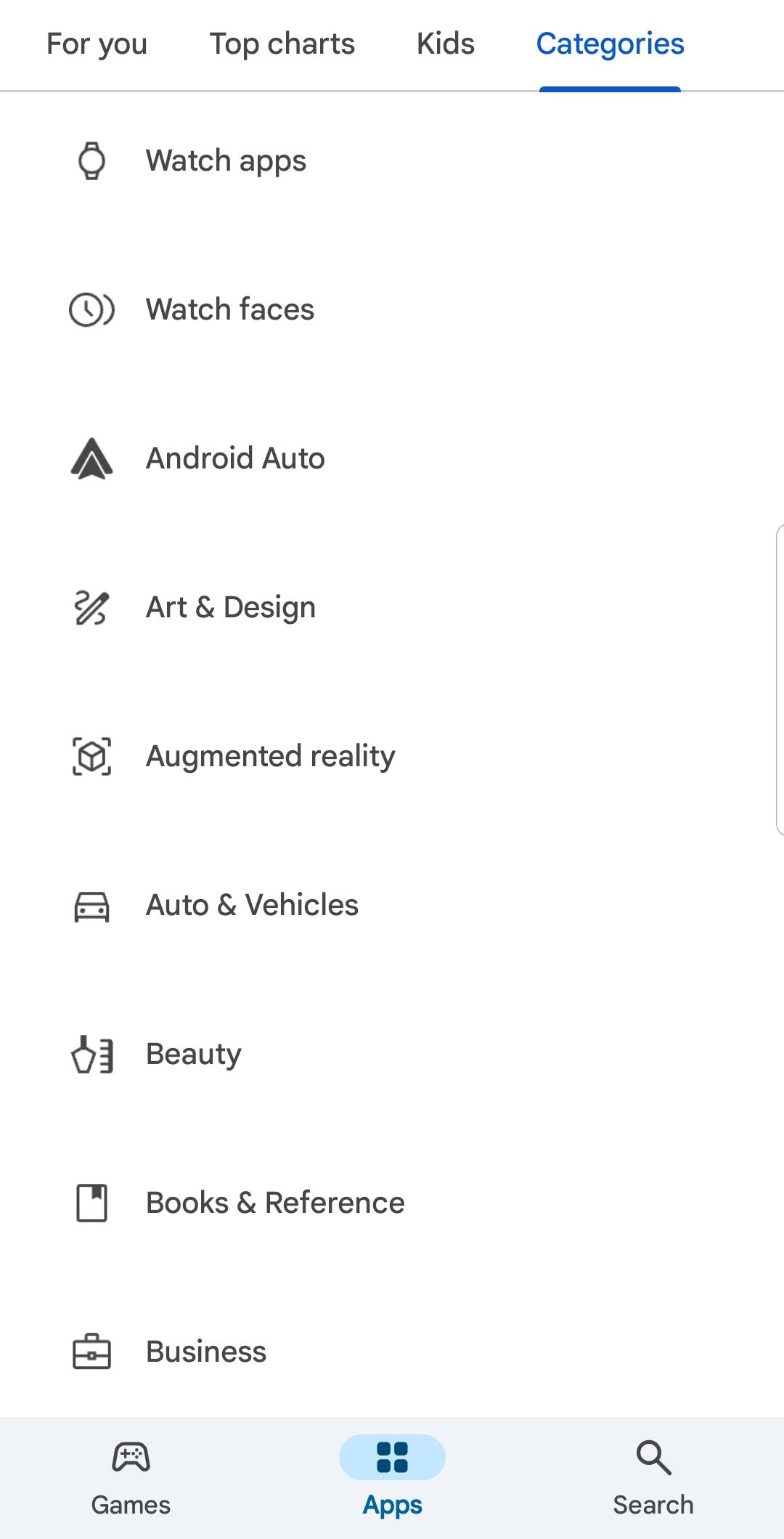

Discover what you want easier, faster and safer.
