


Use APKPure App
Get ChatGPT old version APK for Android

ChatGPT is a productivity and learning app that assists with everyday tasks through text, voice, images, and files.
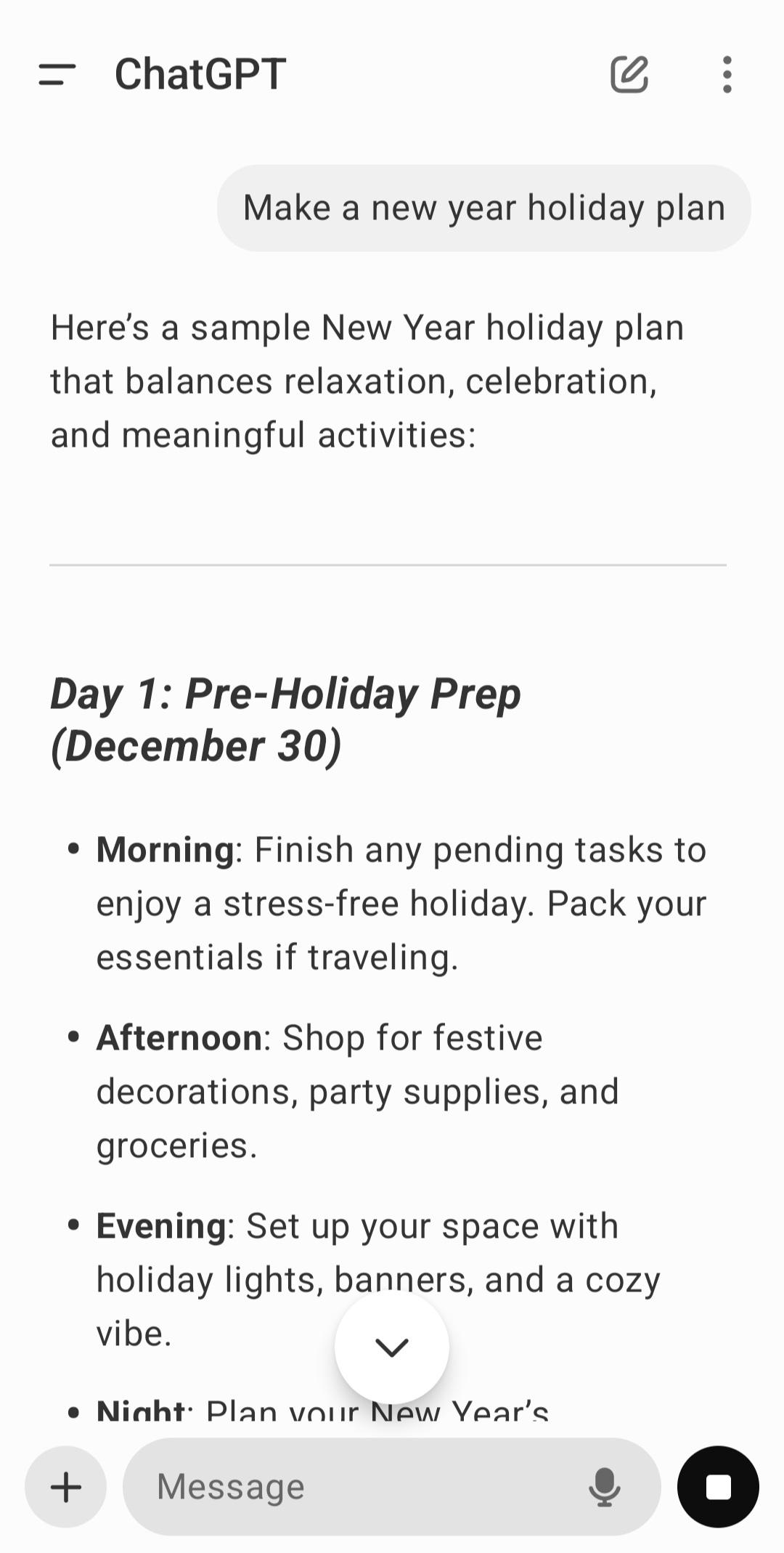
ChatGPT fits moments when you need quick answers, simple explanations, or help planning while on your phone. As the official app from OpenAI, it offers consistent behavior and access to the latest tools, with data controls you can adjust anytime. Your conversations sync across devices so you can start on mobile and continue elsewhere without losing context. After the ChatGPT APK is installed, you can sign in and begin a new chat to get help with study, work, or everyday tasks.
Real time voice mode
You can speak naturally and hear responses without typing. This helps when practicing languages, resolving quick questions, or keeping your hands free while moving. ChatGPT listens, follows up, and clarifies as needed so you can stay focused on the topic.
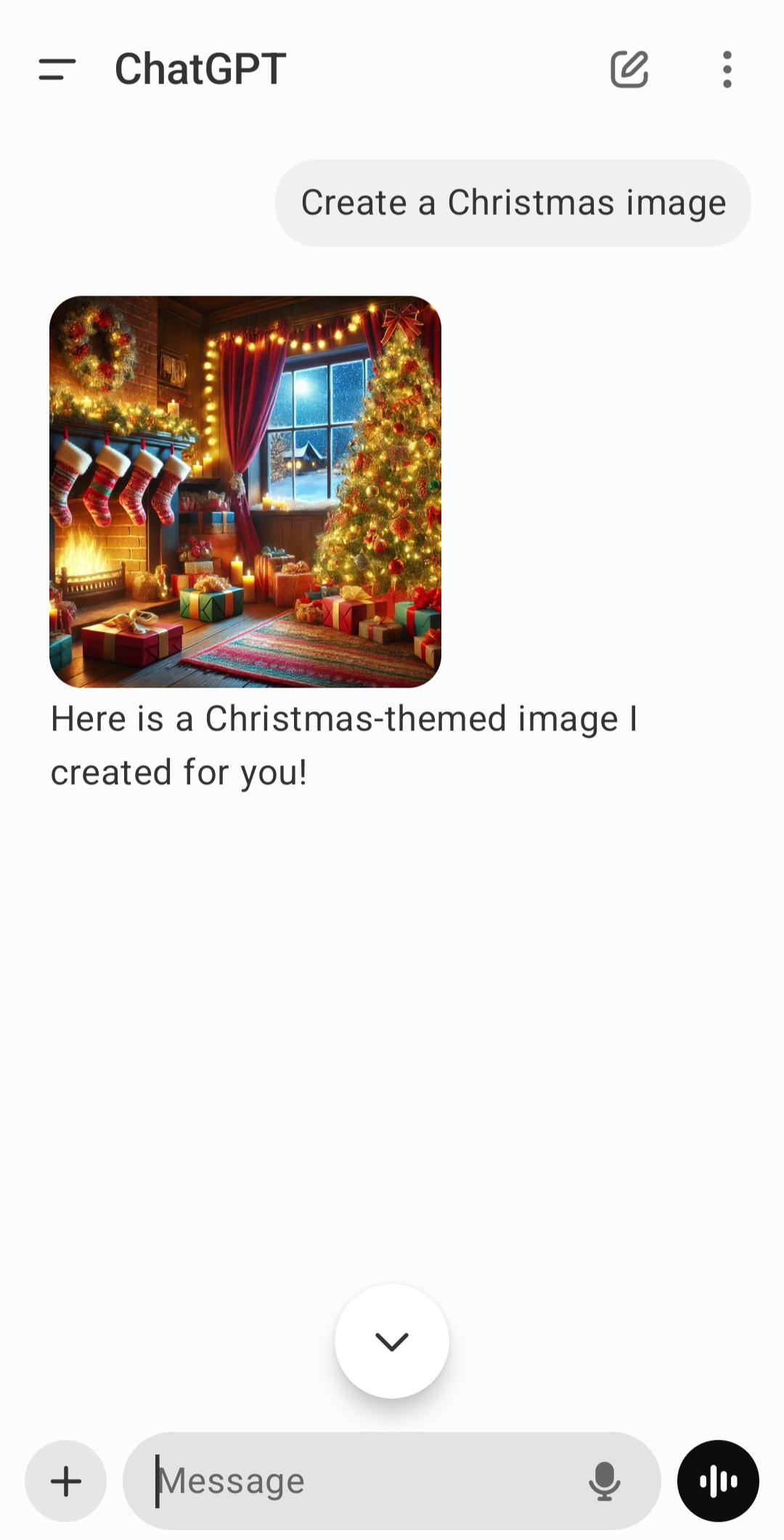
Image creation and editing
ChatGPT generates images from short prompts and can modify existing photos with simple instructions. You describe the scene or changes, and it produces new visuals or applies edits step by step. This supports quick mockups, social posts, and idea exploration on your phone.
Visual understanding from photos
You can snap or upload an image to get explanations about what is shown. ChatGPT can transcribe handwriting, suggest what a landmark might be, or point out visible details that need attention. This reduces time spent searching and helps you learn from what you are looking at.
Work with files and documents
ChatGPT accepts PDFs, spreadsheets, and images for summaries and data extraction. You can ask for brief outlines, formatted bullet points, or draft text ready to paste into email or reports. It follows your instructions and cites the parts of the file it used when relevant.
Sync and privacy controls
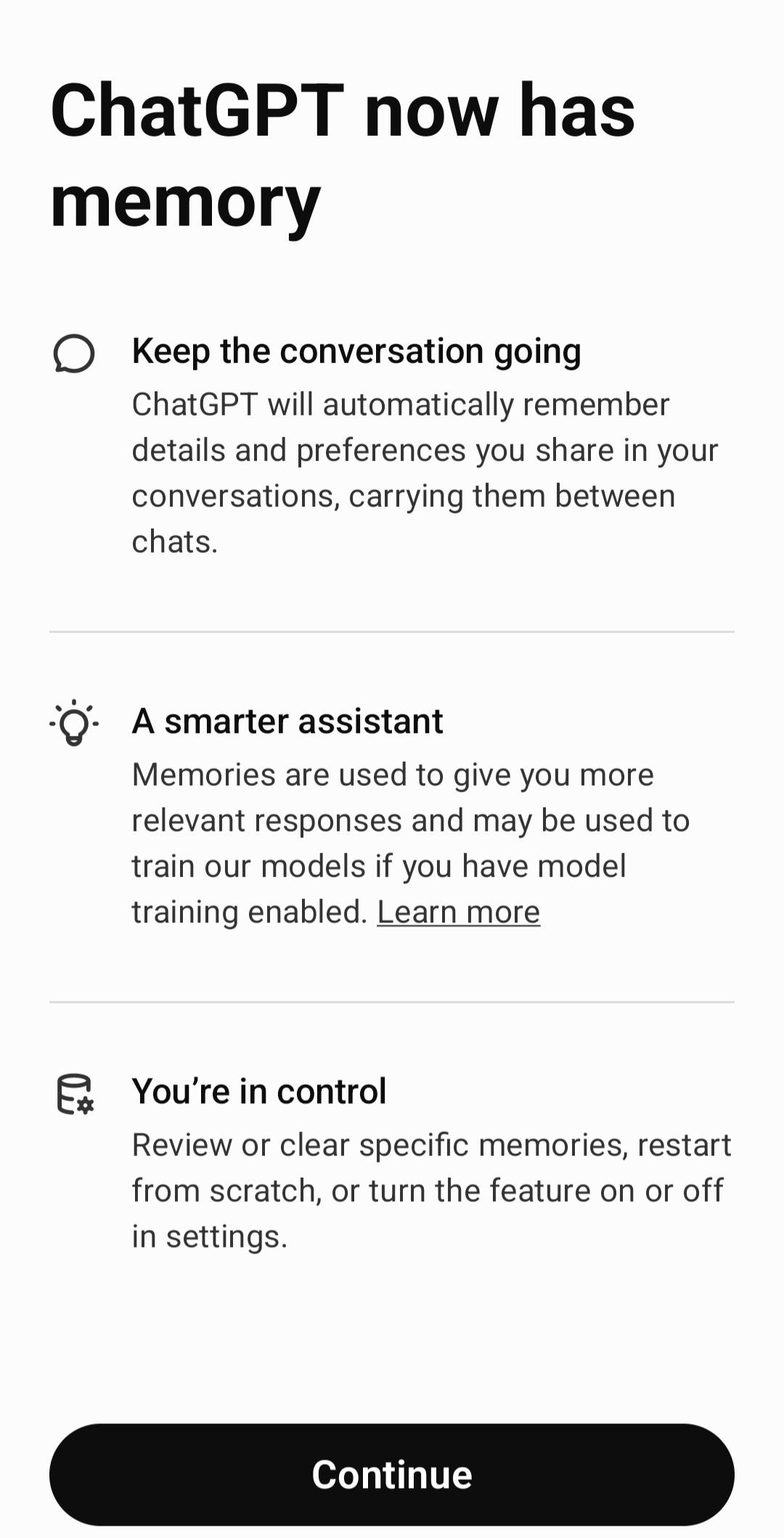
Your history syncs when you log in so you can start a chat on one device and continue on another. For sensitive topics, you can use Temporary Chat to keep sessions out of your history and model training. Settings make it simple to review past conversations or adjust data controls at any time.
This is the official app from OpenAI, which helps you avoid lookalikes and ensures consistent features and behavior. The app is free to download and includes access to the latest core capabilities, subject to usage limits. You can manage what is saved in your account, clear history, or use Temporary Chat when you prefer not to keep a record. If you care about continuity, sign in so your chats stay available when moving between phone and other devices.
Free access covers everyday use with set limits and includes access to current models, including GPT 4o, as available. If you need higher limits or faster responses during busy times, Plus, Team, or Enterprise plans may be suitable. These plans also offer additional administrative and collaboration controls for work settings. You can upgrade or continue with the free tier based on your needs.
Getting started is straightforward and works the same way across supported devices. The steps below outline common tasks in the ChatGPT latest version, including text, voice, photos, and files. Follow them in order for a smooth first session.
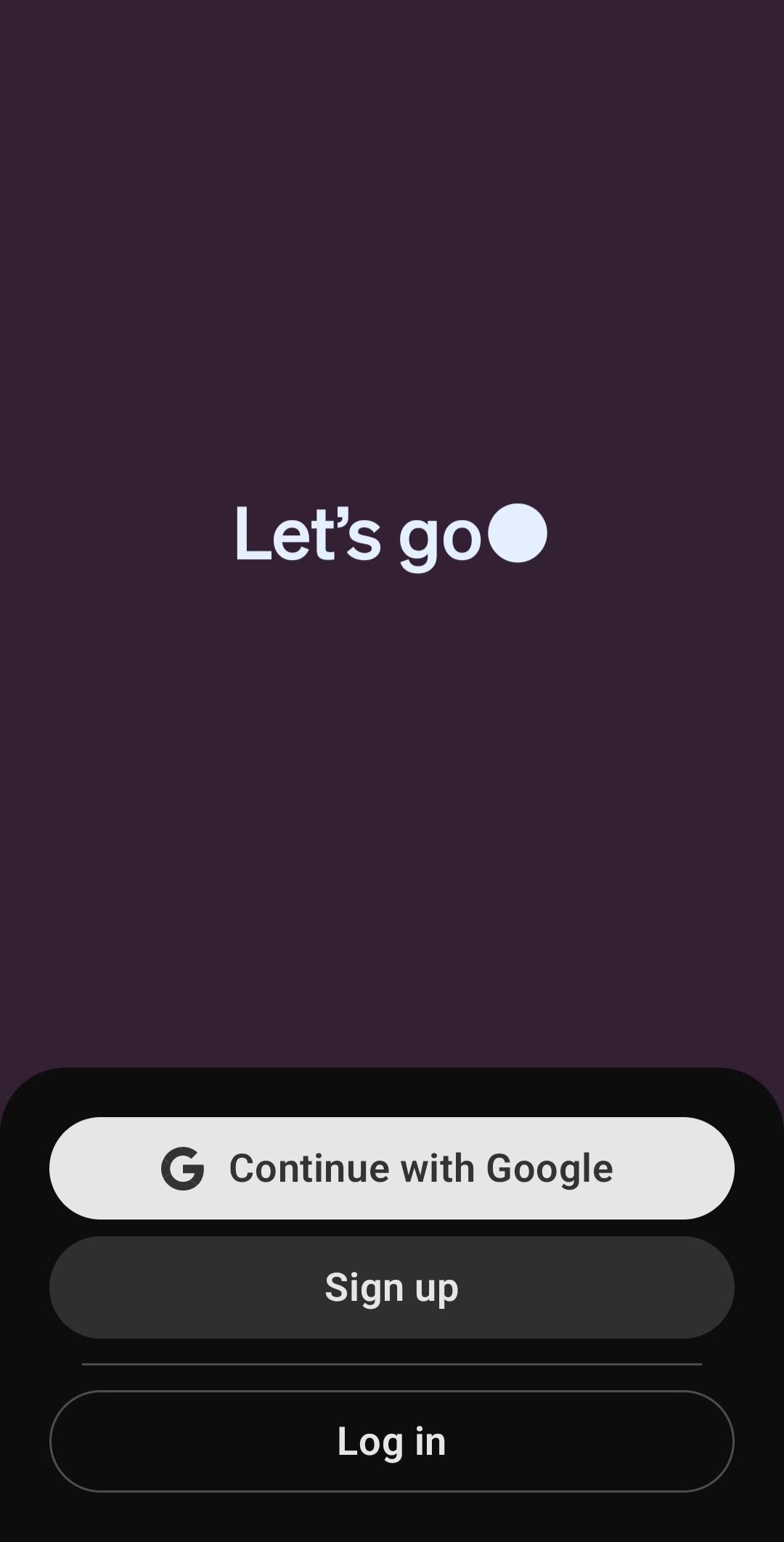
First, open ChatGPT, sign in to your OpenAI account, or create a new one if needed.
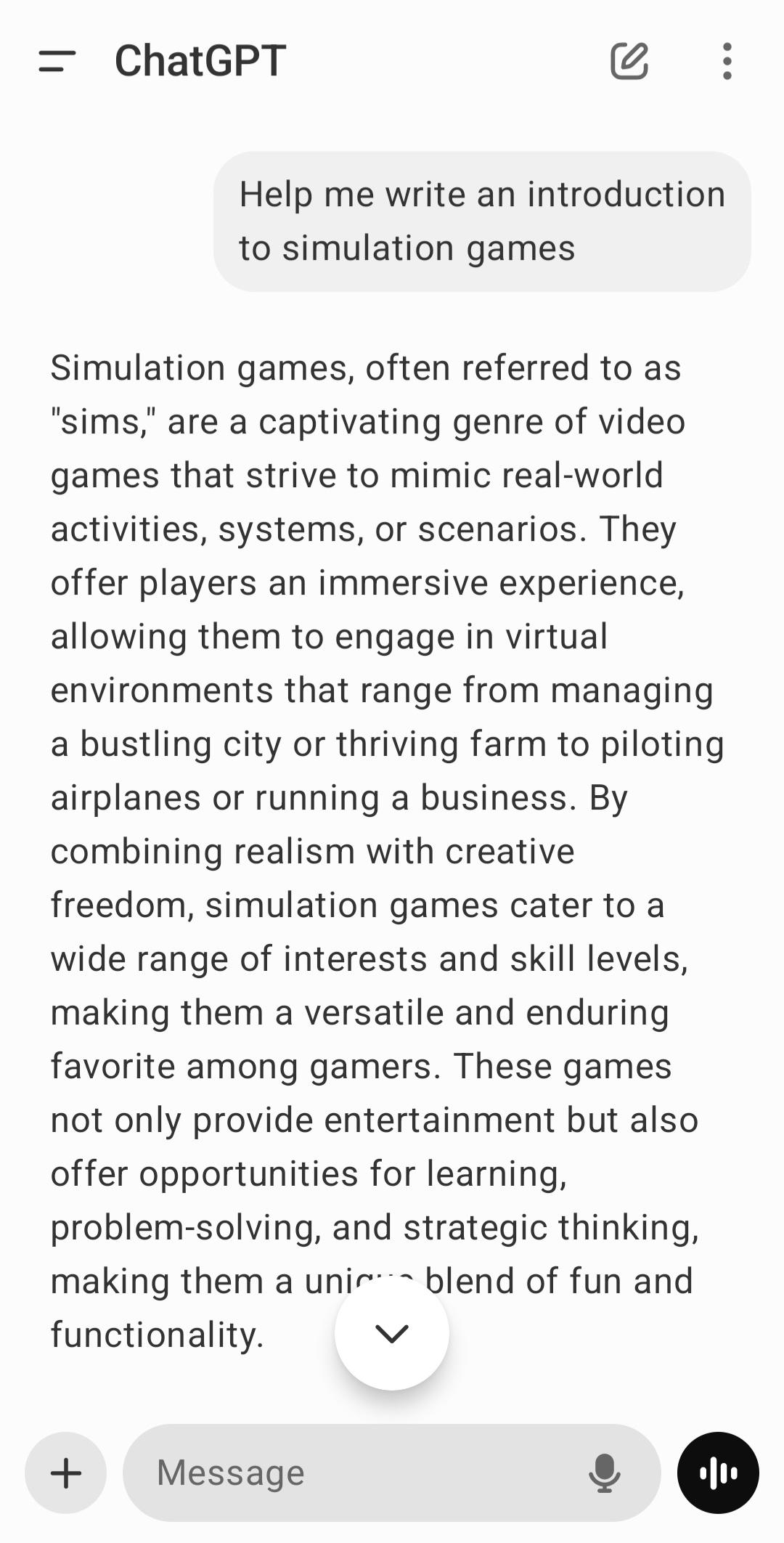
Next, start a new chat and type a clear question or task in the message box, then send it.
Then, choose another input if helpful. Tap the microphone for voice, the camera to add a photo, or the clip icon to upload a file.
After that, read the response and ask follow up questions to refine the result. Copy or share content if you want to use it elsewhere.
Finally, open settings to review data controls. Turn on Temporary Chat for sensitive topics and check history when you want to resume a conversation.
ChatGPT brings text, voice, image, and file support into one place for daily questions and tasks. To begin, download ChatGPT latest version APK on APKPure and sign in to keep your chats available across devices.
For official resources and help, visit the website below.
Last updated on May 9, 2026
Minor fixes and improvements
Latest Version
 1.2026.125
Uploaded by
OpenAI
Requires Android
Available on

Category
Report


Discover what you want easier, faster and safer.
