


Use APKPure App
Get Video Editor old version APK for Android

Video Editor is a mobile video editing app that lets you create and share polished videos and photo slideshows without watermarks.
Video Editor focuses on a clean timeline and quick results, so you can turn clips and photos into a finished video in minutes. It supports offline editing, simple audio control, and instant sharing when you are done. Get the Video Editor APK latest version on APKPure to start a free video editor app for Android that is easy to learn and efficient for everyday projects. It suits social posts, simple promos, and family slideshows, and it keeps exports watermark free for a professional finish.
Accurate trimming and cuts
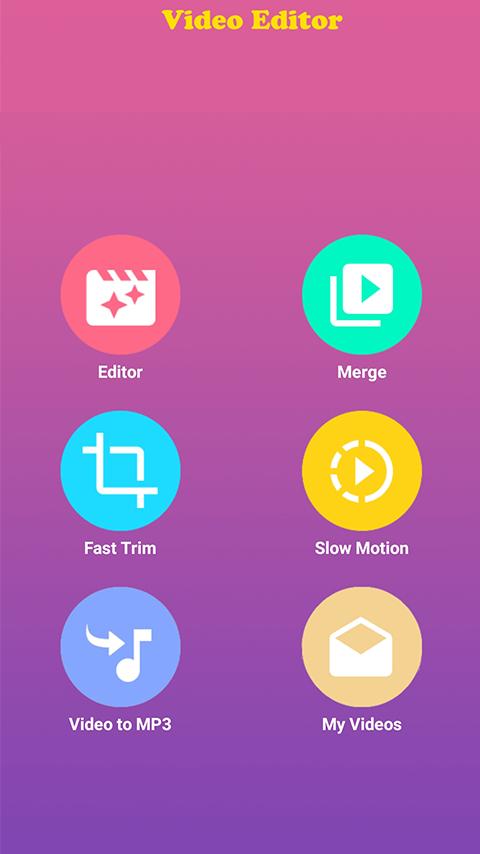
Video Editor gives you fast trim, split, crop, rotate, and flip with precise duration control. You can move along the timeline with accuracy, then make clean cuts without guesswork. This helps you keep only the moments that matter.
Audio, music, and voiceover control
You can add background music from your library, record dubbing, and use built in sound effects. Video Editor lets you trim audio tracks, adjust levels, and balance multiple sounds so dialogue and music fit together clearly.
Speed changes and reverse playback
Video Editor supports slow motion and fast motion for each clip, so you can highlight key actions or create a quick recap. There is also one tap reverse to play a clip backward for a creative look. These controls work directly on the timeline for quick edits.
Creative polish with overlays and text
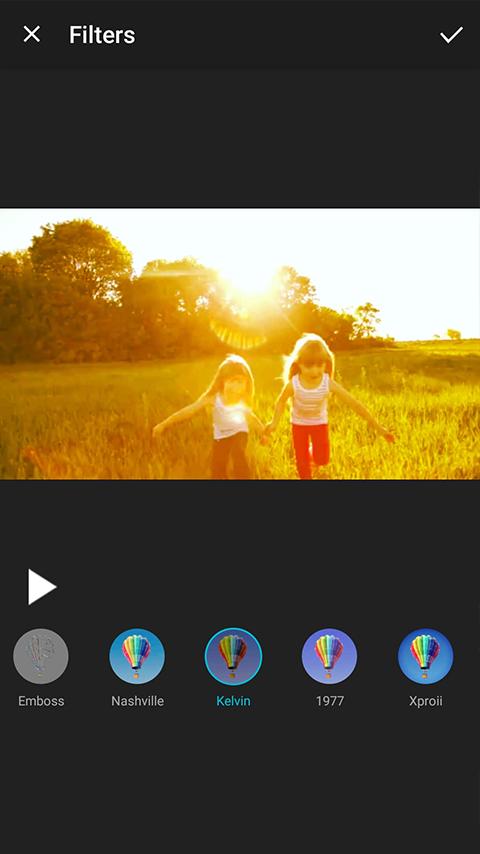
You can apply filters and transitions, add animated text with readable fonts, place stickers, and use picture in picture for cutaway shots. Zoom in or out to draw attention to a detail. These tools help you finish a sequence without extra apps.
Slideshows and multi clip edits
Video Editor turns photos into a video slideshow, and it merges multiple clips into one file with music. You can reorder items and set durations so the story flows. This is useful for event recaps and before and after sequences.
Watermark free export and sharing
Video Editor exports without a watermark, even in the free version. You can share directly to your social channels after saving. This keeps your brand or personal style front and center.
Video Editor keeps exports clean. There is no default watermark on your final file, which is helpful for creators and small businesses that need a neutral look. Editing works offline once your media is on the device, so travel, commuting, or low signal will not stop your project. You can finish a cut on the go, then connect and share when ready.
Video Editor imports common video, photo, and audio formats saved by most Android phones. If a file does not import correctly, convert it to a standard MP4 video or a common image or audio format, then try again. Keep file names simple and store your media locally for smooth performance.
Many users compare Video Editor with YouCut, CapCut, Canva, or Adobe tools. If you need a free video editor app with no watermark and offline editing, Video Editor focuses on that core workflow. If you prefer heavy templates, cloud assets, or design layouts, Canva or Adobe options may fit your tasks better. For social first effects and large template libraries, CapCut and YouCut are popular, while Video Editor keeps the timeline simple and fast.
This quick guide shows the basic flow from import to export. It uses the core timeline, speed, and overlay tools so you can finish a short video fast.
Video Editor is a straightforward, free video editor app that supports offline work and watermark free export. Get the latest Video Editor APK on APKPure and begin your next clip or slideshow with a clean, simple timeline.
Where can I download Video Editor APK latest version?
You can get the Video Editor APK latest version directly on APKPure. Tap the download button on this page for a secure Video Editor app download, then install and start editing offline.
How do I merge multiple videos into one file in Video Editor?
To merge clips, start a new project and import all videos in the order you want. Arrange or reorder them on the timeline, trim the edges for a smooth flow, then export. Video Editor will create a single file that includes all selected clips.
How can I reverse a video clip with Video Editor?
Open your project, select the clip you want to reverse, and choose the reverse option for that clip. Video Editor will process the selection and place the reversed result on the same timeline so you can continue editing without extra steps.
How do I record a voiceover and balance audio in Video Editor?
In your project, open the audio tools and select record to capture a voiceover while the timeline plays. After recording, lower the background music level and raise narration volume until dialogue is clear. Video Editor also lets you trim audio segments to fit your cuts.
How can I trim without quality loss in Video Editor?
Use the quick trim option on the timeline to cut heads and tails accurately, then export at the original resolution. Video Editor keeps your edits tight and maintains quality when you avoid unnecessary re-encoding and stick to standard settings.
Last updated on Jul 25, 2022
2019-07-27
Fix some bugs
Latest Version
 5.4.4
5.4.4
Uploaded by
Erisvania Vania
Requires Android
Android 4.1+
Category
Report



Discover what you want easier, faster and safer.
