


Use APKPure App
Get NGL old version APK for Android
NGL is a social Q&A app that collects anonymous messages and starts fun conversations with friends using a shareable link.
NGL helps you spark honest chats on Instagram and X by sharing your personal NGL link so friends can send questions or confessions without revealing their identity. You read and manage every response inside the NGL inbox, and you can keep the conversation going with simple social game modes that invite quick replies. The app includes automated message screening through Hive Moderation to reduce harmful content. Moreover, a paid NGL Pro plan adds optional sender hints and extra games. Get the NGL APK on APKPure to start collecting candid messages and play social Q&A with your community.
Easy link sharing to Instagram and X
NGL gives you a personal link that you can place in your Instagram Story, bio, or an X post. Friends tap the link and send messages without creating an account. This simple flow makes it easy to gather honest input from your audience.
Anonymous inbox with simple controls
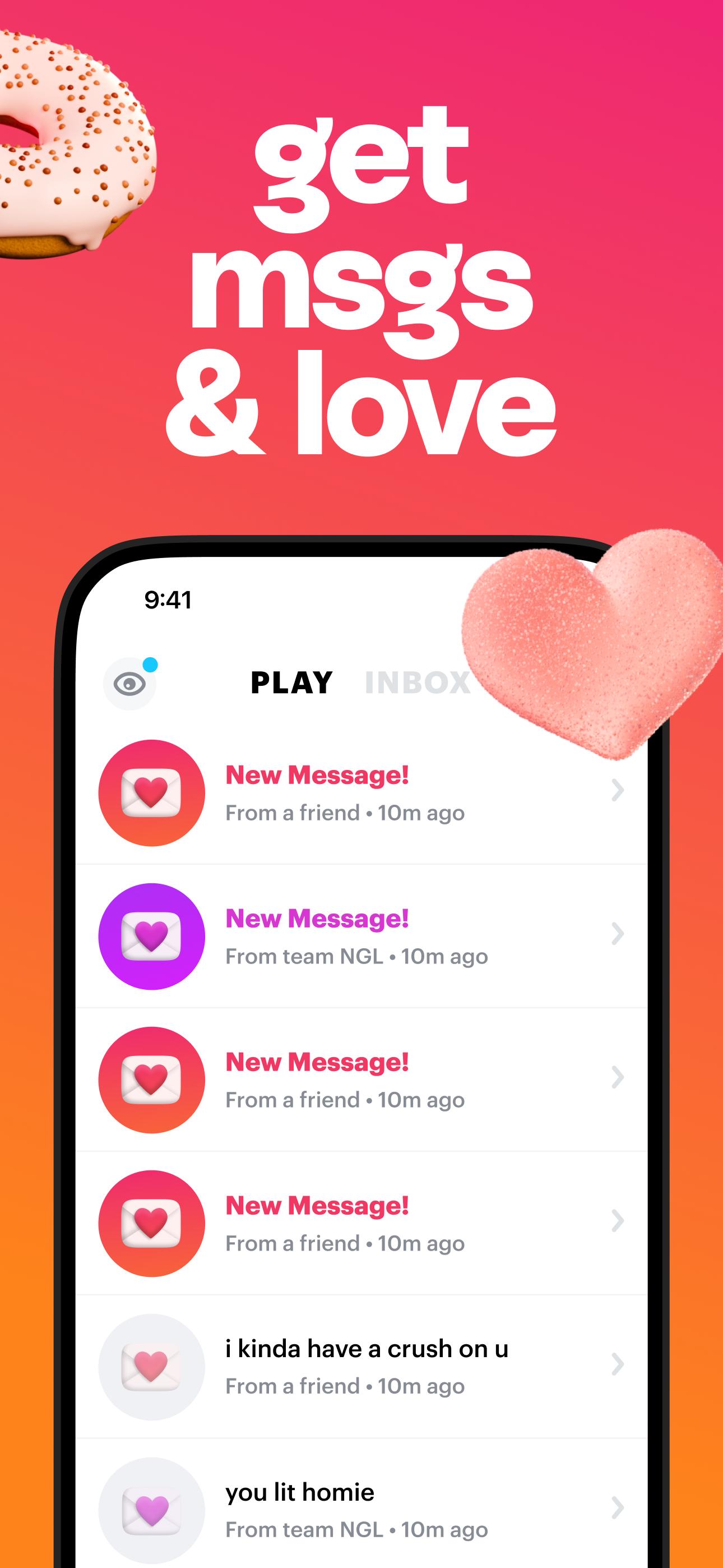
NGL organizes every submission inside your inbox so you can read, sort, and manage replies at your own pace. You can archive or delete messages as needed. In addition, you can choose how and when to respond without revealing the sender.
Social Q&A games that boost engagement
NGL includes playful modes such as Ask me anything, Never have I ever, Confessions, and Three words. You can pick a prompt to guide the types of replies you receive. Therefore, the conversation stays focused and fun.
Safety screening and reporting tools
To help protect users, NGL uses Hive Moderation to scan messages for inappropriate content. You can also report, filter, or mute unwanted messages. This combination provides added control over your experience.
NGL Pro perks and sender hints
NGL Pro unlocks optional sender hints that provide general clues such as approximate time, device type, or location. It also offers exclusive game modes and earlier access to new features. You can upgrade inside the app whenever you are ready.
Simple three step flow from share to reply
You share your link, you receive story or bio replies, and you view them in your NGL inbox. This clear path reduces friction for new users. As a result, you can start conversations quickly after you download NGL.
Place your NGL link where followers will notice it most, such as your Instagram bio or a Story with the Link sticker. On X, pin the link to the top of your profile or include it in a thread. Also, post at times when your audience is active to increase the number of replies.
After you download NGL APK latest version and open the app, you can set up your link and start collecting replies right away. The process is simple, and you can repeat it for each new Q&A round.
Create or sign in to your NGL account, then allow notifications so you do not miss new messages.
Copy your personal NGL link from the home screen and pick a game mode or prompt if you want guidance.
Share the link on your Instagram Story using the Link sticker, add it to your bio, or post it on X.
Open your NGL inbox to read incoming messages, and choose to reply privately or with a public post.
Share your response back to Instagram or X, and manage your inbox by archiving, deleting, or reporting as needed.
NGL makes it straightforward to receive anonymous questions and keep conversations active with lightweight games and inbox controls. Download NGL APK on APKPure to start your next Q&A session with followers and friends. For the best experience, use the NGL APK latest version available below.
For official support and product details, use the channels below.
Website: https://ngl.link/
Email: [email protected]
What is the NGL app for?
NGL lets you collect anonymous questions, confessions, and short prompts through a personal link, then reply on social platforms. With the NGL APK, you can run quick Q&A sessions and manage every message from a single inbox.
Does NGL show who sent messages?
NGL does not show exact identities by default, and names or social handles are not stored with messages. NGL Pro adds optional sender hints that offer general clues such as device type, time, or a broad location, but they do not reveal the person.
Is the NGL app really anonymous?
Yes, NGL messages are submitted without personal identifiers, and you will not see a sender’s name or handle. Even with NGL Pro, hints remain broad and cannot confirm identity. Therefore, treat every reply as anonymous.
Is the NGL app safe to use?
NGL uses Hive Moderation to screen for harmful content before it reaches your inbox. You can also report or filter messages inside NGL for additional protection. Moreover, consider turning on filters and sharing only the responses you are comfortable posting.
Can I use my NGL link with Instagram?
Yes, you can place your NGL link in your Instagram bio or share it on a Story with the Link sticker so followers can send anonymous replies. You can also post the link on X to reach a wider audience and manage all responses inside the NGL inbox.
Last updated on May 2, 2026
Minor bug fixes and improvements. Install or update to the newest version to check it out!
Latest Version
 2.5.35
Uploaded by
Ritu Ashok Chouhan
Requires Android
Android 8.0+
Available on

Category
Report





Discover what you want easier, faster and safer.
