


Use APKPure App
Get Minecraft Education old version APK for Android
Minecraft Education is an education app that turns play into curriculum aligned learning for schools and groups.
Minecraft Education helps teachers and group leaders bring structured, engaging learning to phones and tablets during class, clubs, and camps. It fits subjects like literacy, math, science, history, and computer science, so activities feel familiar and purposeful. Because sessions run in shared worlds, students can collaborate, try ideas safely, and show their thinking in different ways. For easy access on Android, the Minecraft Education APK lets users install the app and get started with guided lessons and teacher hosted sessions.
Shared worlds with easy hosting
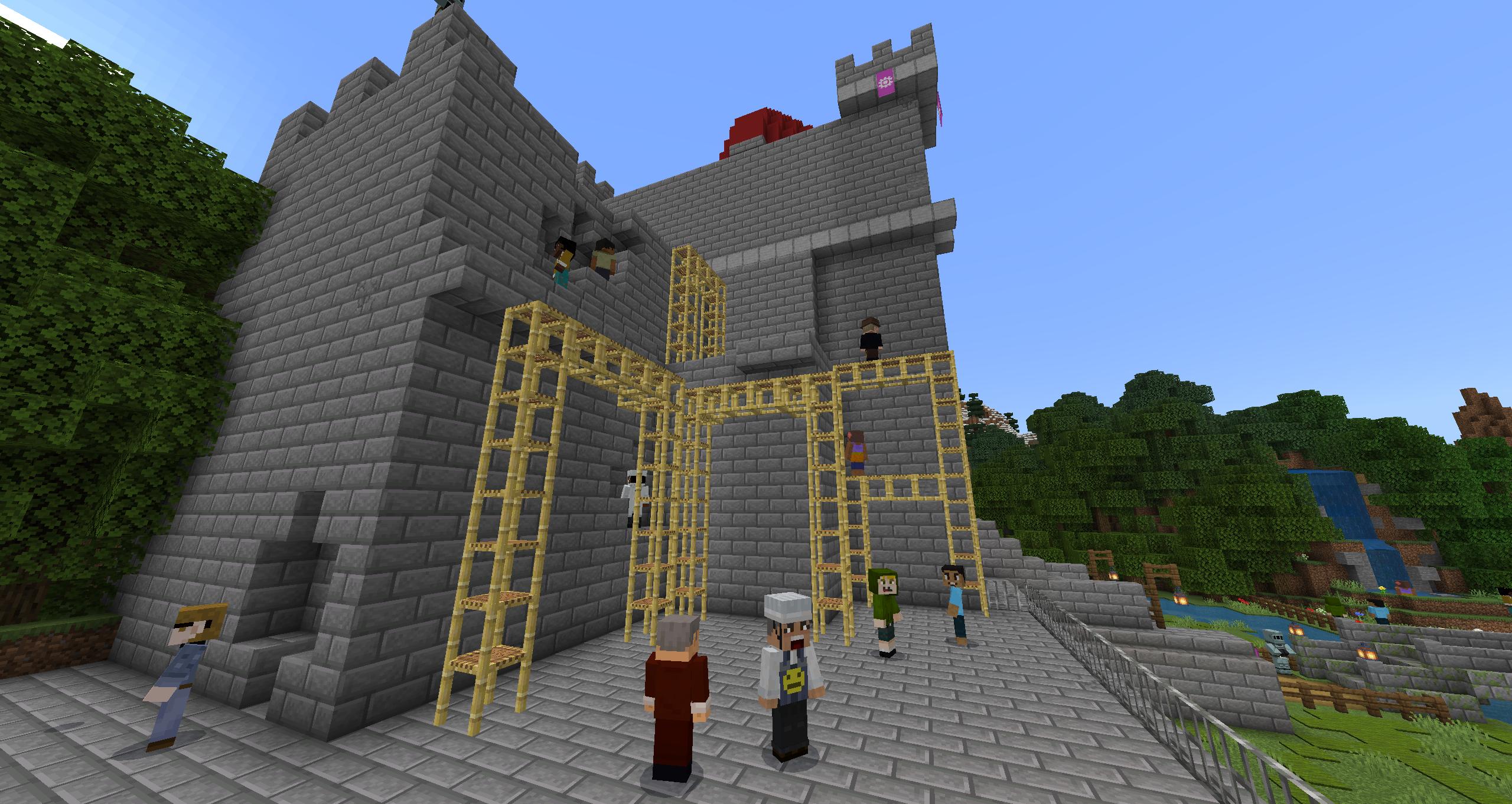
Minecraft Education supports cross platform multiplayer so students can join the same world from different devices. Teachers can host sessions and guide the pace of a lesson, move students to focus areas, and pause or resume activity when needed. This setup suits hybrid classrooms and club settings where not everyone uses the same device.
In game coding with Code Builder
The Code Builder opens coding inside the world so you can create with blocks, JavaScript, or Python. Students write code and see results live, which helps connect abstract concepts to visible changes on screen. This flow reduces context switching and keeps the focus on problem solving.
Accessibility with Immersive Reader
Immersive Reader reads on screen text aloud and offers translation to support different reading levels and languages. Students can adjust text spacing and other display options, which helps more learners follow instructions independently. This tool supports classes where students have varied literacy or language needs.
Document learning with Camera and Book & Quill
You can capture builds, lab steps, and project stages with the Camera, then organize them using the Book & Quill. Students reflect on choices, add captions, and export their books as files for sharing or assessment. This record makes it easier to review progress over time and give specific feedback.
Curriculum library and class integrations
Minecraft Education includes a rich lesson library created by educators and partners such as BBC Earth, NASA, and the Nobel Peace Center. Teachers can select ready to use activities that link to real world topics and standards. To streamline classwork, the app connects with Microsoft Teams and Flip so you can assign, collect, and share work more easily.
New users can start with a Minecraft Education free trial, which helps schools and families try lessons before requesting licenses. Access often uses a school or organization account, and licensing is typically managed by an IT admin through the Microsoft 365 Admin Center. If you need purchase details, direct the appropriate admin to the official How to Buy guidance on the program website.
The Minecraft Education app supports program areas like Esports, AI Foundations, and Cyber Safety to broaden classroom use. Educators can browse the lesson library for subject based content, and take training to learn classroom setup and facilitation. Parents can explore guidance designed for home learning support and device use outside school.
Minecraft Education Preview offers early access to upcoming features for testing and feedback. Features in Preview may change before public release, and stability can vary. Use Preview builds to explore new tools ahead of class adoption and save work frequently.
To begin on a phone or tablet, make sure the Minecraft Education latest version is installed and your account details are ready. The steps below outline a simple flow to enter a world, code, and capture your work.
Minecraft Education turns familiar gameplay into structured lessons that support collaboration, coding, and reflection. To begin on Android, download Minecraft Education and sign in to access guided activities and shared worlds.
For official information and help, visit the website below.
Last updated on May 1, 2026
Various bug fixes!
Latest Version
 1.21.133.4
Uploaded by
Güstävö Säntos
Requires Android
Android 8.0+
Available on

Category
Report



Discover what you want easier, faster and safer.
