


Use APKPure App
Get Minecraft old version APK for Android
Minecraft is a sandbox game that lets you build, explore, and survive in block worlds.
Minecraft suits players who want open play at their own pace. You can start small, learn the basics, and then grow into larger builds or deeper adventures as time allows. On mobile, sessions fit into any schedule while still supporting shared worlds when you want company. The game balances creative building with practical survival, so you can switch focus as your mood changes. Many players look for the Minecraft APK to play on Android, and the mobile version supports long term play.
Creative and Survival modes
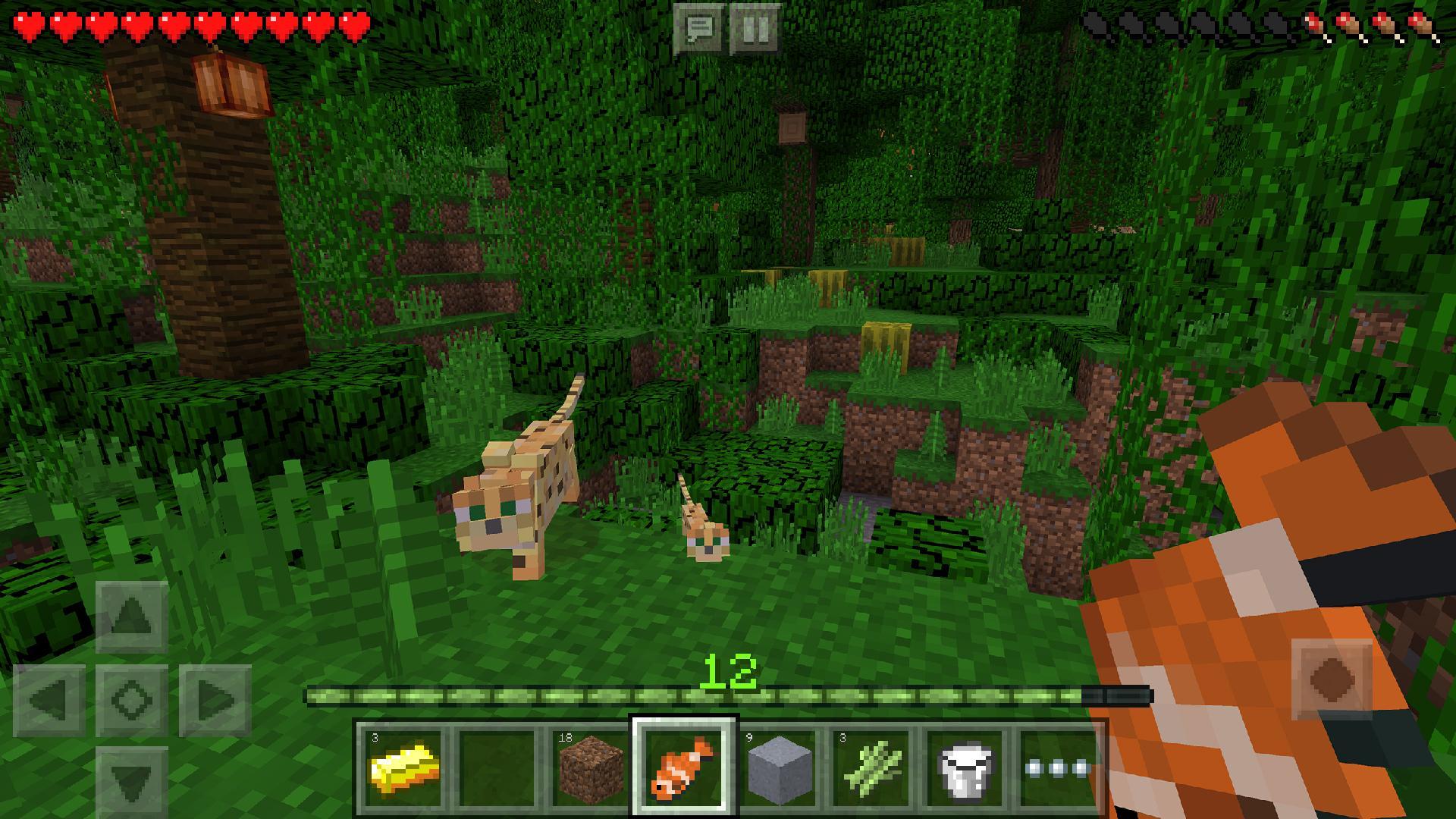
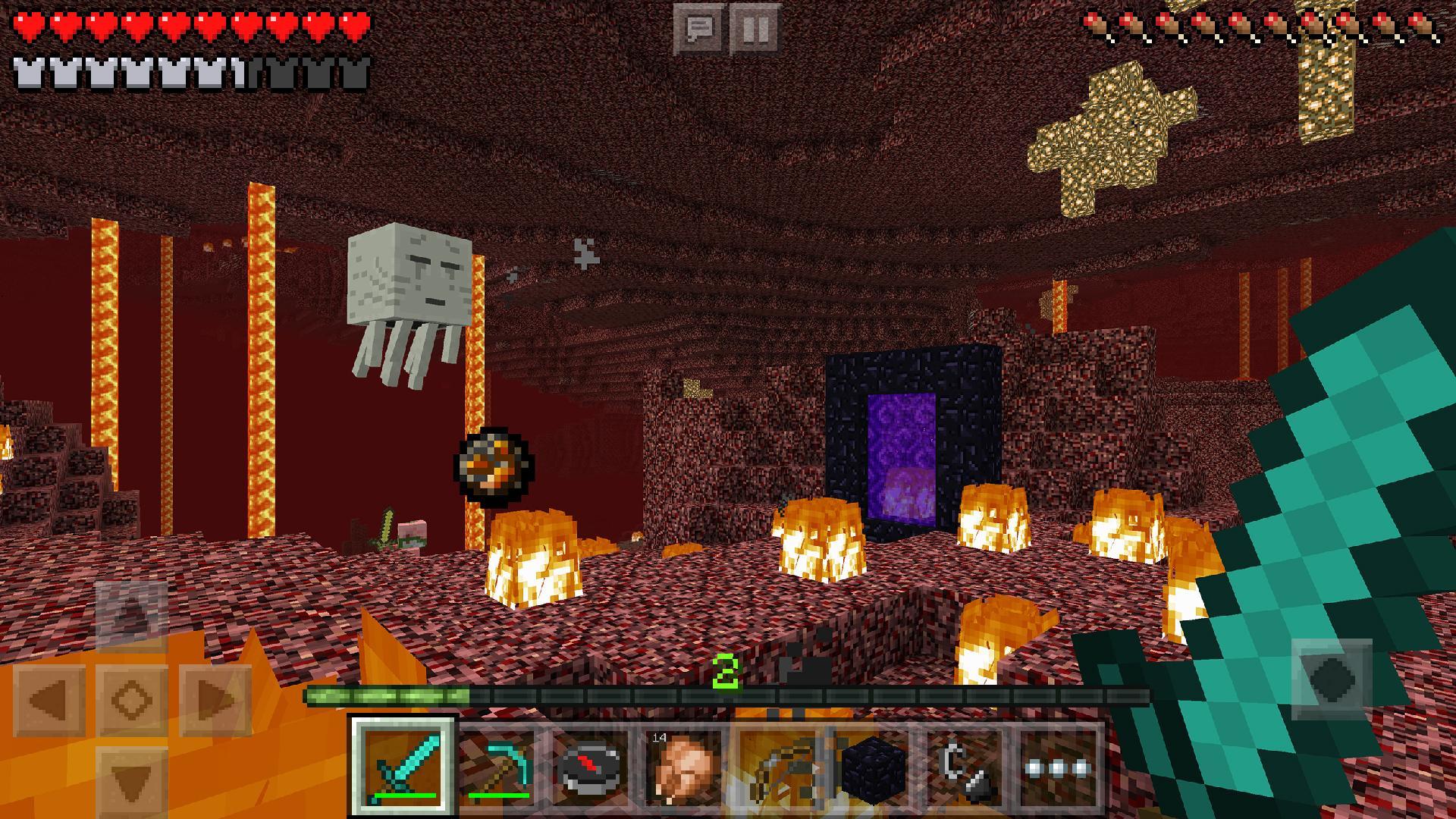
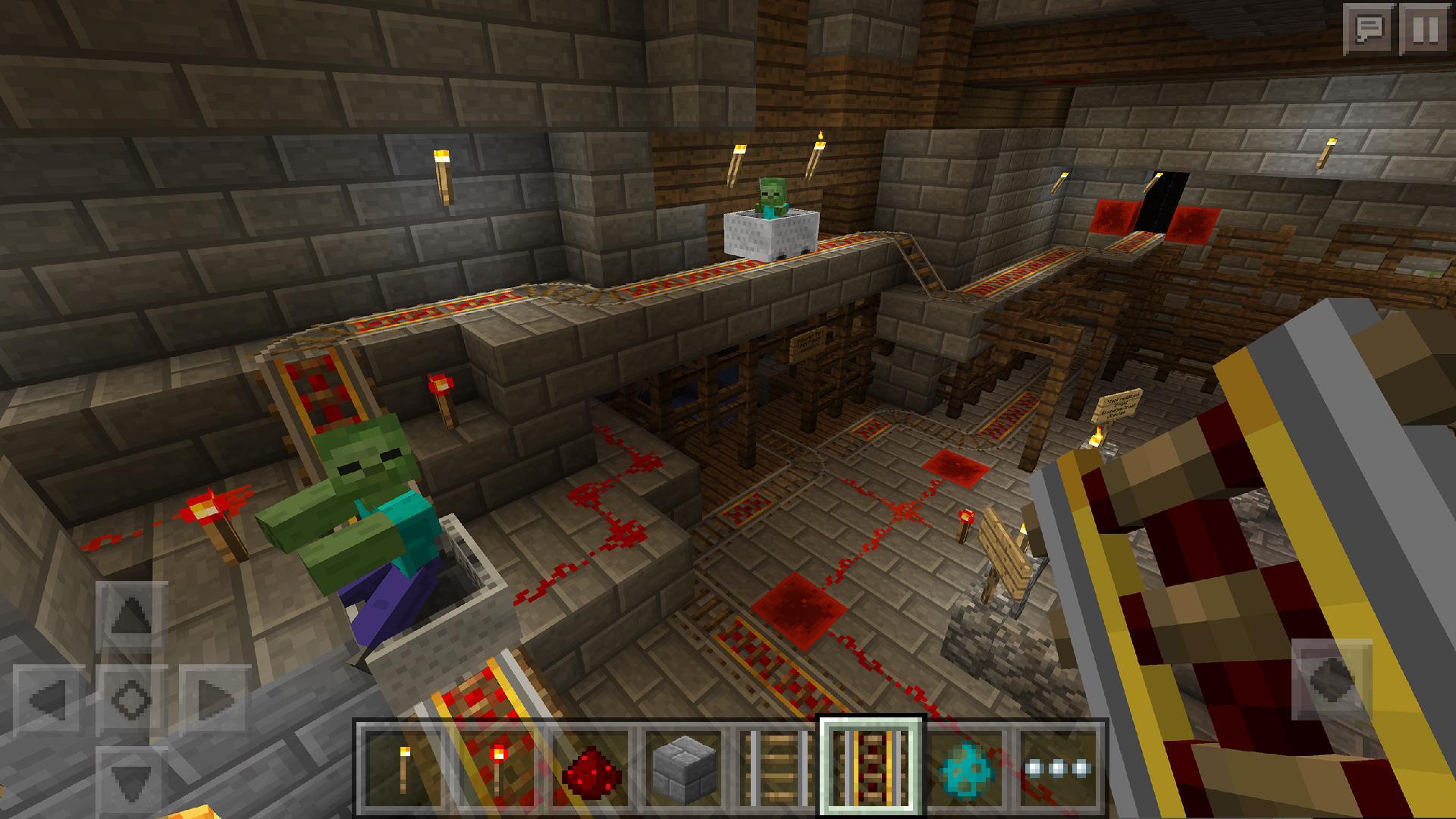
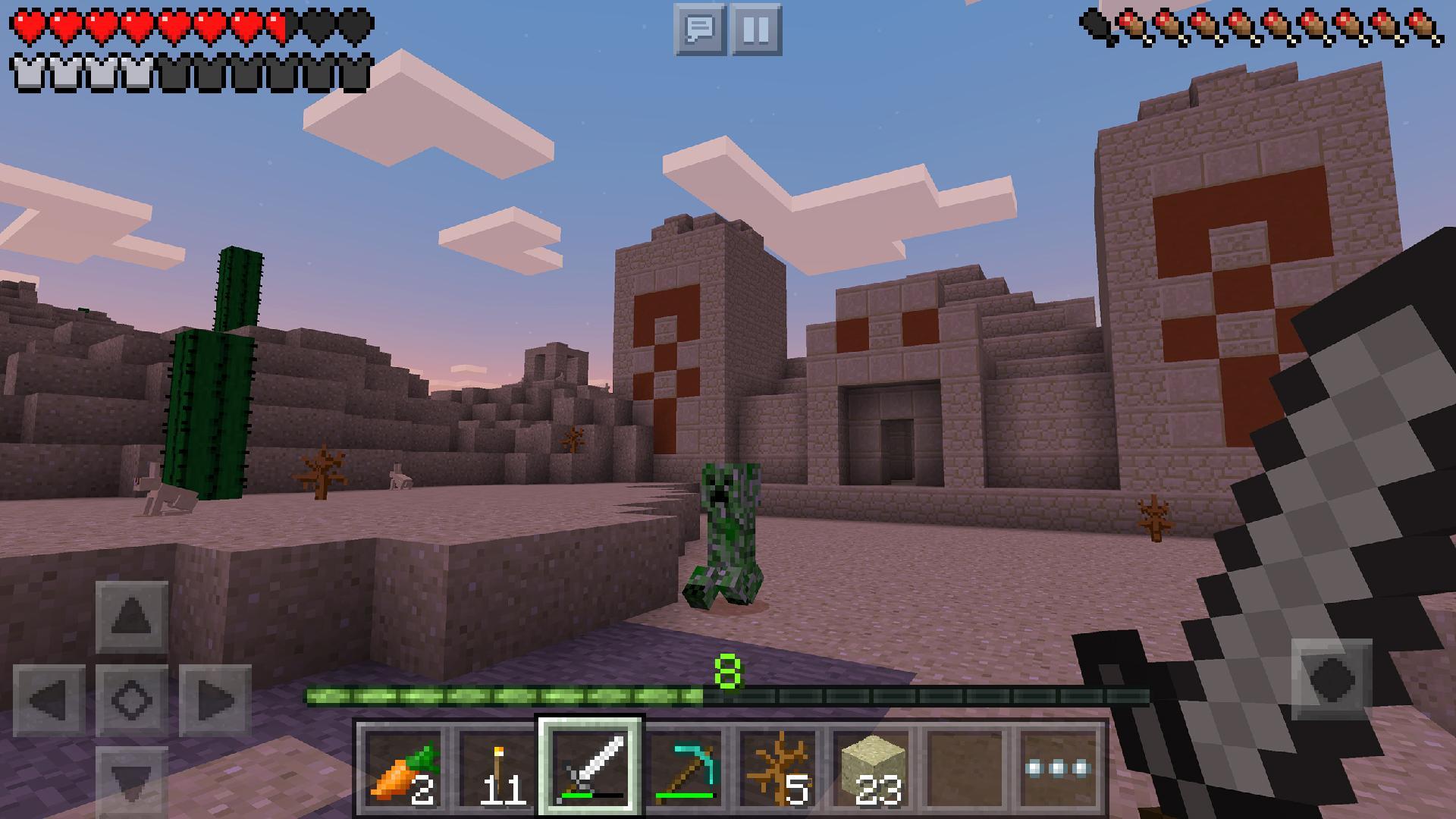
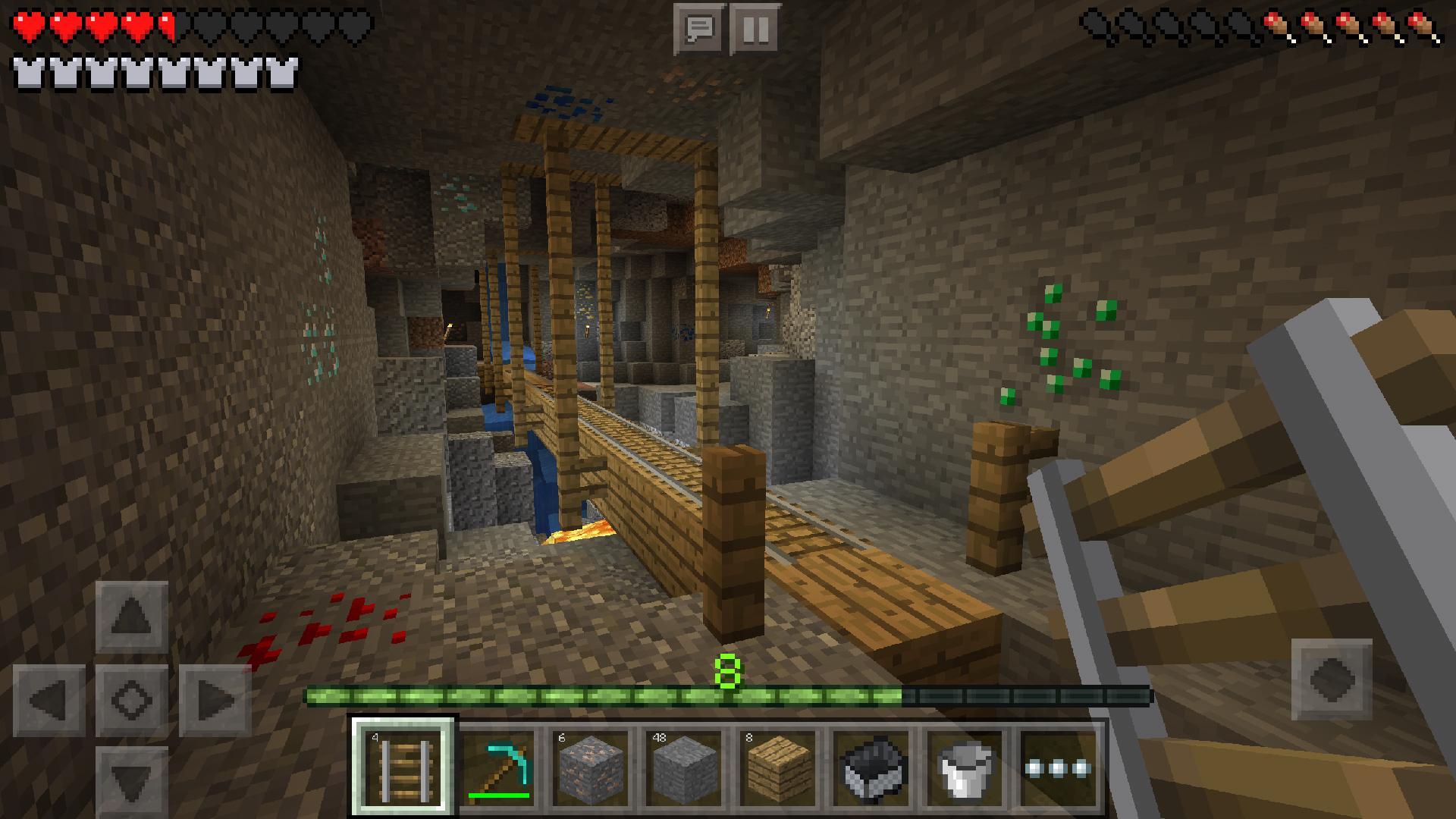
Minecraft offers two core ways to play. In Creative, you place blocks freely and design structures without resource limits. In Survival, you gather materials, craft tools, and manage health while facing hostile mobs at night. This choice lets you learn controls in Creative, then move into Survival when you are ready for risk and progression.
Cross platform multiplayer
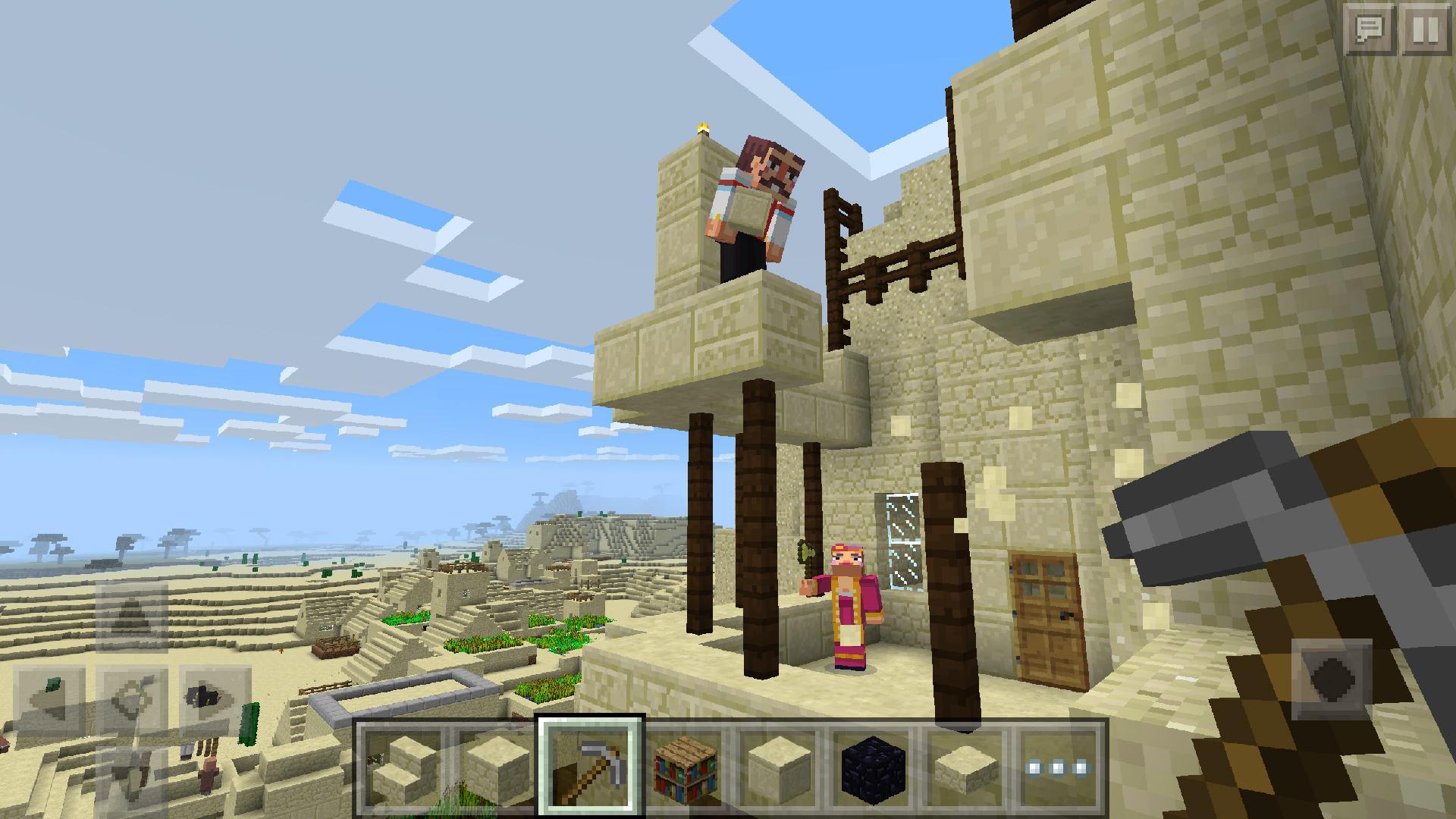
On mobile, Minecraft connects with friends on other supported devices through cross platform play. You join worlds together and keep shared progress in one place. Because the experience is unified, you can switch devices and still play with the same group. This keeps community sessions active and makes it easier to return to a world later.
In game Servers
Minecraft includes a Servers section where you browse large community servers directly from the menu. These servers host mini games, adventures, and themed experiences created by the community. You select one, enter, and follow on screen instructions to join a lobby or queue. Over time, you can explore different servers to find activities that fit your style.
Minecraft Realms
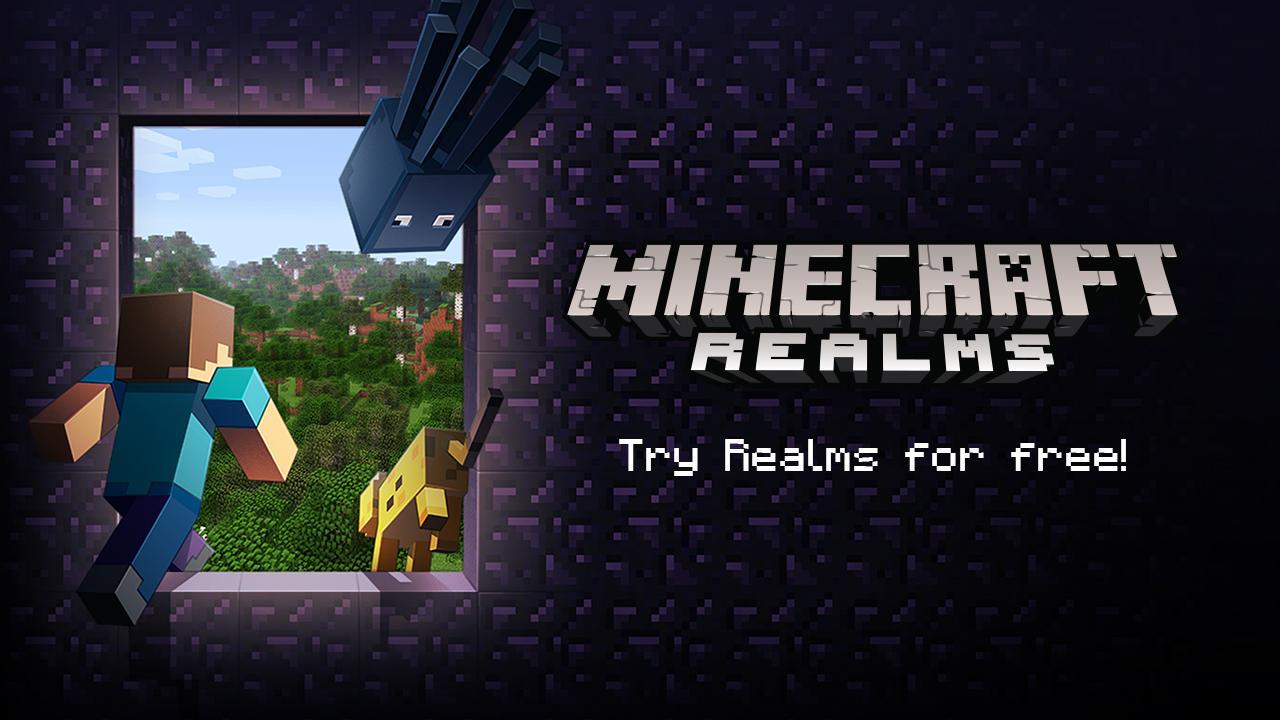
Minecraft Realms lets you host a personal world that stays online for invited players. Friends can join whenever it is convenient, which makes scheduling easier for groups. You can upgrade with Realms Plus to access more content for your Realm. As your group grows, Realms helps you keep a consistent home base for building and collaboration.
Marketplace and Minecoins
The Marketplace adds optional content such as skins, texture packs, and curated worlds. Purchases use Minecoins for a simple checkout process. You browse collections, read descriptions, and then choose items that match the play style you prefer. This supports long term customization without changing the core gameplay loop.
New players can use the official Try Minecraft Free option to sample the game before deciding to buy. Minecraft Realms and Realms Plus are paid services, and Marketplace items require Minecoins for purchases. Cross platform play does not add extra cost, but players need compatible builds to join each other. Keeping the game on the latest version helps multiplayer work smoothly across devices.
The mobile edition is part of Minecraft Bedrock, which enables cross platform features and shared servers. Older community references to Minecraft Pocket Edition refer to the same mobile line under an earlier name. The Minecraft app uses the Bedrock interface, so menus and options match across supported platforms. This helps players move between devices with familiar controls and settings.
After you download Minecraft, open the game and choose a mode that fits your plan for the session. The menus keep common actions close at hand, so you can enter a world quickly. Multiplayer options sit in the main menu for easy access.
Minecraft centers on building, exploration, and shared play, with optional services for groups and customization. Players who prefer varied sessions can switch between Creative and Survival as needed. For smooth multiplayer, keep Minecraft on the latest version.
For official information and resources, visit:
Last updated on Dec 21, 2017
Minor bug fixes and improvements. Install or update to the newest version to check it out!
Latest Version
 Varies with device
Requires Android
Varies with device
Available on

Category
Report

Discover what you want easier, faster and safer.
