


Use APKPure App
Get LetsView old version APK for Android

LetsView is a screen mirroring app that casts your phone, tablet, or computer screen to TVs and PCs.
LetsView helps when you need a larger display for movies, lessons, meetings, or live streams. It connects phones, tablets, computers, and TVs so you can share what is on one screen with another. Connections can be local on the same network, and there are ways to link devices when they are not found. To set up quickly, download LetsView and follow the on screen prompts. The interface is straightforward, and the app supports Android 5.0 and later along with desktop platforms.
Mirroring across phones, PCs, and TVs
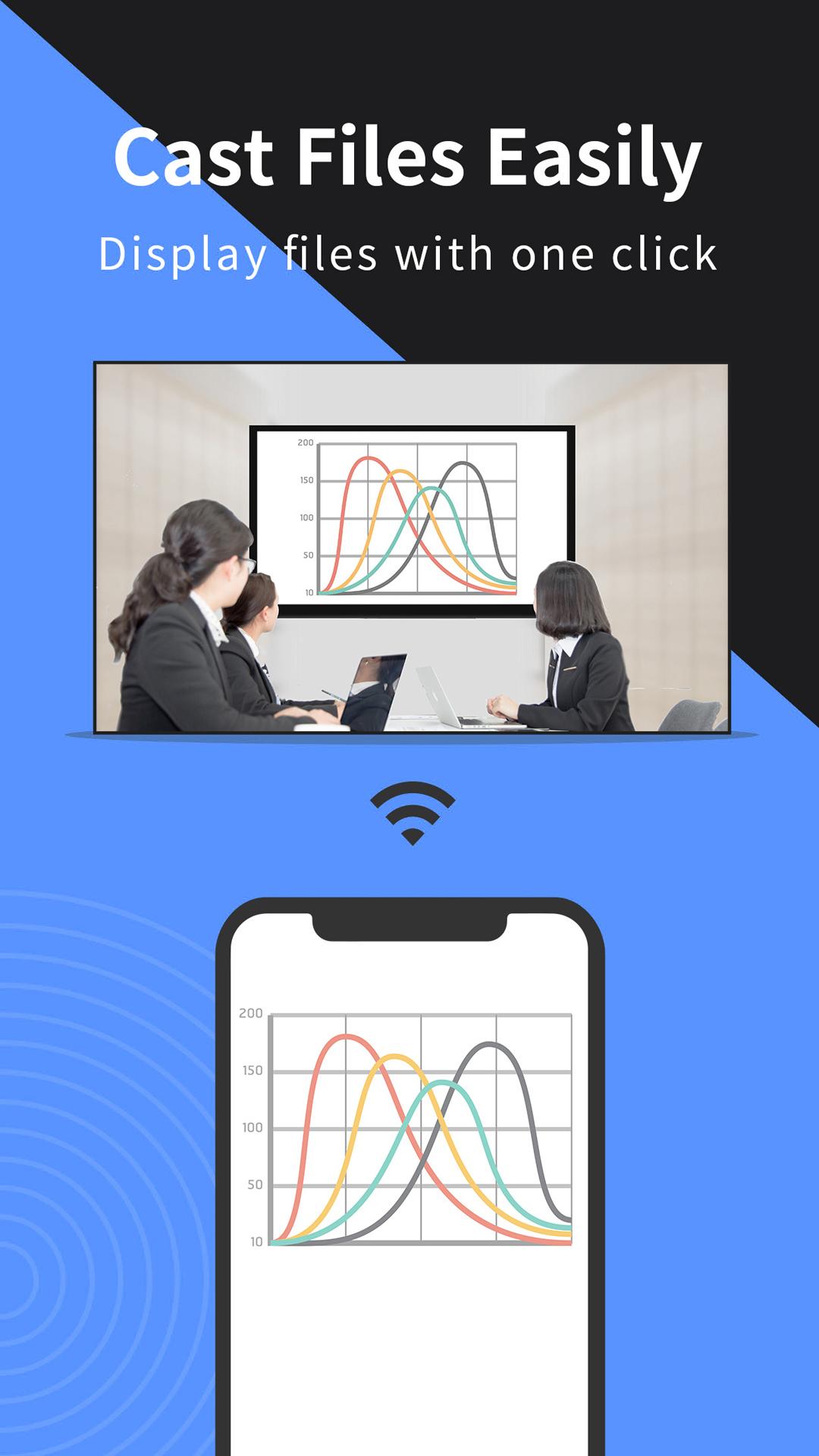
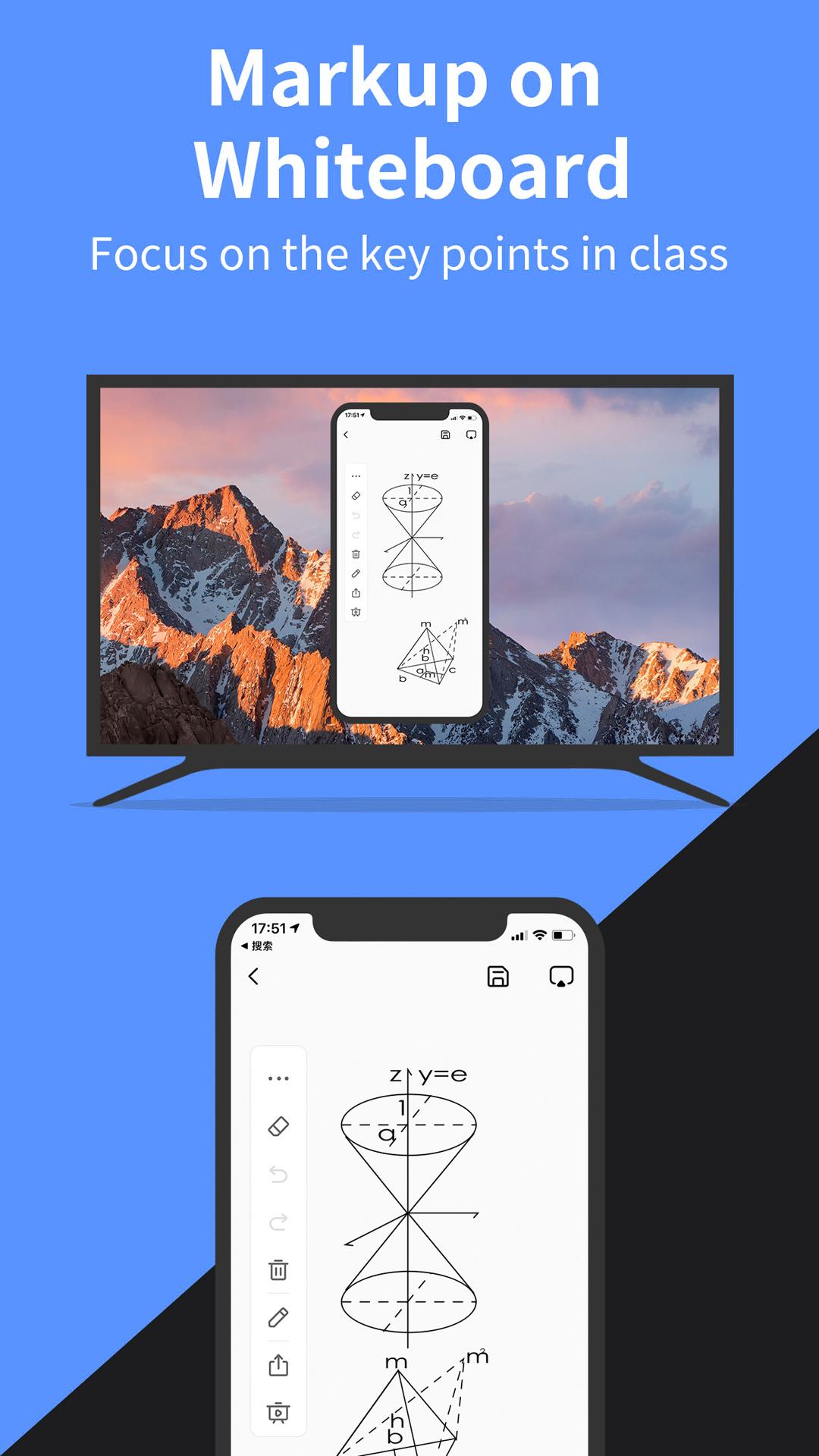
LetsView mirrors a mobile screen to a Windows or Mac computer and also supports casting from a phone, PC, or tablet to many TVs. This is useful for watching videos, sharing photos, or presenting documents on a bigger display at home or at work.
Control between phone and computer
After connecting, you can use your phone as a touchpad and keyboard to control a computer. LetsView also offers control of a mobile device from a Windows computer in supported scenarios, which helps when demonstrating apps or guiding someone remotely.
Extend screen for multitasking
LetsView can turn your phone into a secondary display for your computer. Keep main tasks on the primary screen while you monitor chats, notes, or references on the phone to manage work more efficiently.
Remote casting and easy connections
This app provides practical screen sharing for home, school, and office use, with local and remote options. For the newest fixes and features across devices, install the LetsView latest version and follow the in app guidance to connect.
Last updated on Apr 30, 2026
Minor bug fixes and improvements. Install or update to the newest version to check it out!
Latest Version
 1.5.26
Uploaded by
Gear Gearauto
Requires Android
Android 6.0+
Available on

Category
Report





Discover what you want easier, faster and safer.