


Use APKPure App
Get Laban Key old version APK for Android

Laban Key is a Vietnamese keyboard app that speeds up accurate typing with Telex, VNI, and smart suggestions.
Laban Key fits users who type Vietnamese daily or mix Vietnamese and English in work and chat. It helps you enter text quickly, reduce mistakes, and keep your focus while writing across apps and messages. You can switch methods easily as your typing needs change, and the keyboard adapts smoothly to phones and tablets. For reliable installation on Android devices, the Laban Key APK provides straightforward access without extra steps. Overall, setup and everyday use feel simple and consistent.
Laban Key supports standard Telex and VNI, so you can place tone marks anywhere in the word and still get the correct output. Enhanced Telex shortcuts reduce keystrokes for common consonant clusters and vowels, which helps you type faster with fewer corrections. You can choose the method you prefer and keep the flow of your conversations.
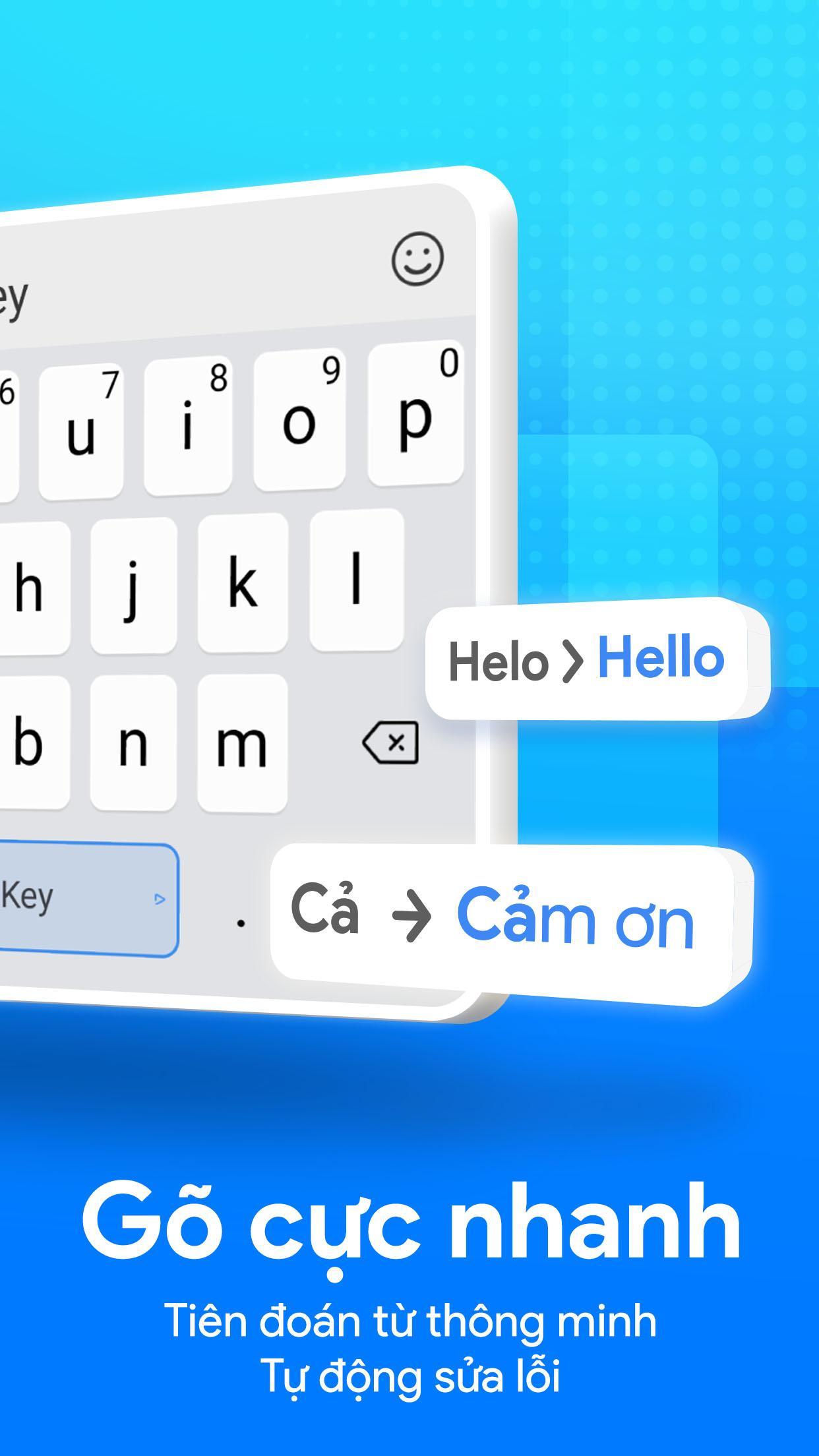
Word suggestions appear after the first few characters, which helps you complete common words quickly. The Vietnamese spell check is tuned for mixed input, so you can type Vietnamese and English together without changing languages. This behavior keeps your rhythm steady when you switch contexts in chats, emails, or notes.
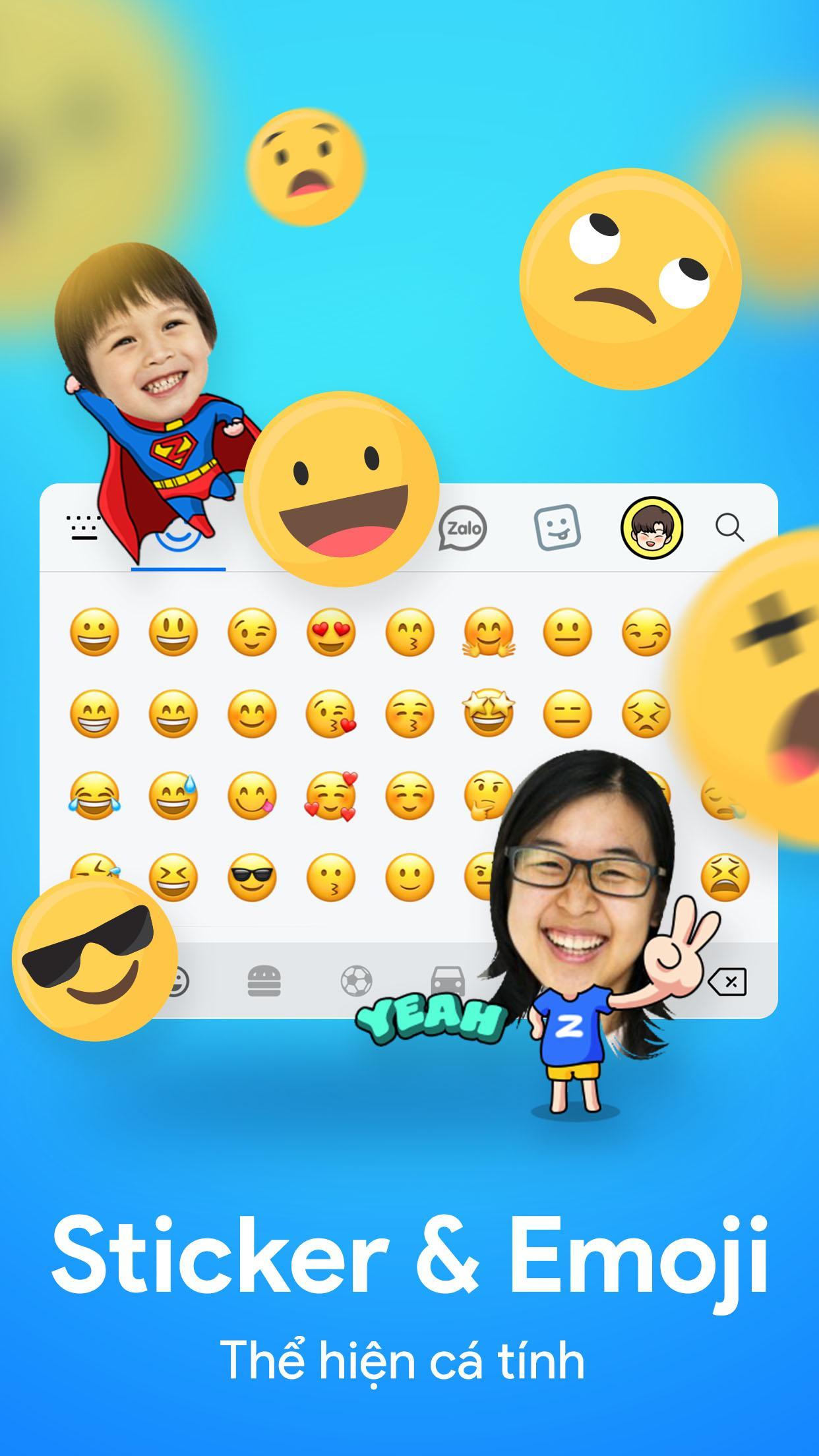
Themes, emojis, and sticker optionsLaban Key includes a large theme gallery and lets you personalize the keyboard with your own photos. You can share designs with the community or keep them private on your device. For expressiveness, thousands of emojis, emoticons, and symbols are available, along with sticker support through Zamoji and Zavatar that many Zalo Group users recognize.
Convenient typing utilitiesThe keyboard adds a permanent number row for quick entry of digits without switching views. You can swipe the spacebar to move the cursor precisely, which makes editing text easier on small screens. Voice input is available when you prefer speaking to typing, and multiple layouts help you match different devices and typing styles.
Privacy and backup optionsLaban Key is designed with privacy in mind. The app does not collect your input content, and data is not shared with third parties. Settings can sync through Google Drive integration, and data moving between services is encrypted in transit. This setup lets you carry your configurations across devices without exposing your personal text.
Many users ask about data handling before any Laban Key download. The keyboard does not capture what you type, and settings backup uses your own cloud account through Google Drive integration. If you prefer to keep everything local, you can use the keyboard without enabling backup.
If you often mix English and Vietnamese, the keyboard’s spell check and suggestions are tuned to avoid aggressive corrections. You get relevant Vietnamese hints while English words remain readable, which is helpful for work chats, study notes, and social posts.
After you download Laban Key, the setup takes a few quick steps. The process enables the keyboard, lets you pick Telex or VNI, and adjusts basic preferences. You can start typing right away and fine tune details later.
This keyboard focuses on accurate Vietnamese input, helpful predictions, and practical tools that reduce friction while you type. For stable performance and the newest options, consider getting the Laban Key latest version.
For official resources and support, use the links below.
Last updated on Oct 3, 2025
[Cải thiện] Cải thiện chiều cao bàn phím trên thiết bị màn hình lớn.
[Mới] Cài đặt tách bàn phím tự động theo kích thước màn hình.
Latest Version
 25.10.01
Uploaded by
Karvbhien Ashlie Deliste
Requires Android
Android 5.0+
Available on

Category
Report





Discover what you want easier, faster and safer.
