


Use APKPure App
Get IRImageTools old version APK for Android
IRImageTools is a software mainly used for temperature analysis
一:Main Interface:
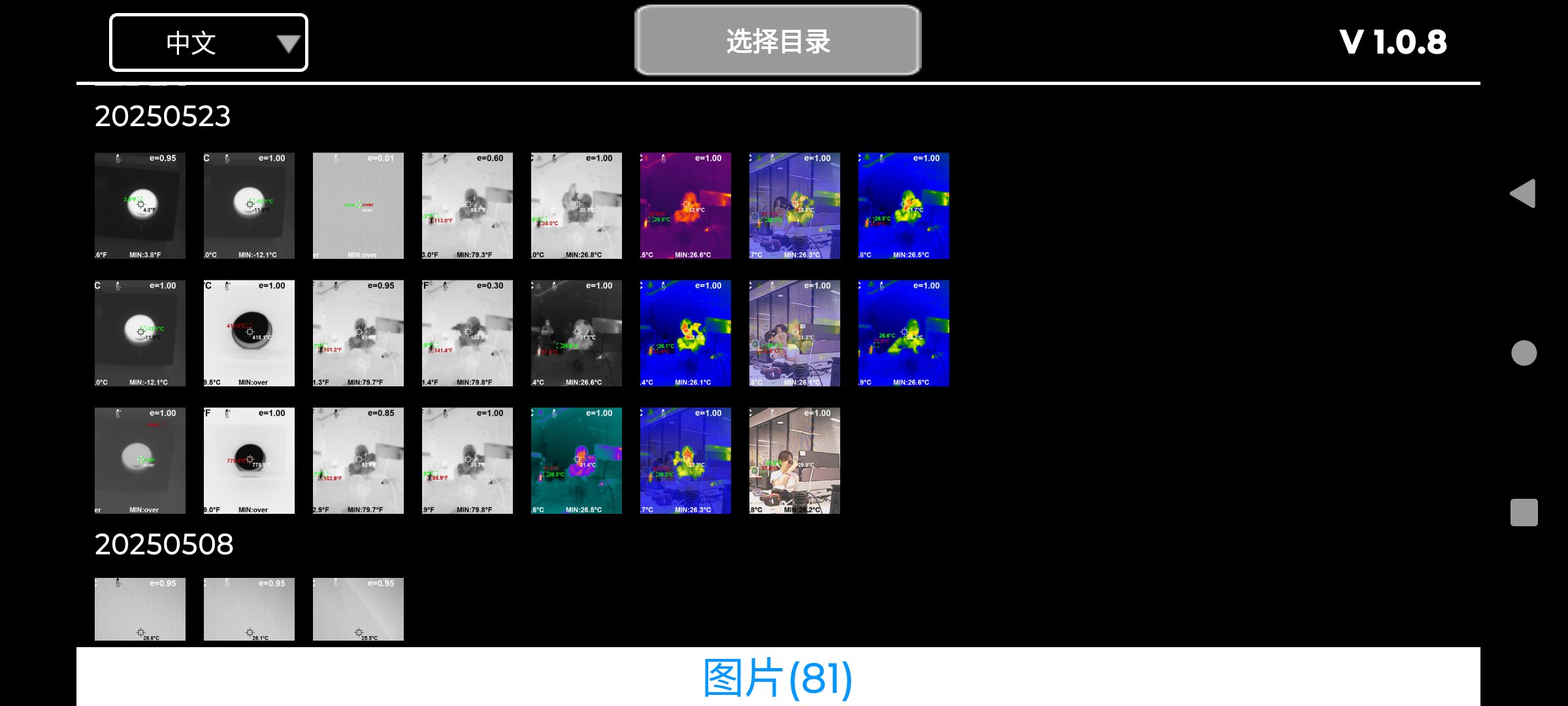
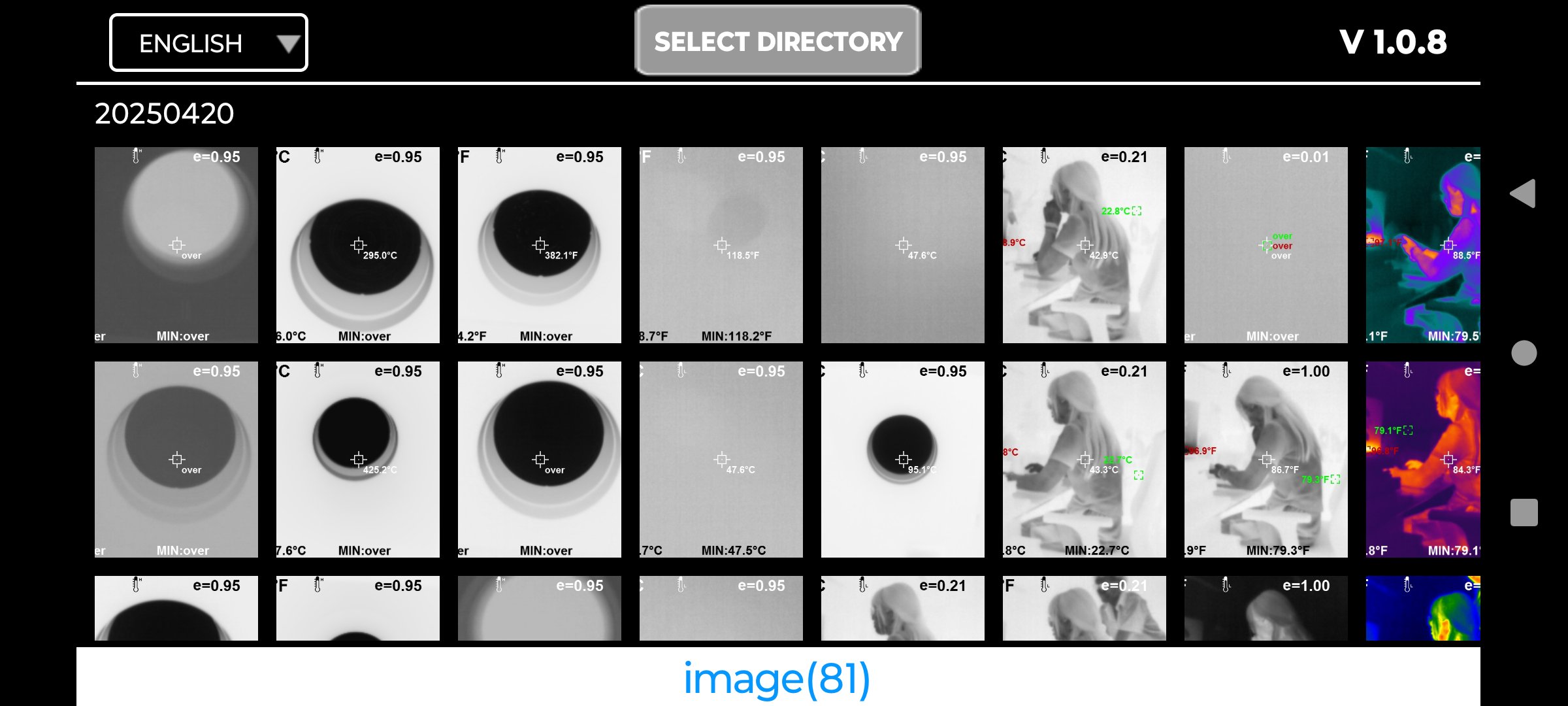
1.Directory Settings:
(1):You can assign a specific directory for the image list display.
Once set, the application will automatically load images from this directory by default on the next launch.
You can switch to a different directory at any time by clicking the "Select Directory" button and choosing the target folder.
(2):View History by Date:
The app supports viewing historical records sorted by date, with the most recent entries displayed at the top.
(3):Image Count Display:
The image library shows the number of images in parentheses.
For example: “Images (81)”
二:Core Function Operations:
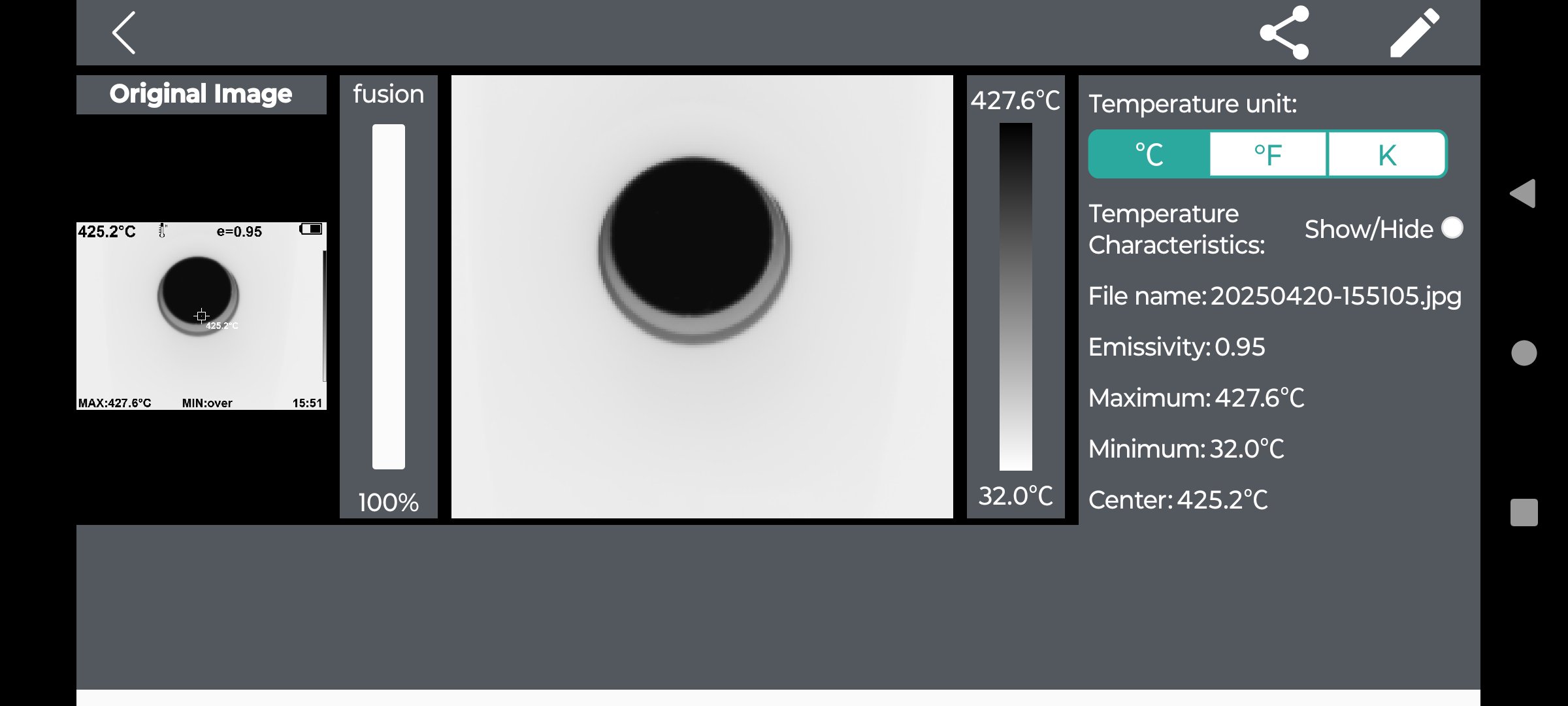
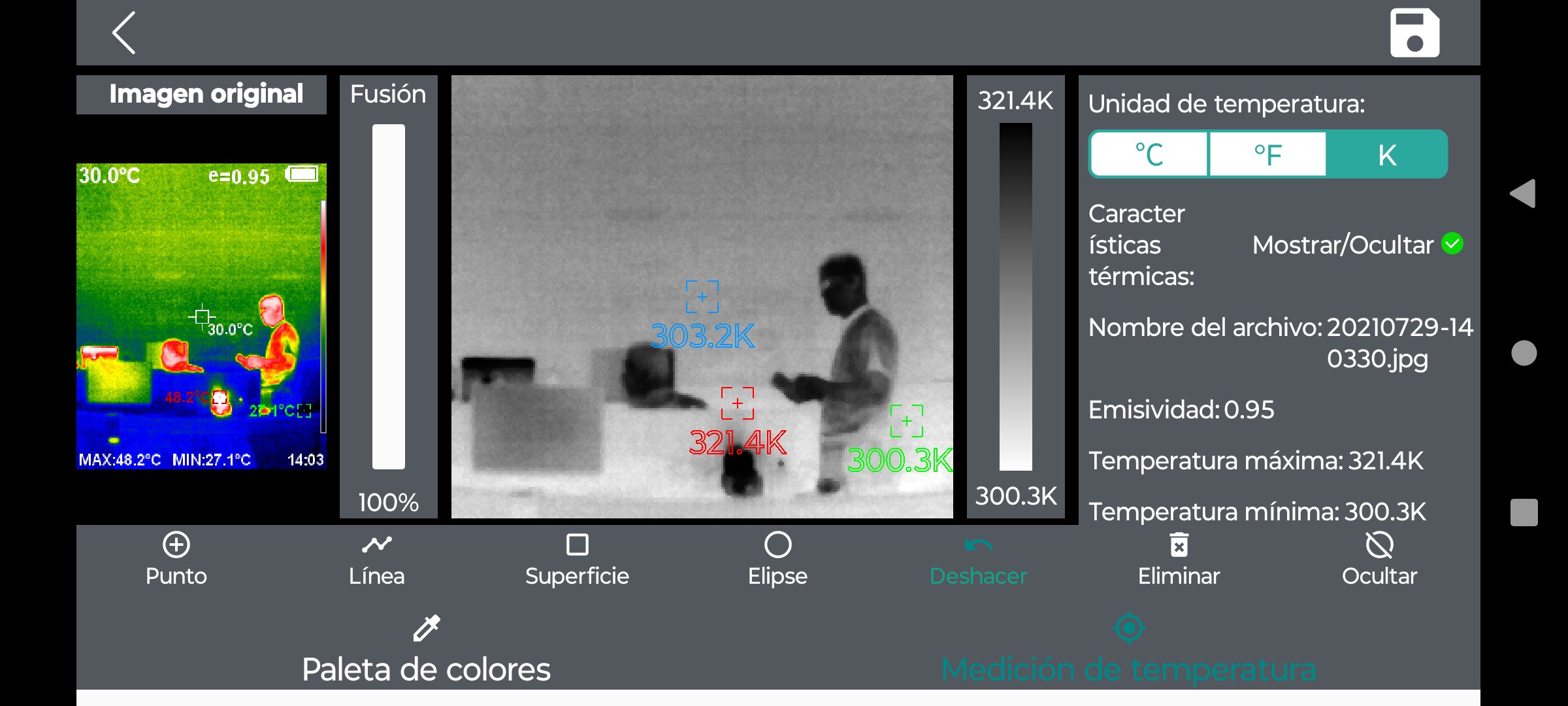
(1):Temperature Unit Switching
Users can switch freely among three temperature units:
Celsius (°C)
Fahrenheit (°F)
Kelvin (K)
(2):Image Display Modes
1.Original Image:
Displays the base thermal image without any overlays.
2.Fusion Mode: Blends the thermal image with the visible (optical) image.
Fusion level can be adjusted from 0% to 100%.
(3):Palette Schemes
1.Rainbow:
Rich in color and detailed gradient levels, ideal for observing subtle temperature differences.
Use Case: Detecting large temperature variations, such as in electrical inspections or building heat
2.Iron Red (Ironbow):
Natural-looking contrast between hot and cold regions.
Use Case: Versatile; commonly used in industrial, medical, and firefighting applications.
3.Cool Color:
Features a cooler overall tone, with high-temperature areas highlighted in bright or warm colors.
Use Case: Emphasizes hot spot detection, suitable for locating heat sources against low-temperature backgrounds.
4.White Hot:
Clear and simple; one of the most commonly used infrared display modes.
Use Case: Law enforcement, surveillance, wildlife observation, and more.
5.Black Hot
Preferred by some users for clearer target outlines in certain conditions.
Use Case: Complementary to white hot; use depends on environment and personal preference.
三、Measurement Tools
(1):Measurement Methods:
Single-Point Measurement
Tap any point on the infrared image to measure the temperature at that specific location.
Line Measurement
Draw a line starting from any point on the infrared image.
The system will display the maximum and minimum temperatures along the line.
Area (Rectangle) Measurement
Draw a rectangular area on the infrared image.
The system will display the maximum and minimum temperatures within the selected region.
Circular Area Measurement
Draw a circular area on the infrared image.
The system will display the maximum and minimum temperatures within the circle.
Last updated on Sep 2, 2025
IRImageTools First Version:
The homepage displays all infrared images from the specified folder.
In the detail view, users can view and edit the selected infrared image, including:
Switching pseudo color palettes
Temperature analysis through point selection, circular area selection, and rectangular area selection
Fusion settings for image blending
Latest Version
 1.1.8
1.1.8
Uploaded by
Thang Nguyen
Requires Android
Android 7.1+
Available on

Category
Report



Discover what you want easier, faster and safer.

IRImageTools
1.1.8 by WIFI-VIEW
Sep 2, 2025