


Use APKPure App
Get EasyShare old version APK for Android

EasyShare is a file transfer and phone clone app that moves data offline fast.
EasyShare suits users who are switching phones or sending large files when the internet is limited. It connects nearby devices directly, so transfers happen locally and do not use mobile data. The interface is straightforward, which helps you start a session quickly and stay focused on the task. For cross platform needs or everyday sharing, it keeps the process simple from start to finish, and you can download EasyShare to handle moves without extra steps.
Offline, data free transfers
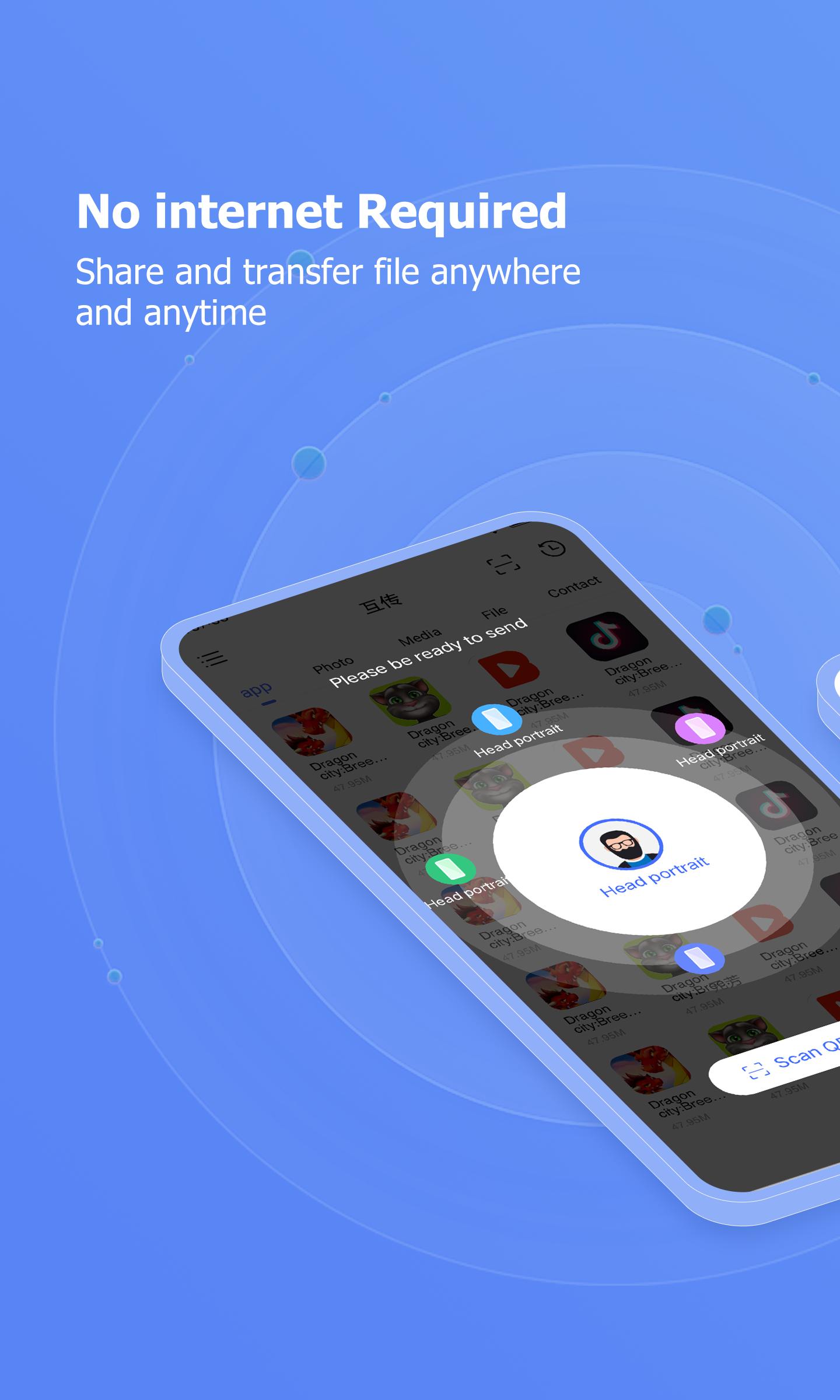
EasyShare creates a local connection between devices through a hotspot, local wireless network, or Bluetooth. Your files move directly from phone to phone without using mobile data or the internet. This is useful in low connectivity areas and also helps users avoid data charges during large transfers.
High speed with no size limits
EasyShare reaches up to 40 MB/s, which helps move big videos, albums, and full folders in less time. You do not need to split files or compress content just to send it. This speed is practical when you are archiving photos or sharing long clips before a meeting or class.
Cross platform support and Windows desktop client
EasyShare works across Android, iOS, Windows, and Mac, which makes it suitable for mixed device environments. An official Windows client is available for phone to PC transfers without cables. This helps with everyday workflows like consolidating documents on a laptop or backing up media to a desktop.
Phone Clone for a new device
EasyShare includes one tap Phone Clone to migrate contacts, messages, call logs, photos, videos, and apps to a new phone. This provides a clear start on a replacement device while you keep familiar content. App data usually does not transfer across different brands, so users should plan to sign in again inside apps after the move.
Multi person sharing and ad free design
EasyShare can send files to several nearby recipients in one session, which is practical for classrooms, teams, and event groups. You set one sending device and select multiple receivers, then the app distributes the same files to everyone. The design is ad free and built for stable local transfers, so sessions stay focused on moving content rather than navigating distractions.
EasyShare uses local, user initiated connections, which means transfers stay within your chosen devices. This approach helps with safety, since you control pairing and confirm each session. For cross brand moves, remember that app data typically does not migrate, while contacts, messages, photos, videos, and installed apps do.
For users who work across a phone and a PC, the Windows client helps move folders of photos or batches of documents without cables. Typical uses include archiving media to a computer or sharing project files from a phone to a desktop during a meeting. Cross platform support lets you place content where it is needed without relying on cloud uploads.
EasyShare keeps phone to phone transfers straightforward and local. Sessions run offline, which helps you save data and share reliably. To begin, download EasyShare and follow these steps.
Open EasyShare on both phones, then grant the requested permissions to allow nearby sharing and device discovery.
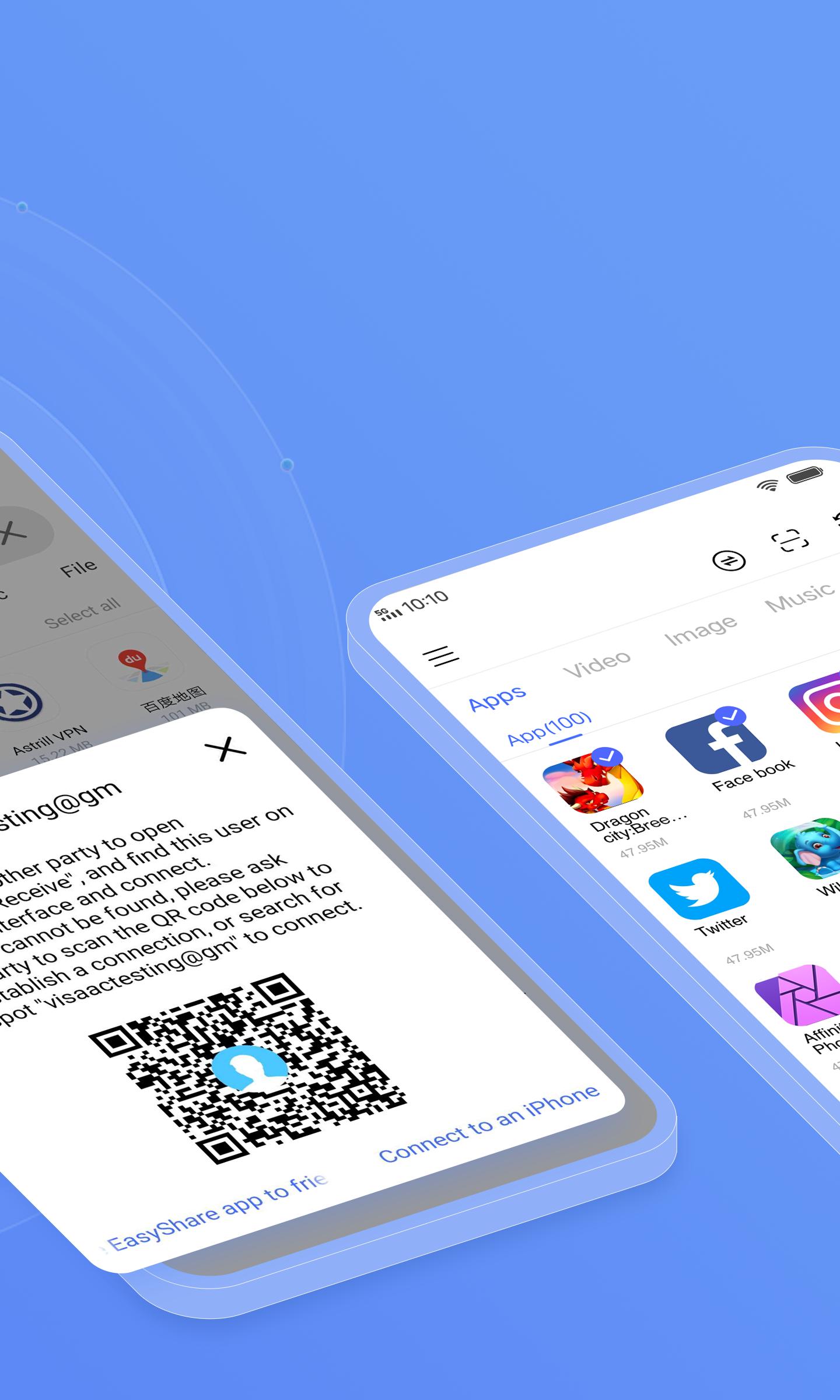
Tap Send on the sending phone and Receive on the receiving phone, then follow the prompts to connect through hotspot, local Wi Fi, or Bluetooth.
Select the files, photos, videos, apps, or documents you want to send. You can add multiple items and entire folders if needed.
Confirm the incoming transfer on the receiving phone, then wait until the progress completes. Keep both devices nearby until the session finishes.
To clone a phone, choose Phone Clone on both devices, set one as the old phone and the other as the new phone, then start the migration. Note that app data may not move between different brands.
EasyShare focuses on fast, local transfers and clear phone cloning to help you move content with minimal setup. For reliable sharing across devices, install the EasyShare latest version and follow the on screen prompts in each session.
For official resources or support, use the following.
Website: https://easyshare.vivo.com/
Email: [email protected]
Last updated on Apr 27, 2026
Known bug fixes
Latest Version
 7.1.0.9_ex_gp
Uploaded by
Yāï Ķwaja
Requires Android
Android 11.0+
Available on

Category
Report





Discover what you want easier, faster and safer.
