


Use APKPure App
Get control screen rotation old version APK for Android
Control Screen Rotation is a utility app that lets you lock, force, or auto rotate your display.
Control Screen Rotation helps when the screen flips at the wrong time or refuses to rotate in apps that stay fixed. It gives you easy access to orientation controls so you can keep the view steady while watching videos, reading, or playing games. With a simple layout and quick access from the top bar, it removes the need to dig through settings each time. For users who prefer direct installs, Control Screen Rotation APK can be an option depending on your setup.
Quick access from the notification shade
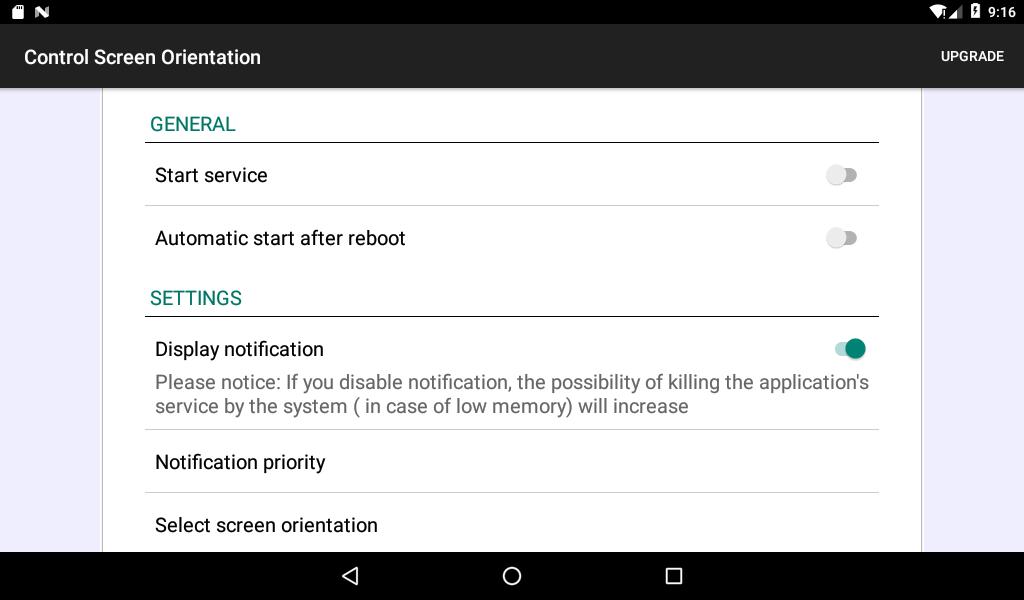
Control Screen Rotation places a handy toggle in the notification and quick settings area. You can switch orientation without opening the app, which helps when you need a fast change while in full screen video or a game.
Lock or block auto rotation
You can prevent unwanted flips by locking the screen to a single view. When you prefer stability over sensor changes, choose a fixed orientation and keep it that way until you switch back.
Seven orientation presets
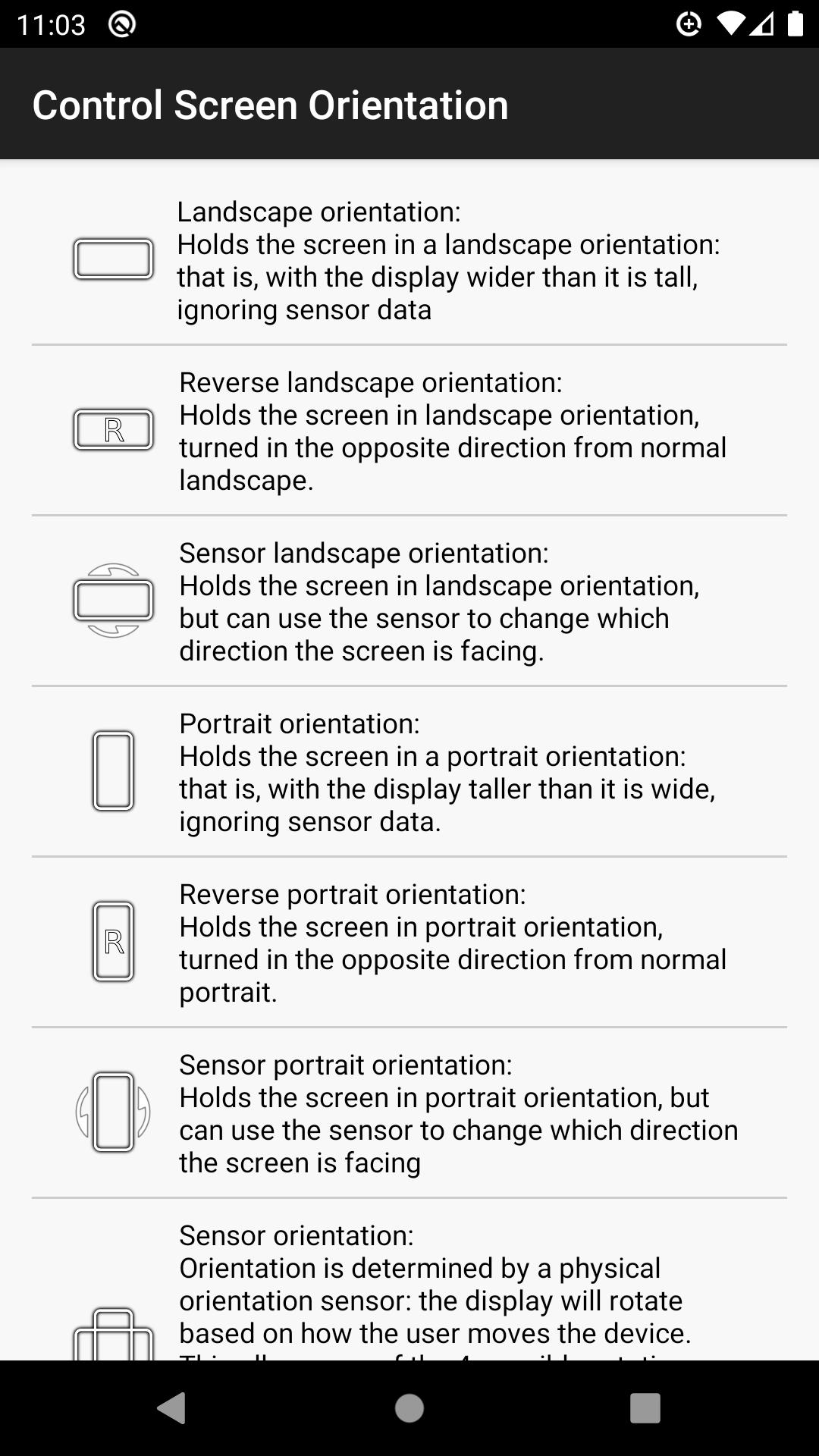
The app offers Portrait, Landscape, Reverse Portrait, Reverse Landscape, Sensor Portrait, Sensor Landscape, and Sensor Orientation. Standard modes hold a steady view. Reverse modes provide non standard angles that some devices and apps do not expose by default. Sensor modes follow device movement within limits for predictable behavior.
Works across most apps
Control Screen Rotation can apply your chosen orientation on top of many apps, including those that do not rotate on their own. This is useful for reading in landscape, forcing a wider video view, or keeping a game from switching mid session. As a result, you gain consistent control in daily use.
Predictable sensor behavior
Sensor Portrait and Sensor Landscape hold the current family of orientation until you flip the device to the opposite side. This keeps movement controlled and reduces surprises. When you need full automatic behavior again, switch to Sensor Orientation to allow standard auto rotation.
Orientation support can be device dependent. Some modes may not be available on certain phones or tablets, which can limit results in specific apps. In rare cases, users report a temporary black screen when forcing an unsupported view. If that happens, switch back to Sensor Orientation or exit and relaunch the app to reset the display.
If you prefer sideloading, confirm version details for the Control Screen Rotation APK on this page before installing. Users who need the Control Screen Rotation latest version can also check the version label to make sure it matches their needs.
Getting started is straightforward and quick. Open the app once, then control orientation from the top bar whenever needed. If you plan to download Control Screen Rotation directly, install it first and then follow these steps.
Control Screen Rotation gives you direct control of how your phone or tablet displays content, with quick access and clear presets. Pick a stable view, use reverse angles when needed, or return to sensor control at any time. To stay current, look for the Control Screen Rotation latest version information on this page before installing.
Last updated on Apr 23, 2026
Minor bug fixes and improvements. Install or update to the newest version to check it out!
Latest Version
 4.4
4.4
Uploaded by
ah_apps
Requires Android
Android 6.0+
Available on

Category
Report






Discover what you want easier, faster and safer.
