


Use APKPure App
Get CallApp old version APK for Android

CallApp is a caller ID and call management app that identifies callers and blocks spam in real time.
CallApp helps users who want to know who is calling, reduce unwanted calls, and organize communication in one place. It provides caller details sourced from community and social information, so you can decide whether to answer. In addition, it manages messages and supports smartwatch notifications to keep you informed on the go. For users who prefer quick setup without extra steps, CallApp APK offers a straightforward way to get started while keeping everyday use simple.
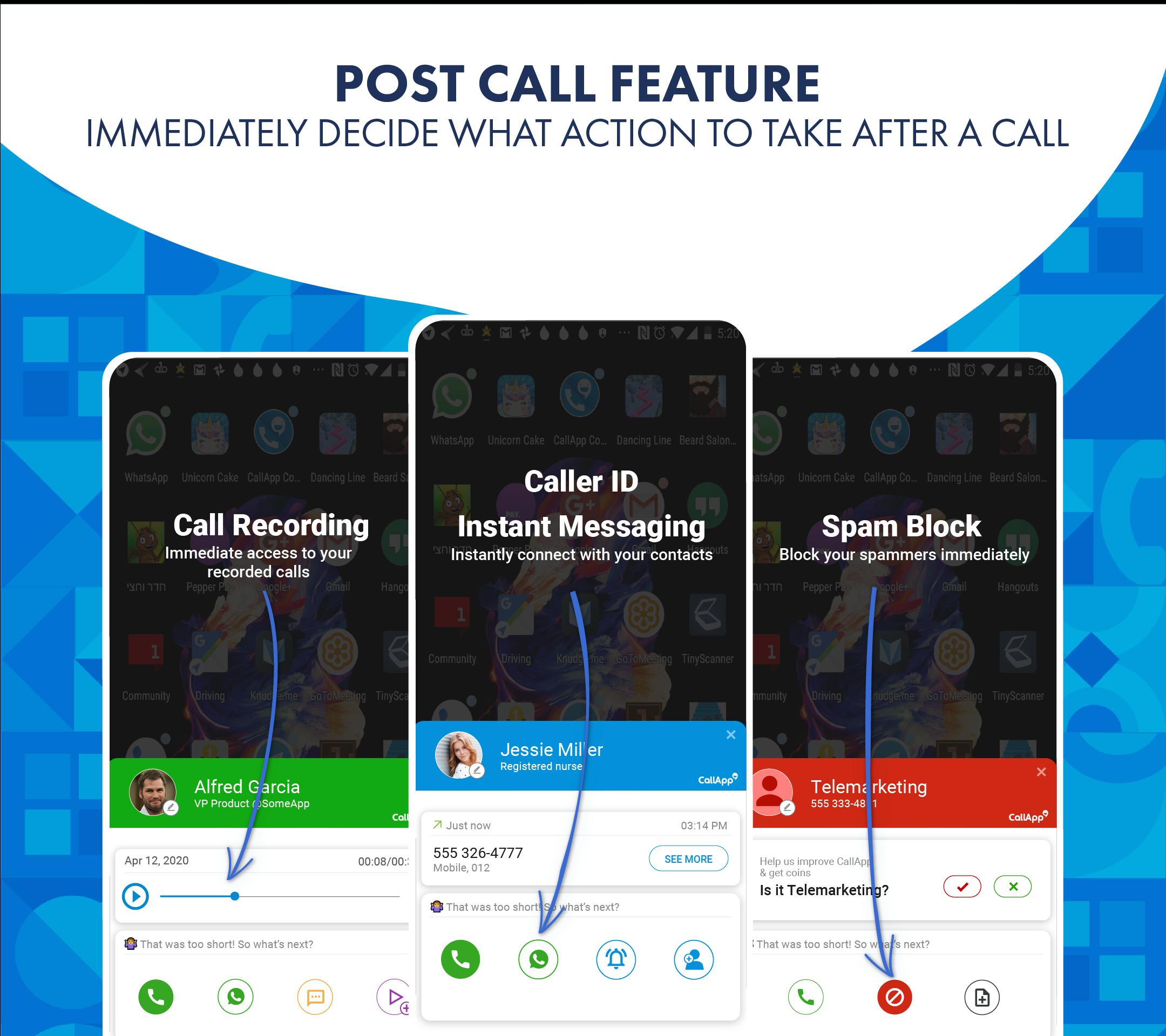
CallApp identifies incoming calls with names, photos, and indicators for business or potential spam. You can look up phone numbers to see who might be calling before returning a missed call. Notifications can also appear on compatible Wear OS watches, so you get caller details on your wrist without reaching for your phone.
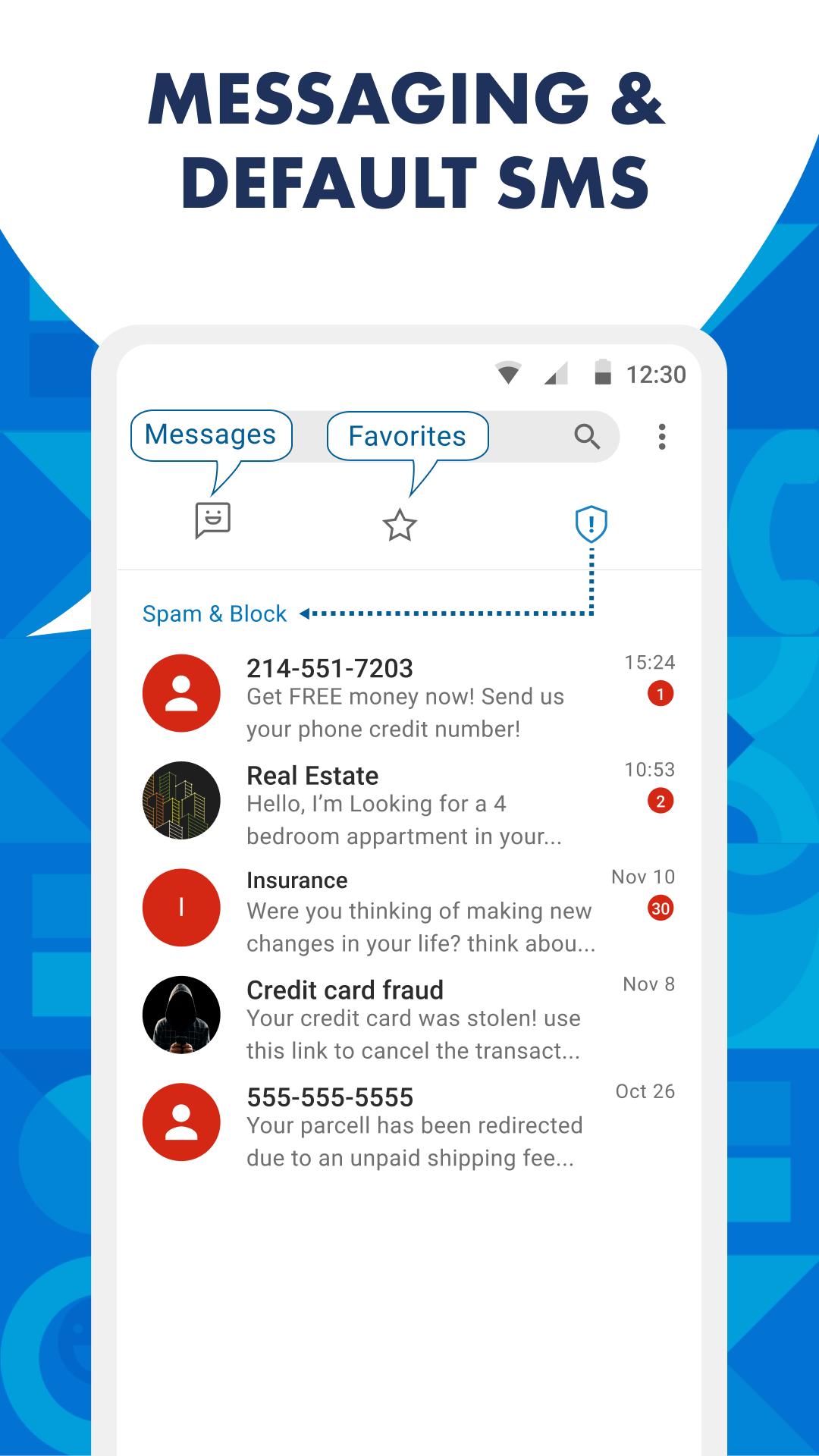
Spam call and SMS blockingCallApp helps reduce interruptions from robocalls and telemarketers by using smart filters and a blacklist. You can block by number, by contact, or by prefix to prevent repeated nuisances. As you refine the block list, spam detection becomes more accurate over time, which keeps your line clearer during busy hours.
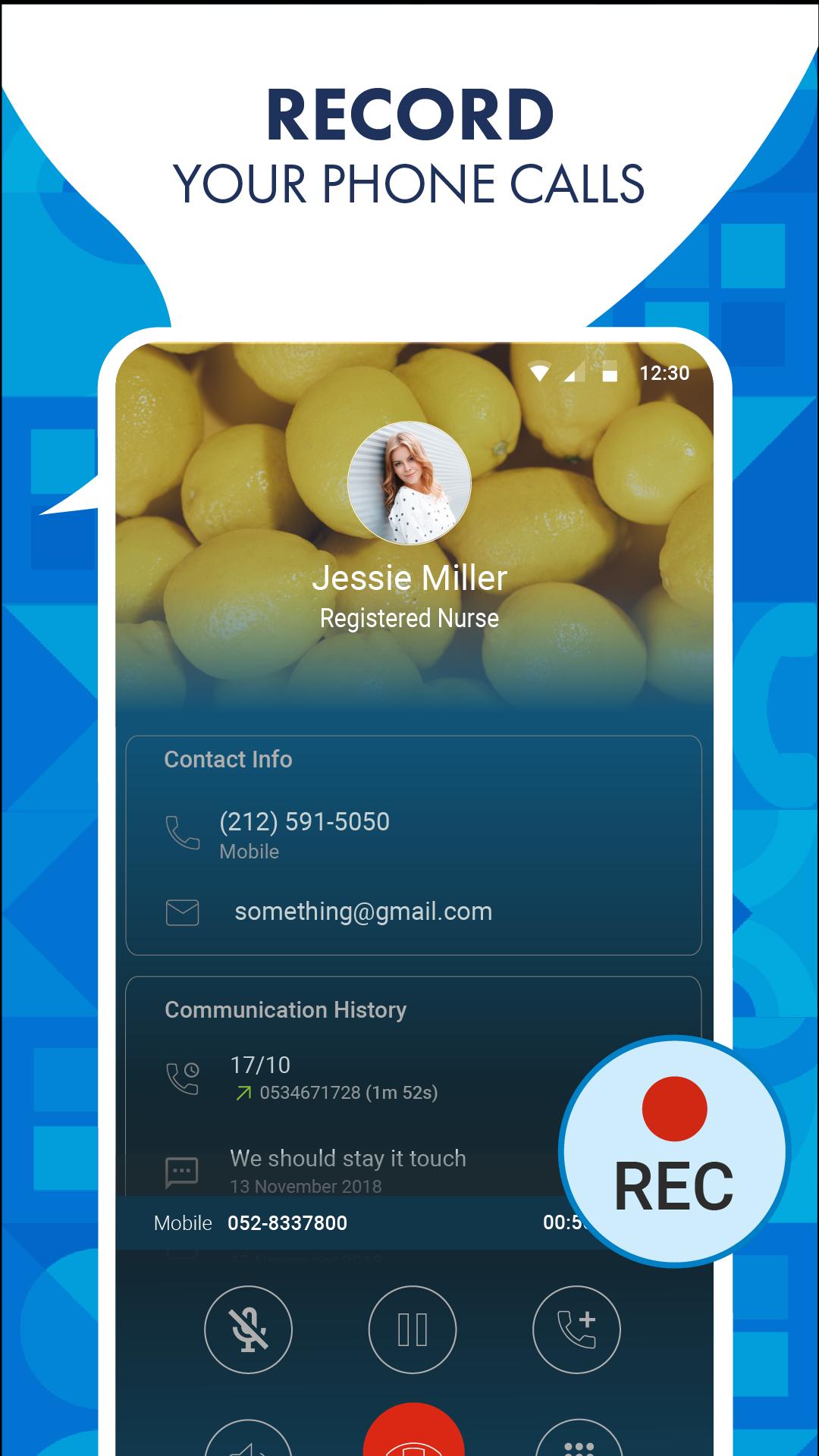
Automatic Call Recorder for important conversationsCallApp includes an Automatic Call Recorder that can save calls you choose to keep. Recordings can be stored on your device and backed up to the cloud for easier access later. Since call recording is regulated in many places, users should check and follow local laws before recording any conversation.
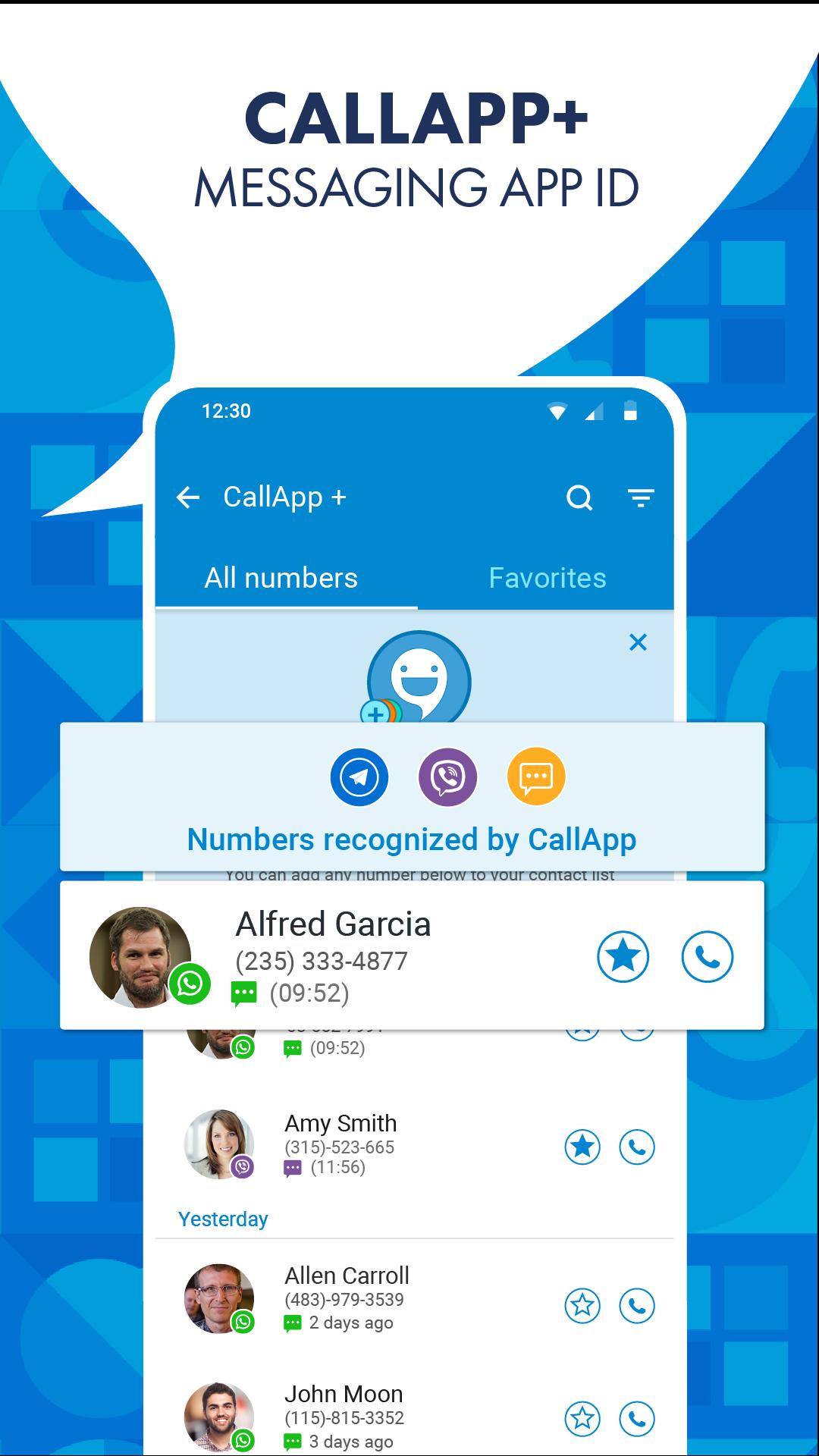
Default SMS and messaging managementYou can set CallApp as your default SMS app to identify unknown senders and auto-sort messages. It organizes promotional texts, verification codes, and personal chats into clear categories, which makes inbox scanning faster. Beyond SMS, CallApp can identify callers who message you on apps like WhatsApp or Telegram even if they are not saved in your contacts.
Personalized video ringtonesCallApp lets you assign video ringtones to contacts for a more recognizable incoming call screen. You can select different videos for friends, family, or coworkers to quickly tell who is calling. This customization creates consistent visual cues that help you respond faster and avoid missed calls.
CallApp states that it does not sell or share user data. If you prefer to limit visibility, the Help Center provides options to opt out or request unlisting of your phone number. These controls can be used at any time and are designed to give users a clear way to manage their information.
CallApp offers its core functions for free, with an optional premium upgrade for added tools. If a premium plan is available in your region, pricing and included features are shown inside the app. For quick installation on Android devices, users can find a CallApp download for Android that suits their device setup.
CallApp’s call recorder works on most Android devices, but policies vary by country and carrier. Before turning on recording, confirm local regulations and inform participants if required. Proper use helps keep your recordings compliant and avoids issues during work or personal calls.
Getting started is simple, and most actions take just a few taps. To begin, download CallApp and open it to grant the basic permissions it requests. After setup, you can decide which tools to enable first for your daily routine.
CallApp brings caller identification, spam blocking, message management, and recording into one trusted workspace. To explore new tools and improvements, install the CallApp latest version and tailor the settings to your routine.
For official support and more details, use the links below.
Last updated on May 3, 2026
Minor bug fixes and improvements. Install or update to the newest version to check it out!
Latest Version
 2.264
2.264
Uploaded by
CallApp Caller ID, Call Recorder & Spam Blocker
Requires Android
Android 10.0+
Available on

Category
Report




Discover what you want easier, faster and safer.
