


Use APKPure App
Get Z TV old version APK for Android
Z TV is an IPTV player app that plays user provided live TV, movies, series, radio, and files.
Z TV is designed for users who already have an IPTV subscription or personal media and want a simple way to watch on Android devices. It focuses on playback and management, so you provide the playlists or files and the app handles the rest. As a result, it does not host or sell any channels or videos, and it only plays the content you load. You can use it on phones, Android TV screens, and Fire TV Stick for everyday viewing with one account setup. If needed, search for Z TV APK to find the installer for your device.
Play live and on demand content
Z TV organizes your content into familiar sections for Live TV, Movies, Series, and Radio. You can also open local video and audio files stored on your device or attached storage. This helps you switch between channels and personal files without changing apps.
Flexible playlist import options
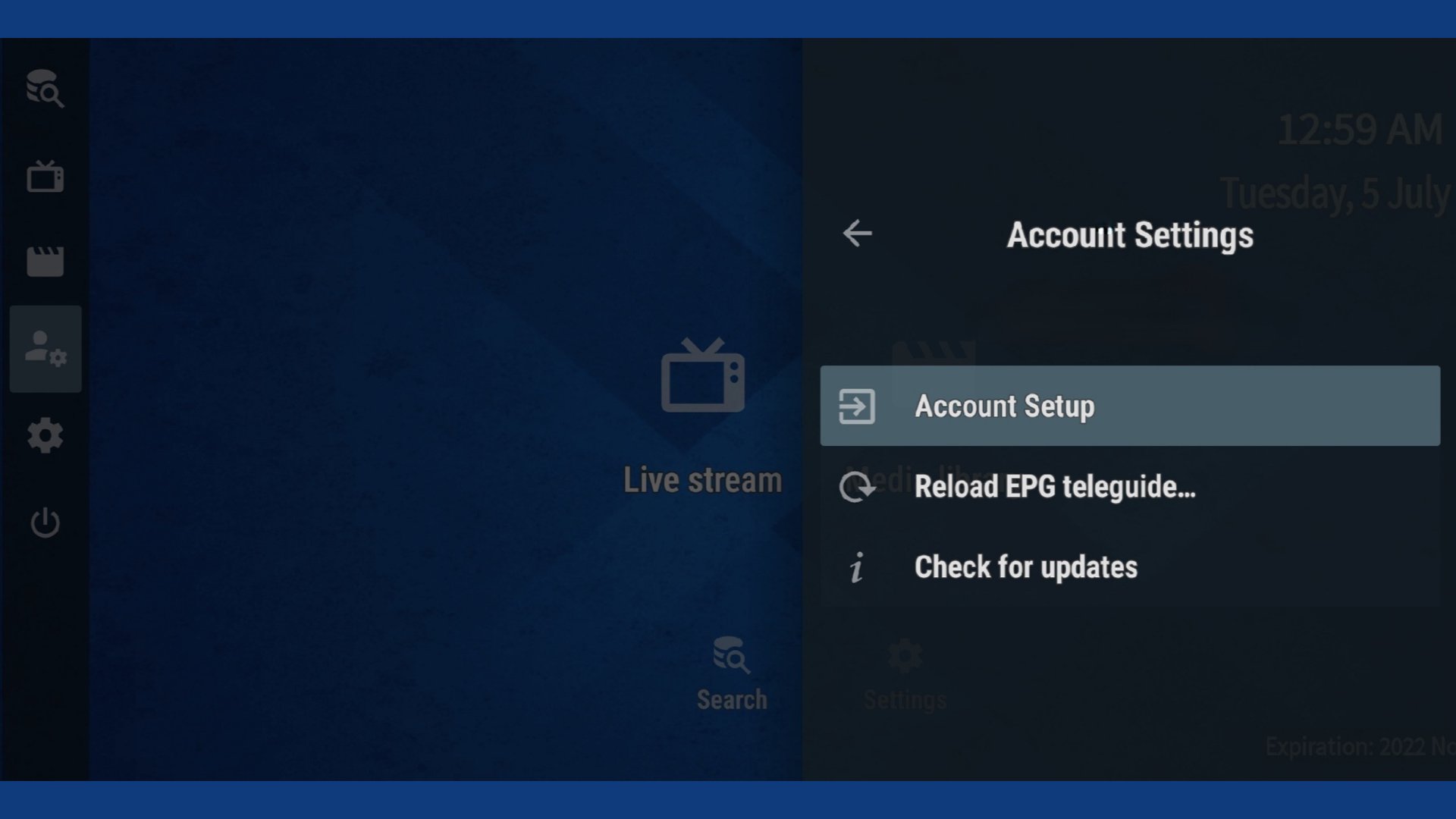
Z TV supports popular IPTV formats used by many providers. You can sign in with Xtream Codes details, paste an M3U link, import an M3U file, or use MAC address based access when your service requires it. This flexibility lets you connect to your provider in the format they support.
Built in player for reliable playback
The app uses a native, built in player to handle streams and local files. This reduces extra setup and helps maintain stable playback once your playlist is loaded. You can focus on watching while the player manages the stream.
Works across Android devices
Z TV runs on Android phones, Android TV, Android boxes, and Fire TV Stick. Navigation works with touch on phones and with a remote on TV devices, so switching devices feels natural. This makes it practical to watch at home on a big screen and continue on mobile when you are away.
User controlled content
Z TV is built for end users who manage their own IPTV playlists and media libraries. It does not include channels, EPG sources, or any paid content within the app. Your provider supplies access, and Z TV plays what you load.
Z TV does not provide or sell channels, movies, or series. You will need a valid IPTV subscription, a playlist from your provider, or local media files to use it. Service access methods such as Xtream Codes, M3U, or MAC address depend on your provider, and availability can vary by service. For TV screens, many users install Z TV on Android TV or use Z TV for Fire Stick to watch on a larger display.
This app is an IPTV player called Z TV Player. It is not related to Zee TV or ZEE5, and it does not host any TV channels. If you search for Z TV app download or Z TV app APK, you are looking for this playback tool that works with your own playlists. On Android TV Smart TV devices, use the same account details you receive from your IPTV provider for access.
After you install the app, setup is straightforward and takes only a few moments. You can connect using details from your IPTV provider or choose local files stored on your device. To begin, download Z TV and follow these steps on your phone or Android TV device.
Z TV provides a straightforward way to play IPTV playlists and local media on Android phones and TV devices. Set it up once with your provider details and start watching across your screens. For the best experience, keep Z TV latest version installed on your devices.
Last updated on Apr 20, 2025
Thank you for using Z TV App
We're frequently updating the app in order to give you the best experience. Turn on auto updates to ensure you always have the latest version.
Bug fixes and performance improvements
Latest Version
 1.5.0
1.5.0
Uploaded by
Bharat Choudhary
Requires Android
Android 6.0+
Available on

Category
Report





Discover what you want easier, faster and safer.

Z TV
1.5.0 by Z TV
Apr 20, 2025