


Use APKPure App
Get Yandex Browser old version APK for Android

Yandex Browser is a mobile web browser app that offers fast, secure browsing with built in protection.
Yandex Browser suits moments when you need quick searches, light pages, and a clean view on a small screen. It favors speed and clarity, which helps during commutes or on congested networks. You can keep everyday browsing simple while staying focused on page content. For users who prefer installing apps directly, Yandex Browser APK is a practical option on Android.
Yandex Browser checks pages you visit and warns about harmful or fraudulent content. When you connect to public Wi Fi, it helps safeguard your data by monitoring risks and suggesting safer actions. These alerts appear inside the browser so you can decide how to proceed.
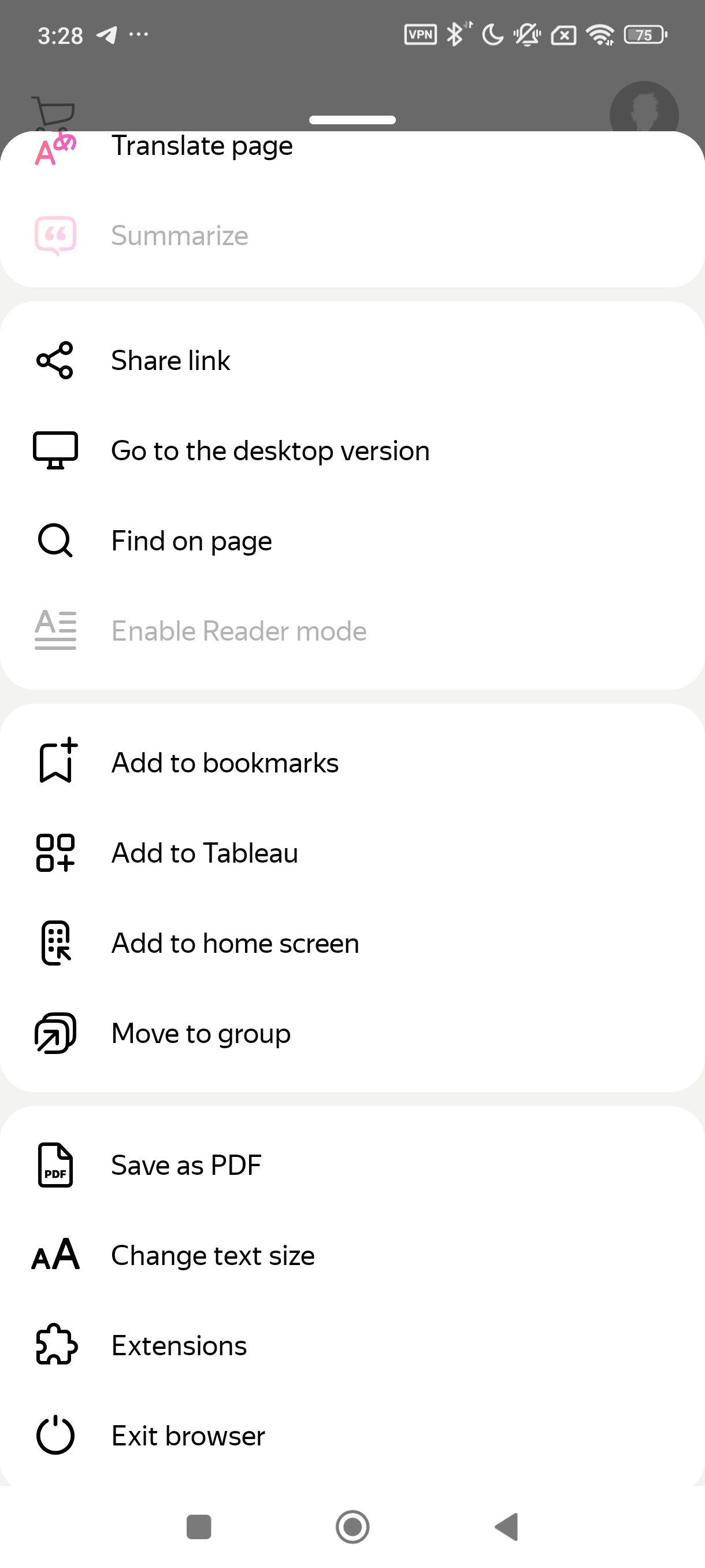
Tools to reduce distractionsYou can pair the browser with compatible third party ad blocking apps to cut down on intrusive ads. Reader Mode also helps by hiding menus, buttons, and widgets so only relevant text and images remain. Together, these options make long articles easier to follow without extra clutter.
Incognito and privacy optionsIncognito Mode does not save browsing history, passwords, or searches on your device. Use it for one off tasks or shared devices when you do not want to leave traces behind. When finished, you can close all incognito tabs in a single action.
Personalization and cross device syncYou can set wallpaper backgrounds and arrange tiles on the start screen to match your routine. If you sign in with your Yandex account, bookmarks and favorites can stay in sync across devices. This helps you keep important sites accessible whether you switch phones or continue on a different device.
Faster loads and easy searchVoice search lets you speak your query instead of typing, which is useful when on the go. Data compression helps pages open with less data use, which can be helpful on limited connections. You can also import bookmarks and settings from other browsers to reduce setup time.
Yandex Browser is designed for everyday web tasks on Android. You can read news, search for information, fill in forms, and manage multiple tabs in one place. It focuses on a clear layout so you can move between pages without extra steps. If you need a straightforward mobile browser, the Yandex Browser app covers the basics with familiar controls.
Security prompts in the browser provide warnings about risky pages and help protect activity on public Wi Fi. If you prefer more privacy, private browsing tools are available for sessions that should not be saved. For help, feature questions, or feedback, you can reach the official support page listed below.
Yandex Browser for Android is made for phones and tablets so you can browse on the move. If you also use it on other devices, signing in to your Yandex account helps keep bookmarks and favorites aligned. This keeps your usual sites close at hand from one screen to another.
Getting started is simple and only takes a few minutes. After installation, you can set up your preferences and begin browsing right away. If needed, you can later adjust options as you explore the Yandex Browser download features.
Yandex Browser focuses on fast page loads, clear reading, and practical privacy controls for daily use. To keep current features, check the Yandex Browser latest version when you update. Set it up once, then browse with tools that match your routine.
For official resources and support, use the links below.
Last updated on May 21, 2026
Yandex Browser's AI keeps the original voice and tone when translating videos from English to Russian. So you don't just get the words — you feel the vibe.
Latest Version
 26.4.4.114
Uploaded by
Minh Quân
Requires Android
Android 10.0+
Available on

Category
Report





Discover what you want easier, faster and safer.
