


Use APKPure App
Get Xbox Game Pass old version APK for Android
Xbox Game Pass is a gaming membership app that helps you browse the catalog, manage installs, and explore new releases.
Xbox Game Pass brings Microsoft’s game library to your phone so you can discover what to play next, manage your console installs, and track new additions wherever you are. You can browse curated collections, see what just arrived, and line up your downloads so your console is ready when you get home. Moreover, Xbox Game Pass connects your devices by supporting cloud play in the browser on supported phones and tablets. Get the Xbox Game Pass APK latest version on APKPure to keep your library within reach, and also to stay updated on deals and member benefits across the catalog.
Browse a large and rotating catalog
Xbox Game Pass helps you explore hundreds of console and PC titles with clear categories such as Recently Added and Most Popular. You can open any game detail page to read overviews, check editions, and add games to your Play Later list.
Queue remote installs to your console
You can choose a game on your phone and send it to your Xbox One or Xbox Series X|S. After you confirm the destination console, the app queues the install so your game is ready when you sit down to play. Pre-install options appear for select upcoming titles.
Cloud gaming through your mobile browser
Xbox Game Pass supports cloud play on compatible devices through the browser at xbox.com/play. You sign in with the same Microsoft account and start playing without a full download. This is useful when you want to try a game quickly before installing it on your console or PC.
Day One access on select plans
Xbox Game Pass includes Day One releases on eligible plans, which means you can start playing new Xbox published and third party games the day they launch. Availability varies by plan and region, and the app shows a clear badge on supported titles.
Member perks and savings
Xbox Game Pass members can receive in-game benefits and time limited Perks. You can also see discounts on games in the catalog and add-ons, which helps you save when you decide to keep a title in your library.
Manage across devices
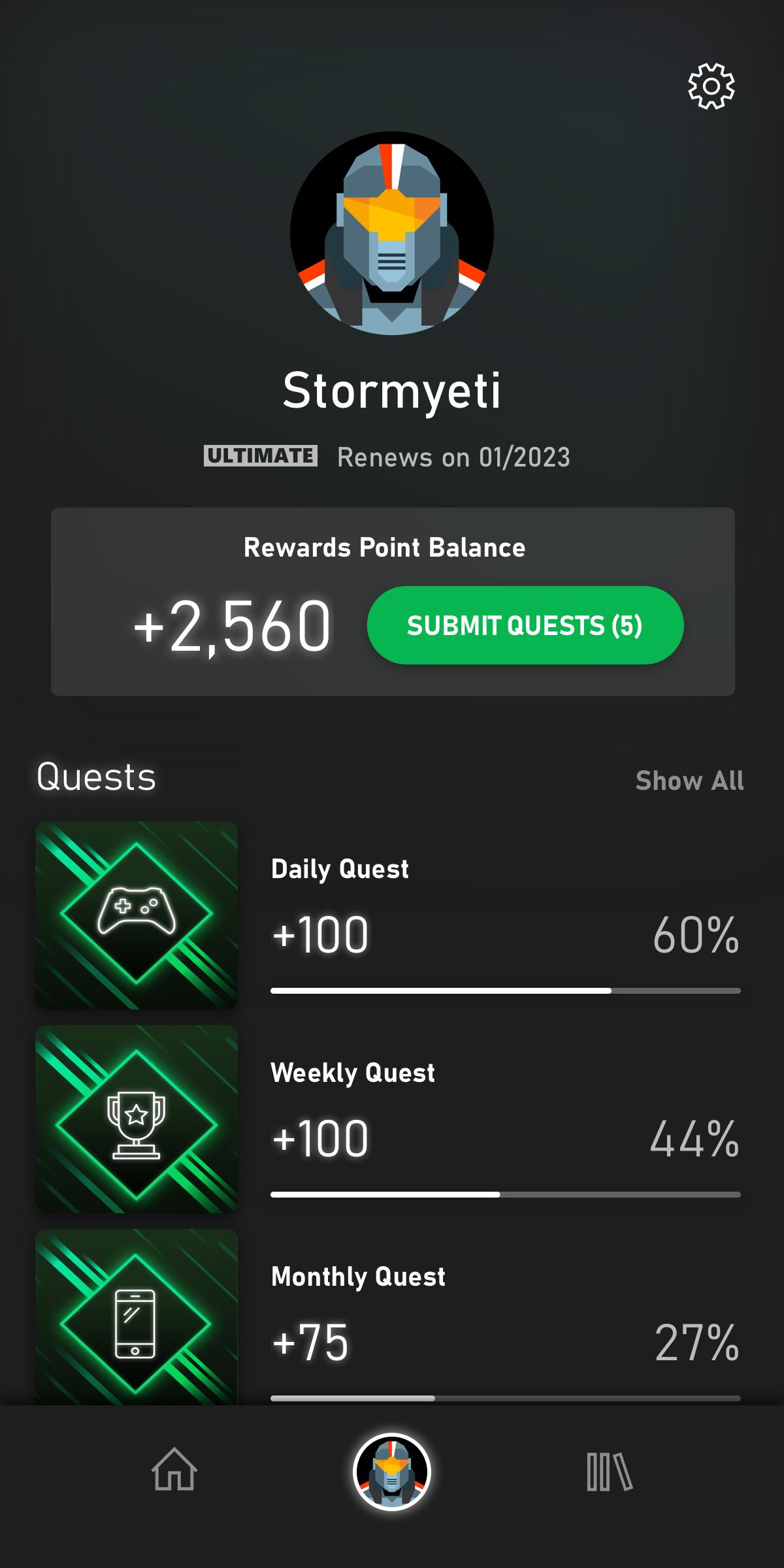
Xbox Game Pass keeps your activity connected across console, PC, and supported mobile devices. You can add games to your queue on mobile, pick them up on your console, and track updates from one place. Therefore, your next session is easier to plan.
Xbox Game Pass offers different plans that vary by region. PC Game Pass focuses on Windows PC titles. Ultimate combines console, PC, and cloud play benefits in supported countries. Day One access, cloud streaming, and member Perks can differ by plan. In addition, some plans include partner catalogs such as EA Play. You can compare plan details on the official Xbox site based on your country to see which option matches how you play.
Xbox has been consolidating Game Pass browsing and membership features into the Xbox mobile experience. You can use the app to explore the catalog, manage your queue, and review Perks. For cloud gaming, you play through a supported mobile browser at xbox.com/play, which keeps the experience consistent across phones and tablets.
Availability of Xbox Game Pass and its features depends on your country and plan. You can check supported regions on the official list at xbox.com/regions. Subscriptions usually auto renew by default, and you can manage or cancel your membership in your Microsoft account at account.microsoft.com/services. Therefore, you stay in control of renewals and billing dates.
Follow these steps to browse, manage installs, and start playing with Xbox Game Pass on your phone. This guide focuses on the mobile app and cloud play on supported devices.
Xbox Game Pass makes it simple to find new games, queue installs to your console, and try titles through the cloud on supported devices. Get the latest Xbox Game Pass APK on APKPure to keep your library close and your next game ready.
Can I play Xbox Game Pass on mobile?
Yes, you can use Xbox Game Pass on mobile to browse the catalog, manage installs, and access cloud gaming through a supported browser at xbox.com/play. Xbox Game Pass on Android also lets you add games to your queue and track what is new while you are away from your console or PC.
Is Xbox Game Pass available in India?
Xbox Game Pass availability in India depends on the current regional rollout and plan support. You can confirm service availability and features for India on the official regions page at xbox.com/regions, then choose the plan that fits how you want to play.
Why can I not find cloud gaming inside the app?
Cloud gaming is accessed through a browser at xbox.com/play rather than inside the app. Xbox Game Pass keeps browsing, queue management, and Perks in the mobile app, while streaming happens on the website for supported countries and plans.
What does Day One access mean on Xbox Game Pass?
Day One access means selected new Xbox published and third party games are playable on the same day they launch for members on eligible plans. Xbox Game Pass marks these titles in the catalog so you know which upcoming games will be available at release.
How do I get the latest version of the app on Android?
To update on Android, download Xbox Game Pass APK latest version from APKPure and install it over your current app. This helps you access the newest catalog updates, remote install improvements, and account features as they roll out.
Last updated on Mar 26, 2025
Minor bug fixes and improvements. Install or update to the newest version to check it out!
Latest Version
 2503.7.321
Uploaded by
Mohamd M Taqatqah
Requires Android
Android 6.0+
Category
Report
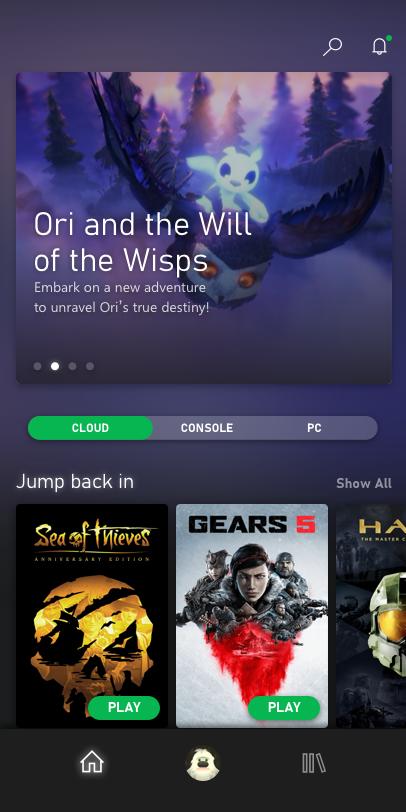
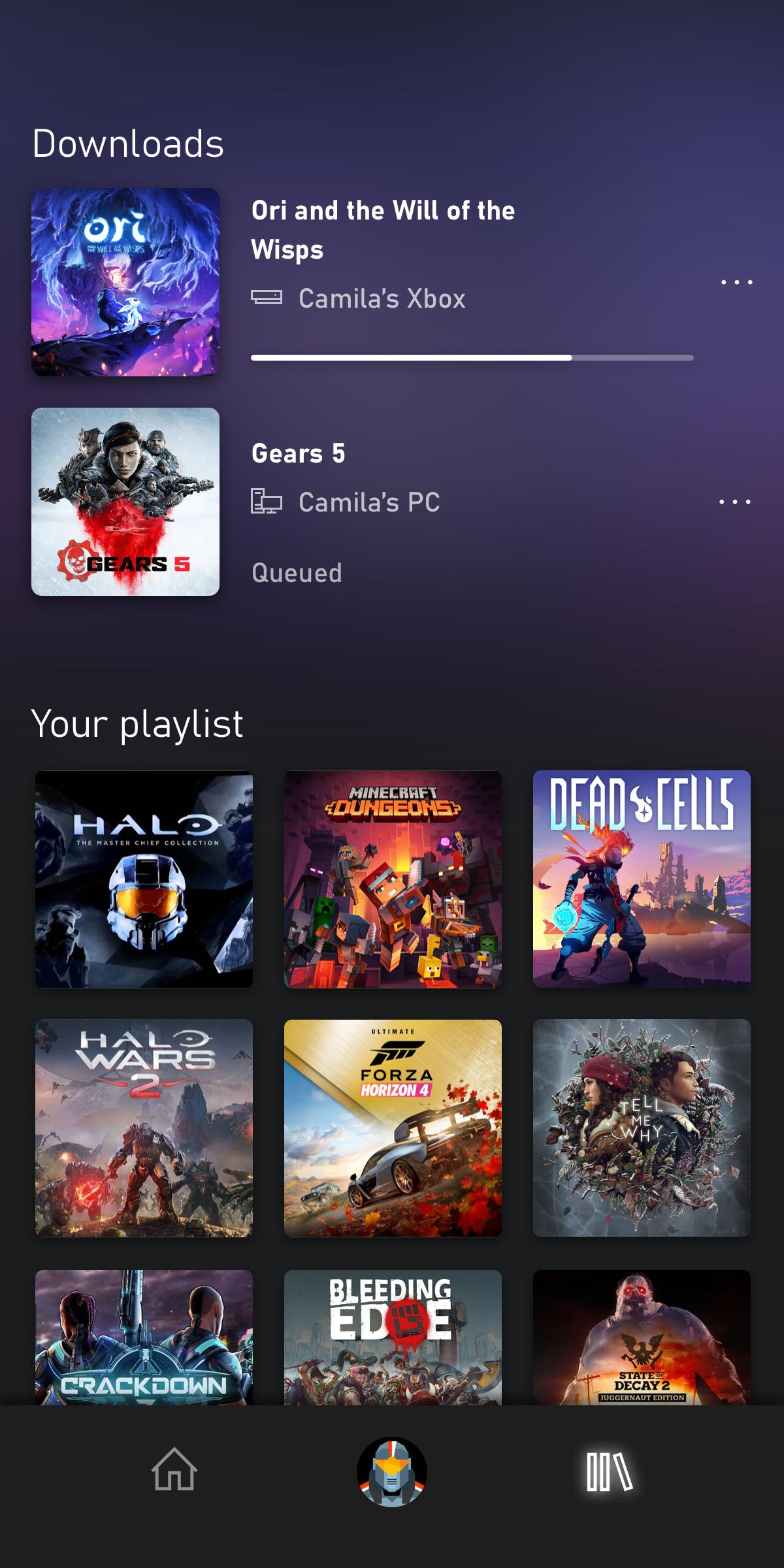
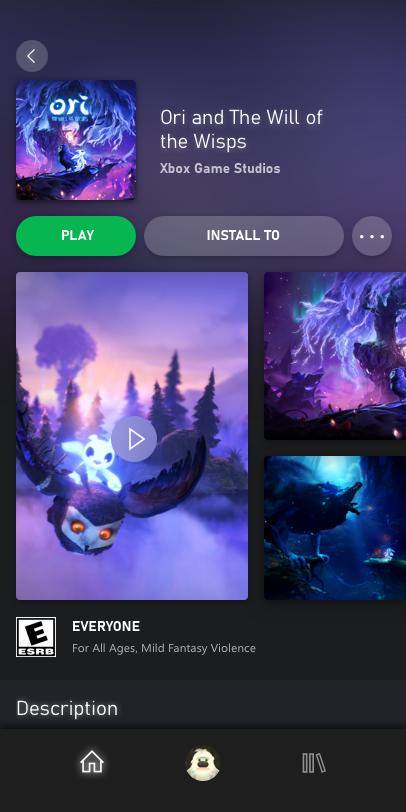

Discover what you want easier, faster and safer.
