


Use APKPure App
Get Microsoft PowerPoint old version APK for Android

Microsoft PowerPoint is a presentation app that lets you create and present slides anywhere.
Microsoft PowerPoint helps students, professionals, and anyone with a slide deck handle work on the move. You can start a new presentation on your phone, review edits from teammates, or present from a tablet during a meeting, then pick up the same file on another device. Files save to the cloud so your latest changes stay in sync across screens. For Android users who prefer manual installs, the Microsoft PowerPoint APK offers another way to get the app.
Microsoft PowerPoint lets you open recent files quickly and keep working without a laptop. You can edit slides, adjust text, and reorder sections with touch controls that feel familiar on a phone or tablet. When it is time to present, use presentation view to see your notes and upcoming slides while the audience sees only the deck. This setup helps you stay focused and move smoothly through your content.
Design faster with templates and recommendationsStart a presentation with thousands of customizable templates that cover common topics and styles. You can choose fonts, icons, and stickers from built in libraries, then apply a consistent look across all slides. Designer provides layout ideas that organize text and images into clear, readable arrangements. As a result, you spend less time aligning elements and more time refining your message.
Get AI help for content and deliveryWhen you need an outline or a first draft of slides, Copilot can suggest structure and wording based on your prompts. You can also refine existing content with simple edits that adjust tone or shorten text. To prepare for a talk, use Presenter Coach or Speaker Coach to rehearse and receive guidance on pacing, filler words, and clarity. These tools support practice sessions so you step into meetings with more control.
Add media and data from your deviceYou can insert photos and videos directly from your gallery or record new clips on your phone. Charts, graphics, and shapes are available to visualize data with clear labels and legends. Cameo places your video into a slide layout so you can explain a concept alongside your content. With these options, a deck can combine visuals, narration, and numbers without leaving the app.
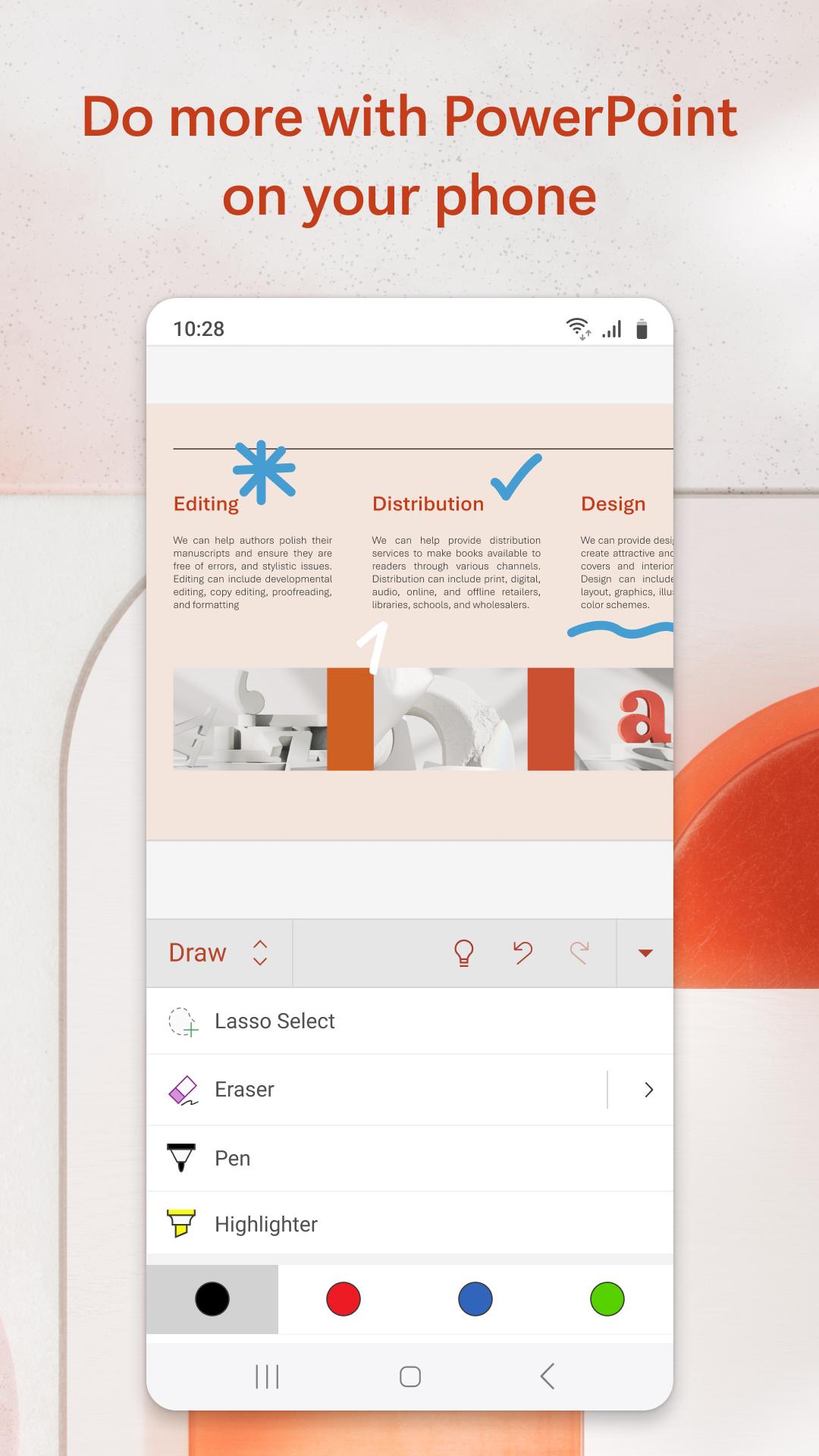
Collaborate live and build accessible slidesTeams can co author presentations by saving files to OneDrive and sharing a link with permissions that fit each role. Comments and @mentions keep discussions tied to specific slides, and updates appear in real time while people work together. For inclusive design, dictation and ink tools help capture ideas quickly, and you can convert handwriting into text or shapes. Accessibility Assistant also provides tips to improve readability for more viewers.
PowerPoint for the web is free for basic use. Advanced AI features such as Copilot and some Designer enhancements require a Microsoft 365 subscription, and access applies to the subscription holder with usage limits set by the service. Real time collaboration is available without a subscription when presentations are saved to OneDrive and shared with others. Consider which features you need day to day, since subscription options affect which tools appear in the app.
PowerPoint is available on the web and on major platforms including Android, iOS, Windows, and macOS. If you use more than one device, OneDrive syncing keeps a single file up to date to help avoid version conflicts. Language availability varies by region and account settings, and interface language can be managed within your device and Microsoft account preferences. This setup supports consistent access at home, at work, or on the go.
New users can benefit from the free templates gallery and presentation tips shared by Microsoft. If you plan to use AI, the Copilot learning center explains prompts and examples for common tasks like drafting outlines and summarizing notes. These resources can speed up your first projects and help you build repeatable workflows.
The steps below cover common tasks for creating and presenting from a phone or tablet. This quick start works with the Microsoft PowerPoint latest version and applies to new and existing files. Follow each step in order to keep your deck organized from start to finish.
Microsoft PowerPoint helps you build, practice, and present slides on mobile while keeping everything in sync with your other devices. To begin, download Microsoft PowerPoint and sign in to access your files and collaboration tools.
For official details and support, visit the links below.
Last updated on Apr 24, 2026
Minor bug fixes and improvements. Install or update to the newest version to check it out!
Latest Version
 16.0.19822.20104
Uploaded by
Microsoft Corporation
Requires Android
Available on

Category
Report





Discover what you want easier, faster and safer.
