Use APKPure App
Get Microsoft Word: Edit Documents old version APK for Android
Microsoft Word: Edit Documents is a productivity app that lets you create, read, edit, and share documents anywhere.
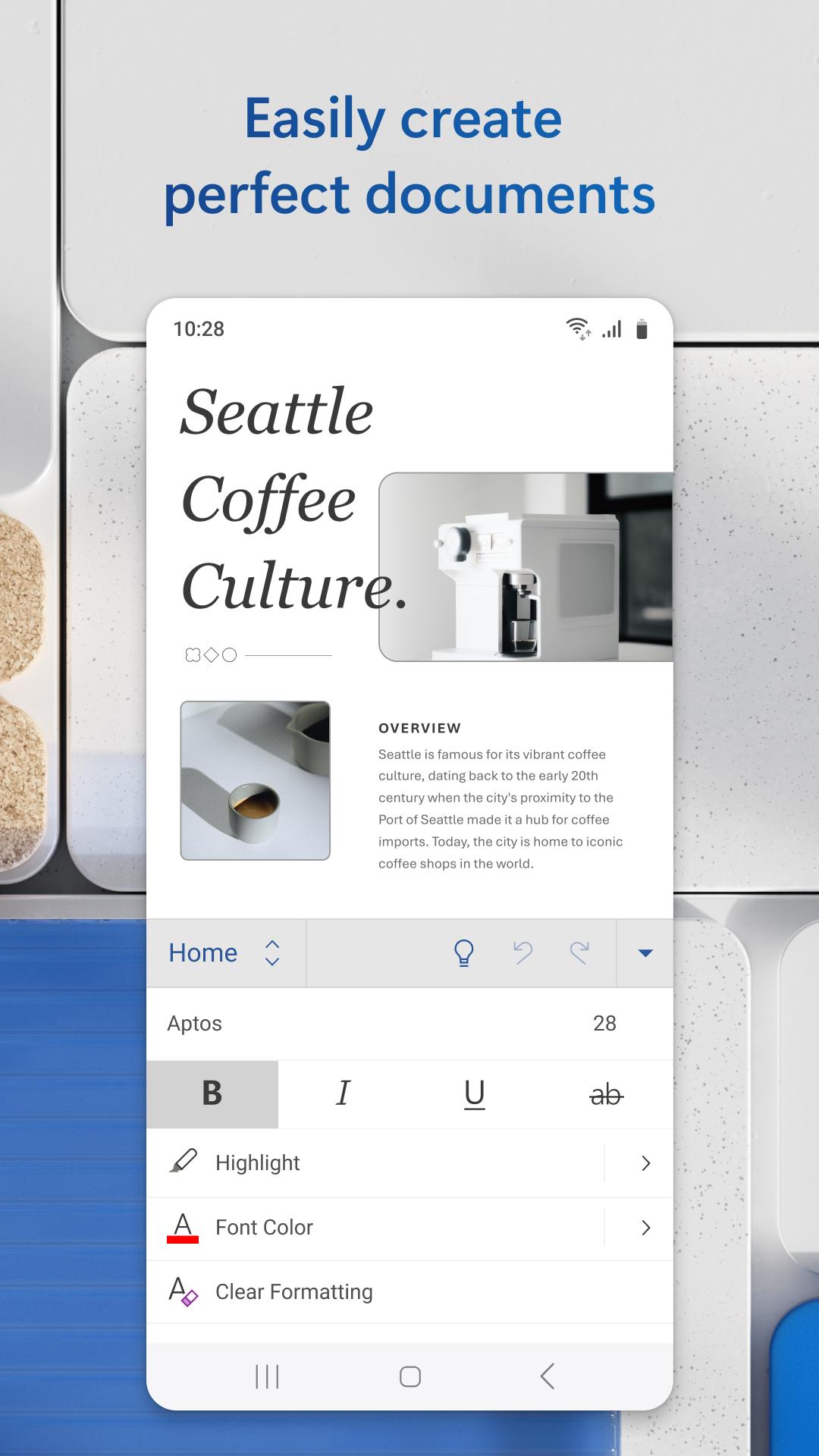
Microsoft Word: Edit Documents brings familiar word processing to your phone so you can work confidently on the move. The mobile layout mirrors the desktop experience while keeping document formatting intact, even when switching devices. Moreover, it connects to the cloud for access to your files and supports teamwork with modern sharing. Therefore, writers, students, and professionals can handle DOCX and PDF files, start quickly, and use built-in assistance to write faster. If you need a Word app for Android, download Microsoft Word: Edit Documents APK from APKPure.
Reliable DOCX and PDF compatibility
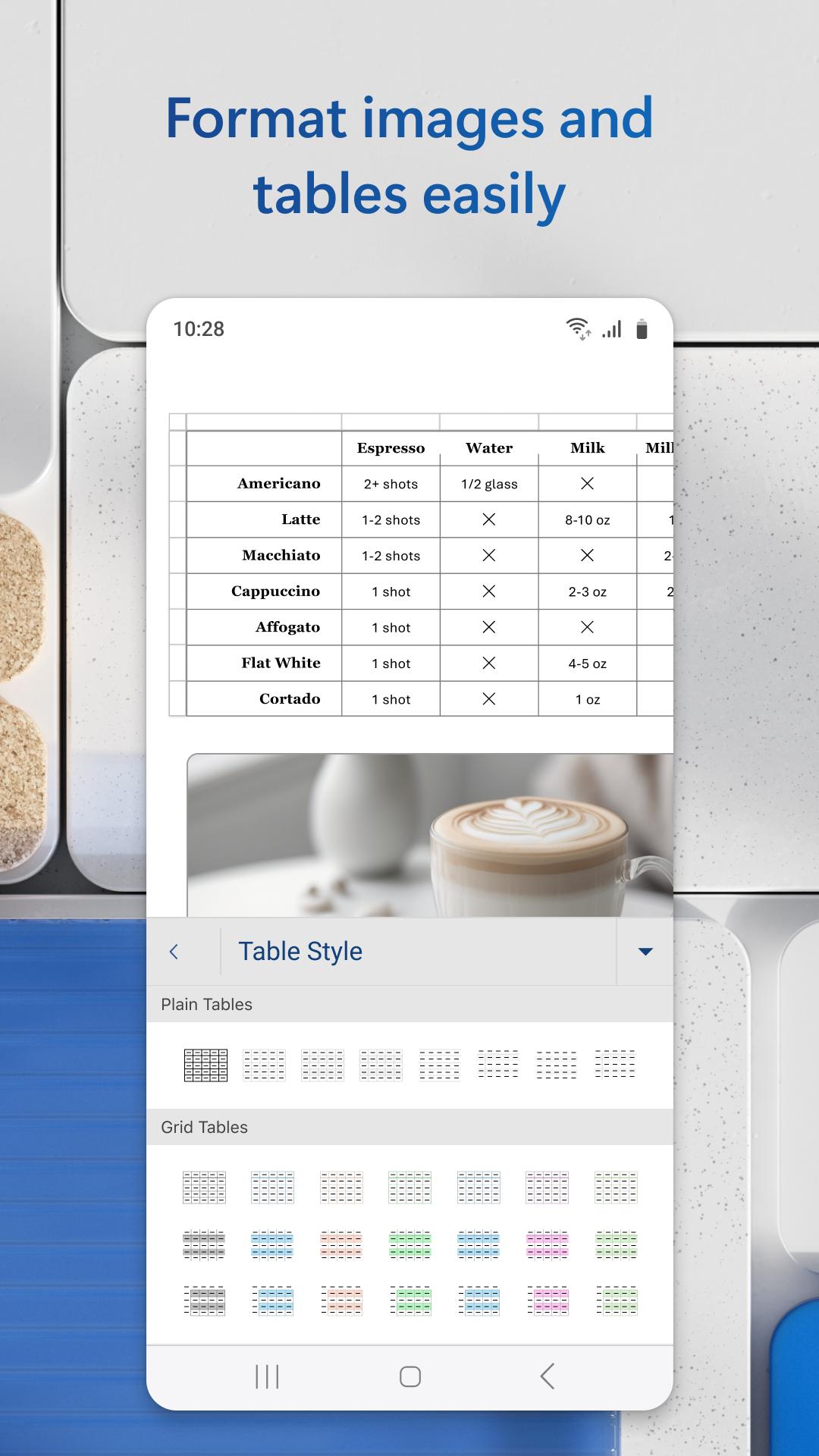
Microsoft Word: Edit Documents opens popular file types and preserves layout, styles, and images. You can read and edit DOCX files, view PDFs, and keep formatting consistent across devices. This makes quick reviews and on-the-spot edits straightforward.
PDF conversion in a few taps
You can convert documents to and from PDF directly in the Microsoft Word: Edit Documents app. Save as PDF for distribution or archive, and share the file through your preferred channel. In addition, quick actions reduce extra steps when you need to send a final version.
Real-time collaboration and review
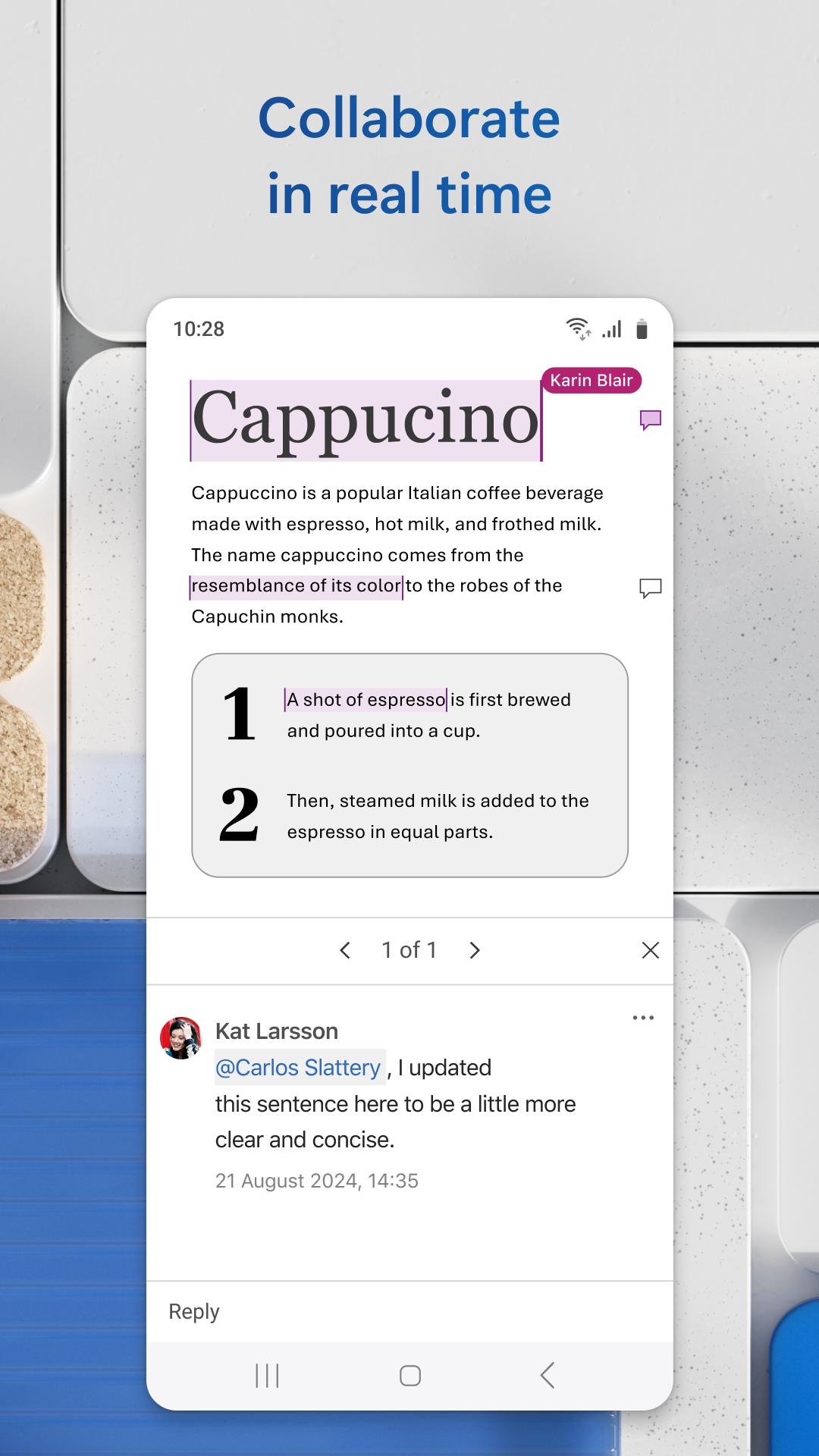
Microsoft Word: Edit Documents supports link sharing with permissions for view or edit. Teams can comment next to text, use track changes, and check version history to see what changed. As a result, feedback stays organized and easy to follow.
Templates to start fast
You can begin with ready-to-use templates for resumes, cover letters, newsletters, brochures, and more. In Microsoft Word: Edit Documents, each template is customizable. You can adjust fonts, sections, and images. Therefore, building a polished document takes less time.
AI-assisted drafting and editing
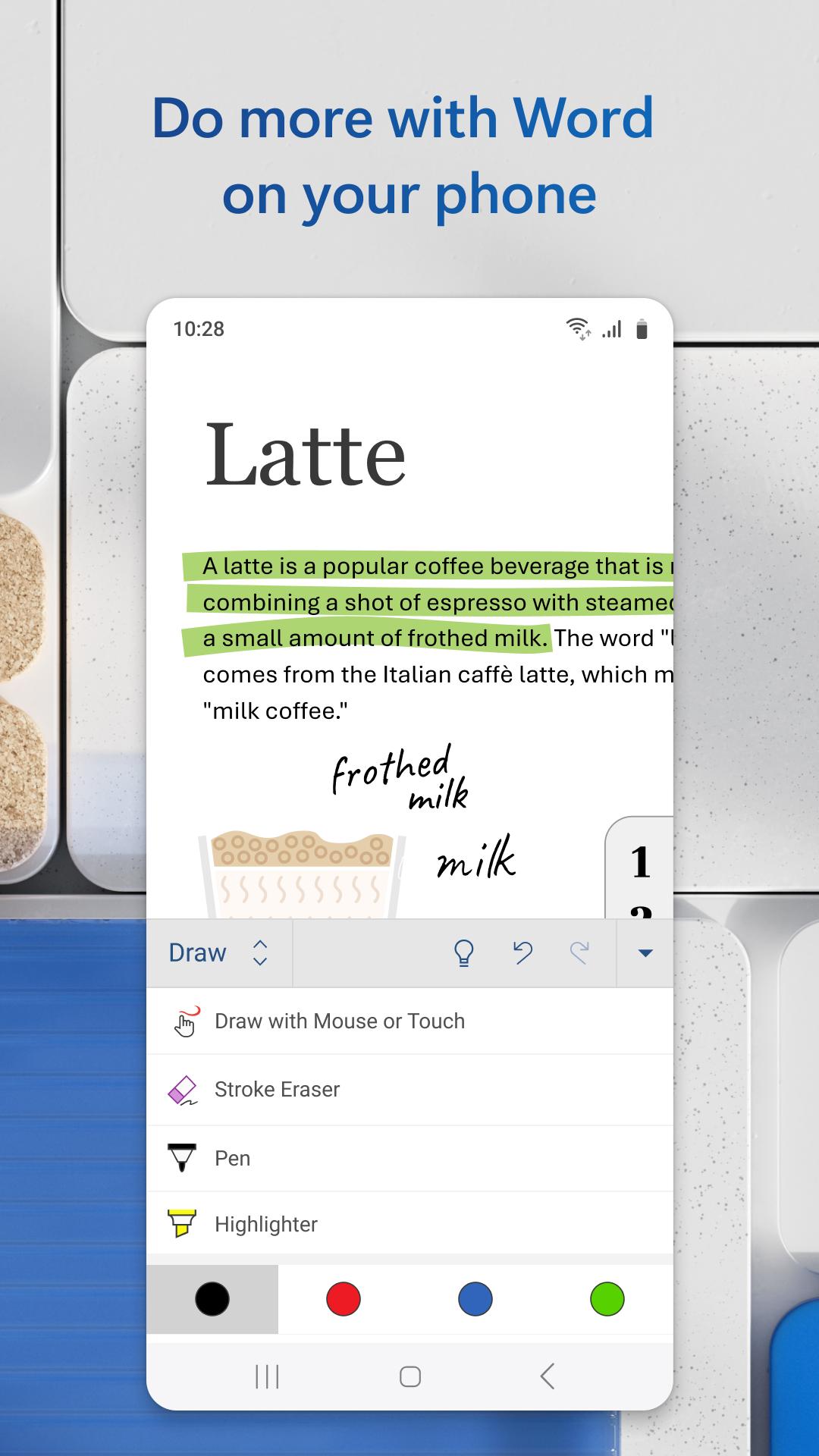
Microsoft Word: Edit Documents includes Copilot for drafting, rewriting, and summaries. Editor checks grammar and style, while Dictate turns speech into text. Designers can help produce unique visuals to enrich your content.
Cloud sync across devices
Your files sync to OneDrive so you can pick up work on phone, tablet, or desktop. Recent files and pinned documents stay in reach, which is helpful when moving between meetings. Also, offline access of Microsoft Word: Edit Documents lets you keep working without a network.
Some AI features in Microsoft Word: Edit Documents, including Copilot, require a Microsoft 365 Personal or Family subscription. Availability and usage limits may apply, and access is tied to the account that owns the subscription. These benefits are not shareable across separate accounts.
To coauthor in real time, save your document to OneDrive before sharing. Then share a link with view or edit permissions so others can open the same file. This setup keeps comments, track changes, and version history working correctly for everyone.
This quick guide covers the basics for creating, sharing, and exporting documents on your phone. Follow the steps to set up cloud saving and collaborate with your team. You can adapt the steps to fit your workflow.
Open Microsoft Word: Edit Documents and sign in with your Microsoft account. Connect OneDrive so your files sync and back up automatically.
Tap the plus button to start a new file, then choose Blank document or pick a template. Type your content and use the toolbar to apply styles, headings, and formatting.
After you finish a section, tap the file menu to Save and give the document a clear name. Ensure the location is OneDrive so you can access it on other devices.
Then tap Share, set view or edit permissions, and copy the link or send it to teammates. Use comments and track changes to collect feedback in context.
So when you are ready to distribute, choose Save as or Share and select PDF. Review the PDF preview, confirm the file name, and send it through email or chat.
Microsoft Word: Edit Documents brings trusted editing, PDF tools, collaboration, and AI assistance to your phone. Download Microsoft Word: Edit Documents APK latest version on APKPure to create, edit, and convert documents on the go.
Official information
Where can I use Microsoft Word?
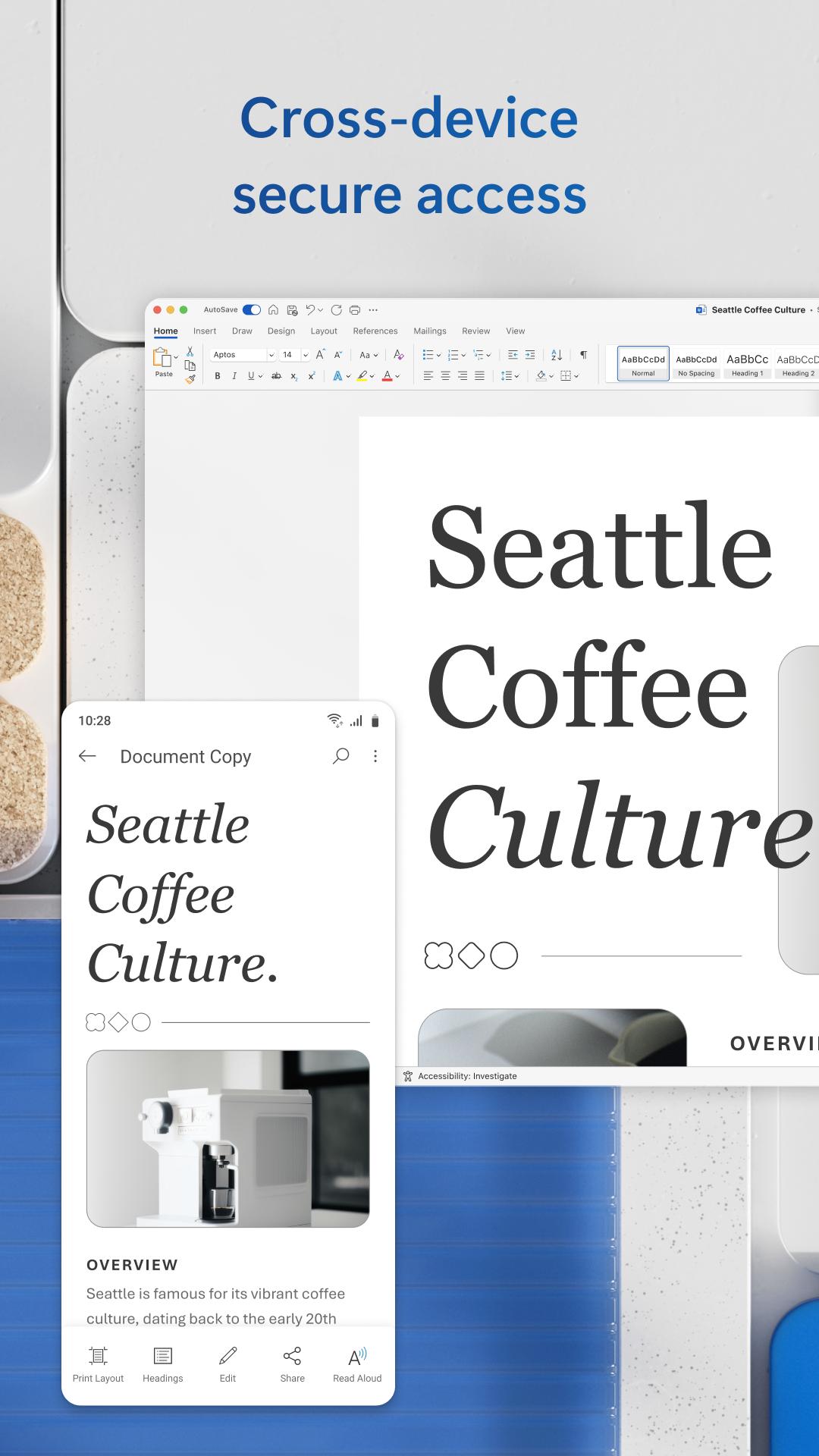
Microsoft Word: Edit Documents works across mobile and desktop platforms, and it syncs through OneDrive. You can access documents on the web, Android, iOS, Windows, and Mac using the same Microsoft account. This helps you start on one device and continue on another with preserved formatting.
What languages is Microsoft Word available?
Microsoft Word: Edit Documents is available in many languages, and it typically follows your device's language after installation. Editing and display languages can be adjusted in settings, and writing tools like Editor support multiple locales. Availability may vary by region and account configuration.
Is Microsoft Word free to use?
Core features such as viewing and editing documents are free to use, while premium tools like Copilot and some templates may require a Microsoft 365 subscription. You can still open and save DOCX and PDF without a paid plan.
Last updated on May 20, 2026
Minor bug fixes and improvements. Install or update to the newest version to check it out!
Uploaded by
Microsoft Corporation
Requires Android
Category
Report