


Use APKPure App
Get True Skate old version APK for Android
True Skate is a skateboarding simulation game that focuses on physics-based controls and realistic board feel.
True Skate suits players who want a mobile skate session that feels close to real street skating. It uses touch input so your fingers act like feet to push, pop, and control the deck, and it models momentum and balance in a consistent way. You start with a compact park that teaches the basics, then you can grow your setup over time with more parks, gear, and creative tools. It is the Official Street League Skateboarding mobile game, and the True Skate APK offers a physics-first approach that rewards timing and technique.
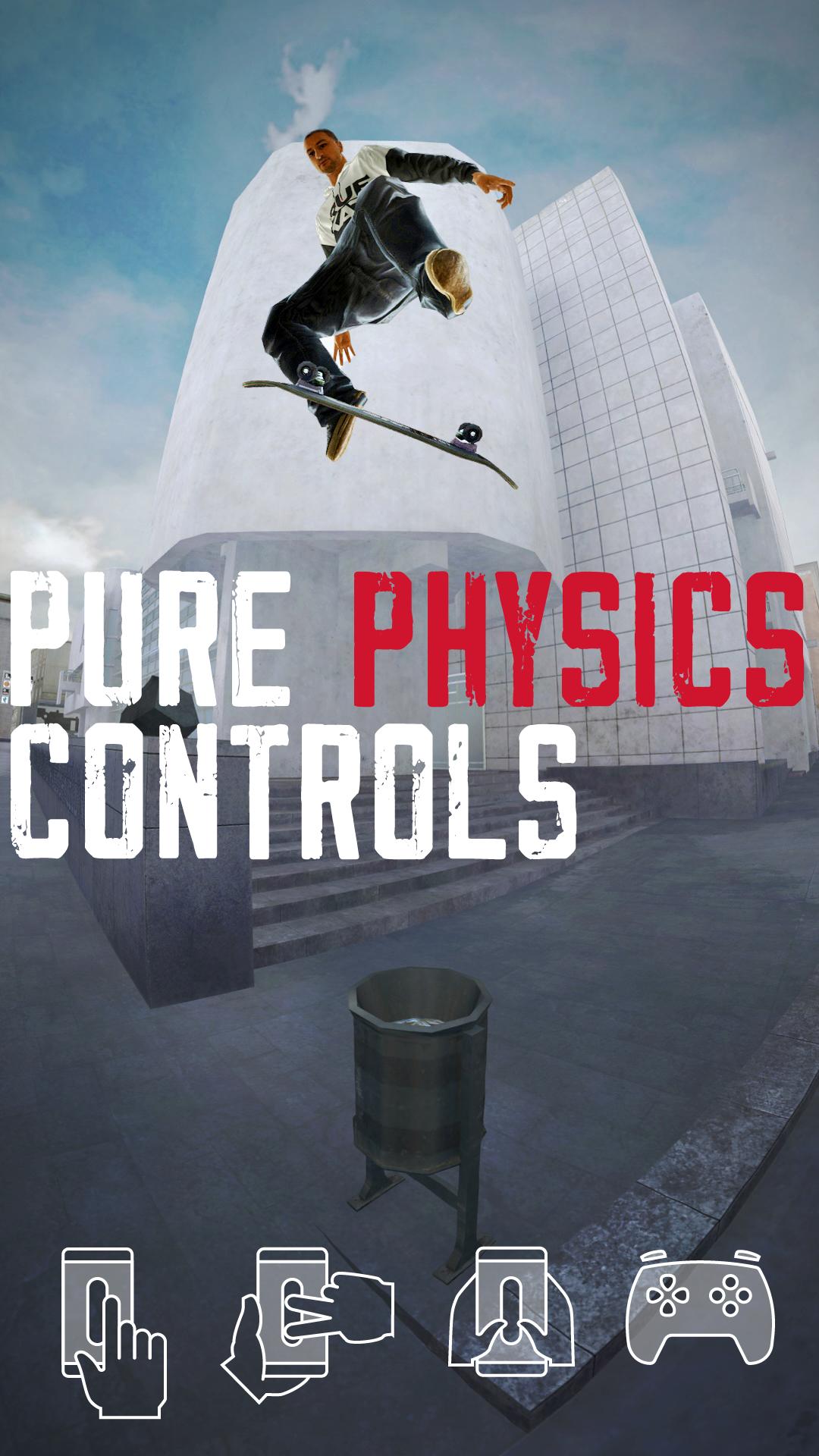
Physics-first touch and gamepad control
True Skate reads your swipes, position, direction, and strength to move the board with unified physics. You can push, flick, and guide the deck using one finger, two fingers, or your thumbs for more stability. If you prefer buttons and sticks, the game supports compatible Bluetooth gamepads for precise trick input and steady lines.
Real spots and expanding parks
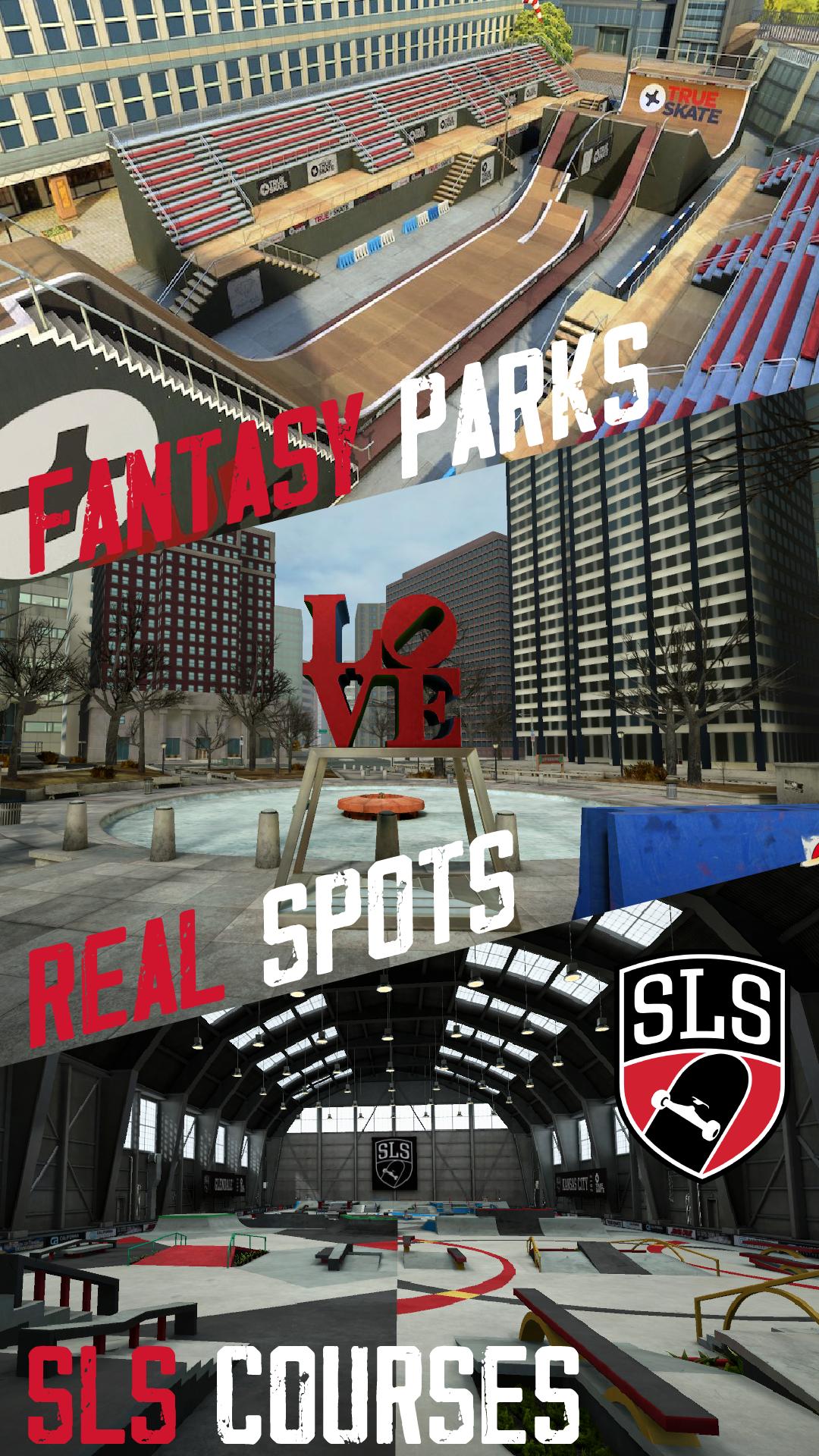
You begin at the Underpass so you can practice on ledges, rails, and banks without a steep learning curve. As you progress, you can unlock ten Fantasy Parks and add more than twenty well known locations such as The Berrics, SPoT, Love Park, MACBA, and Street League courses through in-app purchases. This lets you build a park list that matches the terrain you enjoy most.
Character and deck customization with licensed brands
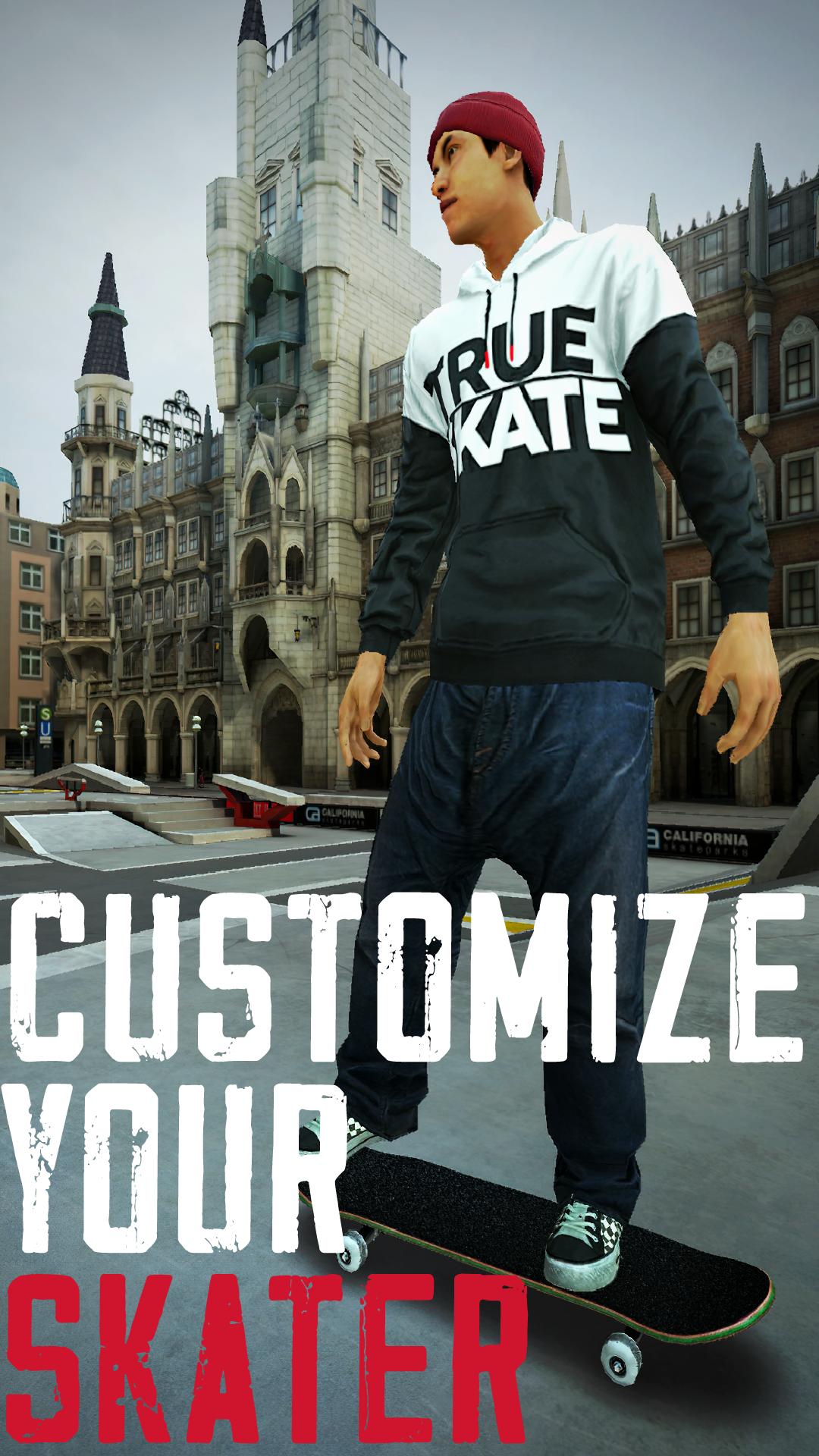
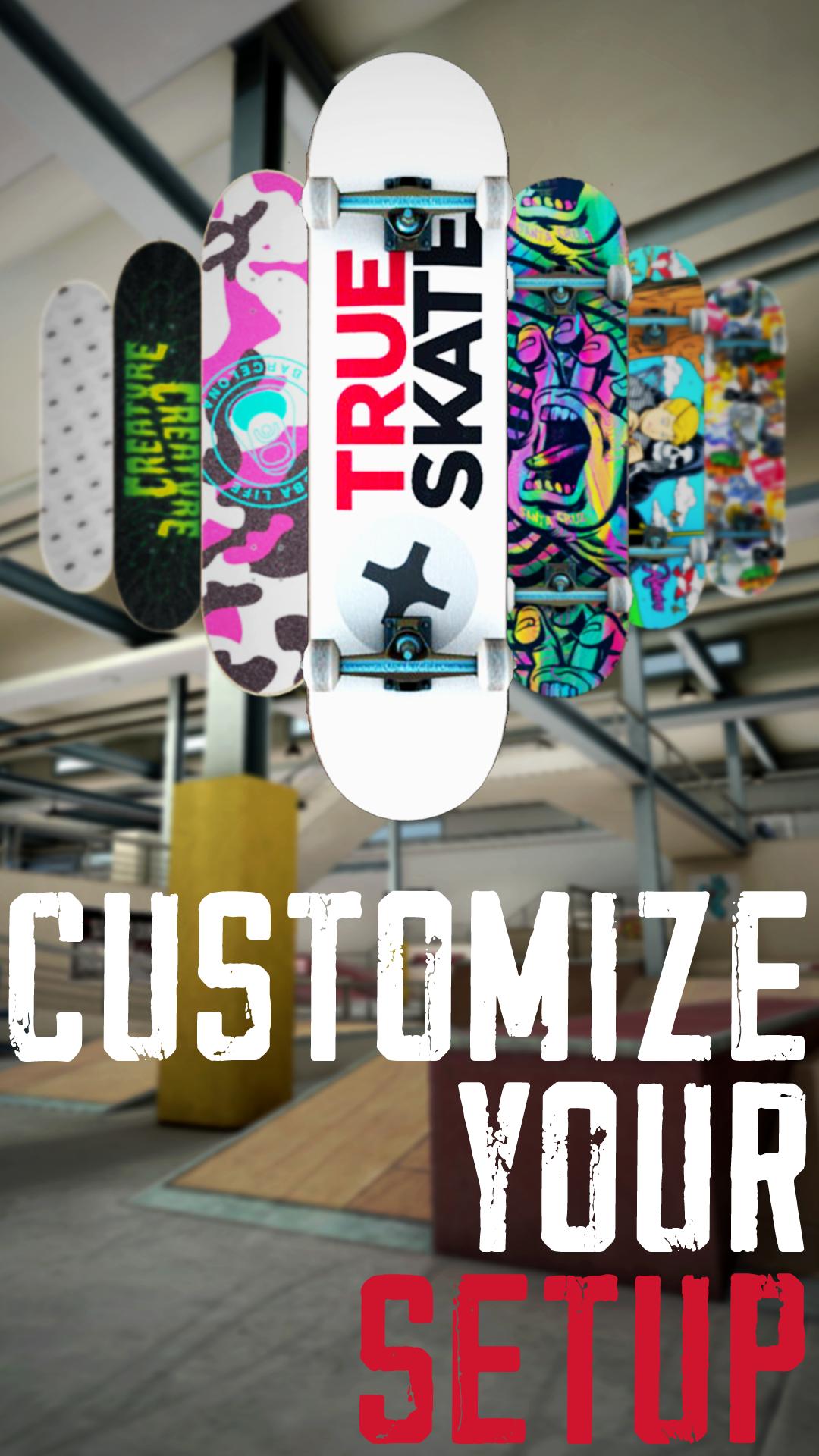
True Skate lets you choose a character and unlock apparel to match your style in clips. You can set up your deck with graphics and parts from licensed brands like Santa Cruz, DGK, Primitive, Grizzly, MOB, and Independent. Wheels and trucks can be configured so your board looks consistent in replays and screenshots.
Advanced Replay Editor for clean clips
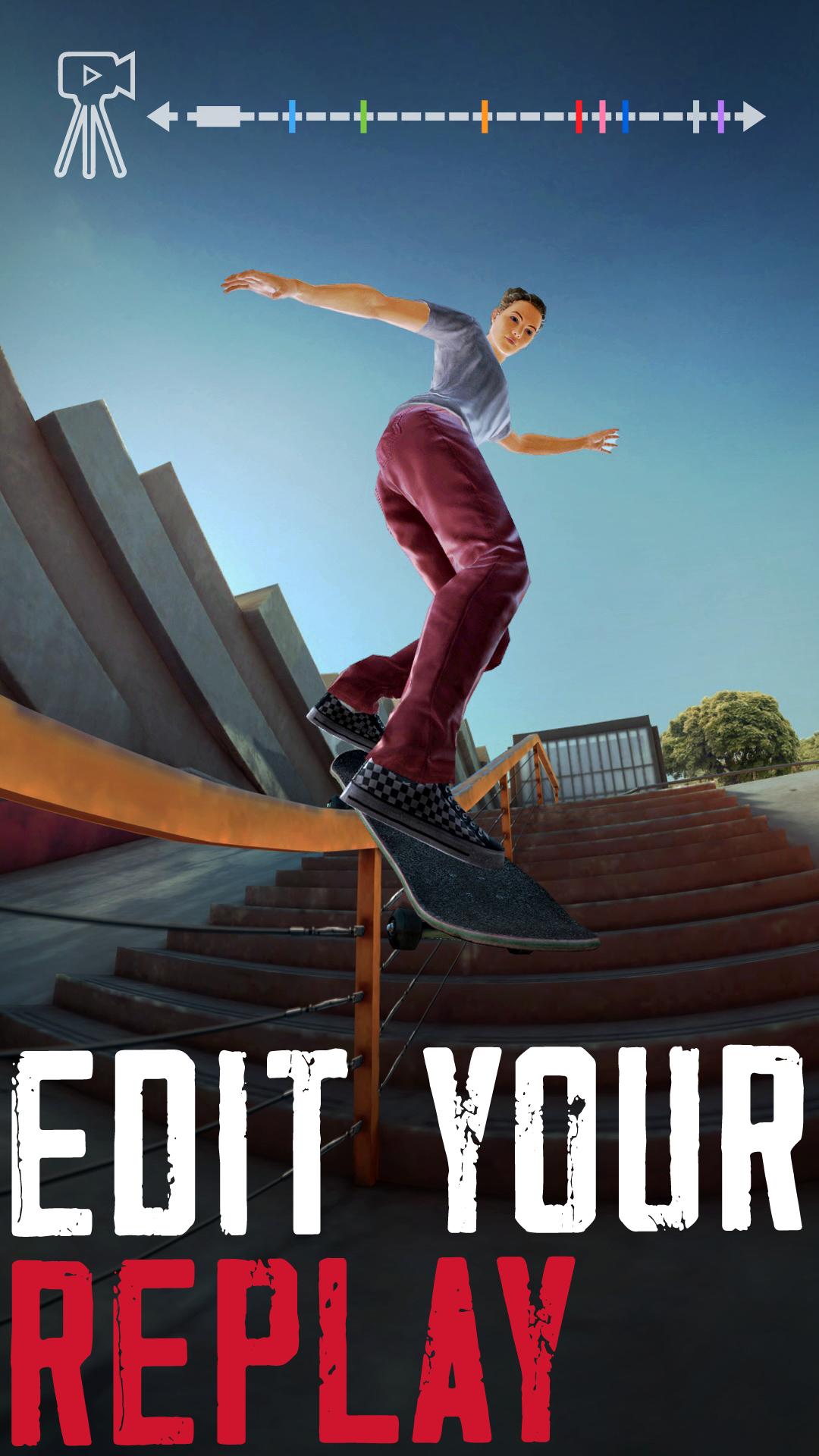
The Replay Editor includes multiple preset, custom, and tripod cameras so you can frame tricks from different angles. You can place keyframes, adjust field of view, and tune distortion to match a preferred lens look. A fisheye option with impact shake helps mimic classic skate edits for social posts or personal archives.
DIY building, SANDBOX tools, and community play
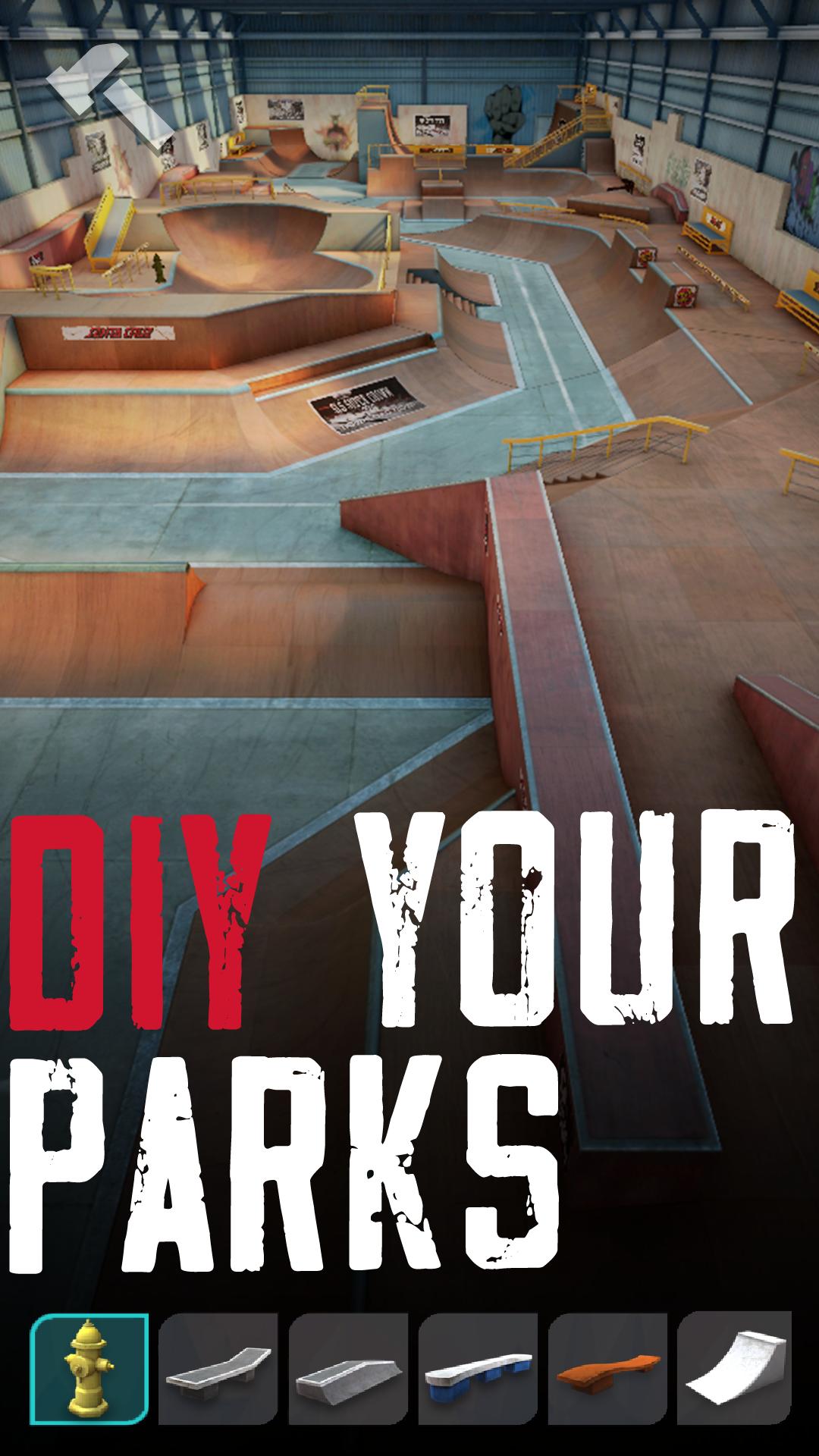
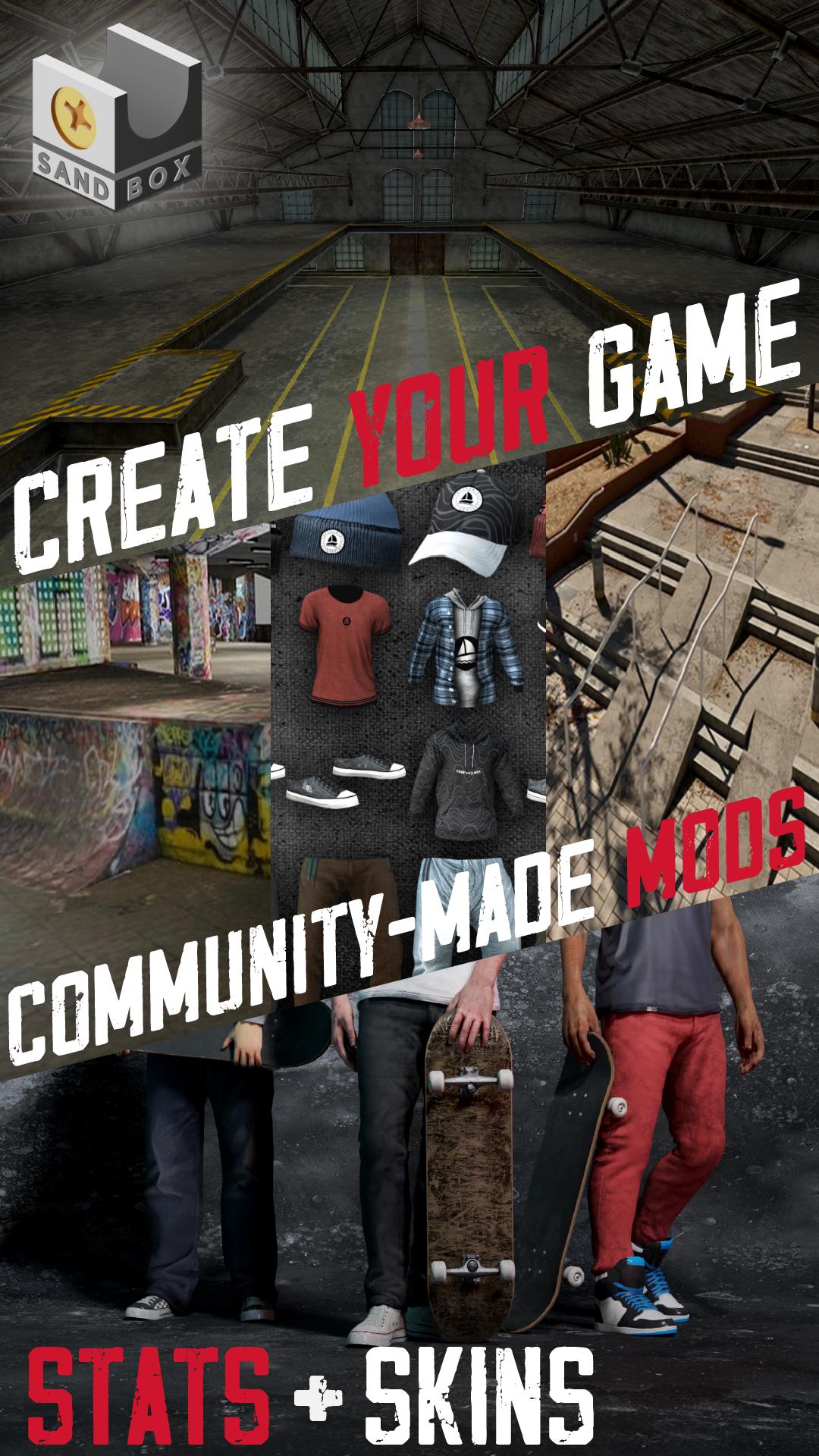
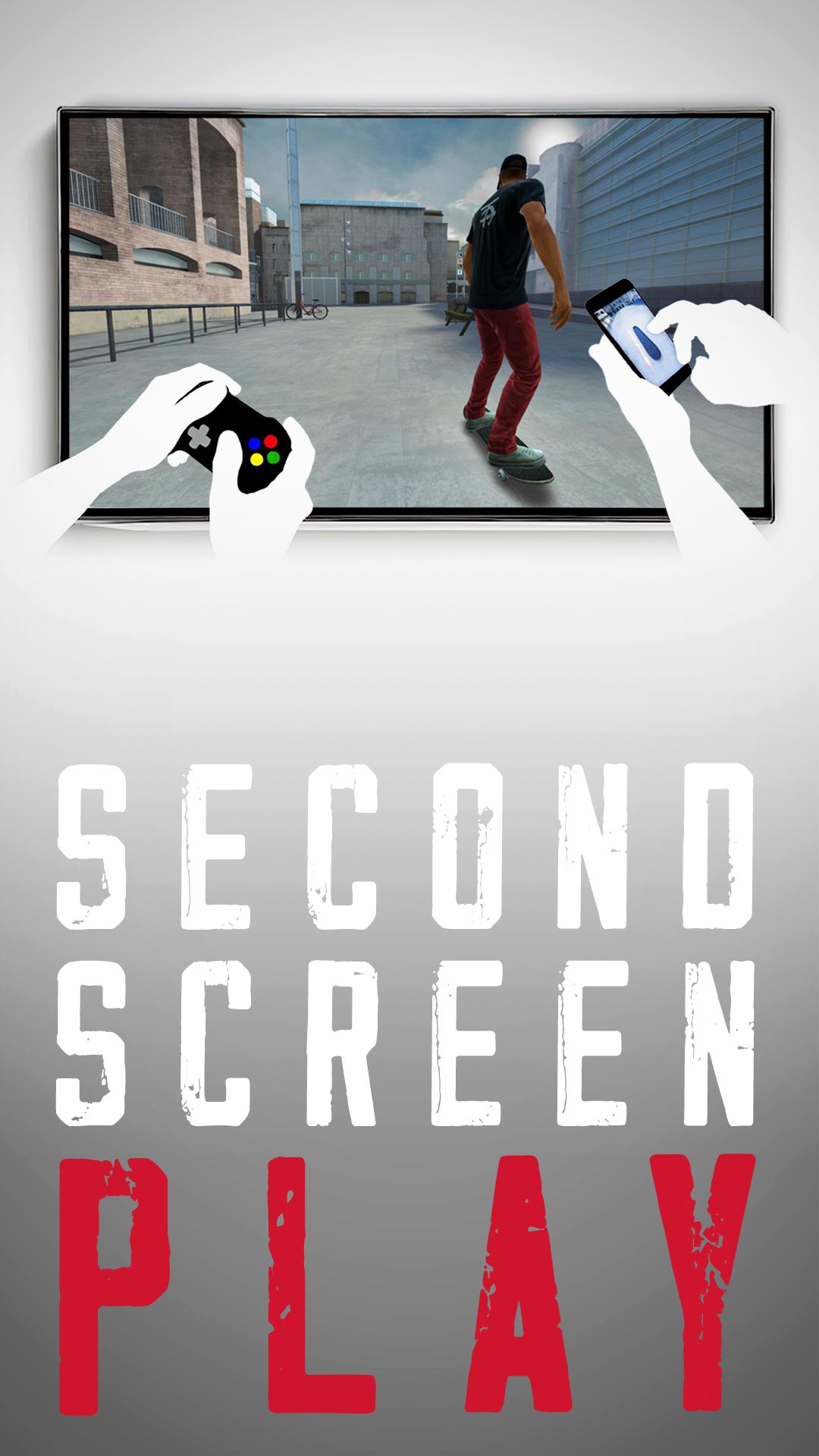
You can spawn DIY objects and multiply pieces to create lines, gaps, and manual pads in your current park. With the SANDBOX subscription, you can tweak board stats and gravity and access community-made parks, boards, skins, and apparel. When you want to compete, there are global leaderboards, challenges, and games of S.K.A.T.E, and the game supports living room play on a TV setup with a compatible controller for a comfortable session.
The base app includes one skatepark. Additional parks, branded locations, and some tools are offered as in-app purchases, and SANDBOX is a separate subscription that provides advanced tuning and community-made content. Plan your purchases based on the parks and features you expect to use most.
Some features depend on connectivity. Access to leaderboards, challenges, community parks, and content syncing may require an internet connection. Controller use and TV play also depend on compatible hardware and display connections.
Start with a short session to learn how touch swipes translate into motion, then build your lines at a comfortable pace. If you need a different input style, try a compatible Bluetooth gamepad for steadier control. To begin, download True Skate and follow these steps.
This physics-driven skateboarding sim focuses on control, real spots, and creative tools for recording clips and building parks. If you prefer realistic input over canned moves, the True Skate latest version supports touch and gamepad play with room to grow through parks and customization.
For more details and support, visit the official website below.
Last updated on Aug 8, 2024
SLS Championship Tour Stop 5: SLS APEX DTLA Library Gap
- Improved reset locations
Latest Version
 1.5.106
Uploaded by
Thiên's Đường's Khóc's
Requires Android
7.0
Available on

Category
Report

Discover what you want easier, faster and safer.
