


Use APKPure App
Get Toontastic old version APK for Android
Toontastic 3D is a storytelling app that records your animated cartoons as 3D videos.
Toontastic 3D helps kids and creators turn ideas into simple cartoons you can keep and share. It works well for imaginative play, book reports, news stories, and class projects, because you can plan scenes and narrate as you go. As you move characters and speak, the app saves your performance as a video. If you want to try it at home or in school, download Toontastic 3D to explore easy ways to tell a complete story.
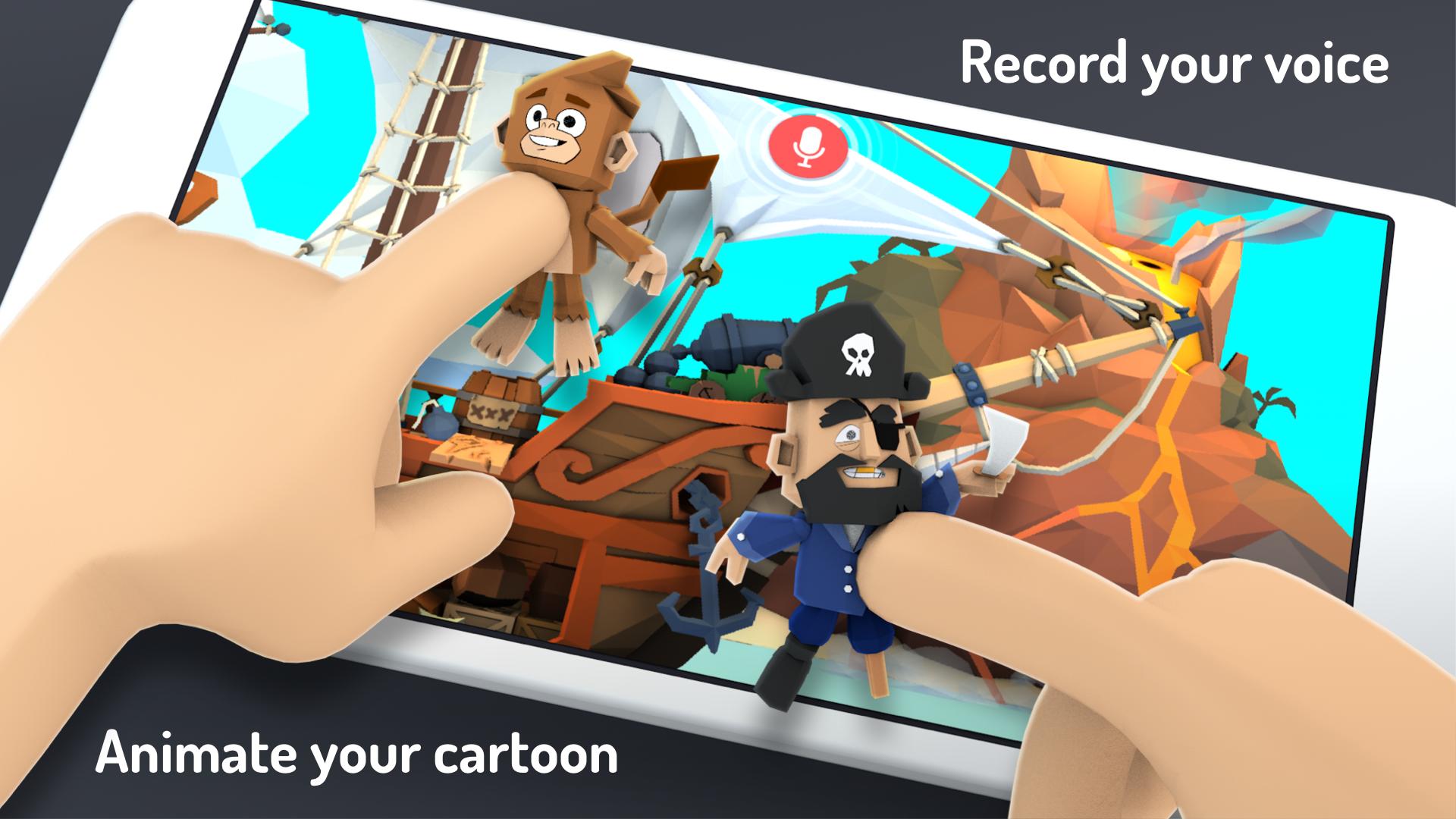
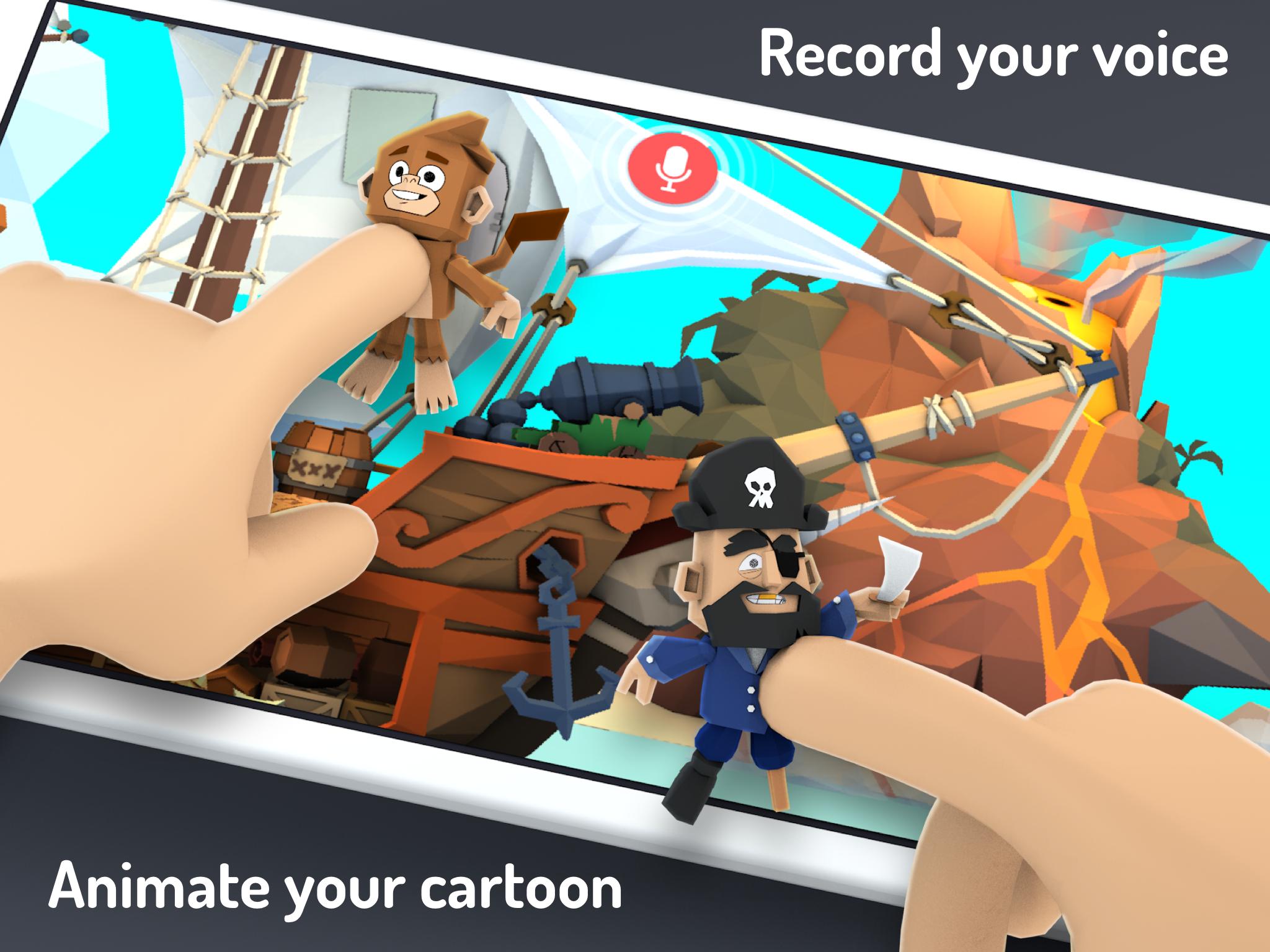
You move characters around the scene and speak your lines, and Toontastic 3D records your voice and animations together. The result is a 3D video that captures every gesture and word. This makes it simple to build scenes one by one and keep your story moving from start to finish.
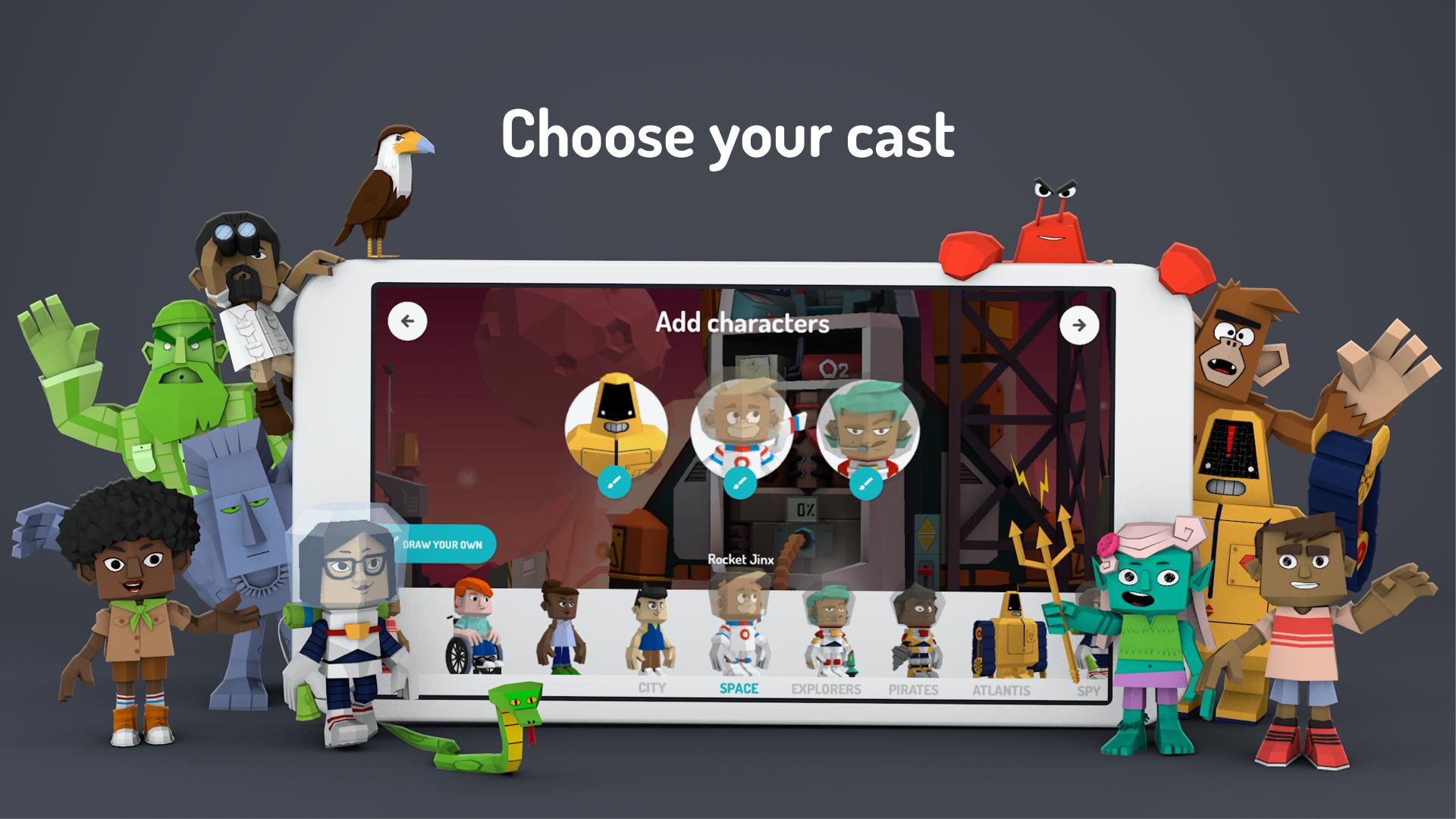
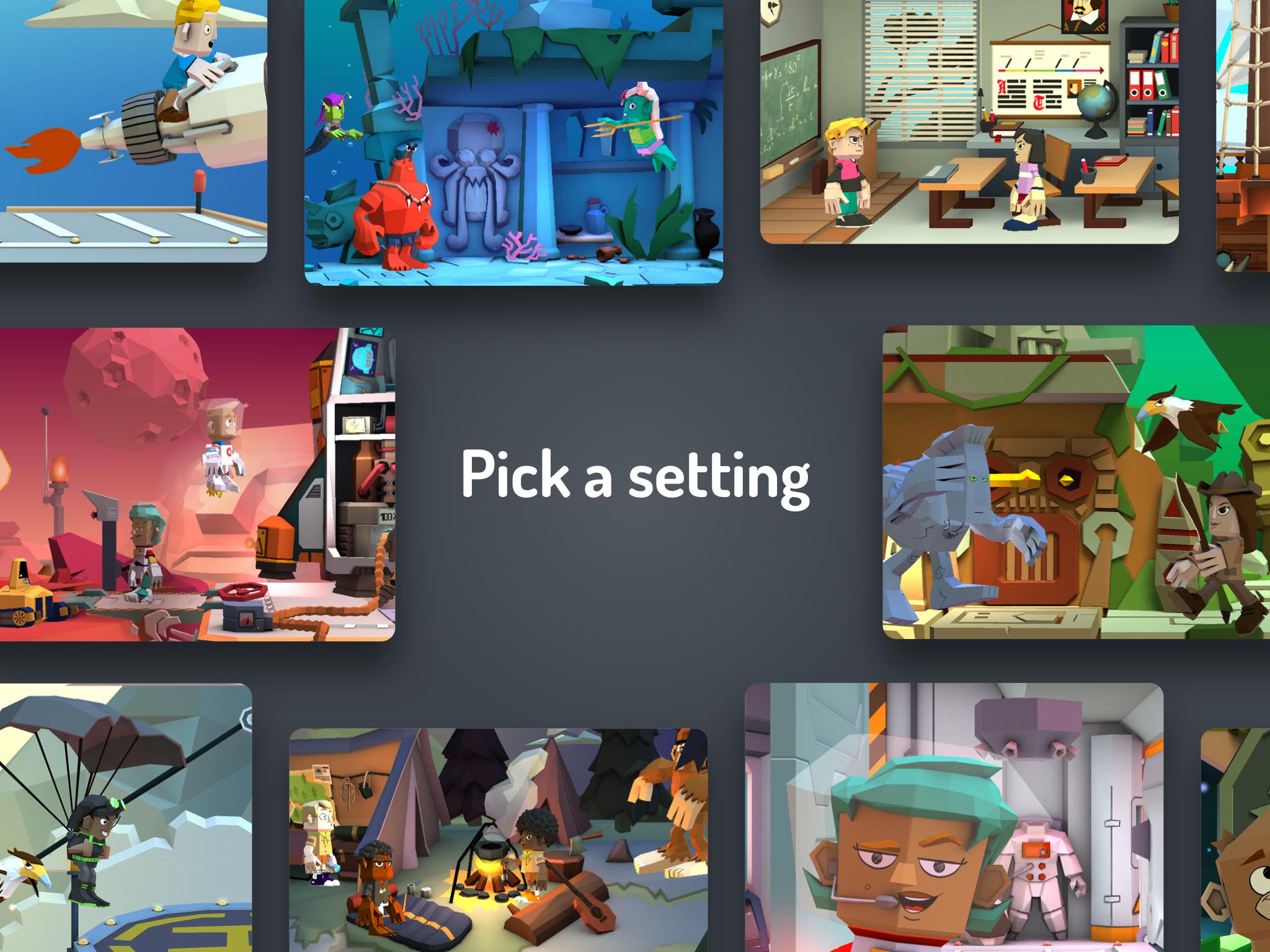
Characters, props, and settingsToontastic 3D includes a large toy box with hundreds of characters, props, and backgrounds. You can choose pirates, robots, villains, and many other themes to match your idea. Scenes come together quickly, so you spend more time telling the story and less time setting it up.
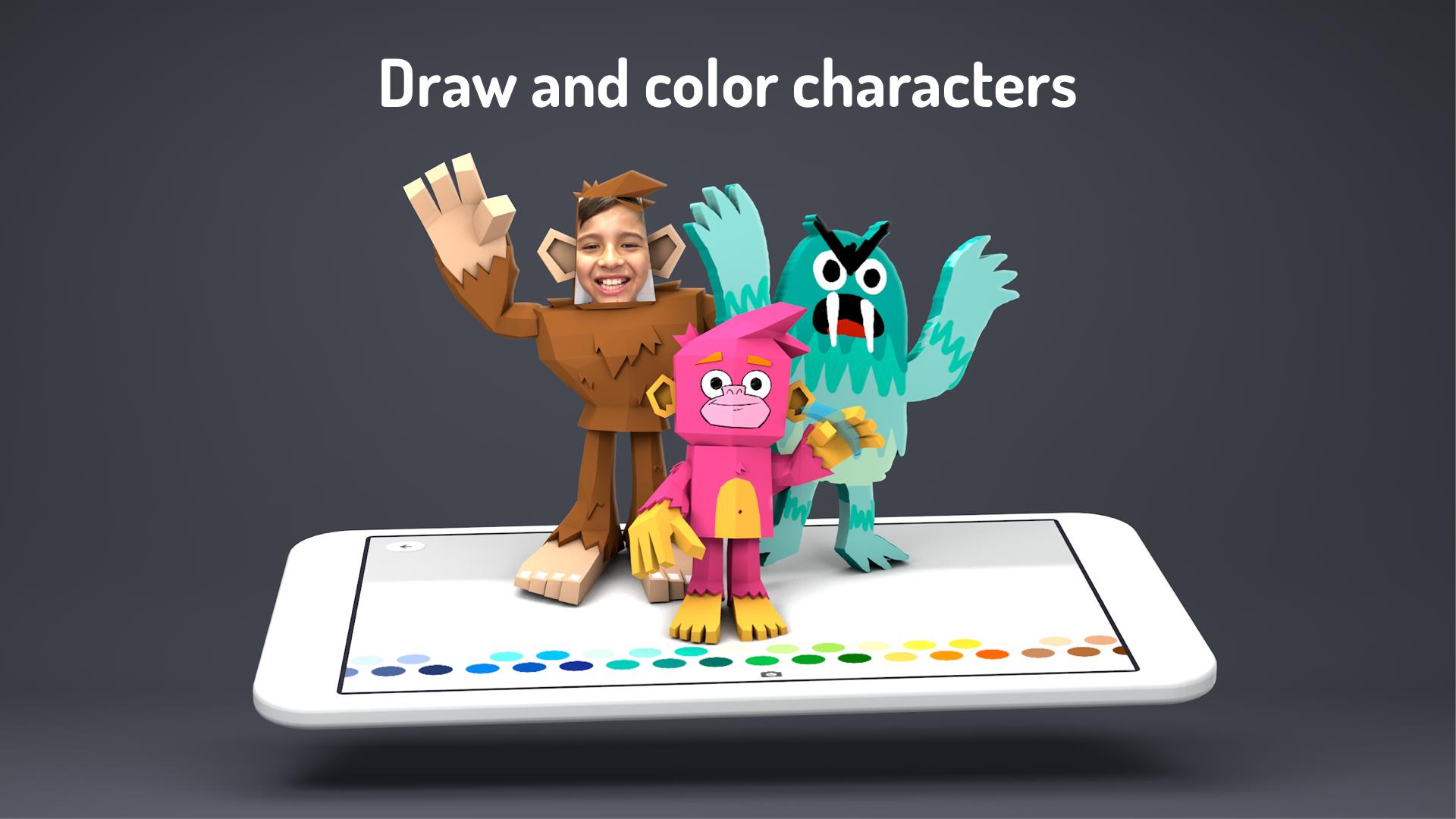
Design your own 3D heroesYou can create custom 3D characters that fit your story. Add photos, choose colors, and personalize details to make a unique cast. This helps you tailor the look of each scene and match your characters to the plot you have in mind.
Story arcs and Idea LabToontastic 3D guides you with story structures like Short Story, Classic, and Science Report. The Idea Lab offers inspiration and prompts to help you plan your beginning, middle, and end. With these tools, you can outline scenes, frame your conflict, and build toward a clear resolution.
Soundtracks and offline exportYou can mix music using the built-in studio with dozens of included songs to set the mood for each scene. When your cartoon is ready, export the video to your device’s Photos library for offline viewing and easy sharing. This keeps the process straightforward for families and classrooms.
Toontastic 3D helps users practice the basics of narrative structure while creating. As you plan scenes, you consider setting, conflict, climax, and resolution in a hands-on way. This direct approach supports language arts, media literacy, and presentation skills without adding extra steps.
Toontastic 3D has been recognized by trusted organizations for quality and usefulness. Notable honors include Parents’ Choice Gold, Common Sense Media five-star rating, CTR Editor’s Choice, and BolognaRagazzi Best Kids App. These awards can help parents and educators feel confident when choosing tools for creative learning.
Teachers can use Toontastic 3D for news reports, science reports, and book reports. The story arc templates make it easier to outline key points and present findings clearly. Students can record narration, add scenes, and share final videos for class presentations or portfolios. When needed, the Toontastic 3D APK can support flexible setup across multiple devices.
Looking for a starting point before you press record? Try simple prompts to warm up your storytelling.
To get started, open the app and set up a basic outline for your cartoon. The tools guide you from planning to recording, so you can move smoothly through the process. If you already use the Toontastic 3D latest version, the steps below cover the essentials.
Toontastic 3D offers an easy path from idea to finished video with tools built for stories, reports, and playful projects. When you are ready to begin, download Toontastic 3D and follow the simple steps to record your own cartoon.
For support and more details, visit the official resources below.
Last updated on Nov 3, 2017
Bug Fixes
Latest Version
 1.0.5
1.0.5
Uploaded by
Said González
Requires Android
Android 5.0+
Available on

Category
Report




Discover what you want easier, faster and safer.
