


Use APKPure App
Get Timer music player old version APK for Android
Schedule music playback with repeat and floating controls.
Schedule your music to play automatically at an exact date and time (hour, minute, and second) — just like an alarm, but for your favorite songs.
With powerful repeat options, section looping, playlist management, and a floating controller, this app gives you full control over your music experience.
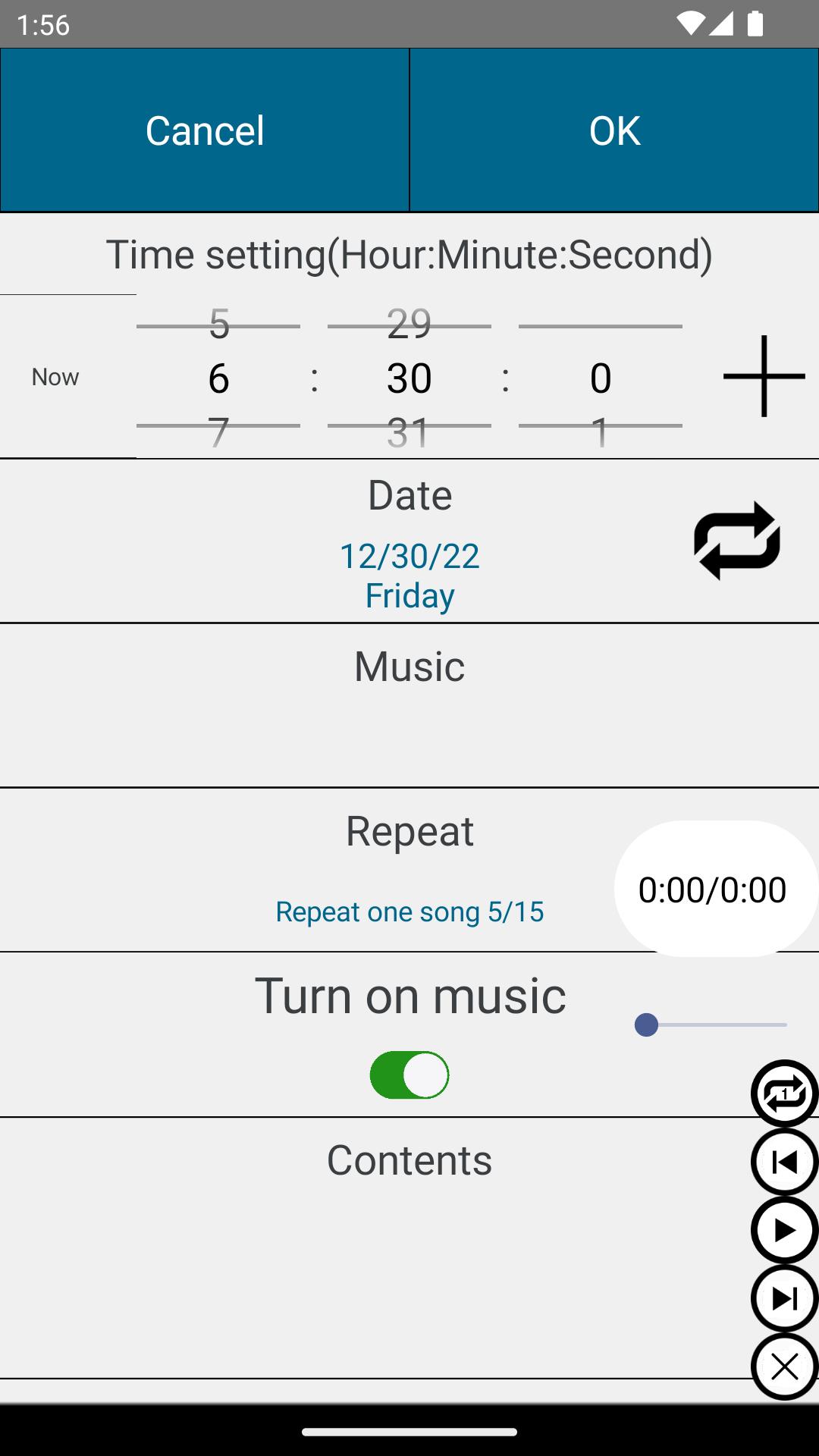
⏰ Precise Scheduled Playback
Set date, hour, minute, and second
Repeat by week, weekday, month, or specific date
Automatically start music at the scheduled time
Option to automatically stop music at a set time
Perfect for wake-up routines, study sessions, workouts, meditation, or reminders.
🔁 Flexible Playback Modes
Repeat one track
Repeat all tracks
No repeat
Stop at the end of the current track
Shuffle (random playback)
Customize how your music plays, exactly the way you want.
🎵 Powerful Playlist Management
Add individual music files
Add entire folders at once
Reorder tracks easily
Delete tracks from playlist
Search songs quickly
Previous / Play / Pause / Next controls included
Create and manage your personal playlists effortlessly.
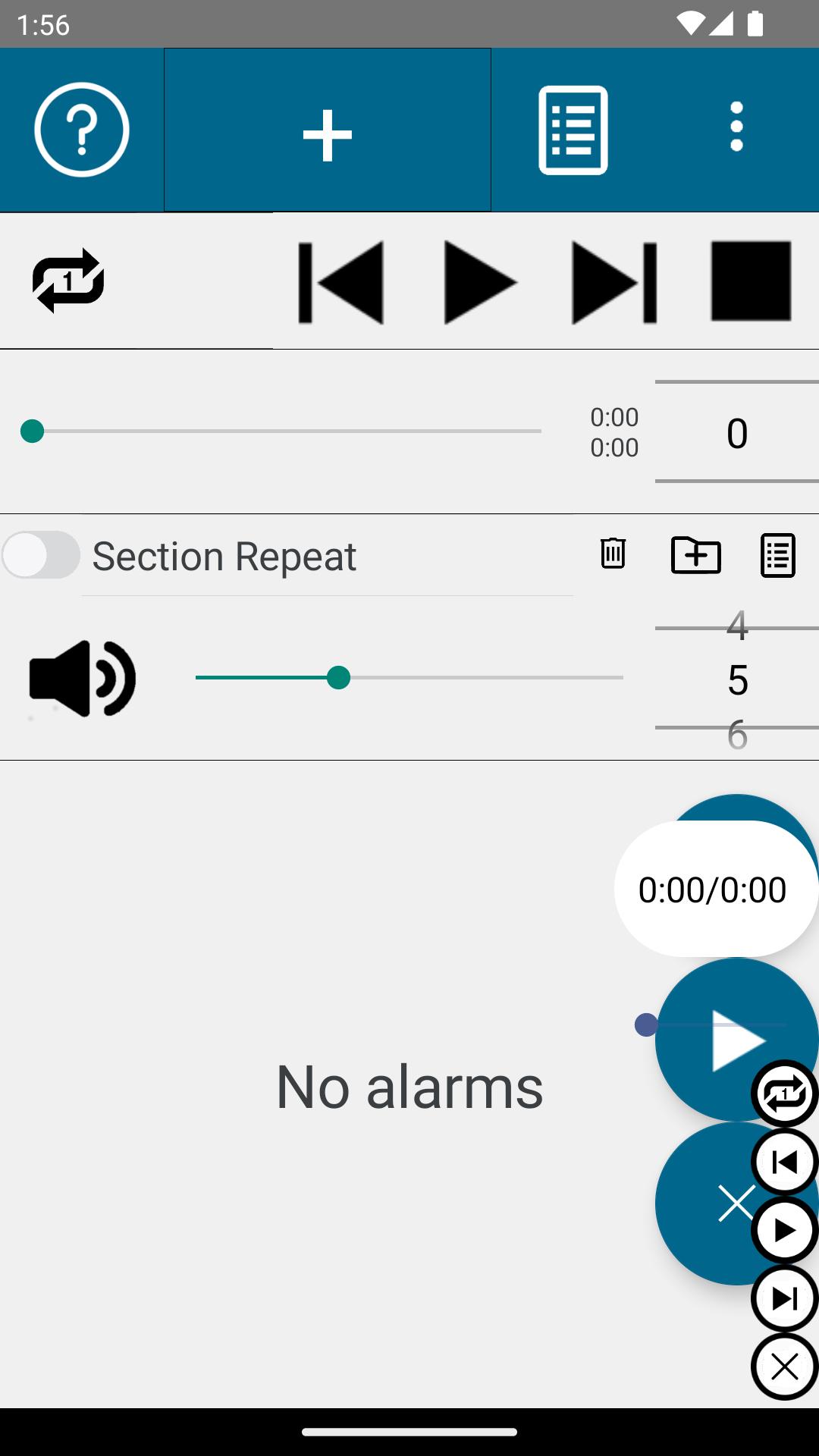
🔂 A–B Section Repeat (Loop Playback)
Use the Section Repeat button on the main screen to set:
Start time (hour, minute, second)
End time (hour, minute, second)
The selected section will loop continuously.
Perfect for language learning, instrument practice, dance training, or repeating specific parts of a song.
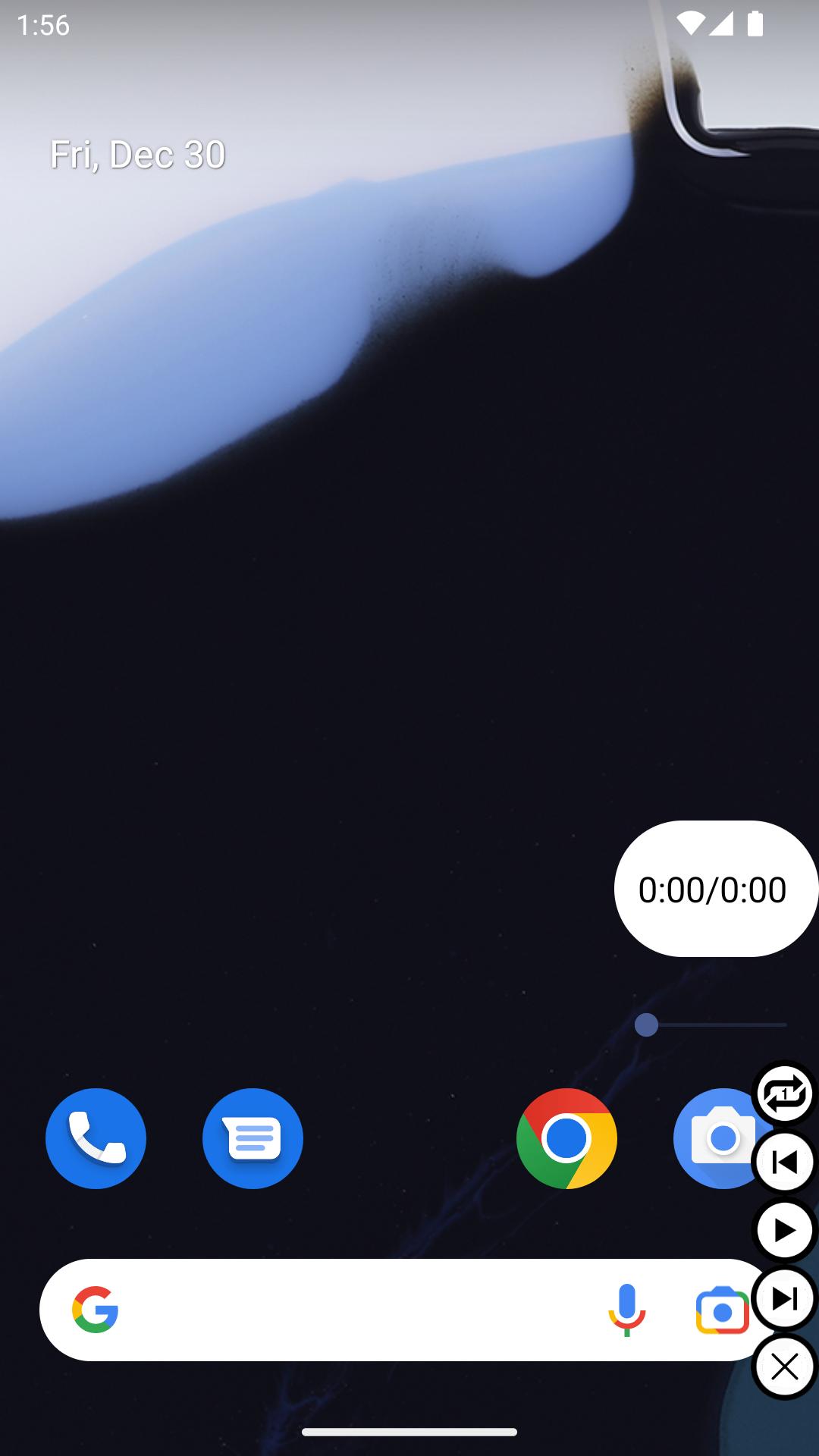
🟢 Floating Music Controller
Control your music even while using other apps.
The floating controller includes:
Current playback time & total duration
Horizontal seek bar for quick position control
Repeat one / Repeat all / Shuffle buttons
Previous / Play / Pause / Next buttons
Close button (displays current playback second when minimized)
Stay in control without interrupting what you're doing.
🎧 Perfect For
Users who want music to start automatically at a scheduled time
Students and professionals managing daily routines
Language learners who need section repeat
Anyone looking for a powerful scheduled music player
Set it. Schedule it. Play it. 🎶
Last updated on Mar 29, 2026
Fixed an issue where the Google Ads consent dialog repeatedly appeared on certain devices by updating to the latest API. Improved Android 7.1 compatibility.
Latest Version
 1.90
1.90
Uploaded by
Vỹ Vỹ Nguyễn
Requires Android
Android 6.0+
Available on

Category
Report

Discover what you want easier, faster and safer.

Timer music player
1.90 by OkSoft
Mar 29, 2026