


Use APKPure App
Get Steam old version APK for Android

Steam is a companion app that adds account security, store browsing, and remote PC download management on mobile.
Steam helps users who want to keep their account, purchases, and community activity under control while away from the computer. It brings the store, account tools, and notifications to your phone so you can react quickly. At the same time, it keeps sign-ins protected and lets you check on downloads when you are not at your desk.
Secure sign-in with Steam Guard
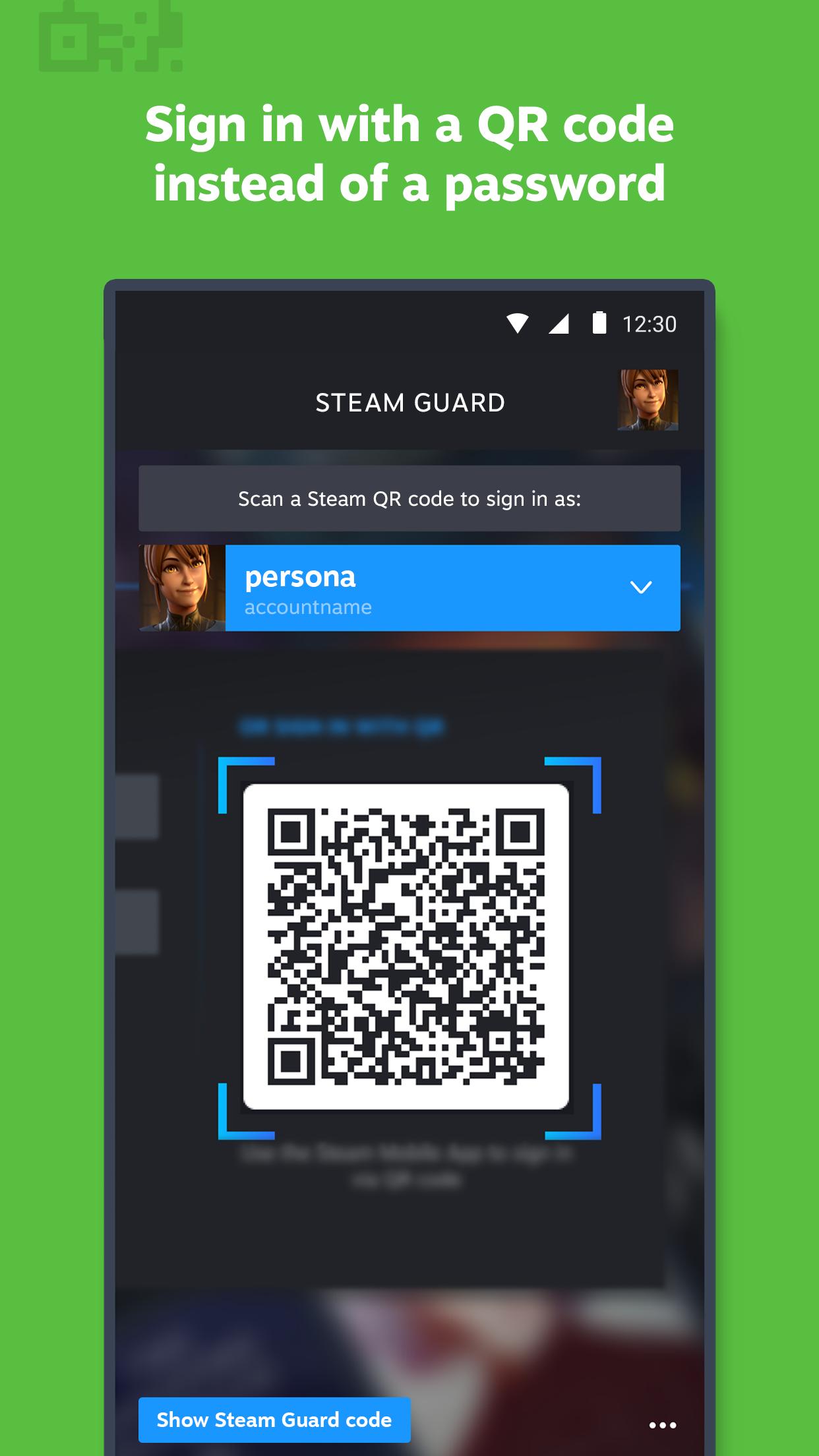
Steam adds two factor authentication to protect your account. You can approve sign-ins with a generated code or by scanning a QR code for faster access. One tap approvals and a list of authorized devices help you manage where your account is used.
Shop the catalog on mobile
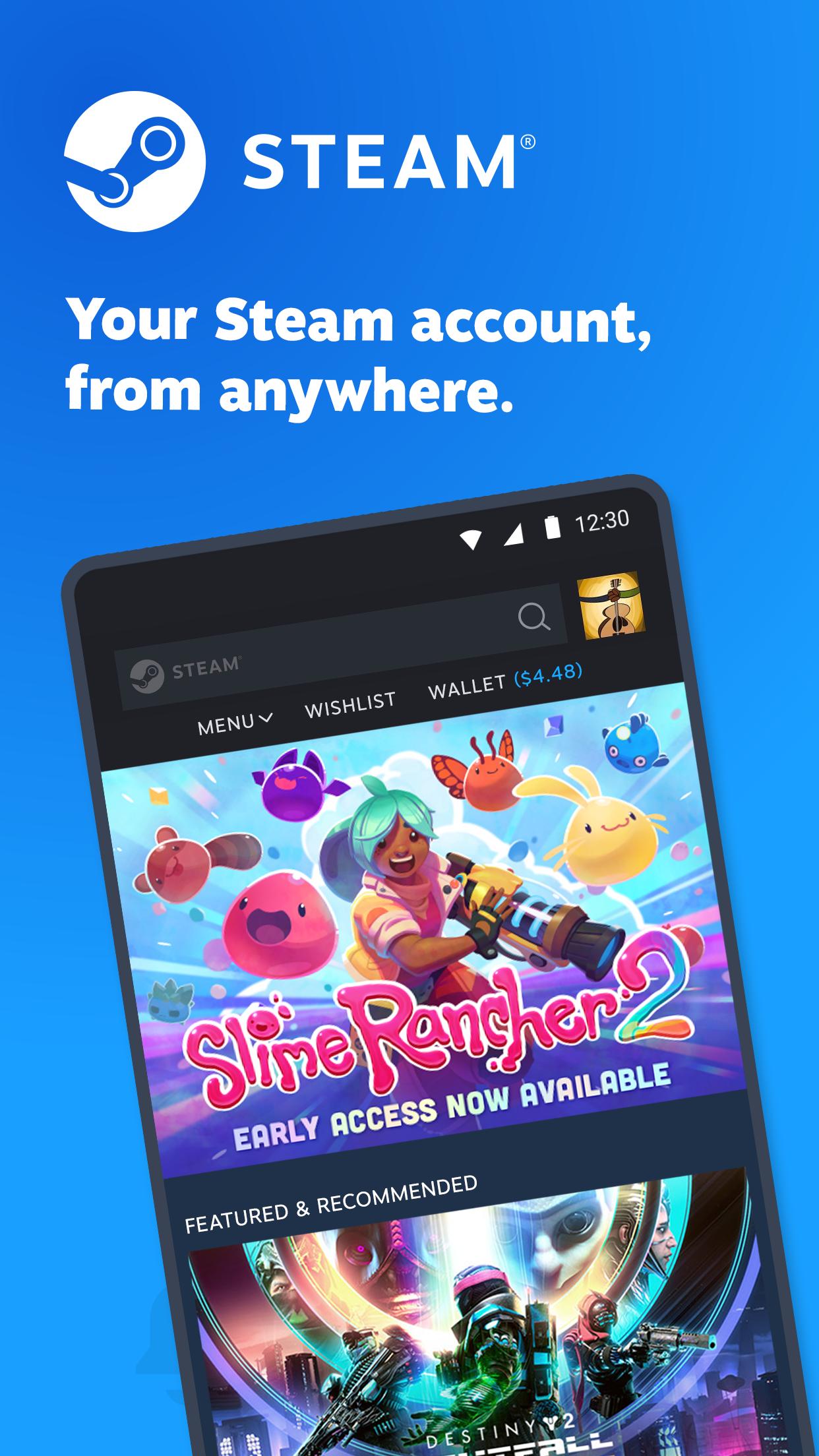
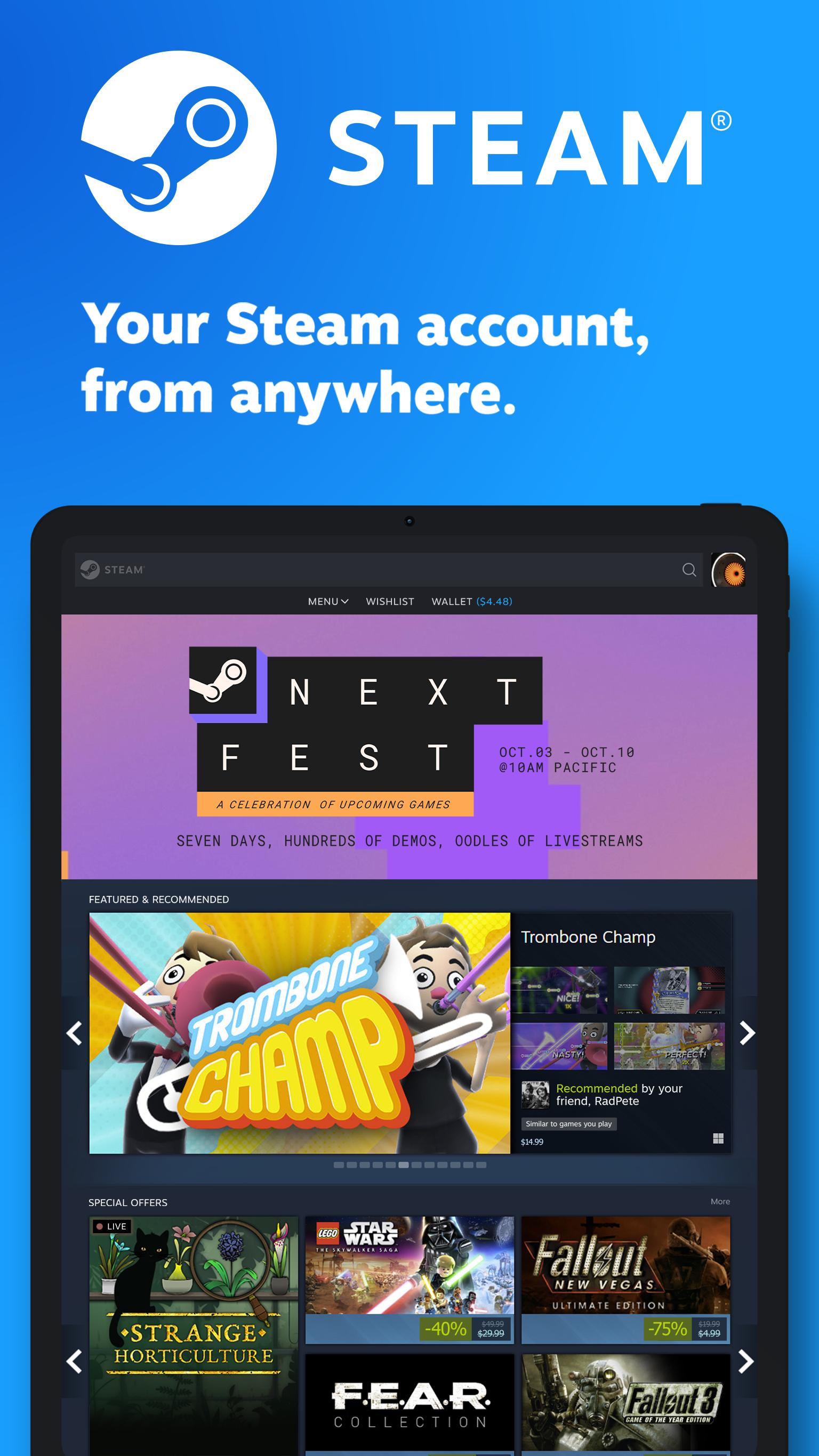
You can browse the full store on your phone and track discounts in one place. Steam shows prices, wishlists, and sale highlights so you can plan purchases wherever you are. This helps you act on deals without waiting to get back to a computer.
Library and remote downloads
Steam lets you review game pages, guides, and discussions while on the go. When your desktop client is online, you can start, pause, or reorder downloads and updates from your phone. This keeps your PC ready when you return.
Trade and Market confirmations
You can confirm item trades and Market listings from the app to finish transactions quickly. Steam sends approval requests to your phone so you can proceed or cancel with confidence. This reduces delays and helps prevent unwanted changes.
Personalized news and community tools
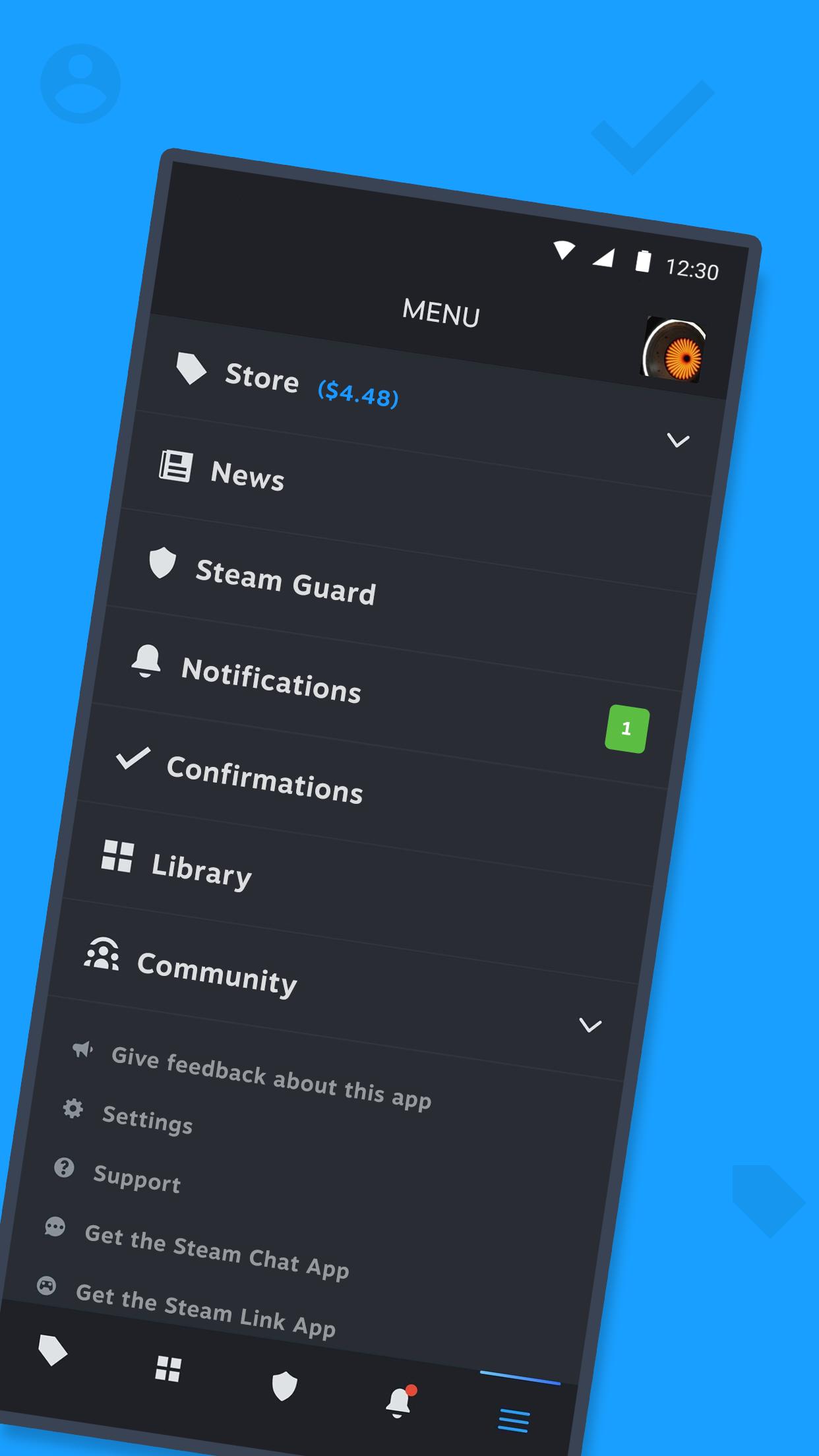
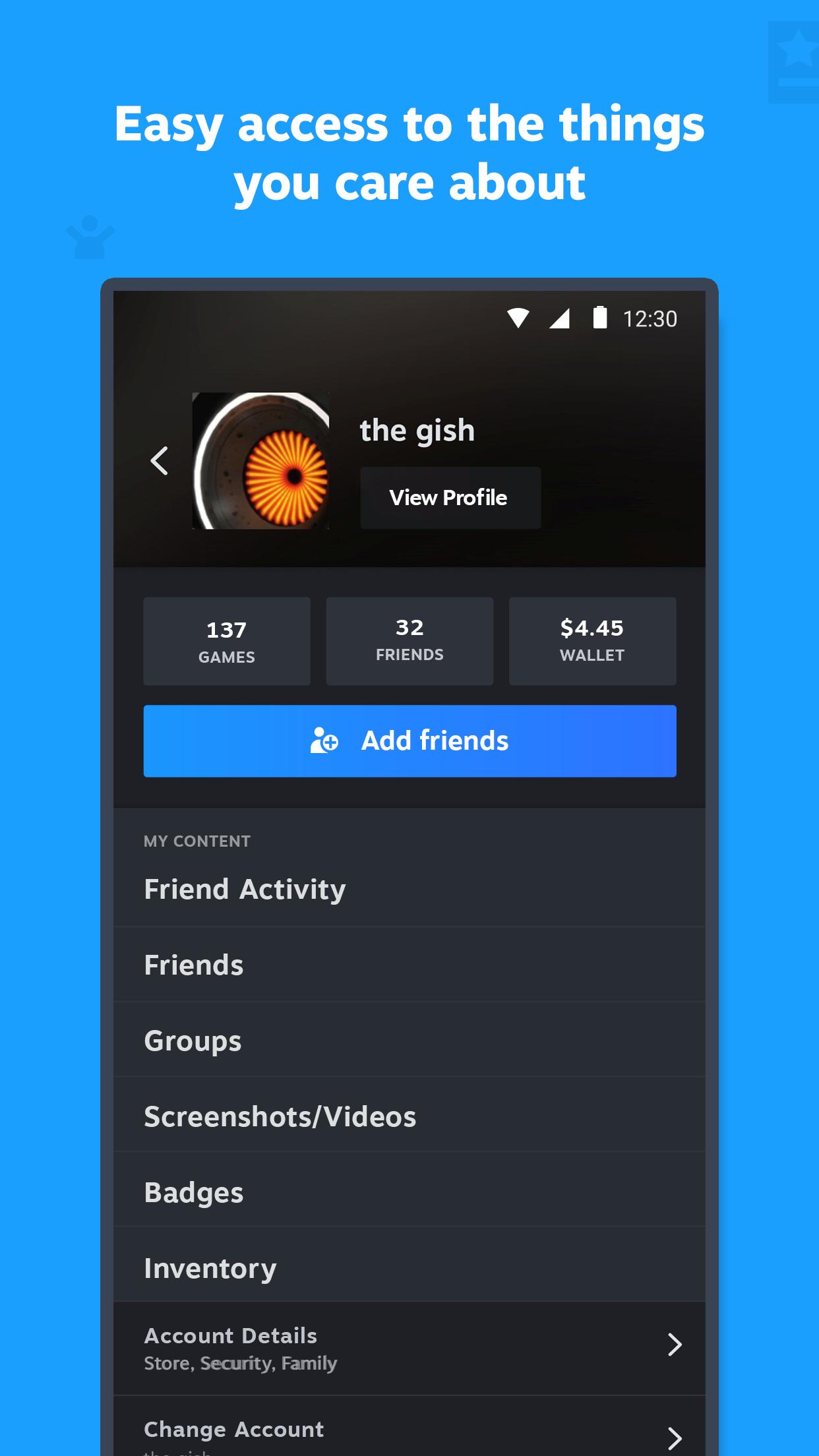
Steam builds a feed based on your library and wishlists and can alert you to sales, comments, trades, and discussions. You can check friends, chats, groups, inventory, wallet, Market, and Workshop on mobile. Support for multiple accounts and device management makes switching straightforward.
Steam Mobile focuses on store browsing, account security, community, notifications, and remote downloads. It is not designed for streaming or playing your PC games on a phone. For in home streaming to a phone or TV, Valve offers the separate Steam Link app. For a lighter chat experience, Valve also provides the Steam Chat app.
Steam is free to use. Games, add ons, or community Market activity may have costs based on your choices. The core platform runs on PC across Windows, macOS, and Linux, while the Steam app supports your account, shop, and community on Android.
Steam works in many regions, including India, although access depends on local network conditions and regulations. If you cannot use a store app on your device, Valve publishes an official Steam APK on its website for direct installation. Always confirm that your account details are correct before signing in.
This quick guide covers the basics after you download Steam on your Android phone. It walks through sign in, security, shopping, and remote downloads so you can manage your account from anywhere.
Steam keeps your account secure, your shop activity within reach, and your PC downloads under control from your phone. It suits users who want account tools, community, and confirmations in one place. To stay current, install the Steam latest version when prompted.
For official resources and assistance, visit the links below.
Last updated on Feb 27, 2026
Fixed issues with Bluetooth login for Steam Frame
Latest Version
 3.10.9
Uploaded by
Valve Corporation
Requires Android
Android 8.0+
Available on

Category
Report




Discover what you want easier, faster and safer.
