


Use APKPure App
Get Neo Sketch Pro old version APK for Android

Draw like a pro and create stunning digital art with professional drawing tools.
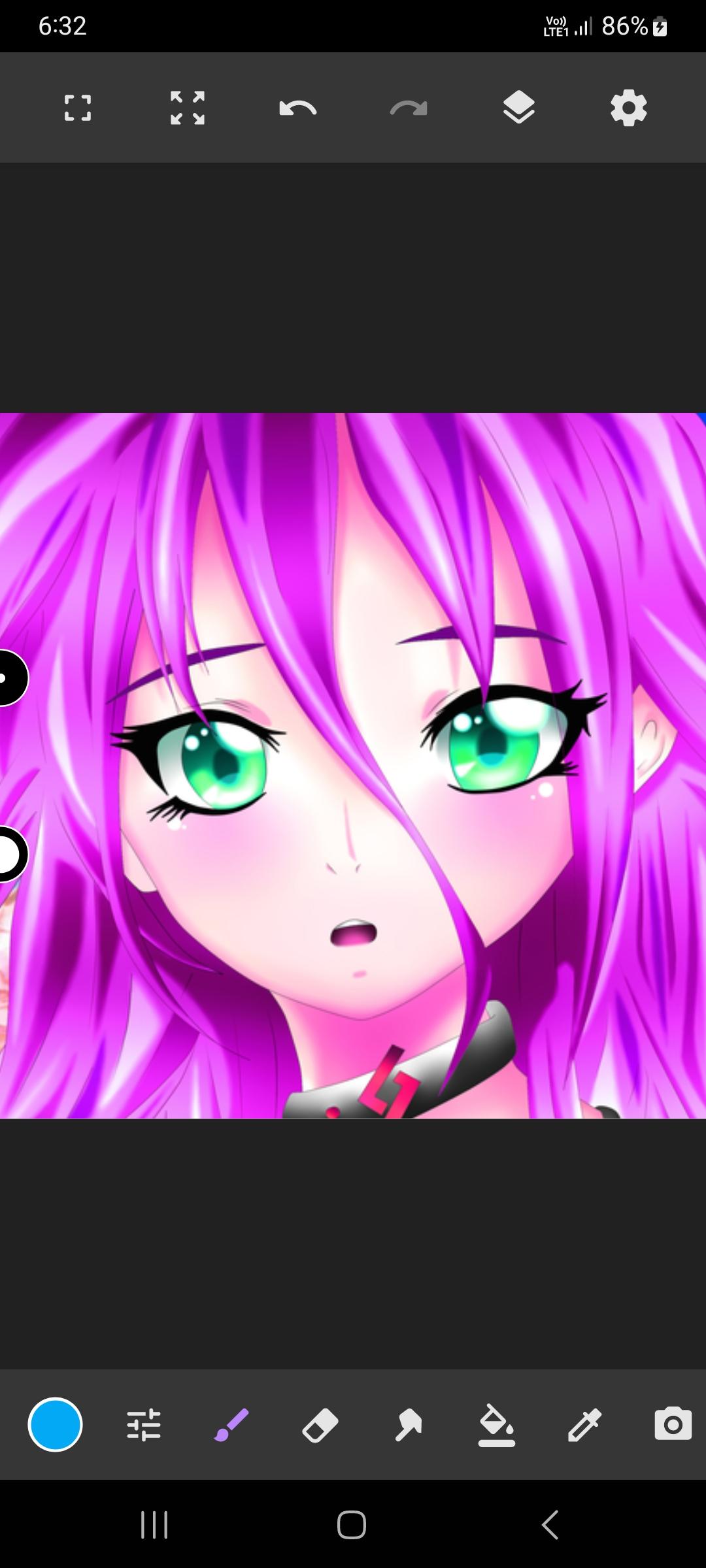
Neo Sketch Pro is a full-featured sketchbook studio built for sketch enthusiasts and drawing creators alike. Whether you enjoy casual sketch sessions or detailed drawing projects, NeoSketch delivers a professional digital art sketchbook experience right on your Android device.
NeoSketch offers a complete drawing environment where anyone can sketch, draw, and create stunning artwork. From beginners exploring their first drawing canvas to experienced artists producing polished illustration work, Neo Sketch Pro provides the tools needed for every skill level and every age group.
• A Rich Brush Library
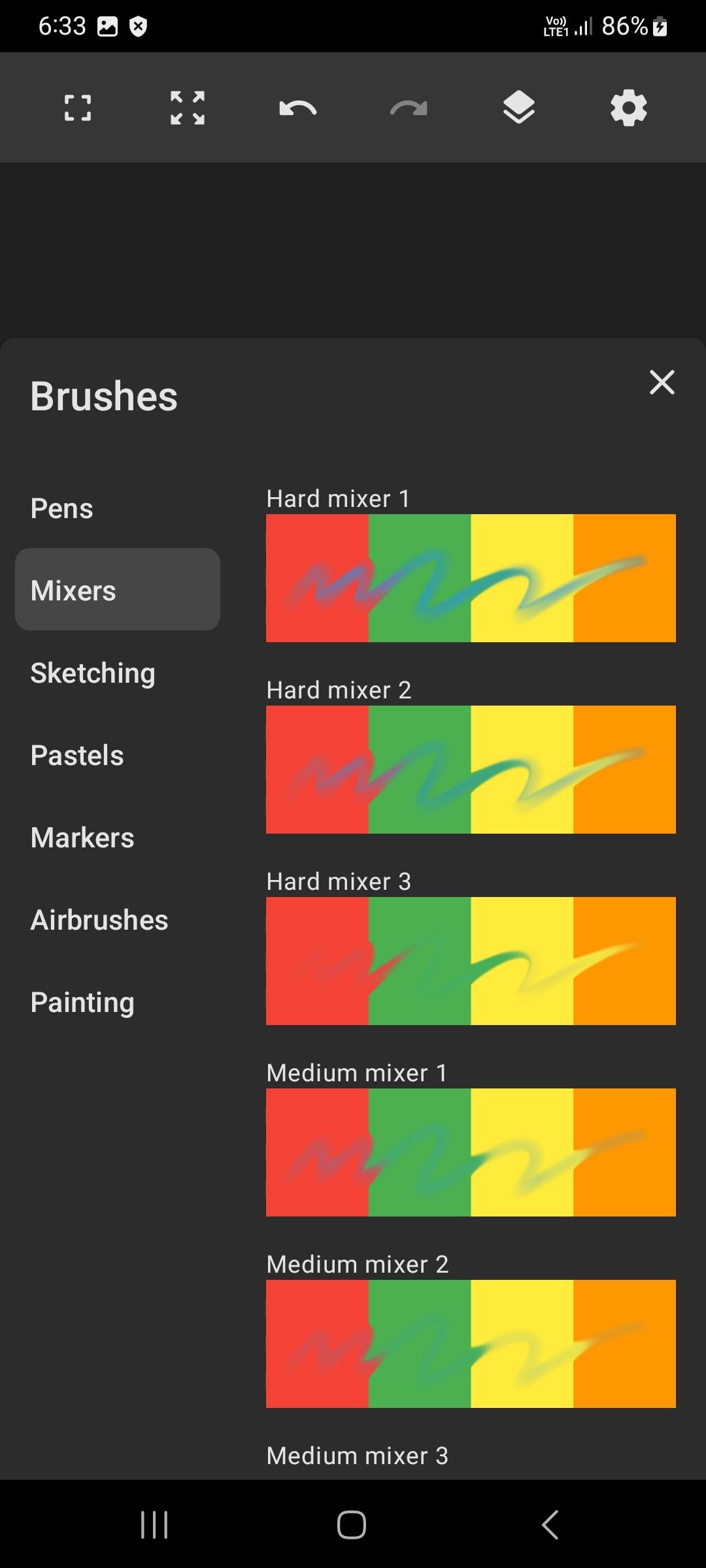
Neo Sketch Pro includes an extensive collection of brushes designed for drawing, erasing, and smudging. The sketchbook toolkit features airbrushes, watercolor brushes, smudge brushes, and more. Every brush offers adjustable settings for size, flow, and opacity, giving you precise control over each sketch stroke and illustration detail.
• Powerful Layer System
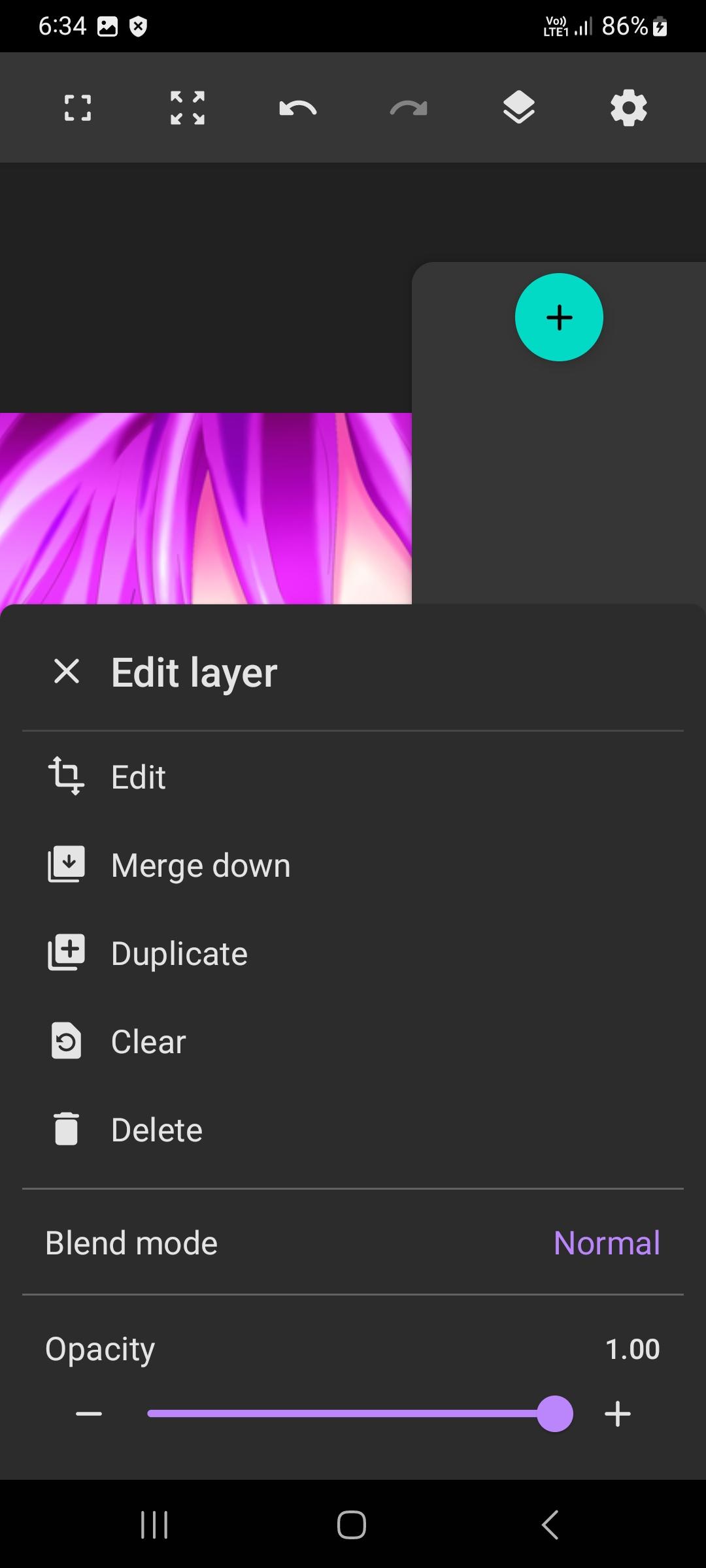
Create complex compositions using drawing layers and image layers. The layer editor in NeoSketch supports reordering, opacity control, clipping masks, and alpha lock. This layered approach lets you build pro illustration pieces with confidence, knowing each element of your sketch remains independently editable within your digital art sketchbook workspace.
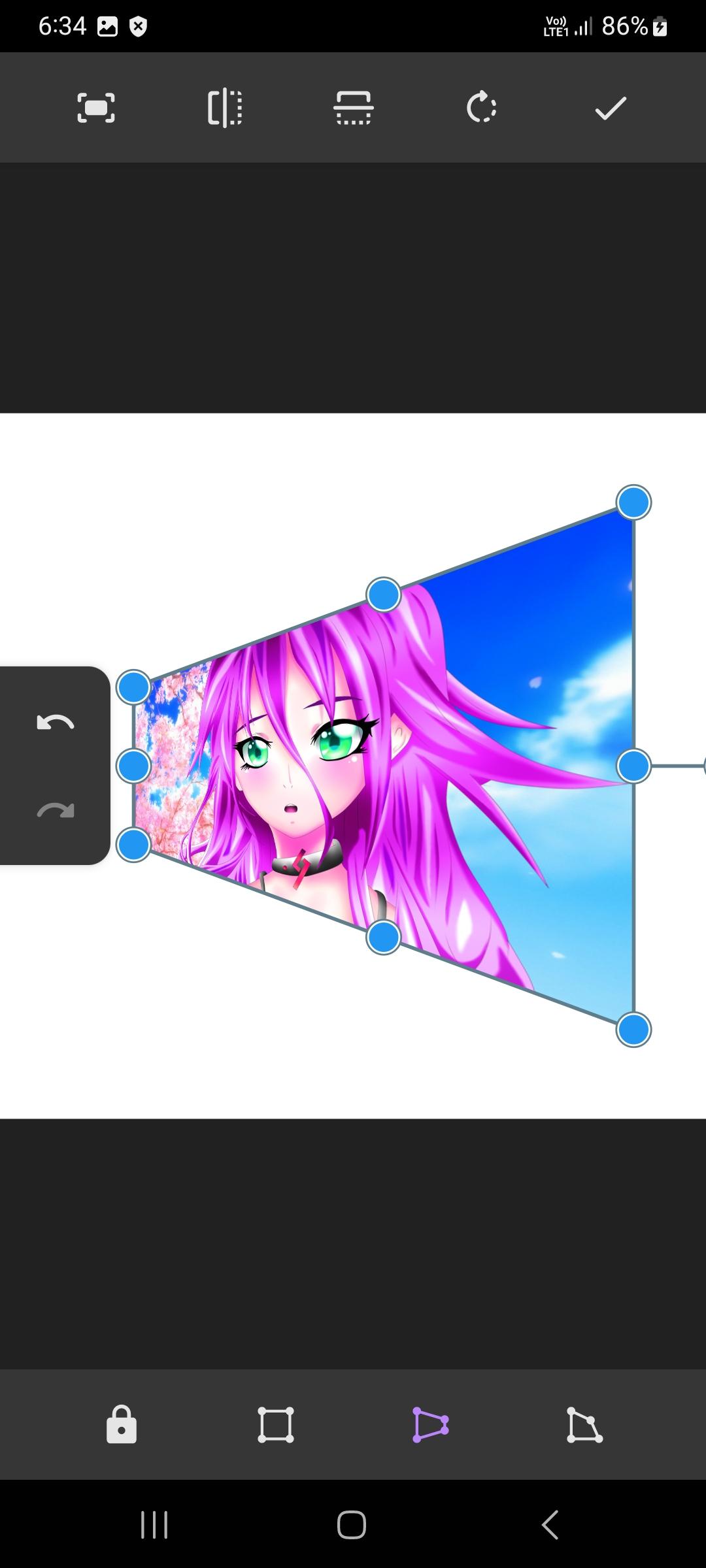
• Selection and Transform Tools
Refine your drawing with a dedicated selection tool and a transform tool for moving and resizing layers. A fill tool supports both linear and radial gradients, while an eyedropper lets you sample colors directly from your canvas. These pro editing features streamline every sketch workflow inside your NeoSketch sketchbook.
• Drawing Assistance Guides
NeoSketch provides symmetry tools, shape guides for lines, curves, and ovals, grid guides, and isometric guides. These assistive features help you sketch with accuracy and create clean geometric illustration layouts. Whether you are working on architectural concepts or freehand drawing, the guides keep your sketch lines aligned inside your sketchbook.
• Color Tools
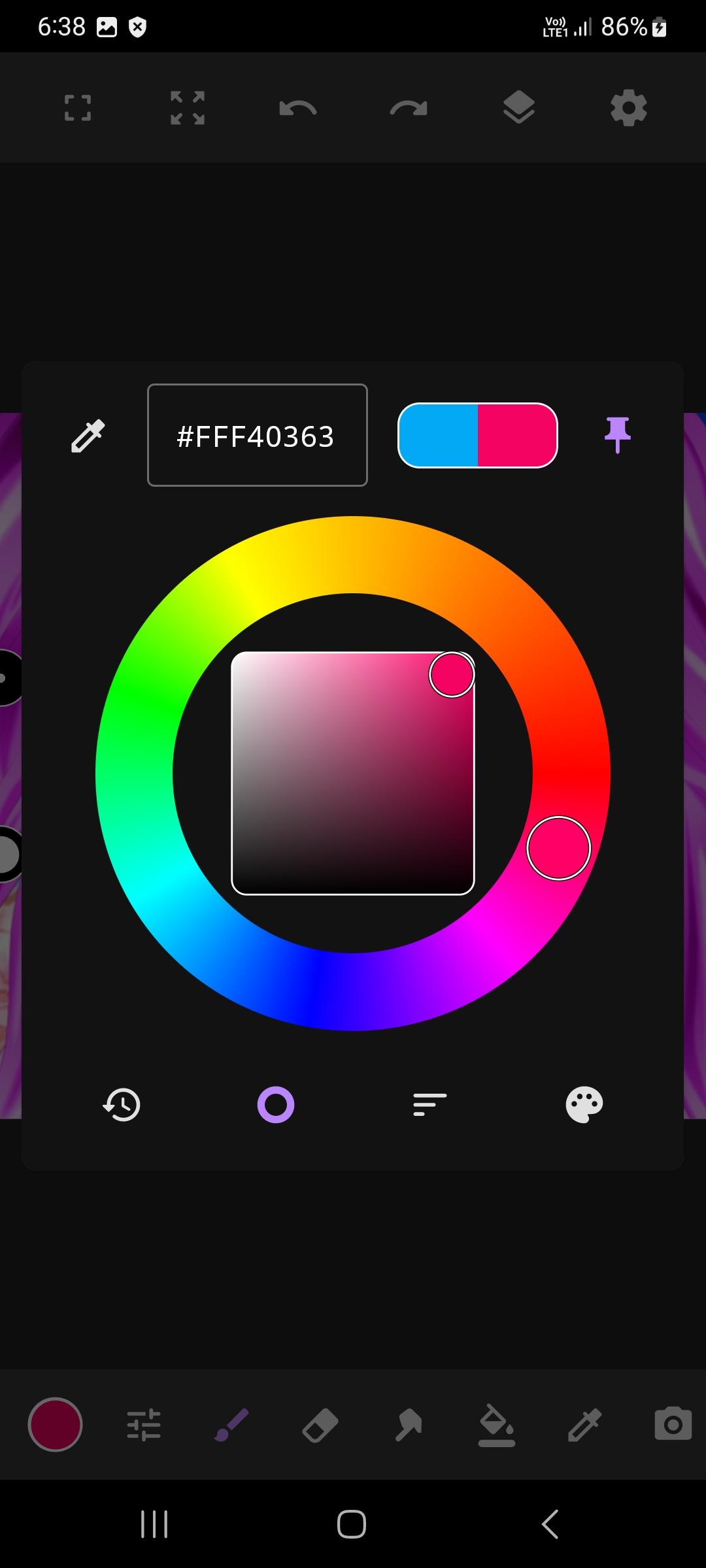
A color wheel and customizable color palettes make it simple to find and organize the perfect hues for your sketch. Quickly switch between palettes while drawing on any project inside your NeoSketch sketchbook.
• Canvas Navigation and Background
Zoom and rotate the canvas freely while you sketch or refine a drawing. The canvas background can be toggled on or off, and its color can be changed to suit your illustration needs. NeoSketch renders everything with a GPU-accelerated engine, so your digital art sketchbook stays responsive even on large canvases.
• Project Gallery and Organization
All of your artwork appears in a clean gallery grid when you open NeoSketch. Create new canvases with predefined or custom dimensions, and organize projects into folders. Move or copy drawings between folders to keep your sketchbook tidy and easy to navigate. Gallery actions include export and duplicate options for quick sketch management.
• Flexible Export Options
Export finished artwork as PNG, JPEG, or WebP images. You can also save projects in the native Neo Sketch Pro format to preserve layers for future editing. This makes it easy to create portfolio-ready illustration files or continue refining a sketch at any time.
• Image Import
Bring reference photos or textures into your drawing canvas from device files or capture new images with your camera. Imported images become layers you can transform and sketch over, expanding your digital art possibilities within the NeoSketch sketchbook.
Neo Sketch Pro combines a pro-grade sketch engine with an intuitive sketchbook interface so that every drawing session feels natural. The app is built for artists who want a dependable digital art sketchbook that supports serious illustration work and pro creation tools without unnecessary complexity. Open NeoSketch and create your next masterpiece.
Last updated on May 17, 2026
Update app name & privacy policy
Latest Version
 5.6.2
5.6.2
Uploaded by
Daniel Osafo
Requires Android
Android 6.0+
Available on

Category
Report




Discover what you want easier, faster and safer.
