


Use APKPure App
Get Send Anywhere old version APK for Android

Send Anywhere is a file sharing app that transfers any file in original quality across devices.
Send Anywhere helps when you need to move photos, videos, or documents between phones and computers without changing how they look or play. It focuses on simple sending so you can share with one person or several people without setting up accounts. Transfers work directly between devices or through temporary links, which makes quick sharing practical at home, at work, or on the go. If you want to download Send Anywhere for everyday file transfers, it provides a clear, straightforward way to get files from one device to another.
Send Anywhere keeps your files exactly as they are. You can share photos, videos, audio, documents, and APKs without reducing quality. This is useful when you want to preserve detail in images or keep videos in their full resolution.
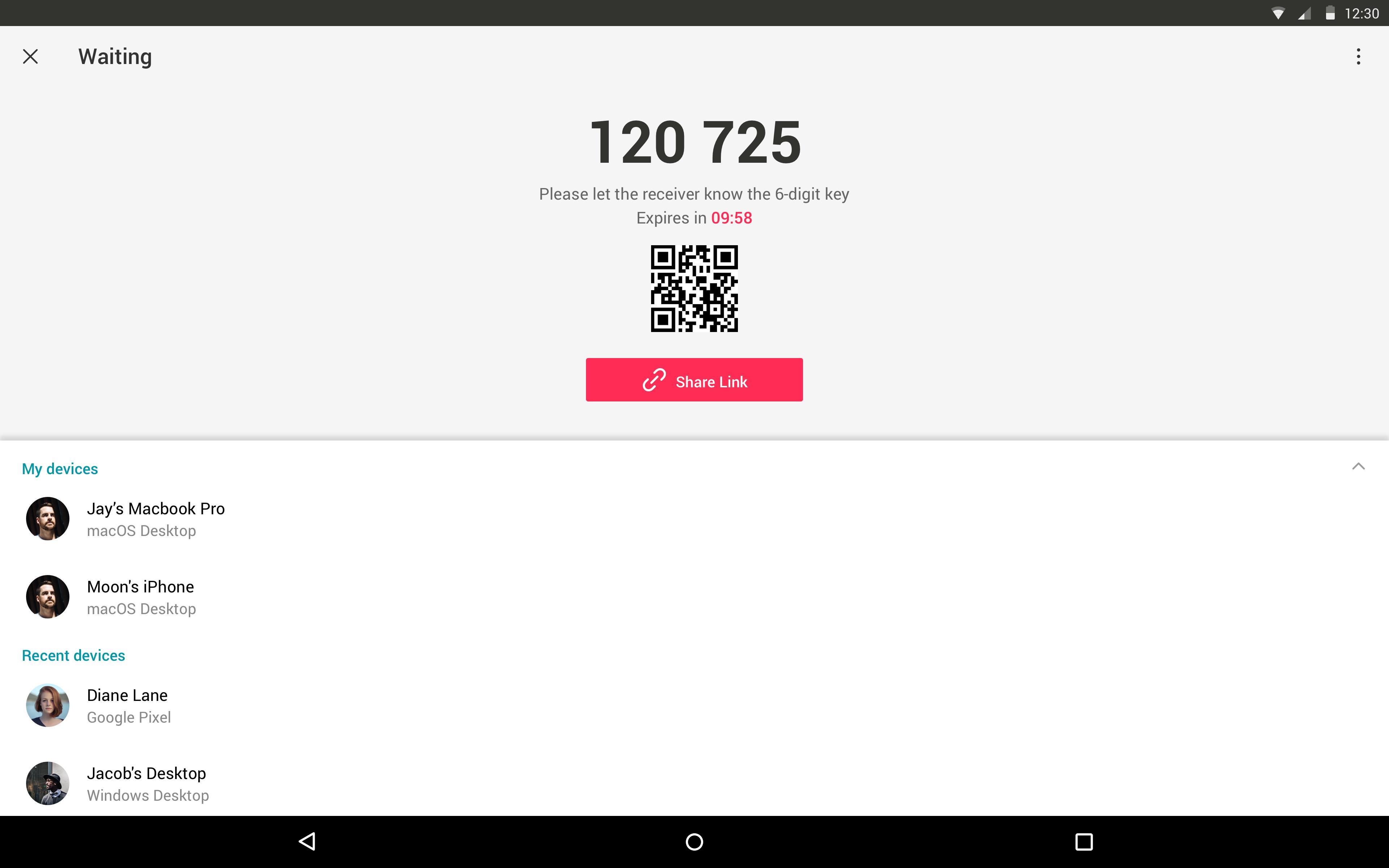
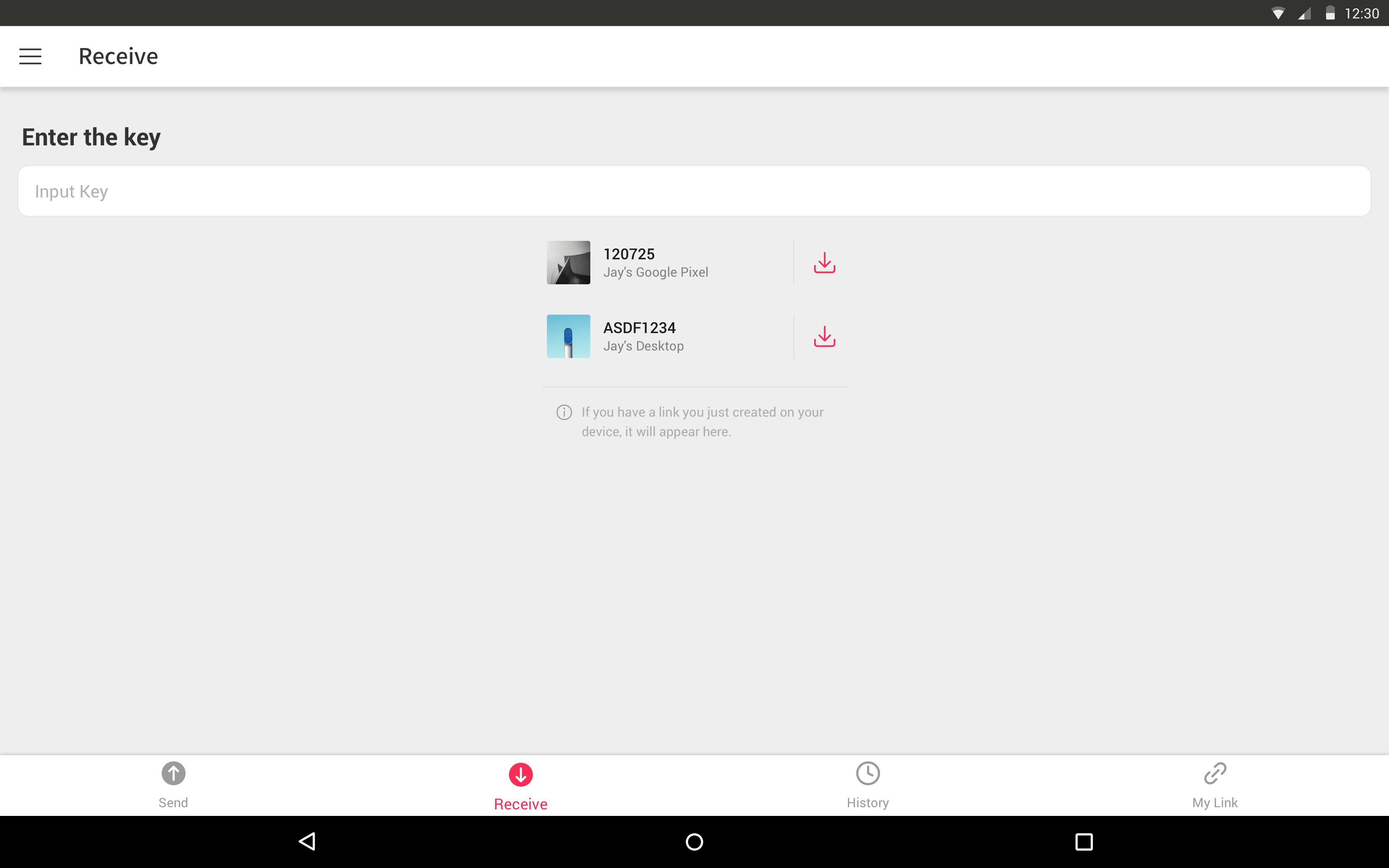
Direct transfers with a one time key or QRYou can send to a nearby device using a short 6 digit key. The receiving device enters the key to start the transfer, and a QR option speeds things up when both devices are side by side. Basic sending does not require sign in, which keeps quick tasks simple.
Offline sharing with WiFi DirectWhen the internet is slow or unavailable, WiFi Direct helps you send files without using mobile data. Devices connect directly, so transfers continue even if the network drops. You can also target a specific device so the right phone or laptop receives your files.
Temporary links for multiple recipientsFor group sharing, generate a link and send it to several people at once. Links are valid for a limited time and typically expire after about 48 hours, which prevents old links from lingering. This approach works well when the recipient is not near you.
Encryption and cross platform supportTransfers are protected with 256 bit encryption and can use direct peer to peer connections when available. Send Anywhere works across Android, iOS, PC, Mac, and the web, so you can move files between phones and computers without extra steps.
Transfers use reinforced 256 bit encryption to protect your files in transit. One time keys are short lived and expire quickly, usually within minutes, so only the intended recipient can use them. Share links are temporary and commonly last around 48 hours before expiring. When devices are on the same network or nearby, direct connections may be used to avoid passing files through intermediate servers. For details on data collection and permissions, review the privacy policy on the official website.
Storage access lets you pick files to send and save received files to your device. The camera permission supports scanning QR codes for faster pairing. Location and Bluetooth permissions may be requested to enable WiFi Direct discovery through nearby device services. Notifications help you track progress and see when a transfer finishes.
Respect copyright and only share content you have rights to distribute. APK files are Android only and may not install on other operating systems, so sending APKs across different platforms will not run outside Android. If a received video does not appear in your gallery, open it from a file manager or try a compatible video player. For desktop or browser based access, you can use Send Anywhere online or explore Send Anywhere for PC through the official web and desktop options.
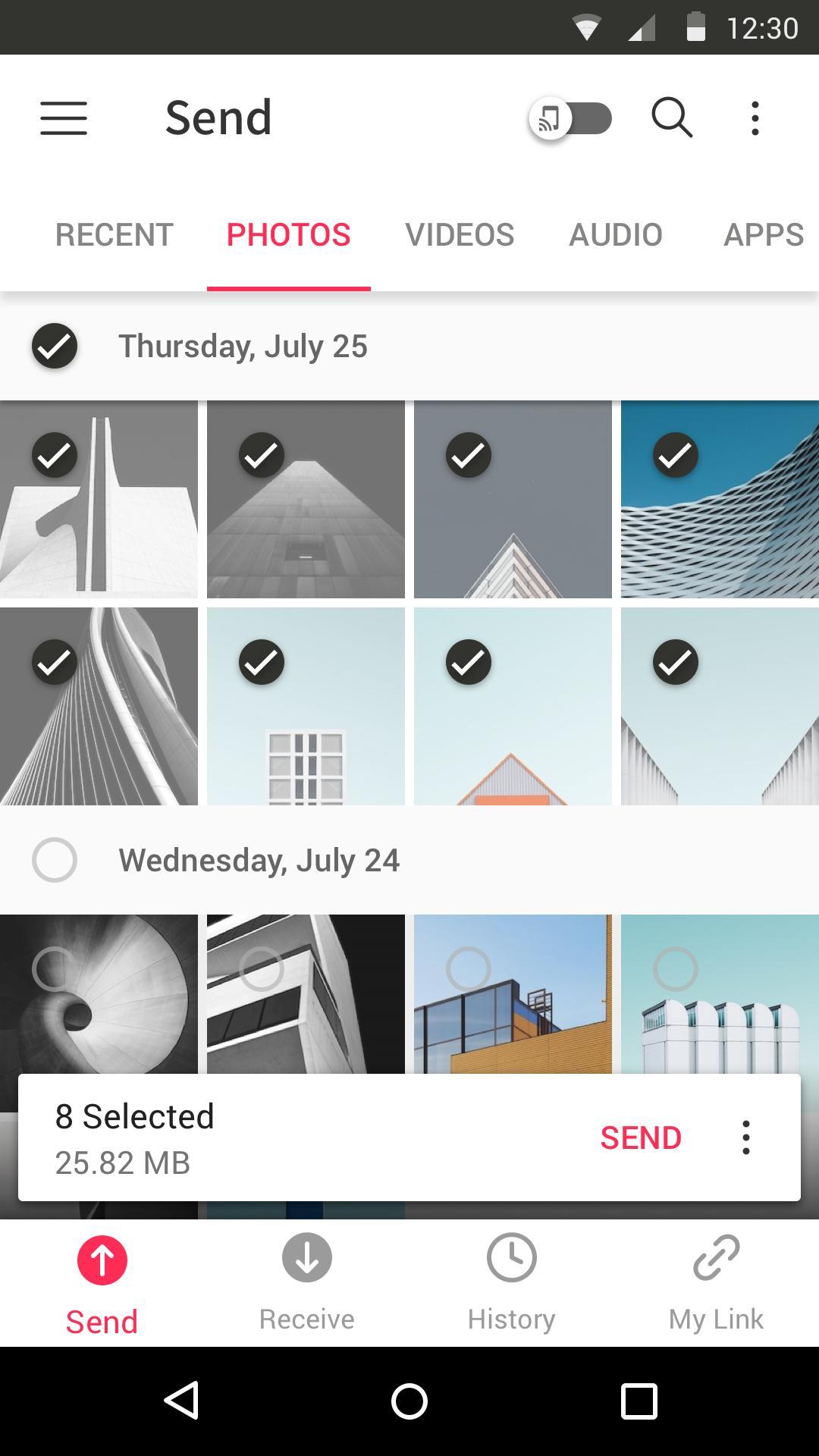
The steps below outline a quick direct transfer from one phone to another. For the best compatibility, make sure you are using the Send Anywhere latest version. You can follow a similar flow to create a link when you need to share with multiple people.
Send Anywhere focuses on fast, direct, and temporary sharing that keeps files in original quality across devices. For users who need a quick tool for everyday transfers, the Send Anywhere APK offers a clear path to send files without setup.
For official resources and support, visit the developer’s website below.
Last updated on May 19, 2026
Version 23.3.0
What’s new
• Other bug fixes and performance improvements
If you have any questions, please go to 'More' in the app and send us your feedback. Thanks!
Latest Version
 23.3.0
Uploaded by
زول راقي
Requires Android
Android 6.0+
Available on

Category
Report



Discover what you want easier, faster and safer.
