



Use APKPure App
Get Screenshot Assistant old version APK for Android
Hold the Home button to take a screenshot
Take a screenshot by swiping up from a bottom corner or by holding the Home button.
Features:
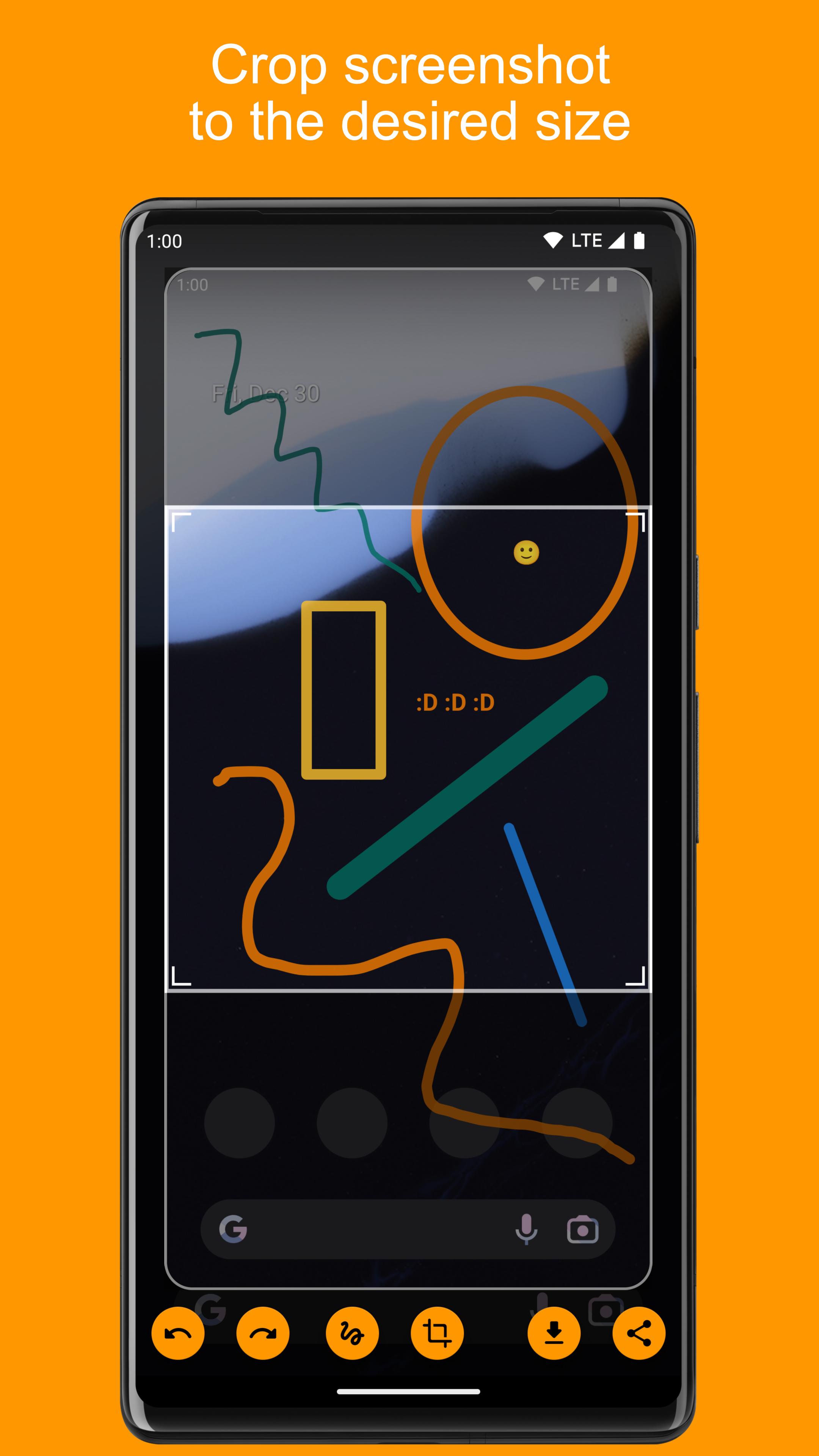
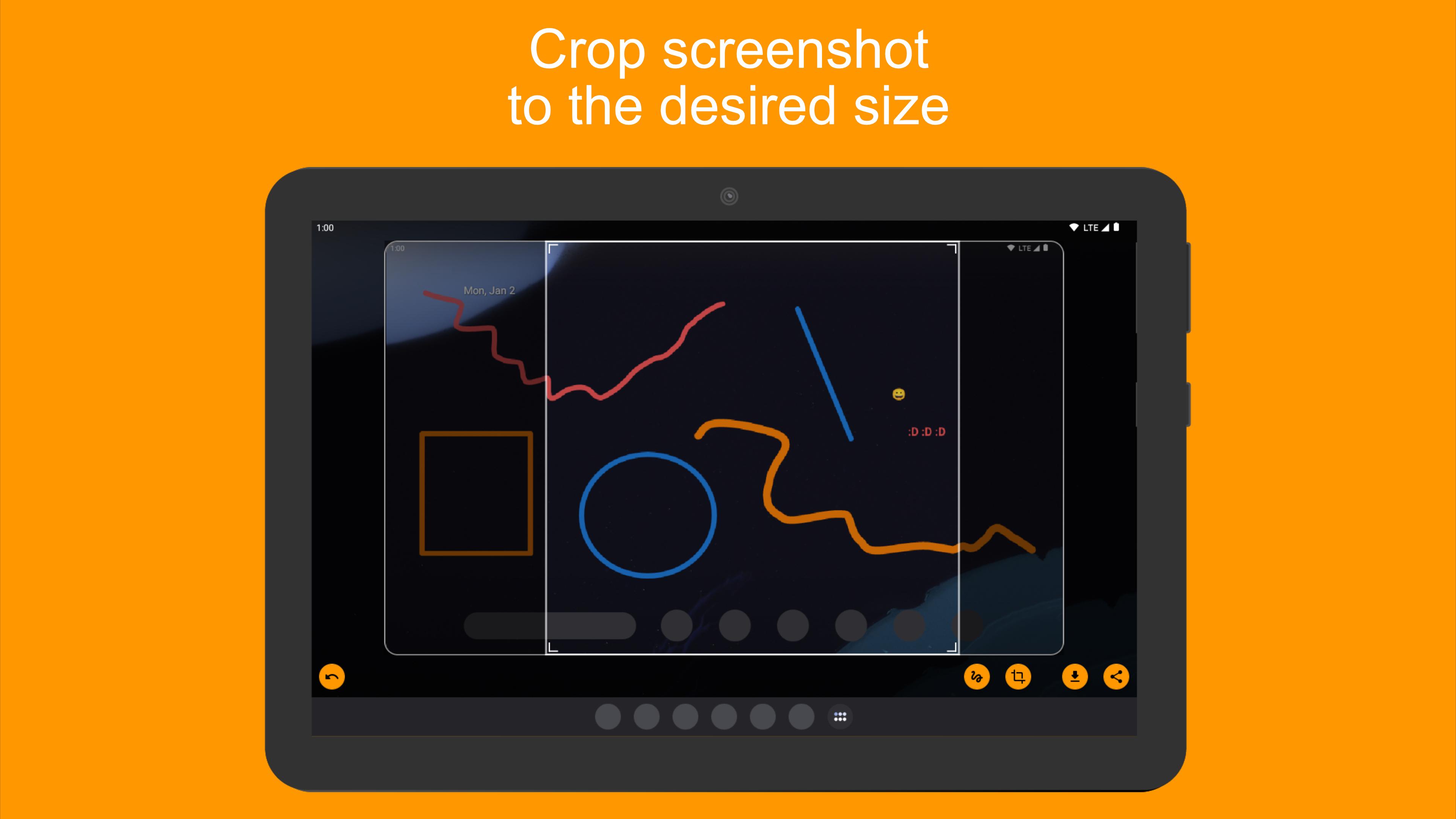
• Crop screenshot to the desired size
• Draw on screenshot
• Save screenshot to the device
• Share screenshot with your friends
How to configure the app:
• From the Home screen navigate to Settings
• Select Apps
• Press Settings icon in the upper right corner
• Select Assist & voice input
• Press Assist app and select Screenshot Assistant
Last updated on May 26, 2026
Version 5.2.64
- Ability to share photos from Gallery to Screenshot Assistant
Latest Version
 5.6.69
Uploaded by
Yasir Lone
Requires Android
Available on

Category
Report





Discover what you want easier, faster and safer.
