


Use APKPure App
Get Root Checker old version APK for Android

Root Checker is a diagnostic utility app that verifies working root access on Android with a quick one tap check.
Root Checker confirms whether superuser access is properly installed and functioning on your device. It checks for the SU binary and attempts real commands to validate that permission prompts from managers like Magisk or SuperSU work as intended. The app focuses on verification, so it does not root or modify your system. Results appear quickly and you do not need ADB or a computer. This makes it useful right after you finish rooting and whenever you need to troubleshoot modules or scripts across different devices and Android versions.
One tap root verification
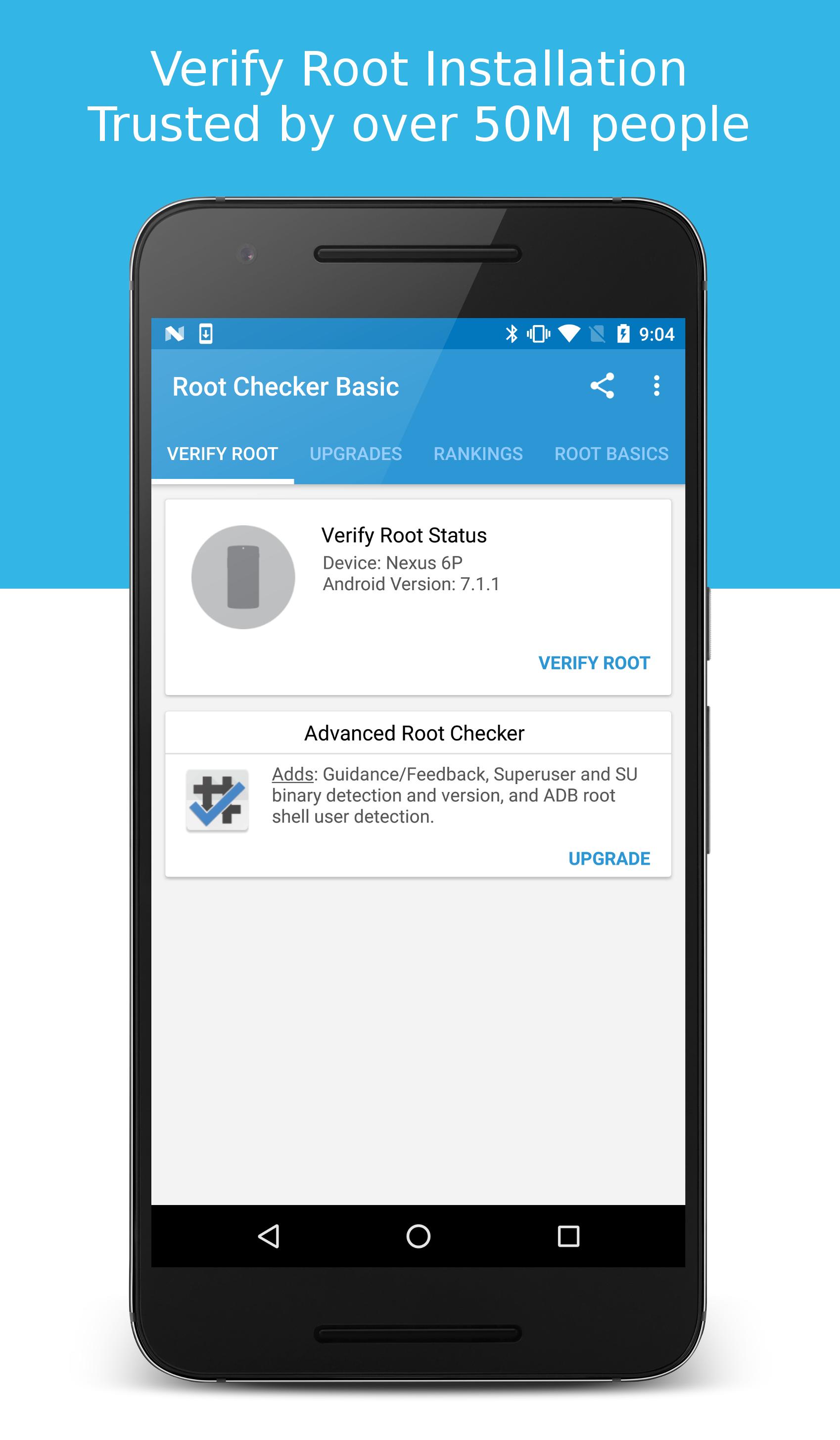
Root Checker runs a fast test that looks for the SU binary in standard locations and then executes a simple command to confirm real root access. You get a clear pass or fail result in seconds.
Prompt validation with Magisk and SuperSU
Root Checker triggers your superuser manager so you can see the Grant or Deny prompt and verify that permissions behave correctly. This helps you confirm that Magisk or SuperSU is set up and responding.
Real command execution test
Instead of only detecting files, Root Checker attempts to run commands that require elevated privileges. Therefore, you can distinguish between installed but broken root and fully working root access.
Verification history for troubleshooting
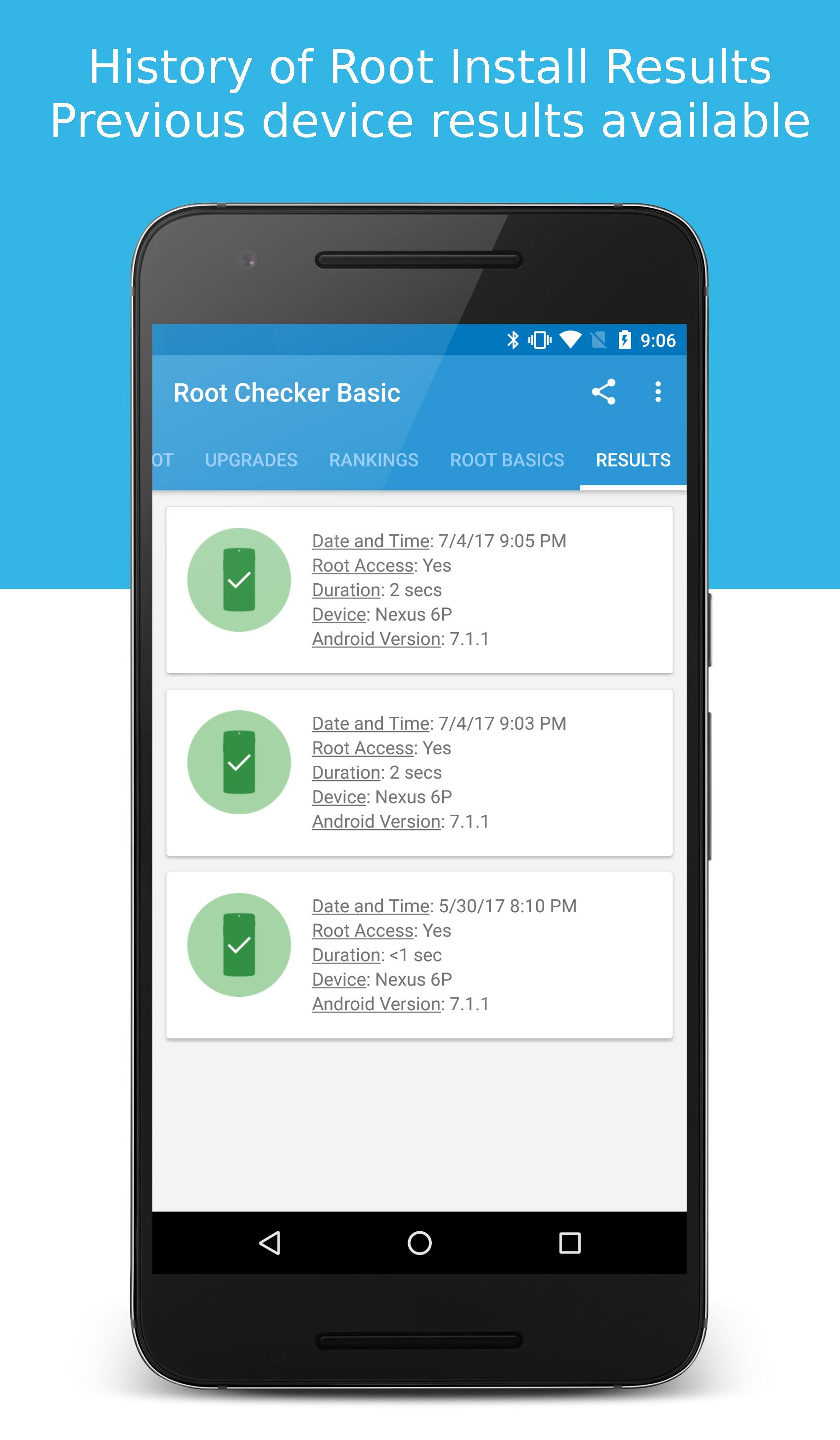
Root Checker keeps a simple history that records date, time, result, device model, and Android version. In addition, you can compare results across updates or ROM changes to spot patterns and issues.
Guides and troubleshooting tips
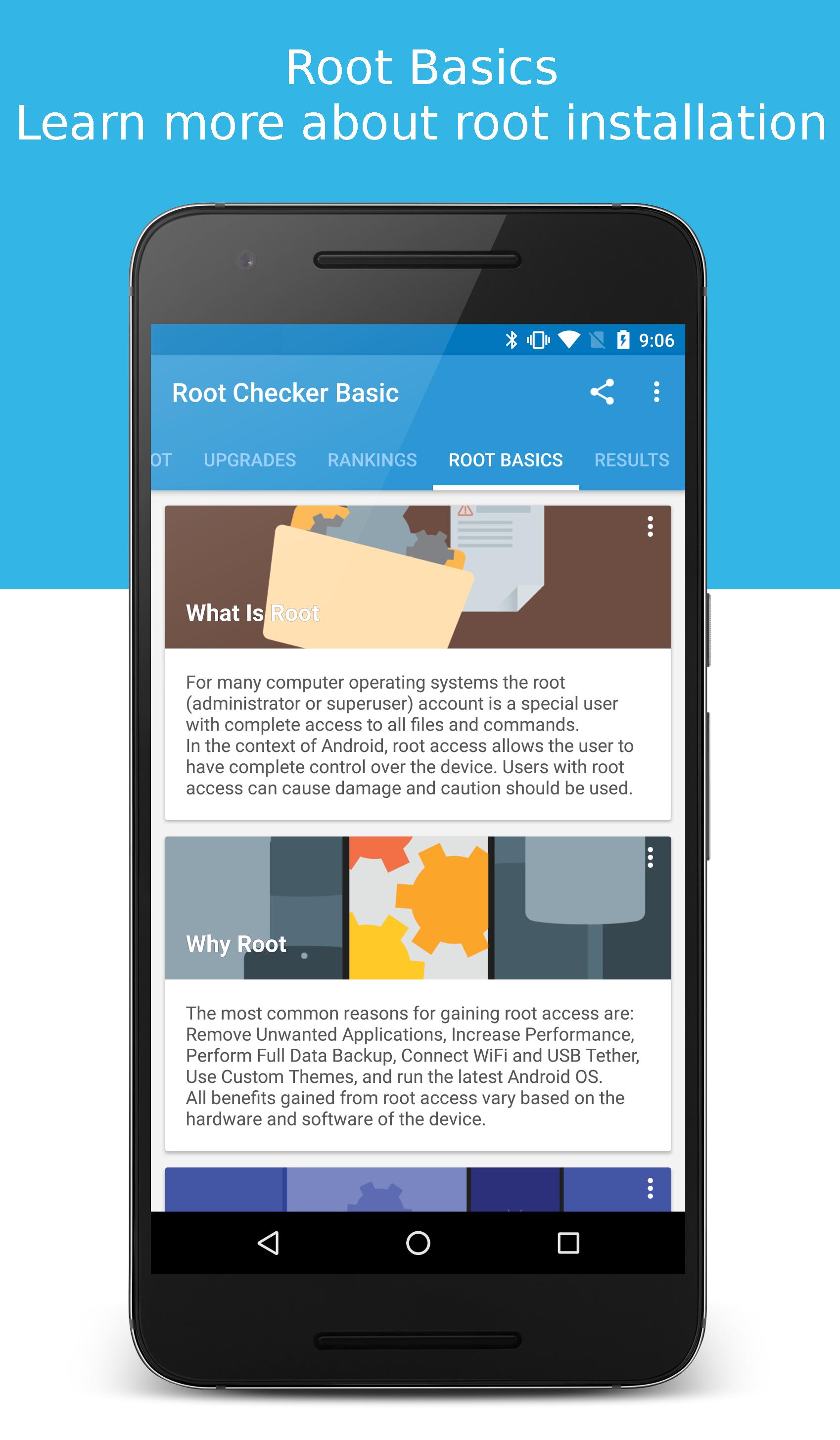
Root Checker includes basic guides that explain common root terms and outline fixes for frequent misconfigurations. Moreover, it points to permission issues that often arise after flashing or restoring backups.
Safe, read only design
Root Checker does not root, unroot, or alter files on your device. Also, it works without ADB or desktop tools, which keeps the process simple and avoids extra steps for beginners.
Root Checker verifies the presence and function of root. It is not a rooting tool and it does not install root. Tools such as Magisk or solutions like Kingo ROOT are used to obtain root. Therefore, you use Root Checker after those tools to confirm that superuser access is working and that permission prompts appear as expected.
When you tap Verify, Root Checker requests elevated access. Your manager, such as Magisk or SuperSU, shows a prompt. You grant the request to prove that root commands can run on your device. If no prompt appears, this usually means the manager is missing, disabled, or blocked by a setting that prevents dialogs from showing.
This quick guide explains the basic flow from install to result. Follow the steps to verify that superuser access is present and working on your device.
Get the Root Checker APK latest version on APKPure, install it, and open the app.
Tap Verify Root to start the check. Watch for a prompt from Magisk or SuperSU.
After the prompt appears, tap Grant to allow the request. If you tap Deny, the test will fail by design.
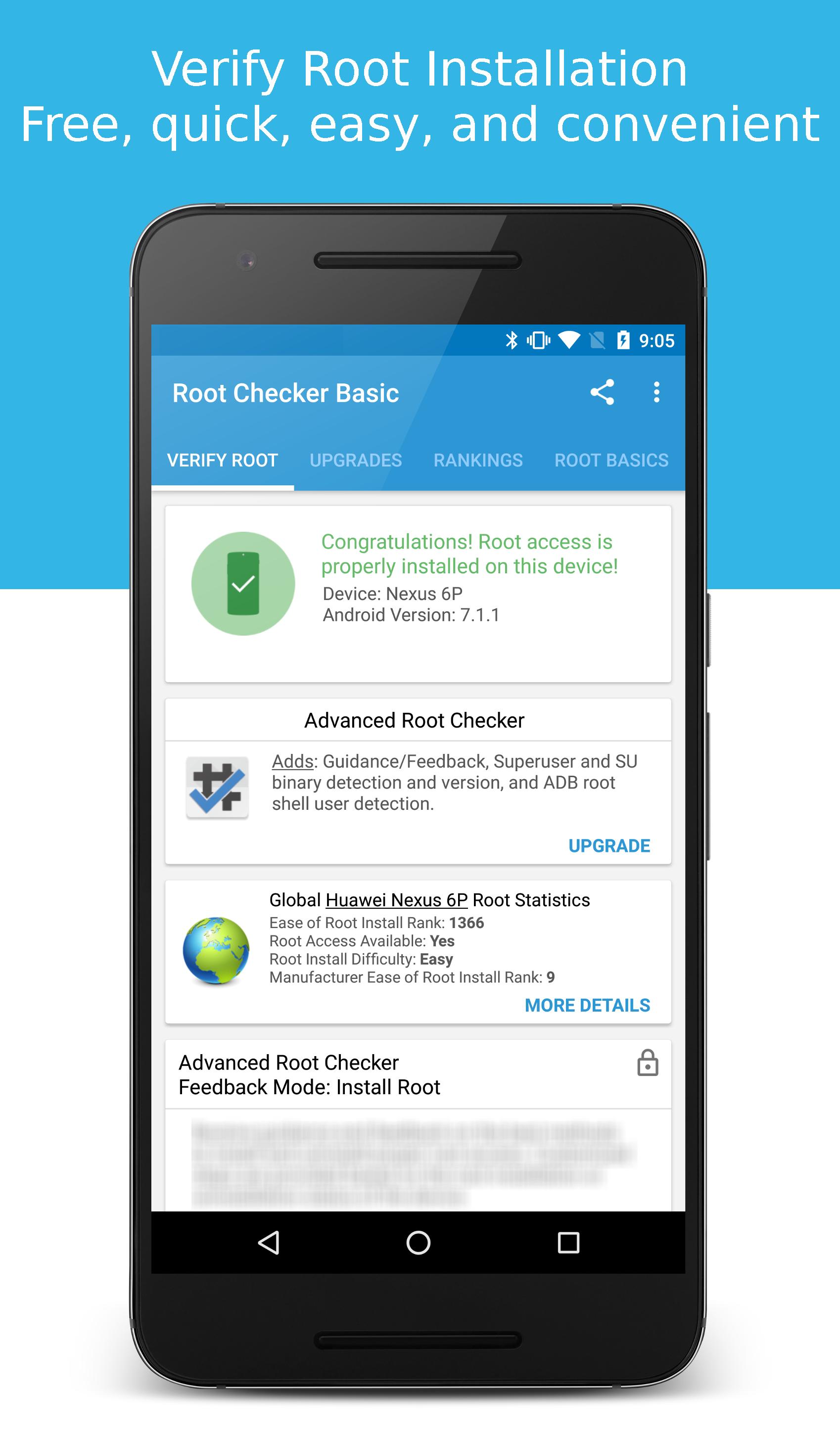
Then review the result screen. It shows whether commands executed with elevated privileges and states the detected manager.
You can compare across changes, open History to see past checks. Use the in app tips if the result shows no root or no prompt.
Root Checker provides a simple way to confirm real, functioning root access and to validate permission prompts from your superuser manager. Download Root Checker to test your setup quickly, and use the history to track results over time.
Get the Root Checker APK latest version on APKPure. Use APKPure to download Root Checker updates whenever you switch ROMs, change kernels, or update Magisk modules.
Official resources
Website: http://www.joeykrim.com/
Contact: https://joeykrim.com/contact
How do I know if my phone is rooted with Root Checker?
Open Root Checker and tap Verify Root, then respond to any superuser prompt that appears. If Root Checker reports that commands executed with elevated privileges, your device has working root access. If it reports failure, either root is not installed, the SU binary is missing, or the manager denied the request.
Does Root Checker actually root my device?
No, Root Checker does not root or modify your device. Root Checker only checks for the presence of the SU binary and tests whether superuser commands run successfully, which keeps the process safe and focused on verification.
Why do I not see a Magisk or SuperSU prompt when I press Verify?
The absence of a prompt usually means a superuser manager is not installed or not active. Root Checker relies on that manager to display permission dialogs. Install or update Magisk or SuperSU, ensure the manager app is enabled, and check that background restrictions or popup blockers are not hiding the prompt.
Can apps detect root, and how does Root Checker help?
Yes, many apps can detect root by checking for indicators such as the SU binary or known file paths. Root Checker helps by confirming whether root is truly active and whether permission prompts work. If a sensitive app blocks usage due to root, your Root Checker result can guide further troubleshooting with your manager settings or modules.
Where can I download or update Root Checker APK safely?
Click "Download APK" to download Root Checker and get the Root Checker APK latest version.
Last updated on Apr 23, 2026
Bug fixes and modernization of dependencies
Latest Version
 6.5.8
6.5.8
Uploaded by
Luis MV
Requires Android
Android 5.0+
Available on

Category
Report




Discover what you want easier, faster and safer.
