


Use APKPure App
Get RetroArch old version APK for Android

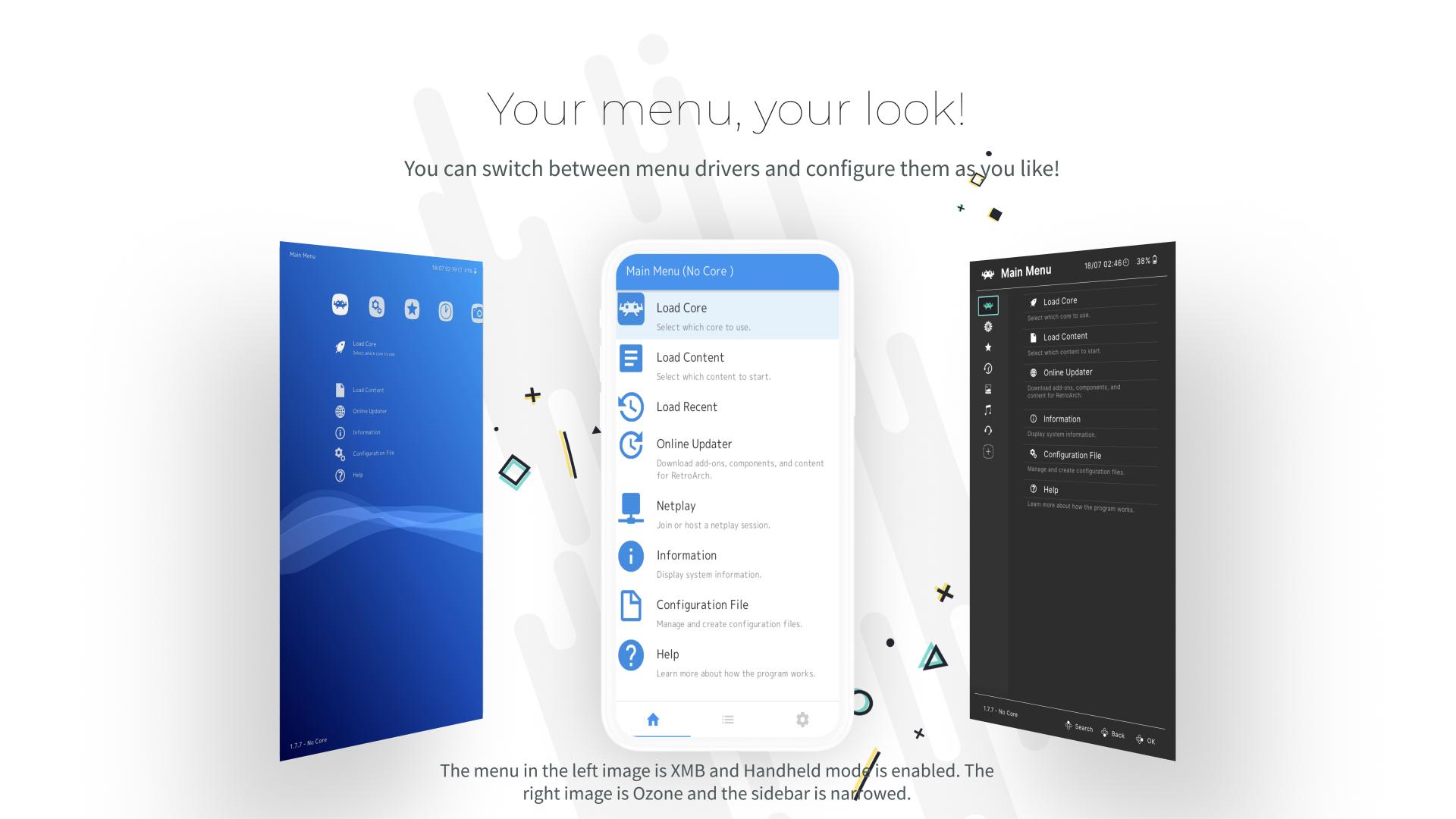
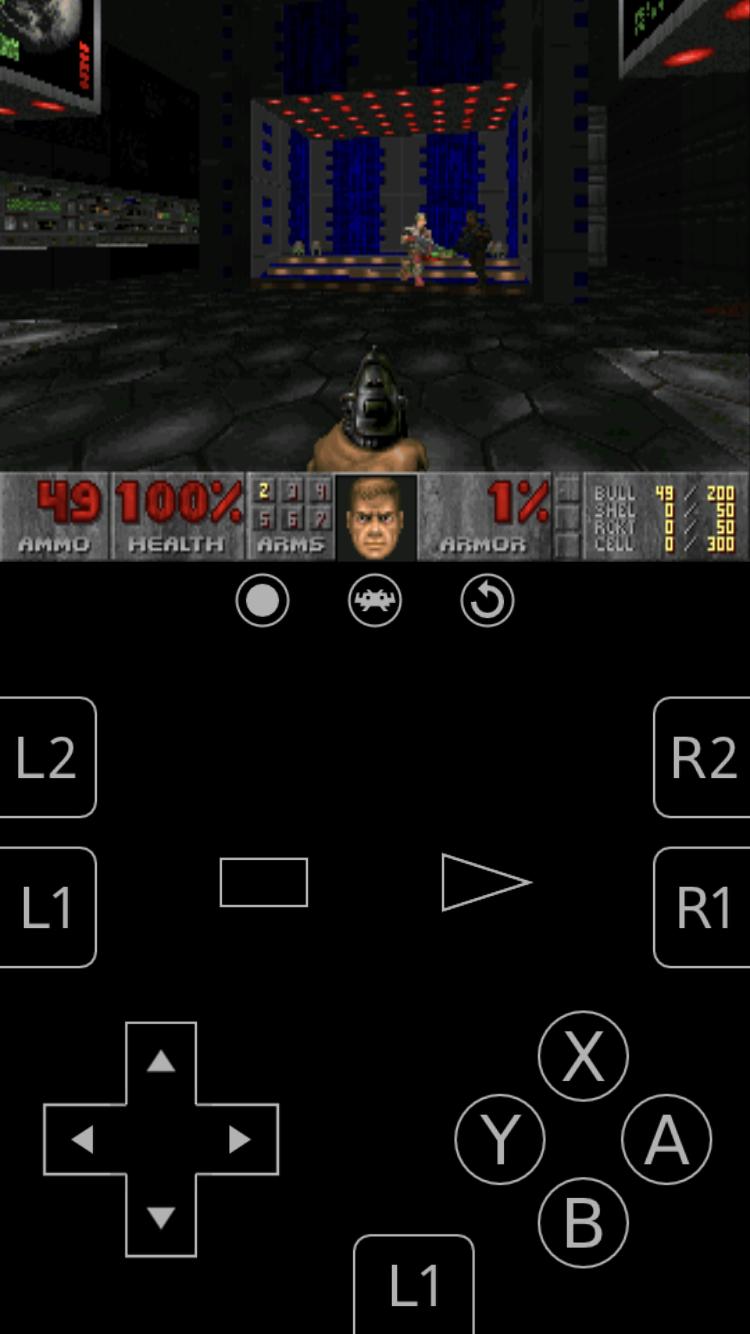
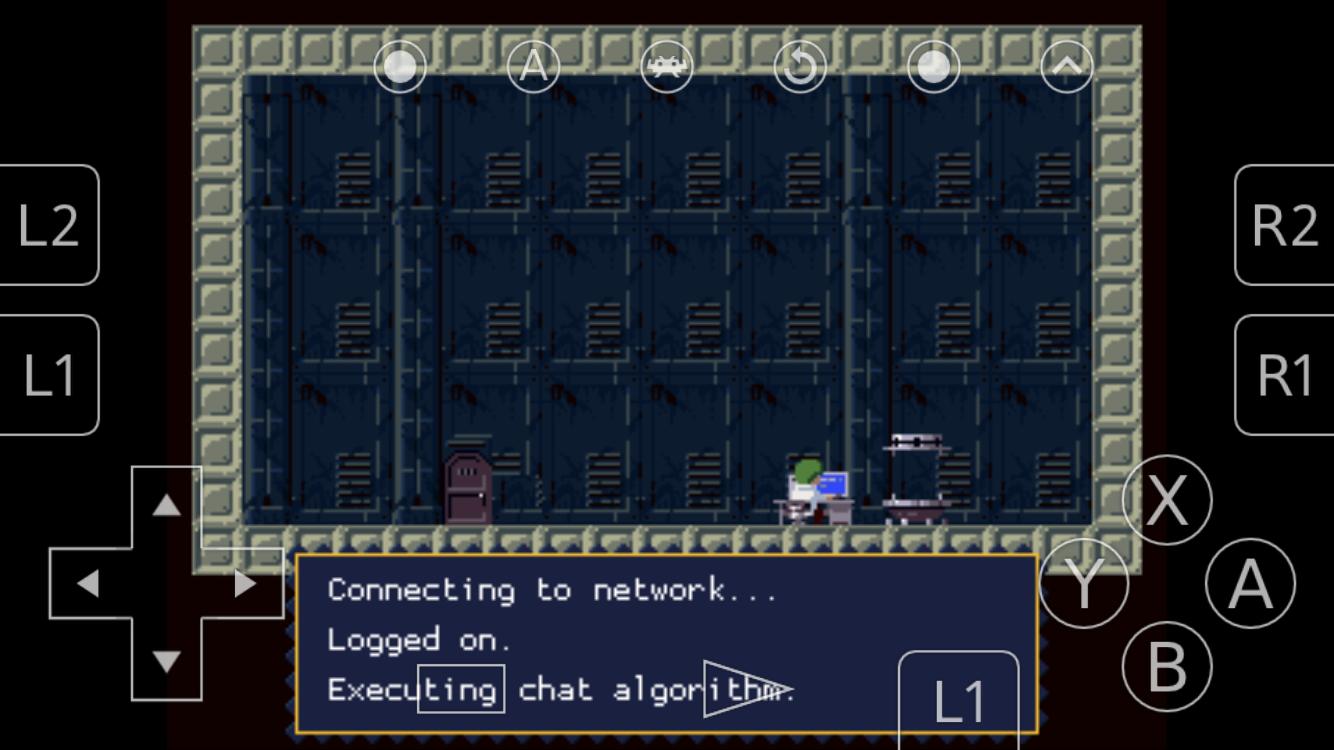
RetroArch is a multi system emulator frontend app that runs many systems through Libretro cores in one interface.
RetroArch suits users who want to organize and play classic games on Android without juggling separate apps. It brings emulators, game engines, and media players together and keeps settings consistent across systems. In addition, it adds modern touches like library scanning and quick menus so you can jump into games with less setup. If you prefer an installer package, the RetroArch APK offers a direct path to install and start configuring your collection.
Core based emulation hub
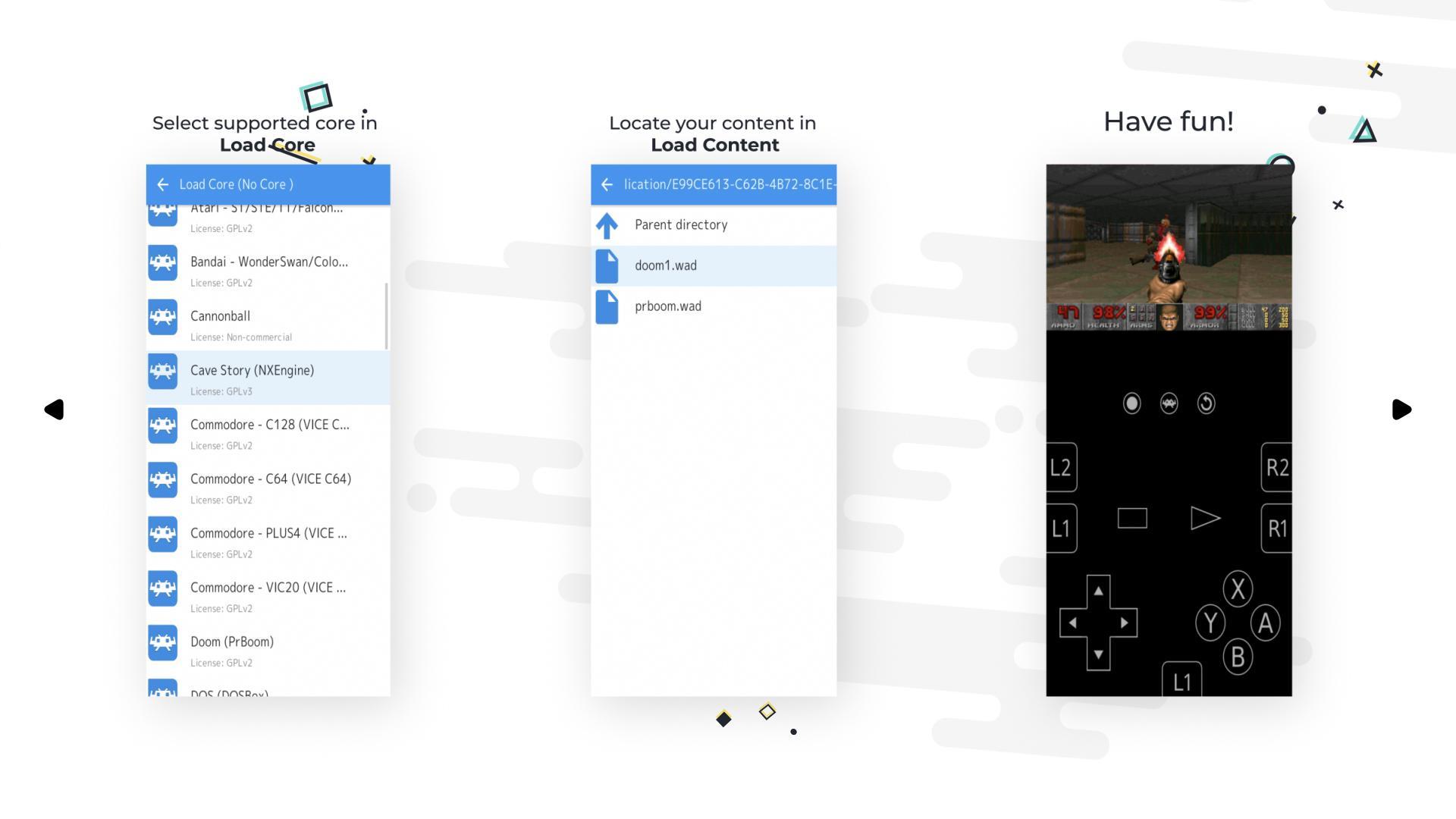
RetroArch lets you run many classic systems by loading Libretro cores inside one app. You choose the core for each system, then start content with that core. This structure keeps your library in a single place and reduces repeated setup between different emulators.
Console style library and browsing
You can scan folders to build a library that is sorted by system. RetroArch shows thumbnails and database details to make browsing easier on a phone screen. As a result, you find games faster and avoid opening a file manager each time.
Low latency input options
RetroArch focuses on responsive controls with next frame response and runahead options. You can tune latency to match your device and core, which helps games feel closer to original hardware. These settings live in clear menus so changes are easy to try and revert.
Video shaders and visual tuning
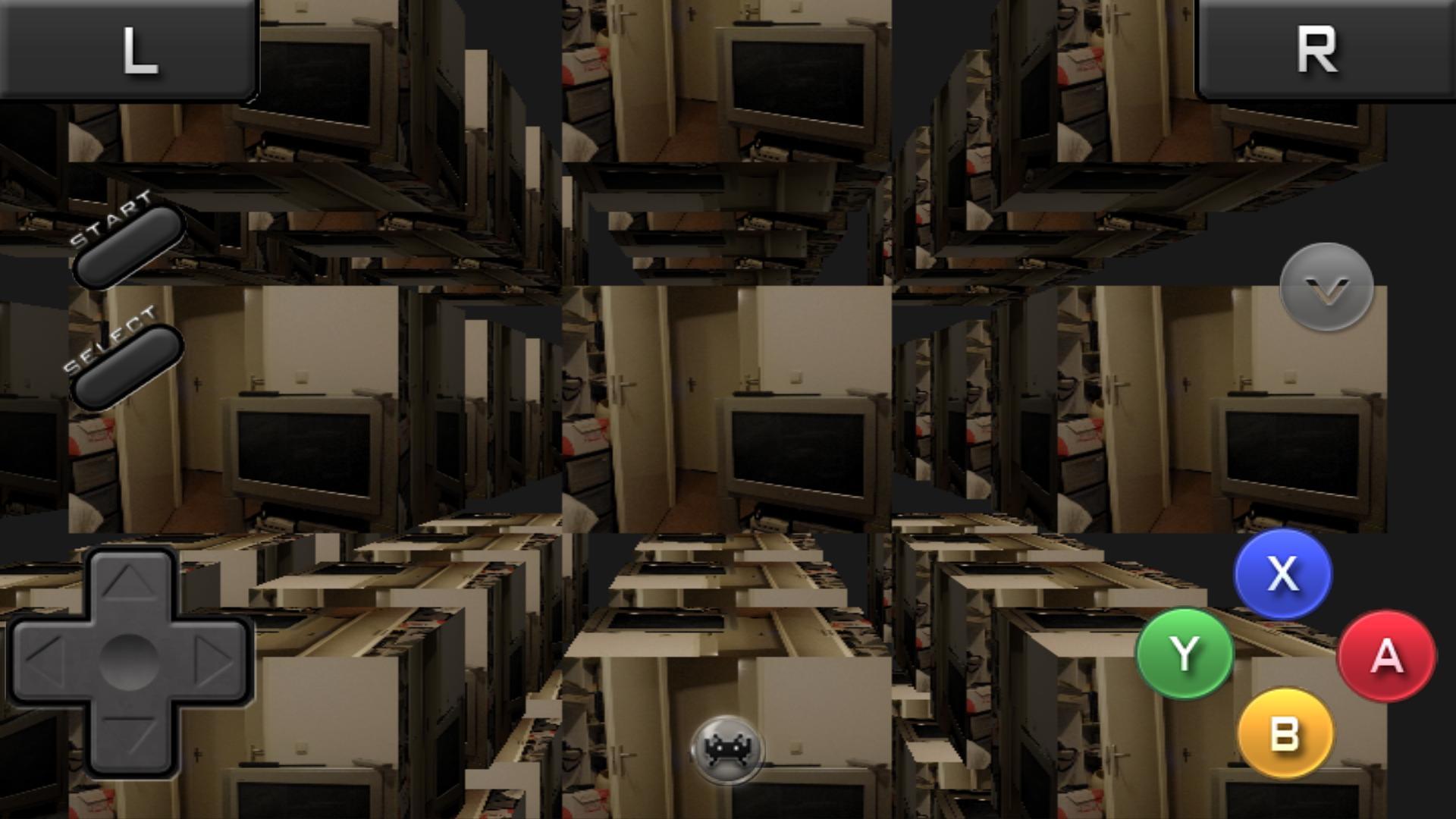
RetroArch supports shaders that adjust how games look, including CRT and scanline styles. You can fine tune color, sharpness, and scaling with presets or custom stacks. Changes apply in real time, so you see results while a game is running.
Multiplayer and convenience tools
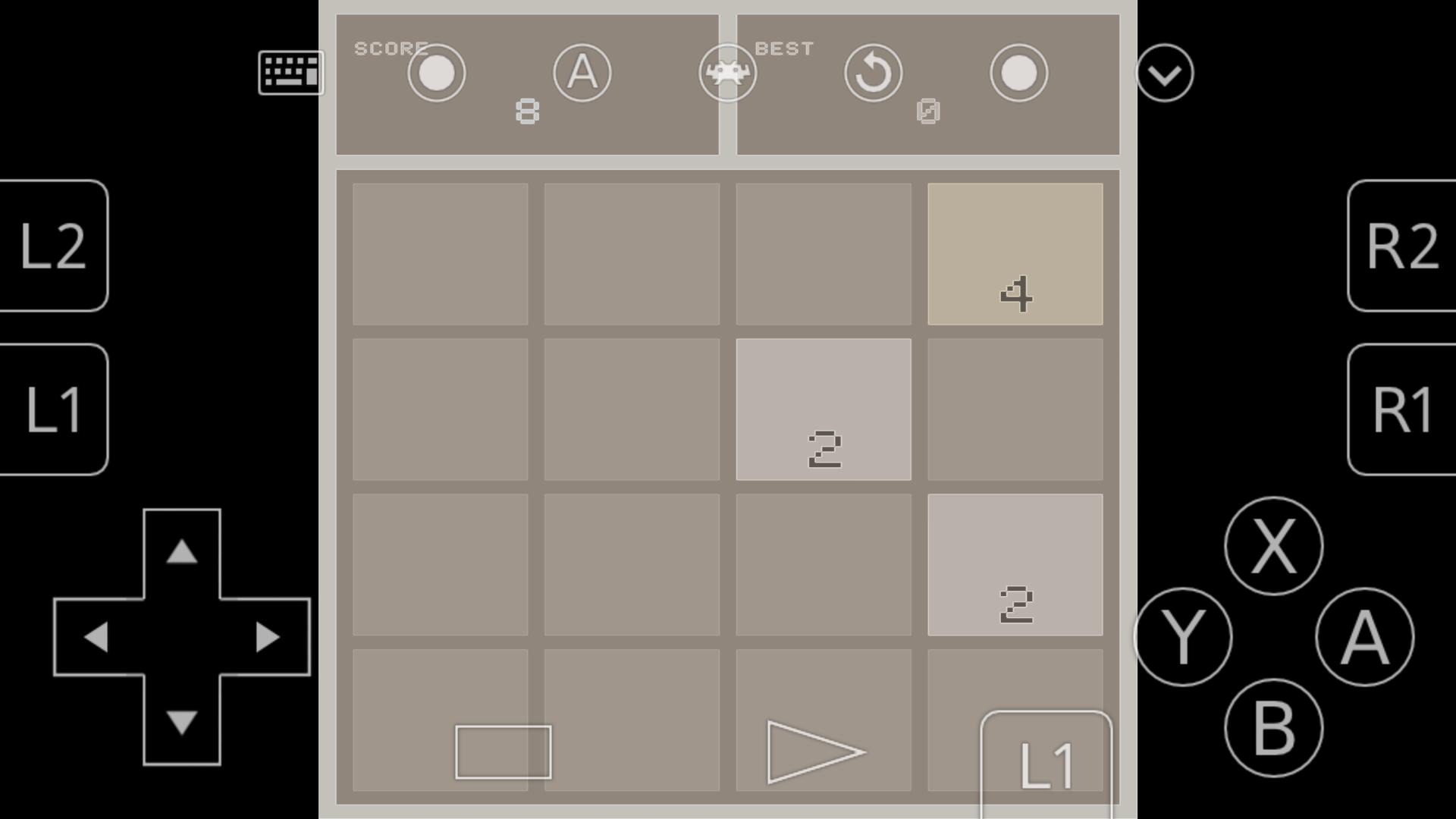
Built in Netplay offers online sessions through a lobby and spectator mode. RetroAchievements can add goals for supported games when enabled. For everyday use, you get automatic controller mapping, input remapping, save states, screenshots, cheats, multiple language options, and optional recording or streaming.
Different Android builds may suit different users. A standard store build supports up to 50 cores and does not include the Core Downloader because of store policies. RetroArch Plus, designed for Android 8.0 or newer, supports up to 127 cores. The official website APK includes the Core Downloader for in app core management. The standard store build also receives automatic weekly updates, which some users may prefer for hands off maintenance.
Support and learning materials are available through the official website. You can find setup guides, controller mapping help, Netplay instructions, and links to video tutorials and community channels. If you plan to play online, the community resources are useful for matchmaking and troubleshooting.
After you download RetroArch and open it, a short setup helps you organize your library. The process below covers the basics so you can start a game and adjust common settings.
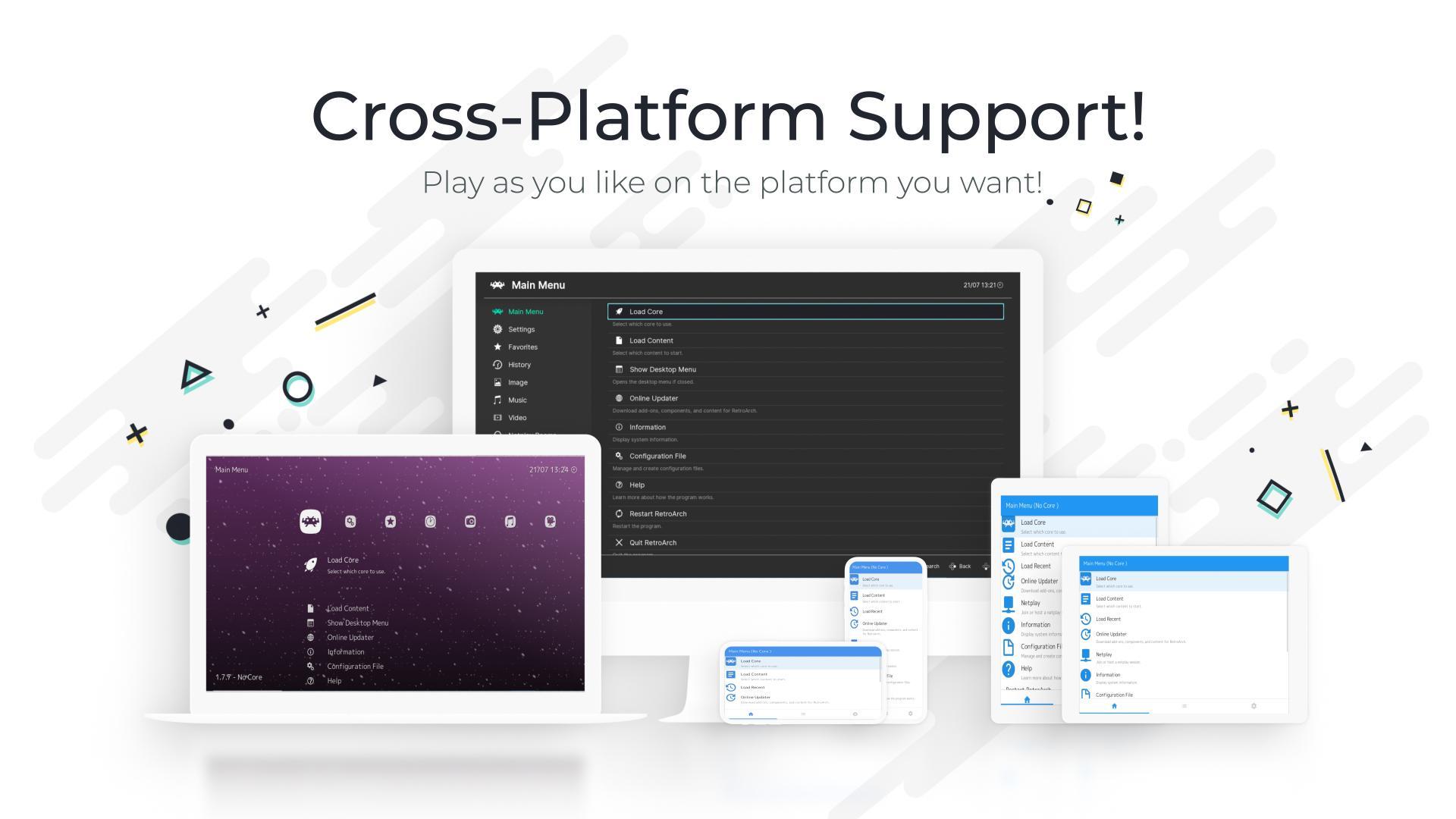
RetroArch brings many systems into one Android app with a clear interface, modern options, and no ads. If you want the most recent fixes and features, look for the RetroArch latest version and check which Android build fits your needs.
For official resources and support, visit:
Last updated on Jan 31, 2026
Minor bug fixes and improvements. Install or update to the newest version to check it out!
Latest Version
 1.22.2_GIT
Uploaded by
Libretro
Requires Android
Android 4.1+
Available on

Category
Report


Discover what you want easier, faster and safer.
