


Use APKPure App
Get PS Remote Play old version APK for Android

PS Remote Play is a game streaming app that lets you play PS5 or PS4 on Android devices.
PS Remote Play helps when the TV is in use or when you are away from home. It mirrors your console screen to your phone or tablet so you can browse menus, switch games, and continue your session on the go. You can use touch controls or a compatible controller as you prefer, and it works over Wi Fi or mobile data. If remote gaming fits your routine, PS Remote Play APK offers a straightforward way to stay connected to your console.
Play without the TV
You can stream your PS5 or PS4 over Wi Fi or mobile data and pick up right where you left off. This makes it practical to keep playing when someone else needs the living room TV or when you step outside the house. Sessions resume quickly so you can move from the sofa to your phone with minimal interruption.
Multi screen flexibility
PS Remote Play supports phones and tablets for portable play and also works on Android TV and Chromecast with Google TV for a second screen at home. This flexibility helps you continue a game in another room while the main TV is busy. It also gives you a simple way to check your console dashboard from different displays.
Controller choice and on screen buttons
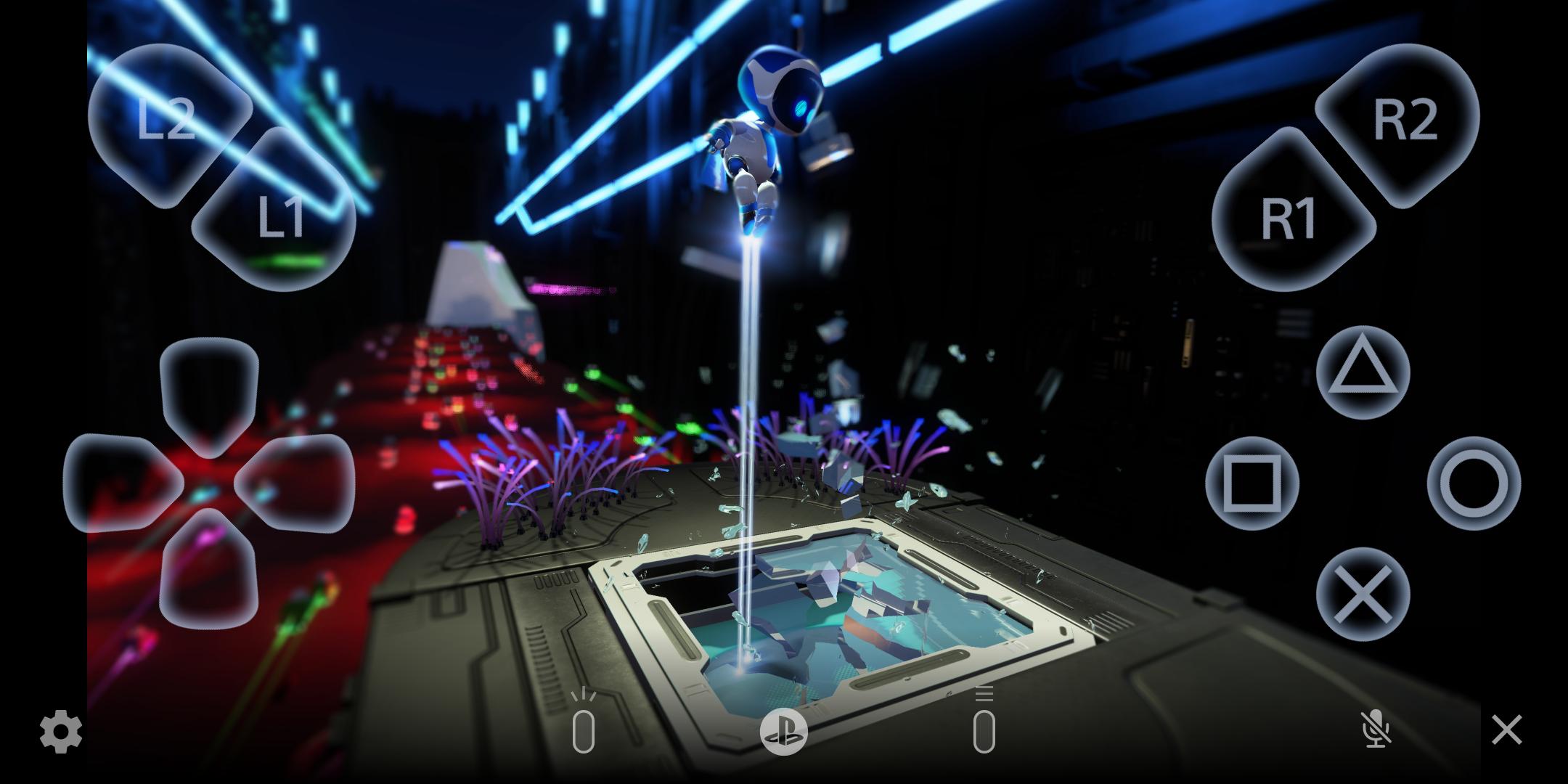
PS Remote Play supports DualSense, DualSense Edge, DUALSHOCK 4, and Backbone One, along with responsive on screen controls. You can choose what fits your setup, whether you prefer physical buttons or quick taps on the display. Advanced features such as haptics or triggers may vary by device and connection.
Faster handoff from the PlayStation App
You can launch a session directly from the PlayStation App to get into gameplay faster. This handoff reduces steps by taking you from checking notifications to gameplay in one flow. It is helpful when you want to jump into a quick activity like a daily challenge or a short session.
Voice chat and easy typing
PS Remote Play uses your phone’s microphone for party voice chat so you can stay connected with friends. You can also type with your device keyboard for search, sharing links, and messaging without reaching for the console. This keeps communication simple while you navigate games and menus.
Adjustable video quality for data use
Streaming quality can be adjusted to manage bandwidth, which is useful on mobile data. Lowering the resolution helps cut data use when you are on the go, while higher settings can be used on a stable Wi Fi connection. This control helps balance visual quality and network limits.
Consider the following points before starting a session, as they can affect your experience and help with setup decisions.
Your PS5 or PS4 must be online and either powered on or in Rest Mode for remote access.
Network stability affects responsiveness. A strong Wi Fi signal or reliable mobile data improves video and input response.
Controller pairing and features can differ by device. Some functions like advanced vibrations or triggers may not be available during streaming.
Android TV and Chromecast with Google TV support may vary by model and software. Availability depends on your specific device.
Data charges can apply on mobile networks. Reduce streaming quality when away from Wi Fi to manage usage.
The steps below outline a simple way to get started on your phone or tablet. If you plan to download PS Remote Play, set up your console and network first for a smoother connection.
Make sure your PS5 or PS4 is powered on or in Rest Mode and connected to the internet. Connect your Android device to a stable Wi Fi network or confirm that mobile data is available.
Open PS Remote Play on your Android device and follow the prompts to begin. Allow the app to search for your console and prepare the connection.
Select PS5 or PS4 when prompted, then wait for the connection to establish. Your console home screen should appear on your device.
Choose how you want to play. Use on screen buttons for quick access or connect a compatible controller like DualSense, DualSense Edge, DUALSHOCK 4, or Backbone One.
Start your game and adjust in app video quality if you are on mobile data. Join party voice chat with your phone’s microphone and use the device keyboard when you need to search or send messages.
PS Remote Play lets you keep your PS5 or PS4 within reach when the TV is busy or you are on the move. To stay up to date, check the PS Remote Play latest version information and start streaming according to your connection.
For official guidance and support, see the links below.
Official website: https://www.playstation.com/en-in/remote-play/
Support page: https://remoteplay.dl.playstation.net/remoteplay/lang/en/
Last updated on Mar 18, 2026
• Bluetooth LE Audio (Gaming Audio Profile) is now supported.
• We've made some performance improvements.
Latest Version
 9.0.0
9.0.0
Uploaded by
بلاسم عبد الرحمن
Requires Android
Android 10.0+
Available on

Category
Report


Discover what you want easier, faster and safer.
