


Use APKPure App
Get Phone Doctor Plus old version APK for Android

Phone Doctor Plus is a mobile diagnostics app that runs fast hardware and system checks.
Phone Doctor Plus helps users spot hidden device issues and understand overall phone health before small problems turn into bigger ones. It fits common situations such as routine checkups, quick troubleshooting after a drop or spill, and confirming condition before a trade in. When you prefer testing at home, the guided flow presents results in plain language for easy reading. For smoother planning before meeting a buyer or vendor, you can download Phone Doctor Plus and verify status ahead of time.
More than 40 device diagnostics
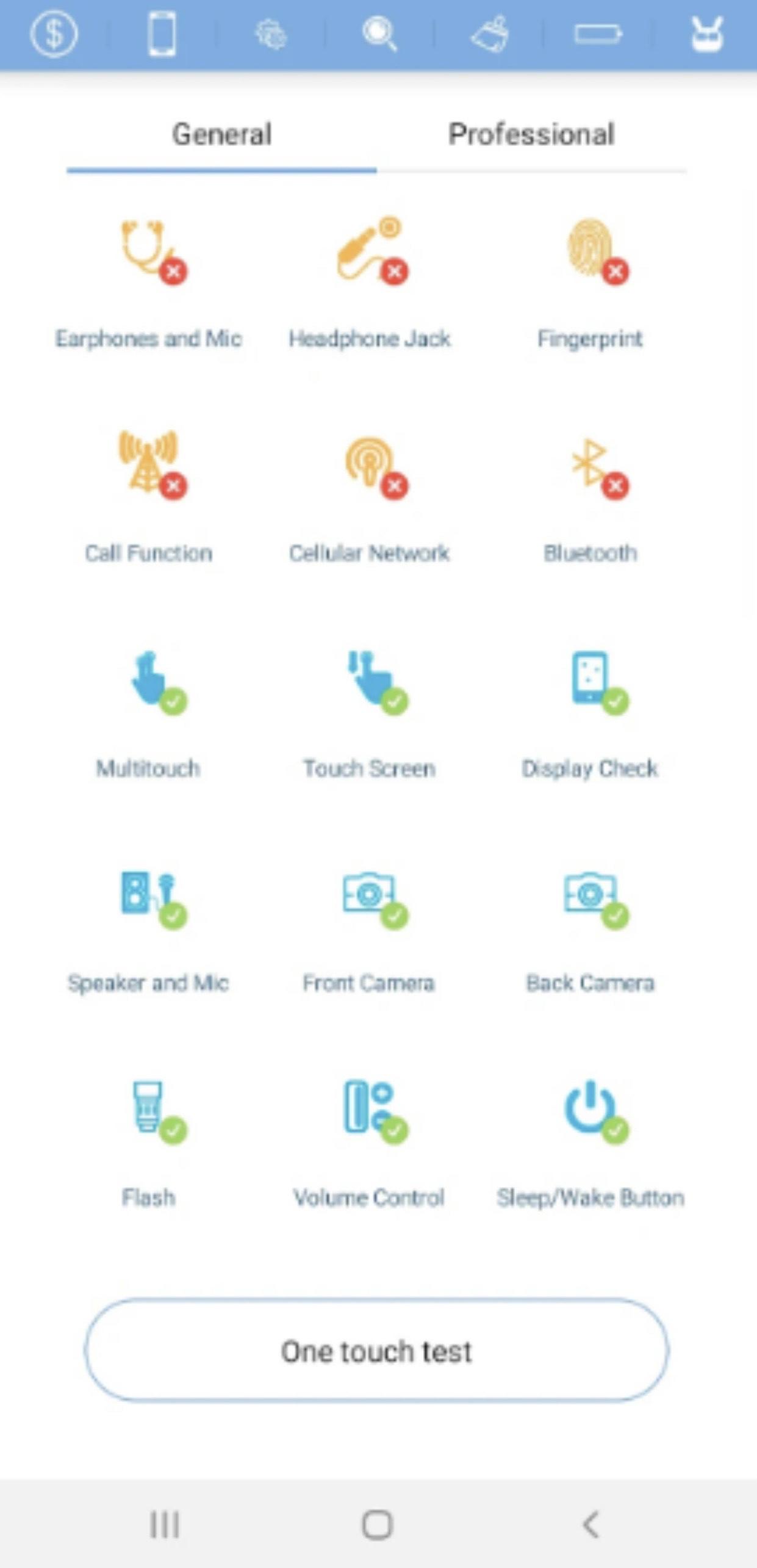
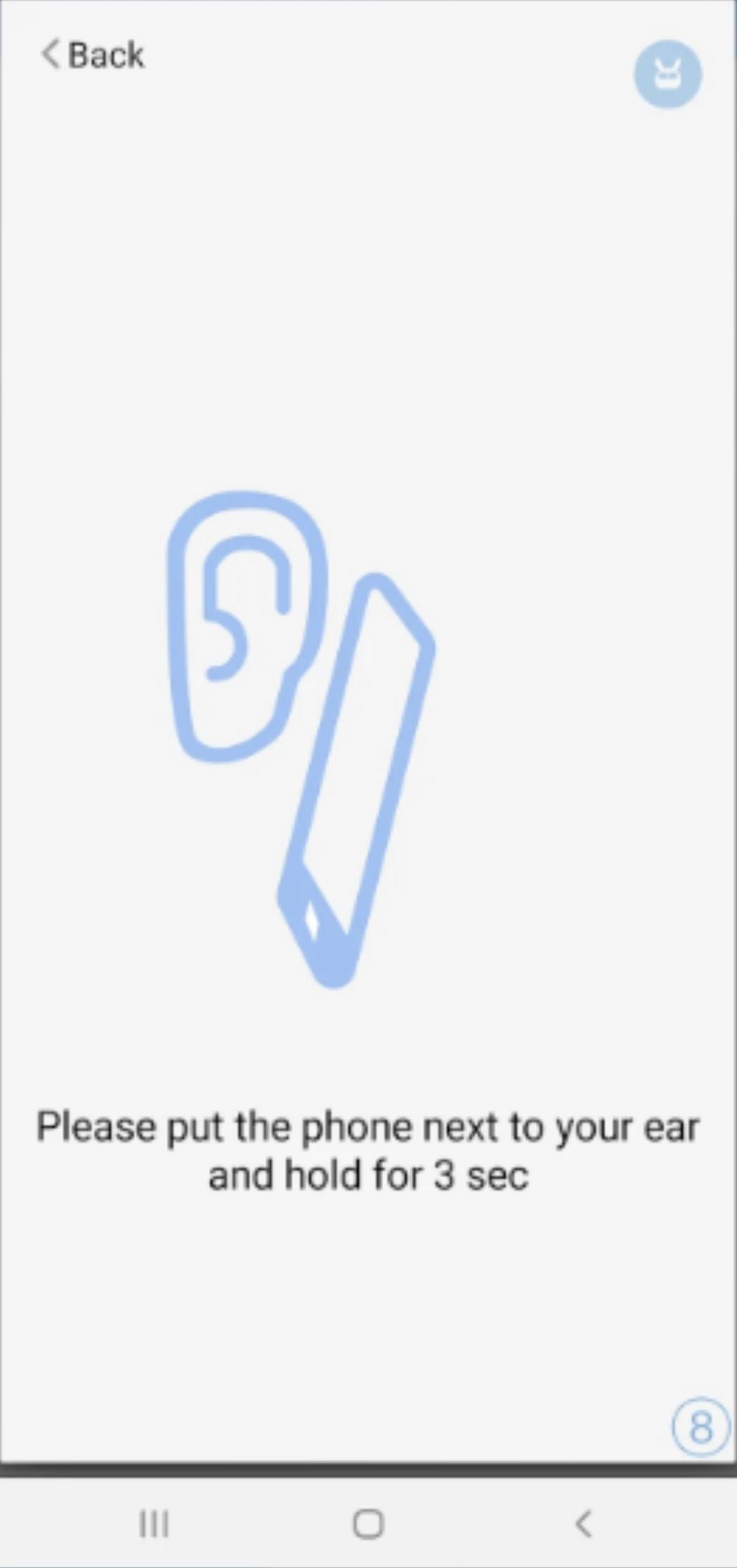
Phone Doctor Plus runs screen, sensor, button, audio, camera, and connectivity checks so you understand the current state of your phone. These tests use patented methods to surface issues that are easy to miss in daily use. Results appear quickly, which helps you decide what to address next.
Guided One Tap and Tap Test modes
With One Tap, you follow a simple flow that completes a full phone scan in about 3 minutes. Tap Test focuses on the touch screen, while Individual Item Diagnostics let you target a single component when needed. At the end, you receive a clear diagnostic report that summarises findings in an easy to share format.
Battery health tracking
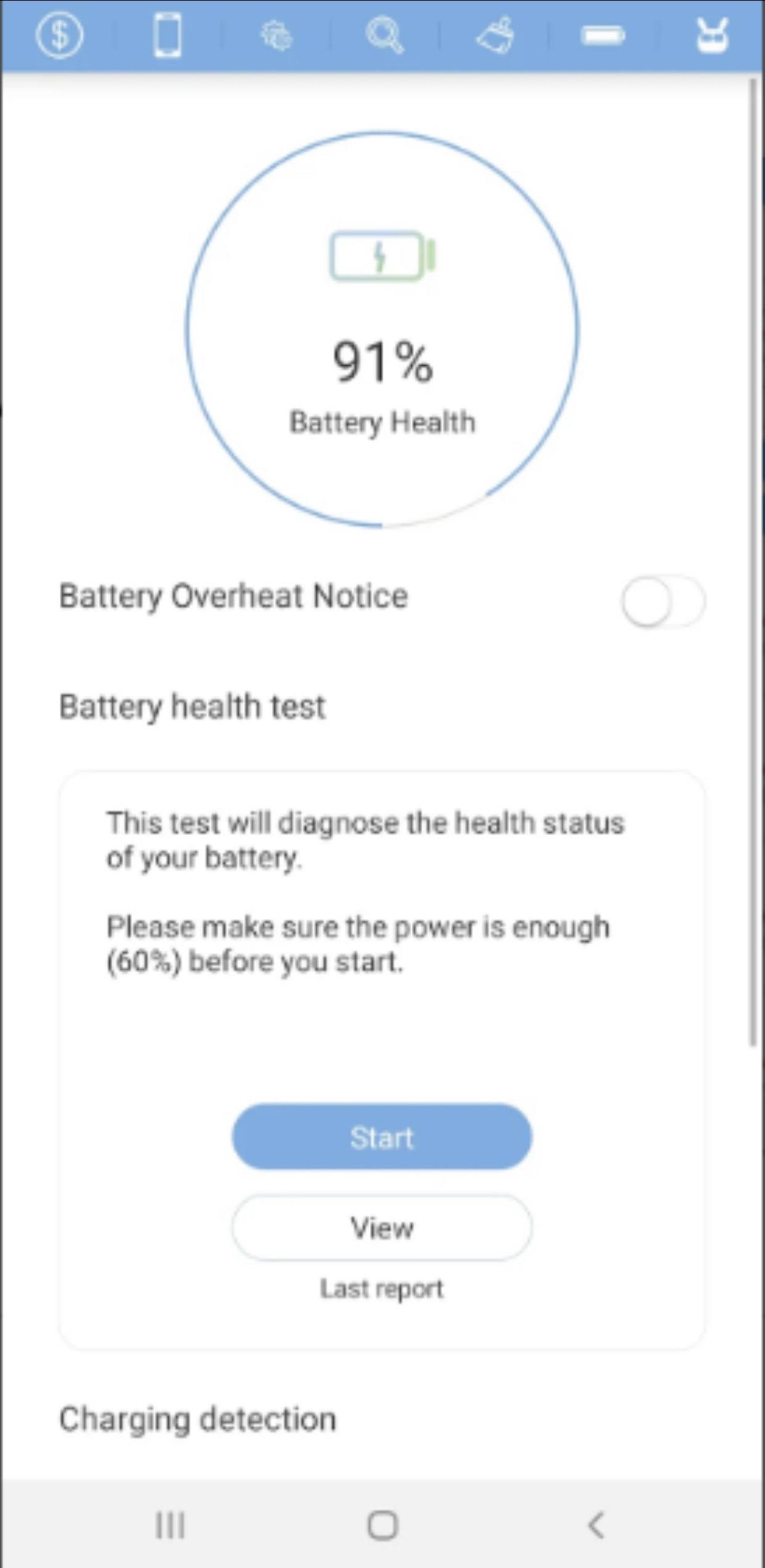
A dedicated Battery Test shows capacity trends and charging cycles so you can track aging over time. Daily logging builds a history that helps you judge when replacement makes sense. If a dip appears, you can plan usage and charging to reduce further strain.
System and network monitoring
Real time status for hardware, CPU, memory, and storage helps you spot slowdowns and storage pressure. You can also track mobile data and network usage to avoid exceeding monthly caps. These insights support everyday decisions such as clearing space or limiting background data.
Instant trade in appraisal
Phone Doctor Plus estimates market aligned trade in value in about 1 minute based on test results and appearance. A certified report reduces misunderstandings with vendors because condition is documented. This process supports smoother resale discussions and helps users prepare before visiting a store or meeting a buyer.
Since 2013, Phone Doctor Plus has served users who want simple, structured diagnostics without a service visit. It has recorded more than 11,000,000 downloads and is listed as a top utility app in 57 countries. The app also shows an average user rating around 4.6 out of 5. These signals reflect steady usage for routine checks, troubleshooting, and trade in preparation.
Phone Doctor Plus is a mobile app, not a local repair shop, and it guides you through at home diagnostics. For accurate results, ensure a stable network connection before starting, especially if you plan to request an appraisal or sync logs. Allow requested permissions so each test can access the component it measures. If a feature does not respond as expected, close and reopen the app, then reinstall if the issue persists.
This short guide explains how to start, run checks, and review results with the Phone Doctor Plus latest version. It focuses on everyday steps so you can complete a full scan and value appraisal in minutes.
Phone Doctor Plus provides fast diagnostics, battery tracking, system monitoring, and an in app appraisal for resale planning. To begin, install the Phone Doctor Plus APK and follow the guided tests to generate a clear report you can use for decisions.
Last updated on Jun 20, 2023
- Fixes crashing problems
Latest Version
 2.0.58
Uploaded by
Francisco Banegas
Requires Android
Android 4.2+
Category
Report





Discover what you want easier, faster and safer.
