


Use APKPure App
Get OpenVPN for Android old version APK for Android

OpenVPN for Android is a VPN client app that securely connects to OpenVPN servers.
OpenVPN for Android suits users who need a straightforward way to reach a private network from a phone or tablet. It fits personal use, remote work, and school networks where a VPN profile is provided. Since it is a bring your own server client, you choose the server and the app focuses on practical control of your connection. Moreover, it is open source and developed with transparency. Before you download OpenVPN for Android, make sure you have valid OpenVPN configuration files from your provider.
OpenVPN for Android works with any standard OpenVPN server. The app does not include or sell VPN service, so you use personal, company, university, or commercial provider profiles. This approach gives you control over where you connect and avoids locked vendor settings that can limit configuration choices.
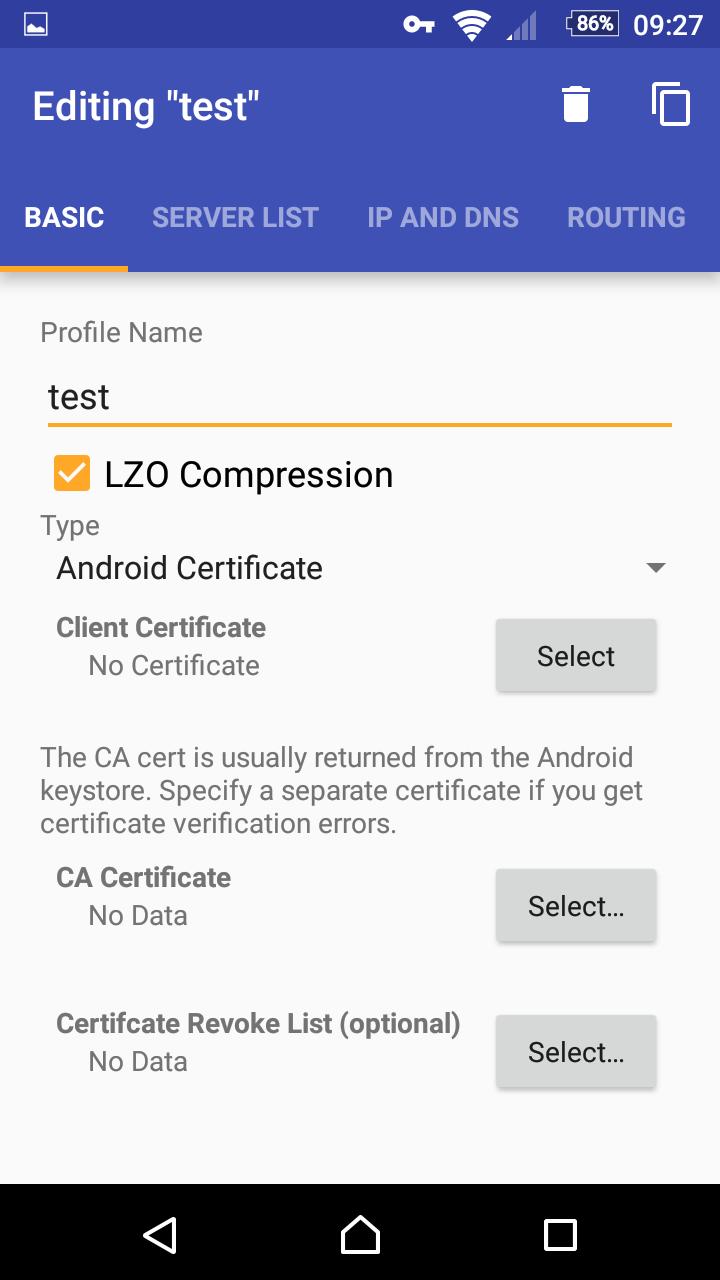
Easy profile importYou can import .ovpn files directly from device storage, email attachments, or downloads. OpenVPN for Android supports inline certificates and keys, so a single file profile can include the CA, client certificate, and private key. This reduces setup steps and makes distribution simple for both users and admins.
No root requiredOpenVPN for Android uses Android’s VPNService API to create a secure tunnel at the system level. You do not need root, and the app integrates cleanly with the operating system networking. As a result, setup is straightforward and follows standard Android permission prompts.
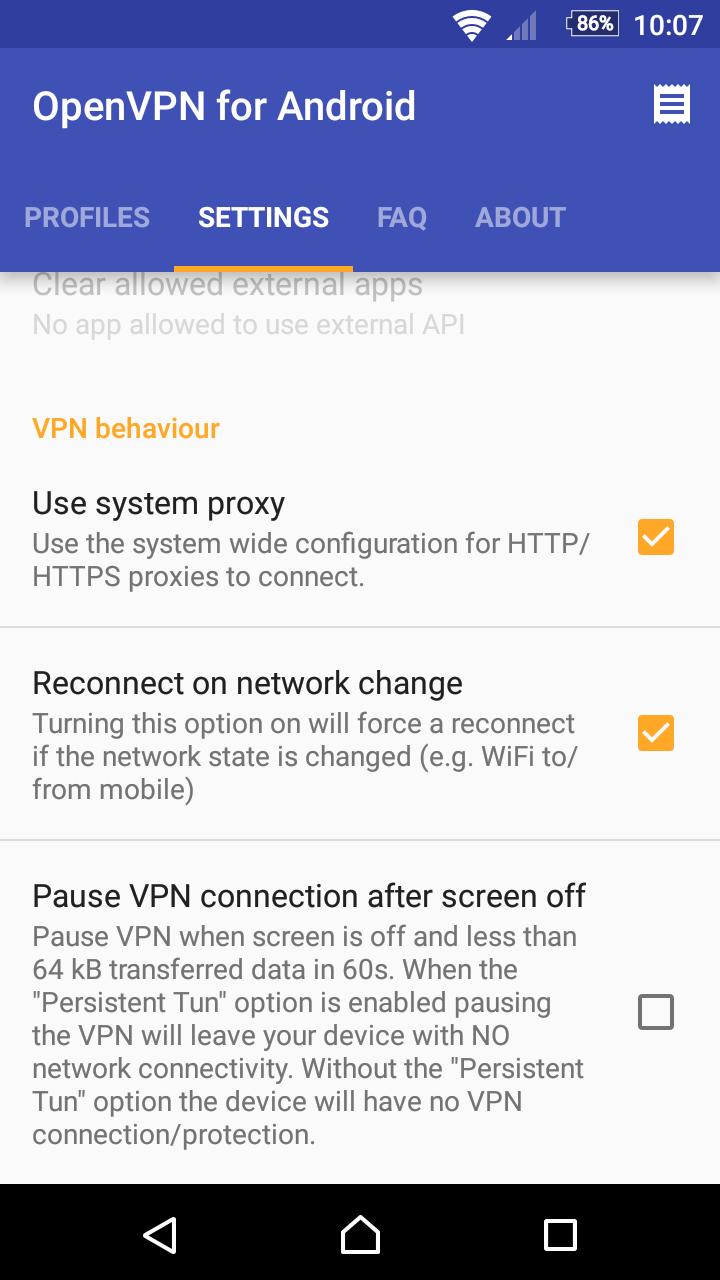
Automation and managed configurationOpenVPN for Android accepts external intents for connect, disconnect, pause, and resume. It also supports managed configuration and a minimal UI mode for a single profile setup. These options help you and your admin automate routine actions while keeping the on device experience as simple as possible.
Security focused buildOpenVPN for Android uses an independent OpenSSL build that is not affected by Heartbleed. The project publishes a code transparency fingerprint to help verify APK integrity. This attention to the cryptographic stack supports reliable behavior during handshake and data transfer.
If you plan an OpenVPN for Android app download, remember it is a client and not a service. The app does not provide servers or free internet access. You need an OpenVPN server or a commercial provider’s configuration files. Contact your network admin or provider for a profile before installing and connecting.
Admins can create single file .ovpn profiles using inline CA, client certificate, and key for easier distribution. When sending profiles by email or a managed channel, set the MIME type to application/x-openvpn-profile so users can import with one tap. OpenVPN for Android supports managed configuration via app restrictions and a minimal UI mode to lock the setup to a single profile. External intents let you trigger connect or disconnect from an MDM, a launcher shortcut, or a script.
Only TUN mode is supported on Android. TAP or Ethernet bridging is not available on this platform. If your use case expects TAP, consider routing based setups on the server side and adjust DNS and push routes accordingly. This aligns with typical Android VPN behavior and avoids bridging requirements that the system does not support.
This short guide covers basic setup with a provided VPN profile. Make sure you have your .ovpn file and any required certificates from your provider. You can follow these steps after you install the OpenVPN for Android APK.
OpenVPN for Android is a flexible OpenVPN client that does not require root and works with your own server. It supports simple imports and admin friendly deployment for personal and enterprise scenarios. To try the OpenVPN for Android latest version, prepare a valid VPN profile and connect on your device.
For project details and documentation, refer to the official resources below.
Last updated on Jan 31, 2026
* Update OpenVPN and OpenVPN 3
* Update OpenSSL
* Fix issues of minimal UI on older Android TV platforms
Latest Version
 0.7.64
Uploaded by
Arne Schwabe
Requires Android
Android 5.0+
Available on

Category
Report




Discover what you want easier, faster and safer.
