


Use APKPure App
Get mcpro24fps manual video camera old version APK for Android

mcpro24fps manual video camera is a professional video camera app that provides manual controls for mobile filming.
mcpro24fps manual video camera helps users who need consistent, manual control while shooting on Android phones. It suits work like short films, music videos, and daily reports. With clear controls and practical tools, you can set up shots to match the scene and your gear. However, results depend on your phone’s hardware and camera API support. Users who prefer direct installation can get the mcpro24fps manual video camera APK when ready.
Log and HDR workflows
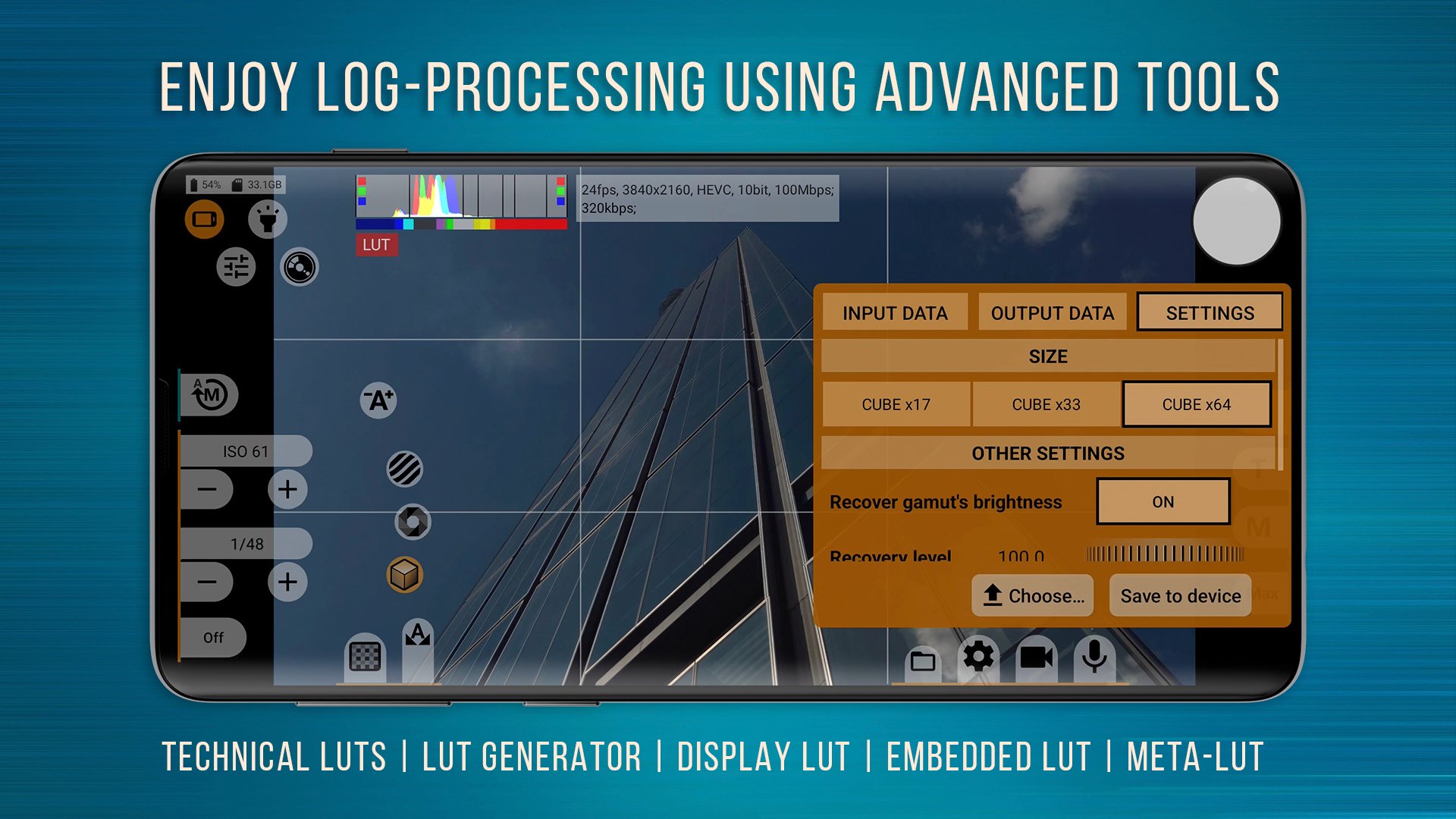
mcpro24fps manual video camera supports Log recording and color management tools for controlled post work. You can shoot in 10-bit on supported devices, use HLG or HDR10, and apply multiple Log profiles. Technical LUTs help interpret footage later, while on-screen LUTs assist monitoring. Tone curves can be adjusted with the GPU for consistent results.
Monitoring and exposure tools
Recording formats and control
Audio and camera configuration
You can select different audio sources, choose sampling rates, and record AAC up to 510 kb/s or WAV. WAV can be embedded in MP4 if needed. Multiple cameras are supported where possible, and settings for each camera are saved separately. Device support can vary, and Camera2 API at Limited level or higher is required, which matters when using the mcpro24fps manual video camera latest version.
For users who need manual video control, download mcpro24fps manual video camera and adjust exposure, focus, and audio to suit each scene. Check your device’s Camera2 API level to confirm feature compatibility. Begin with basic controls, then enable advanced tools as your project demands.
Last updated on Apr 20, 2026
Minor bug fixes and improvements. Install or update to the newest version to check it out!
Latest Version
 043dd
043dd
Requires Android
7.0
Available on

Category
Report




Discover what you want easier, faster and safer.
