


Use APKPure App
Get Locket old version APK for Android

Locket is a photo-sharing widget app that puts live photos from close friends on your Home Screen.
Locket helps you stay in touch throughout the day without scrolling through a feed. It places small, real time snapshots from selected friends right on your Home Screen, so you notice quick updates every time you unlock your phone. The experience focuses on simple, private sharing rather than public posting. Since photos appear automatically, you can keep up while you go about your day. On Android, the Locket APK delivers the widget experience with a straightforward setup.
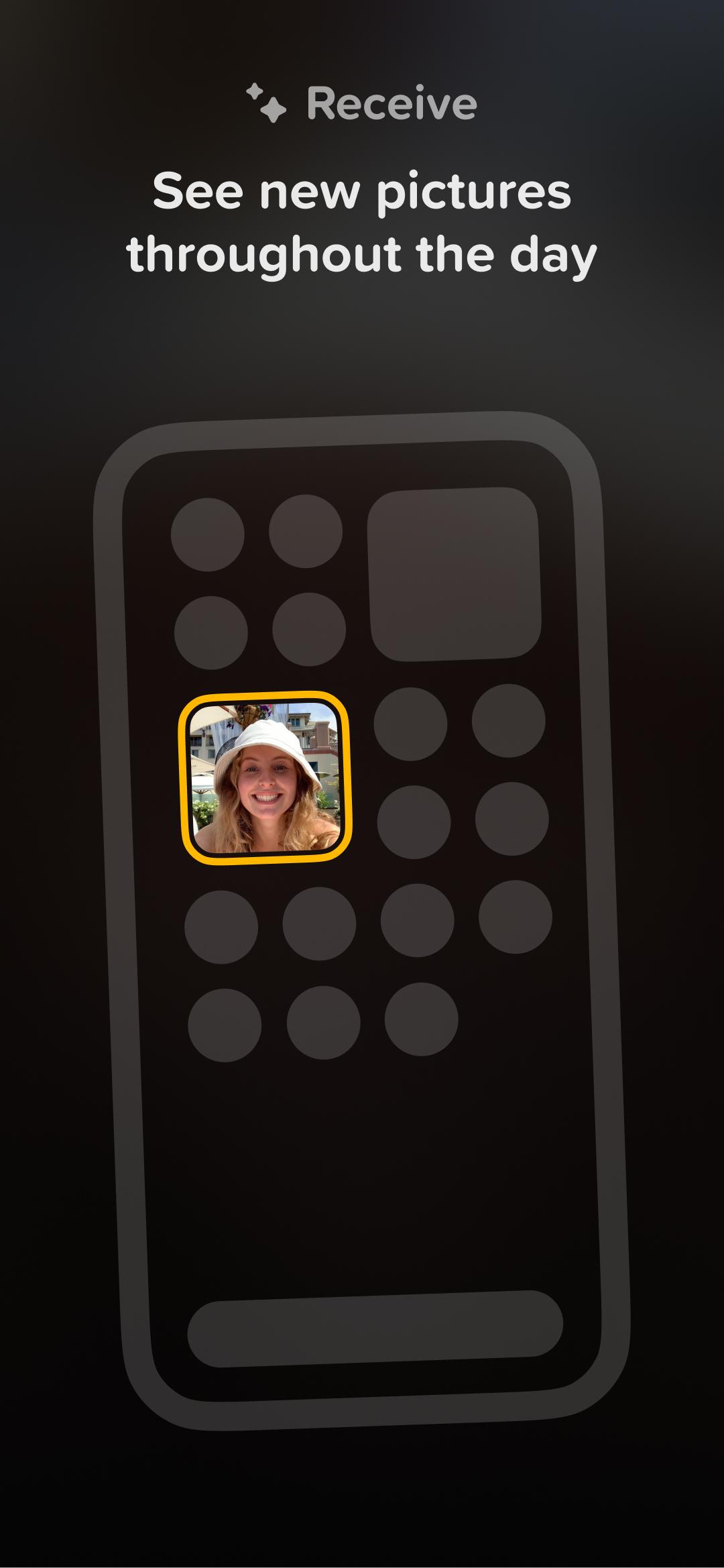
Locket shows fresh pictures from your friends directly in a widget. You see moments as they happen, right on your Home Screen, without opening the app. This setup helps you feel connected during commutes, campus breaks, or workdays.
Tap to capture and sendYou can tap the widget, use the built-in camera, and share a snapshot in a few seconds. By default, the photo goes to all friends you have added. This flow keeps updates quick and reduces extra steps when you want to share a simple moment.
Close friends only, private by designLocket limits your circle to 20 friends, creating a small, trusted group. There are no feeds, filters, or follower counts. The focus stays on personal sharing, which reduces public pressure and keeps attention on real life updates.
1 to 1 widgets for a specific personFor more direct sharing, Locket supports dedicated widgets. Add a “Best Friend” or “Crush” widget to see and send photos with one person only. This option helps couples, families, or best friends keep a private space for quick check-ins.
Memory timeline and recapsLocket builds a timeline of all your shared photos in the app. You can revisit each moment later and create recap videos, including monthly highlight reels. This archive makes it easy to look back on a semester, a trip, or a long distance chapter.
Photos you take from the main widget are sent to all friends by default. If you want to share with one person only, use the “Best Friend” or “Crush” widget instead. Only friends you add can receive your photos, and there is no public discovery or follower list.
Locket has a 20 friend cap, no public feed, and private emoji reactions without public like counts. These design choices reduce exposure beyond a small circle. Parents and guardians may find it helpful to review a teen’s friend list together and discuss when to share to all friends versus using a 1 to 1 widget.
This quick guide shows how to start sharing with Locket on Android. To begin, download Locket and set up the widget so photos appear where you can see them throughout the day.
Locket keeps photo updates simple, private, and focused on the people you choose. Add the widget, share quick snapshots, and build a timeline you can revisit later with the Locket latest version.
For official support and information, use the links below.
Last updated on Apr 9, 2026
Performance and reliability improvements.
Keep sharing your feedback!
Latest Version
 1.219.1
Uploaded by
Asih Simblik
Requires Android
Android 8.1+
Available on

Category
Report





Discover what you want easier, faster and safer.
