


Use APKPure App
Get Light Analog Clock-7 old version APK for Android
Light analog clock as app, Live Wallpaper, app widget, topmost clock,screensaver
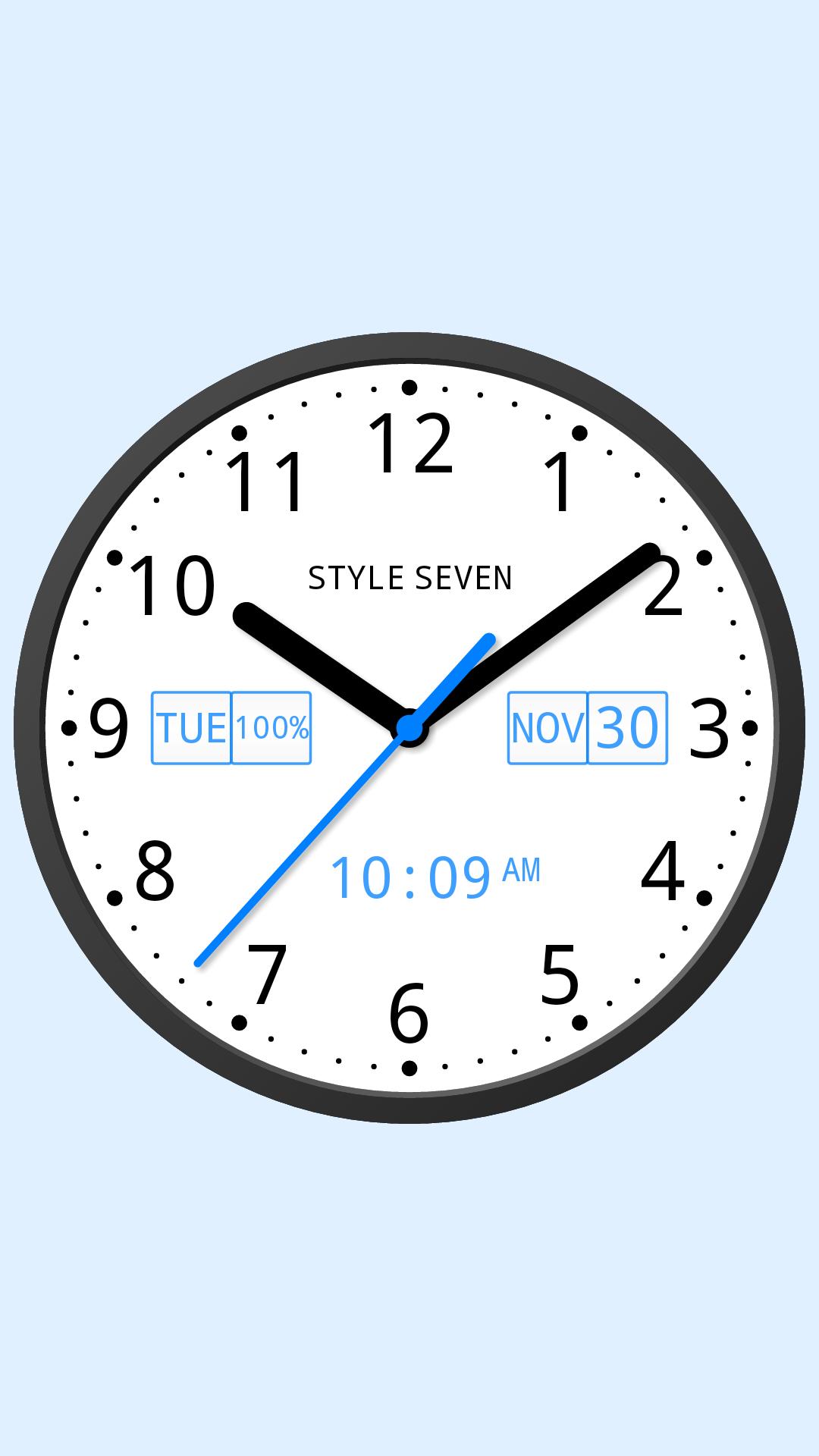
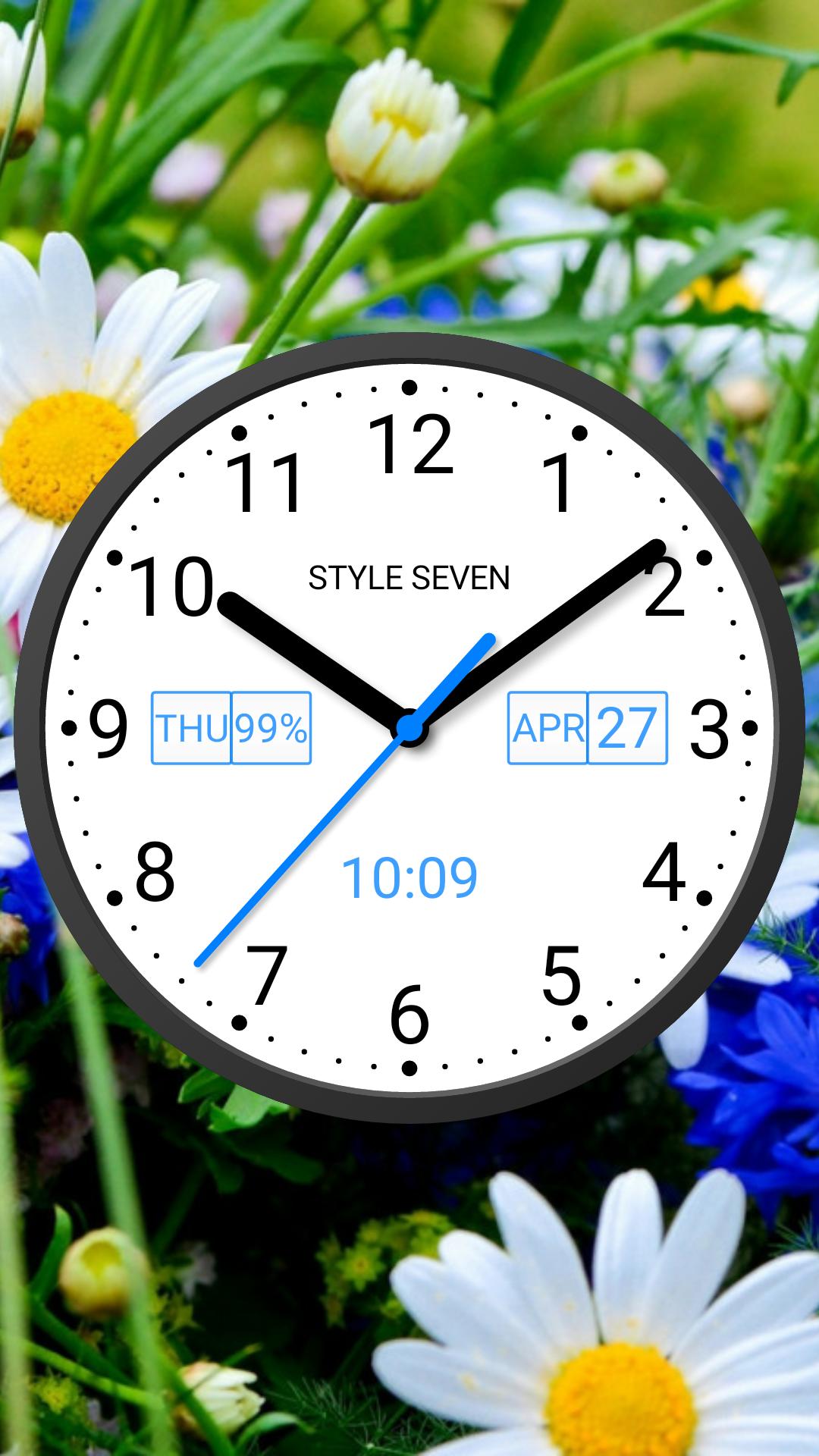
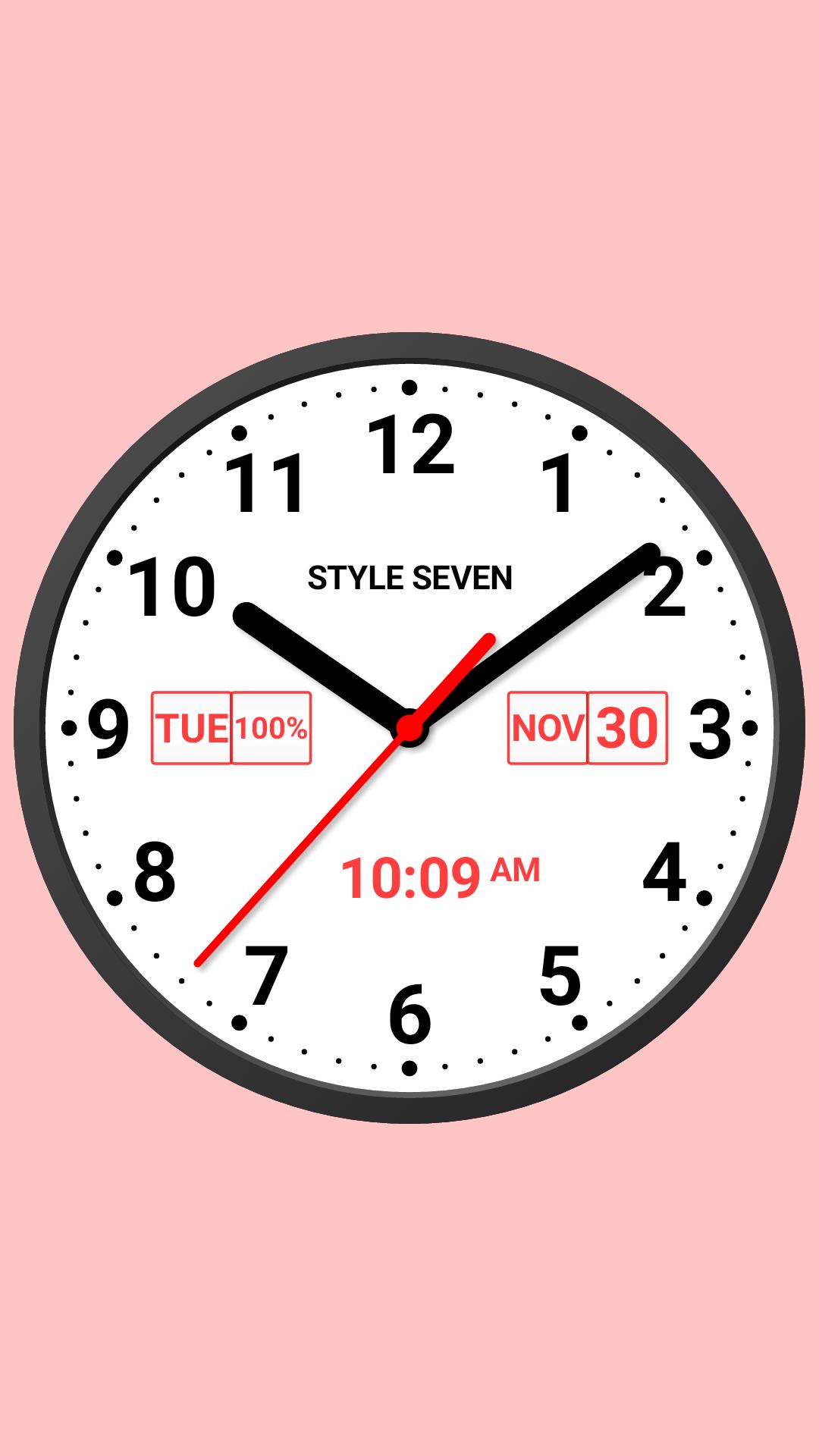
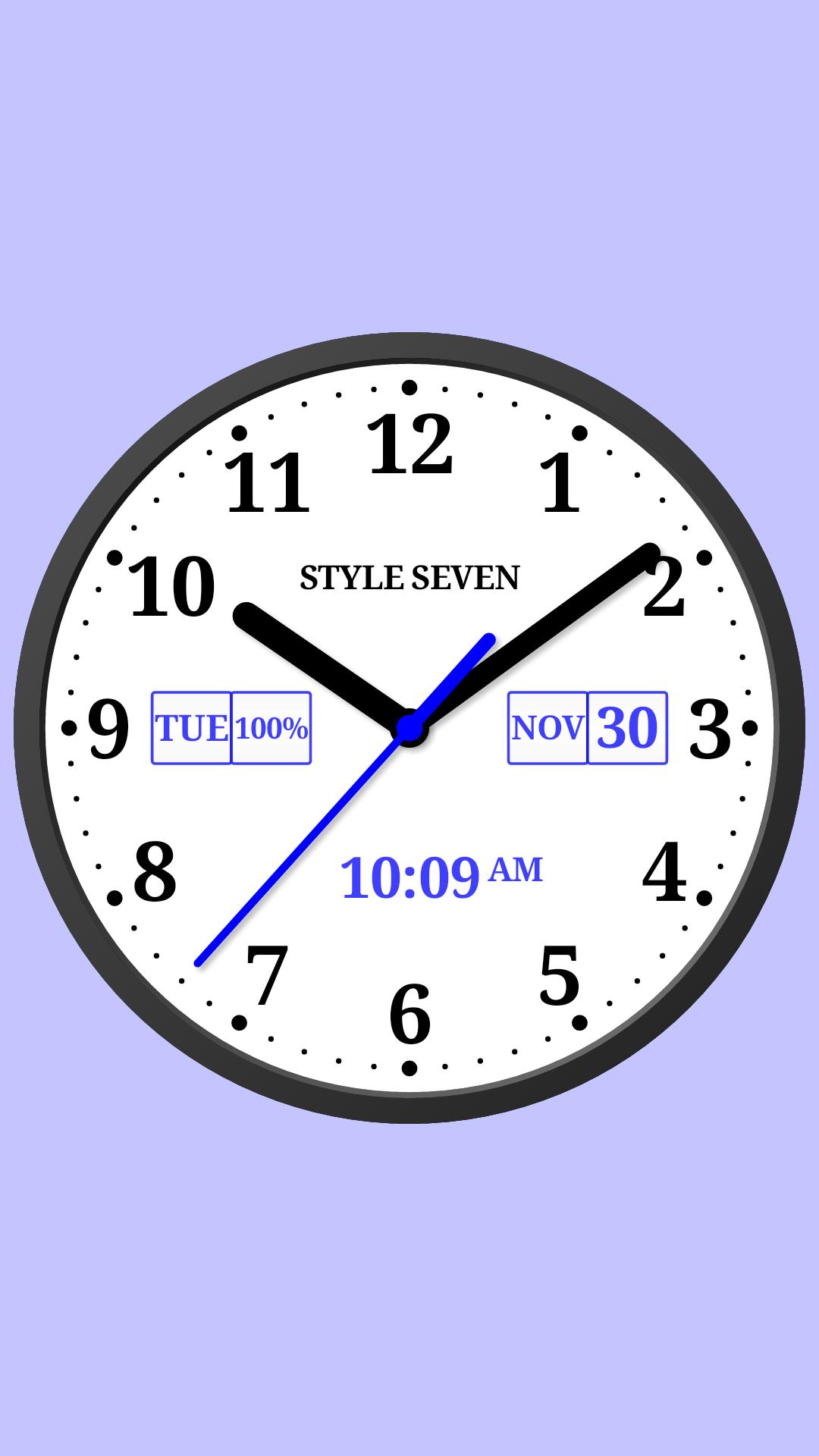
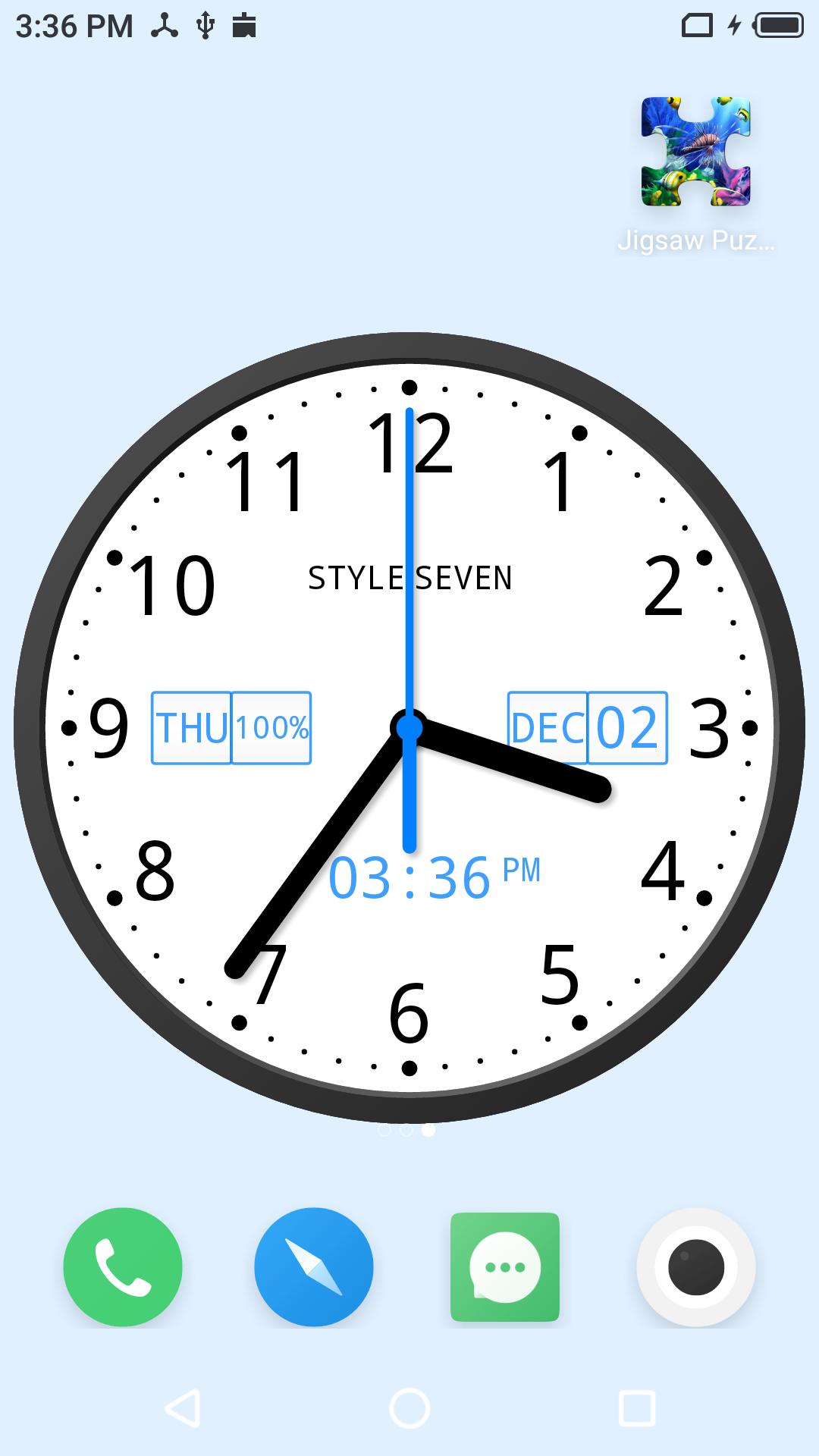
This is a classic light analog clock for display the current time. The analog clock also displays the current date, month, day of the week, battery charge (except app widget) and digital clock. There are four fixed position on the dial where you can set date, month, day of the week and battery charge in any order or hide them as well.
The analog clock can hint the current time by voice by double tap on the app window or Live Wallpaper and periodically, for example through 15 minutes..
Use the analog clock as topmost or overlay clock. The clock will be set above all windows. You can change position of the clock by drag and drop method and size of the clock.
Use the analog clock as Live Wallpaper: set the clock size and position on the Home screen.
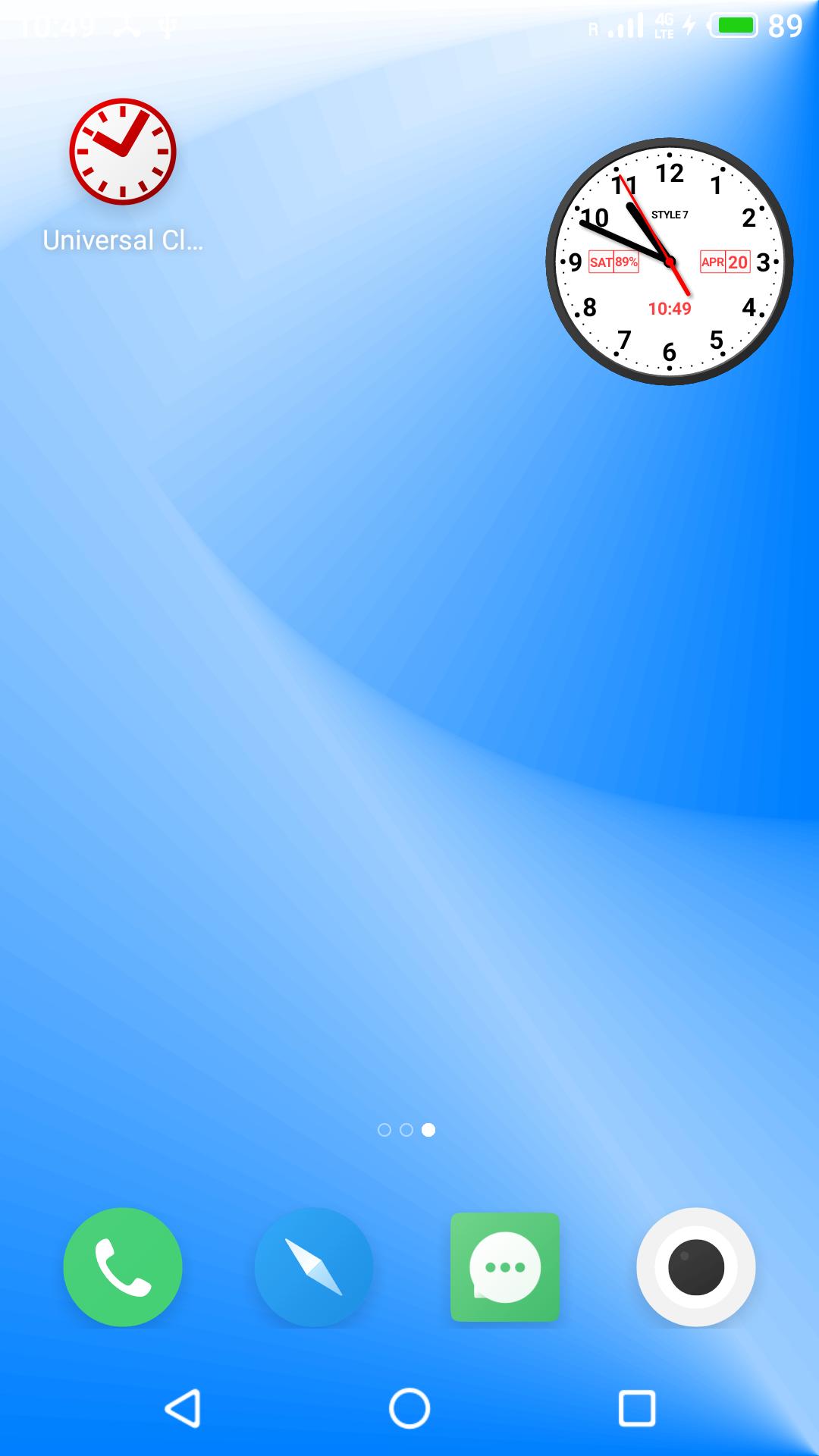
Use the analog clock as an app widget: clock shows the second hand for Android 12 or high. Move and resize an app widget by standard way.
Use the analog clock as app in full screen mode with "keep screen on" option.
Use the analog clock as screensaver while a device is charging.
🕒 Use analog clocks as “Night Clock” — a calm mode with economy style (black background and dark‑gray hands) that saves battery.
Random position change every minute protects the screen from burn‑in.
All options work in Fullscreen mode, Live Wallpaper, and Screensaver.
🌙 Use analog clocks as “Always on Screen” — the clock remains visible even when the screen is turned off. ⚠ Important: the function does not start automatically, you need to launch it manually in Fullscreen mode.
“Always on Display” emulation works through additional options: 🔆 brightness control and Auto‑lock on exit.
Choose an image form Gallery or color for background.
Select a font for the dial from five kinds.
Additional features
* App supports portrait an album orientation, all screen resolutions including 4k and HD displays without loss of quality.
* Apps supports all languages for show date and 12/24 time formats for digital clock,
So this app is: light analog clock, analog clock widget, analog clock Live Wallpaper, analog clock widget, talking clock, classic clock, office clock.
Last updated on Mar 23, 2026
* Added "Mini Clock" mode for Android 8+. When enabled, the clock collapses into a standard floating window that can be moved around the screen and snapped to the edge. You can return to the normal mode at any time. Enable it from the main menu.
* Other improvements and fixes.
Latest Version
 7.3
7.3
Uploaded by
Christoph Wagner
Requires Android
Android 5.0+
Available on

Category
Report



Discover what you want easier, faster and safer.
