


Use APKPure App
Get Learn GIMP Tutorial old version APK for Android
Learn GIMP Tutorial and make yourself professional. Free!
Learn GIMP Tutorial help you to enhance your skills level from beginner to advance
Gimp tutorial app provides thousands of tutorials for those of you who are learning to make a design with Gimp application. Detailed tutorials ranging from basic tutorial for beginners up to a tutorial with cool effects to proficiently.
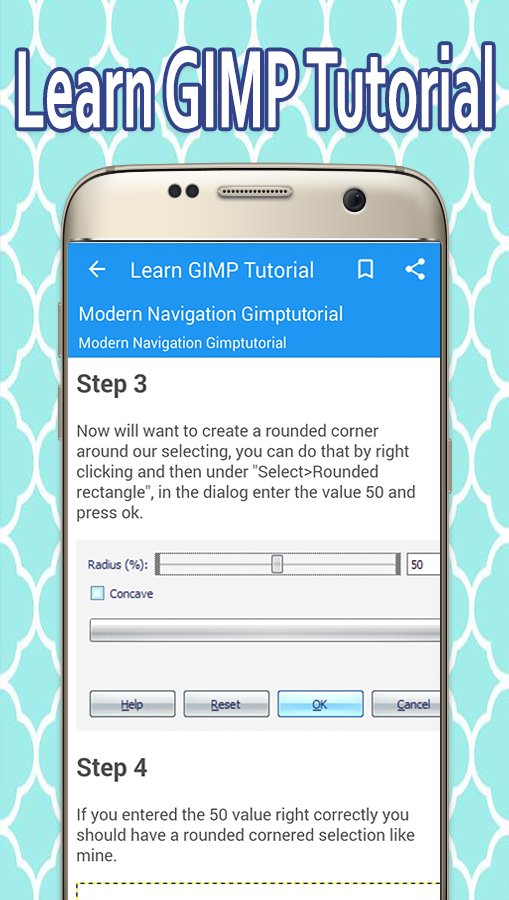
Not only that, in this application there are also links to thousands of tutorials with effects super cool. There is a search feature that lets you find tutorials GIMP tutorial that is being searched. In addition there is a shortcut on the material on the Gimp to facilitate and accelerate your learning and using Gimp.
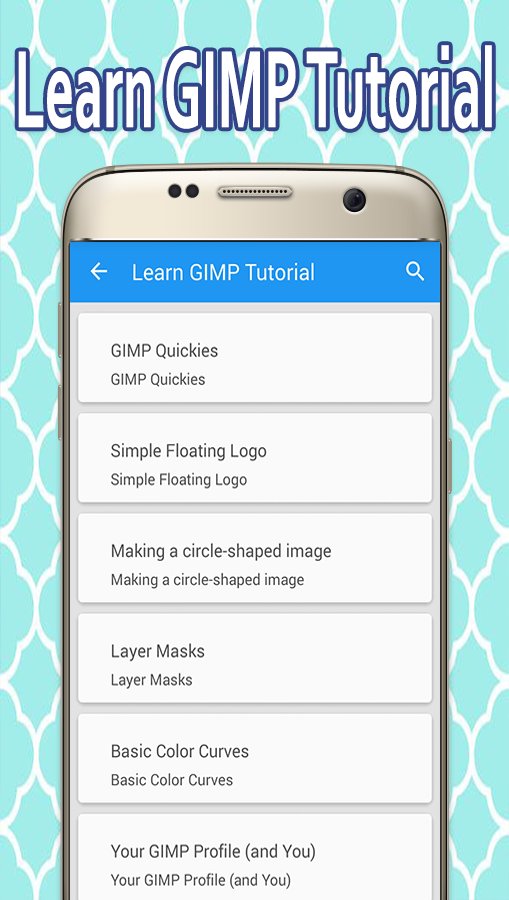
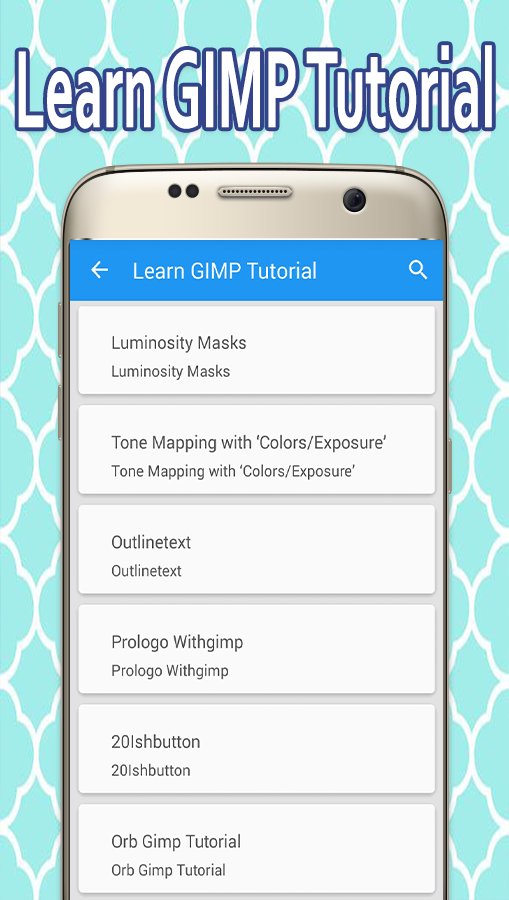
Here are a few of the thousands of titles tutorials available in this application.
8 Abstract Brushes
Floral Brushes 1
Smoke Brushes
Quantum Brushes
Recent Gimp Tutorials
Volks Logo Tutorial
30 20 Layer Styles Ultimate Web For Gimp
Blog Theme Design With Gimp
Gimp Vista Button
Gimp Text To Path Tutorial
Gimp Glow Effect
Mac Wallpaper Tutorial
Ornate Typographic Illustration Gimp Tutorial
Website tutorial
Steampunk Gimp Tutorial
Graffiti Tutorial
A Folded Cut And Style Scrapbook Papercraft Or Headings
Bolt Gimp Tutorial
Creating Diorama Effect Gimp Tutorial
Gimp Abstract Effect
Brain Icon Tutorial
Gimp Tutorials Redesign Oct 2008
Gmip Free Textures
There are many tools that can be used for editing images in GIMP. The more common tools include a paint brush, pencil, airbrush, eraser and ink tools used to create new or blended pixels. The Bucket Fill tool can be used to fill a selection with a color or pattern. The Blend tool can be used to fill a selection with a color gradient. These color transitions can be applied to large regions or smaller custom path selections.
GIMP also provides "smart" tools that use a more complex algorithm to do things that otherwise would be time consuming or impossible. These include:
Clone tool, which copies pixels using a brush
Healing brush, which copies pixels from an area and corrects tone and color
Perspective clone tool, which works like the clone tool but corrects for distance changes
Blur and sharpen tool blurs and sharpens using a brush
The Smudge tool can be used to subtly smear a selection where it stands.
Dodge and burn tool is a brush that makes target pixels lighter (dodges) or darker (burns)
****************************
APP FEATURES
****************************
Still looking for reasons why the “Learn GIMP Tutorial” app is unique among all other apps in the market. Here are features that make this app better than all other Learn GIMP Tutorial apps –
- Responsive and easy to navigate.
- Easy access to the key issues in GIMP.
- Share your favorite GIMP material with your friends and family.
- Set your favorite pictures as wallpapers or save them to Favorite
- Search Functionality helps you search terms easily
- Bookmark as favorites to access words later.
************************
SAY HELLO
************************
We are continuously working hard on making this app improved and more valuable for you. Please feel free to email us for any questions/proposals /difficulties. If you have liked any feature of this app, do not forget to rate us on play store.
Last updated on Oct 23, 2017
Minor bug fixes and improvements. Install or update to the newest version to check it out!
Latest Version
 2.1.2
2.1.2
Uploaded by
Muhamad Anggie
Requires Android
Android 4.0+
Category
Report


Discover what you want easier, faster and safer.

Learn GIMP Tutorial
2.1.2 by Mobile Coach
Oct 23, 2017