


Use APKPure App
Get Gizmo old version APK for Android
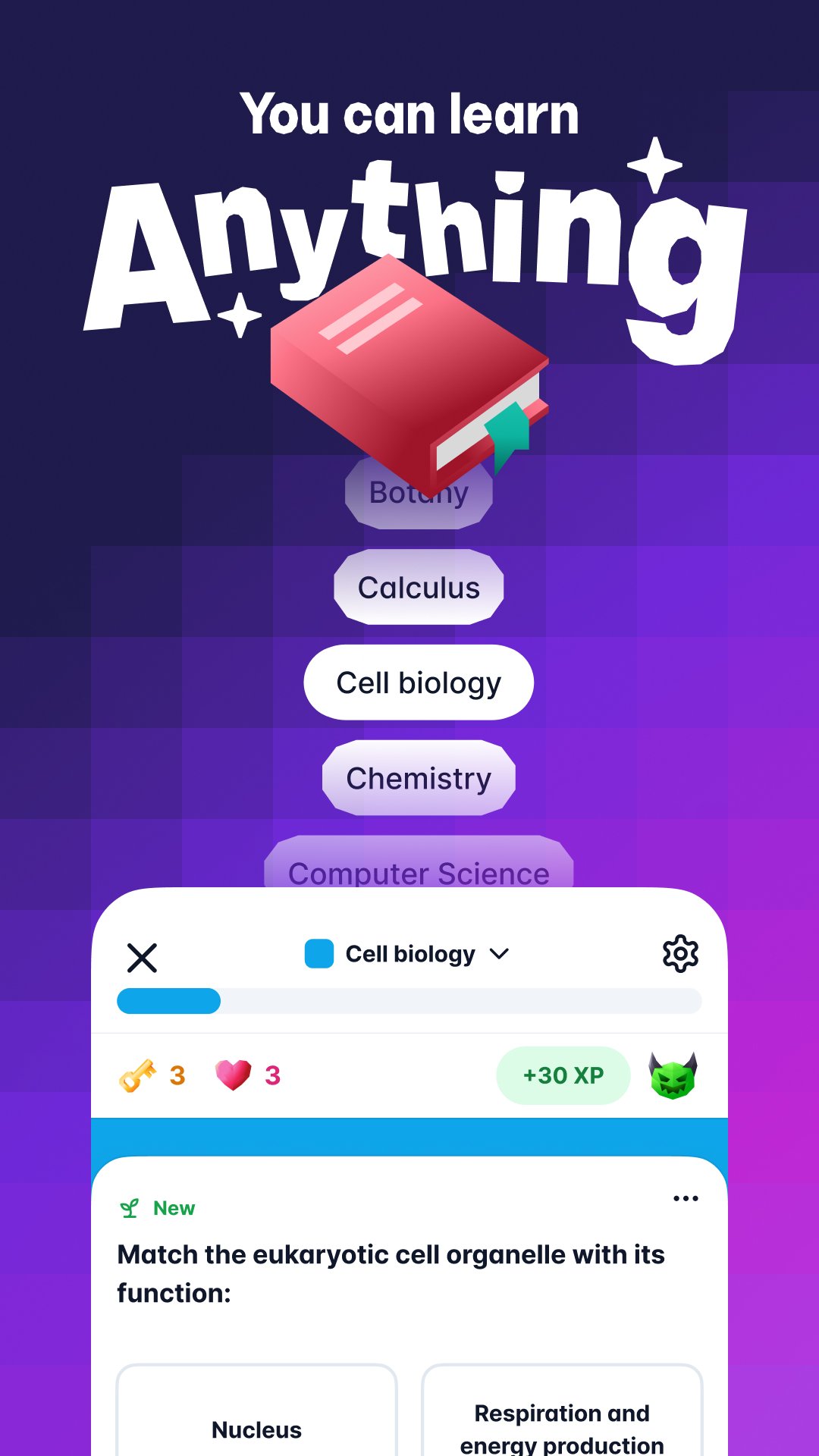
Gizmo is a study app that turns your learning materials into AI-powered practice and guidance.
Gizmo fits students who want a faster way to prepare for class, tests, or homework without starting from scratch. It helps turn files and links into structured study resources so you can check understanding in short, focused sessions. Because setup is quick, it works well when schedules are tight and deadlines are close. If you plan to download Gizmo on Android, the app offers a straightforward start that keeps everything in one place.
Create flashcards from your materials
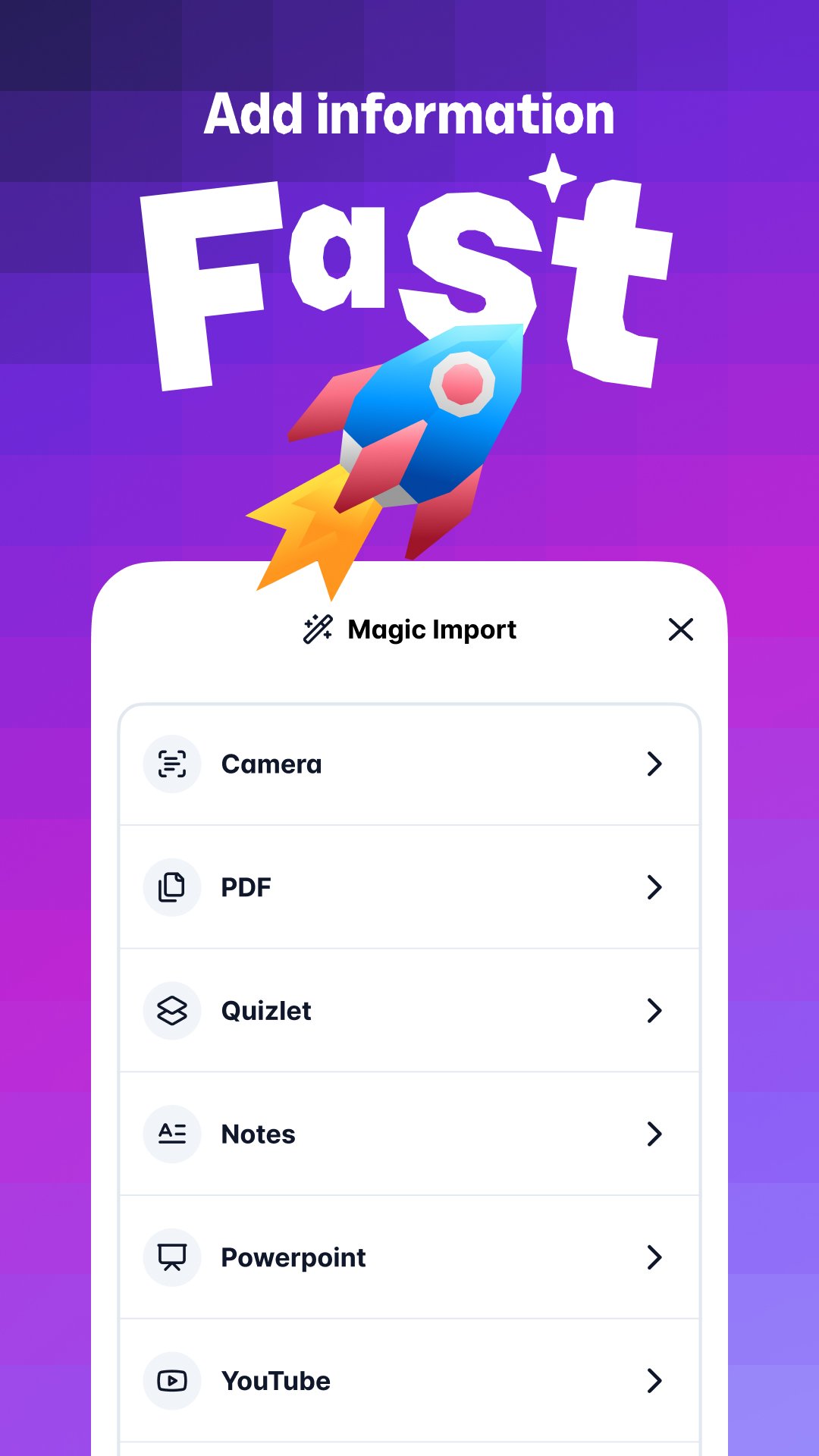
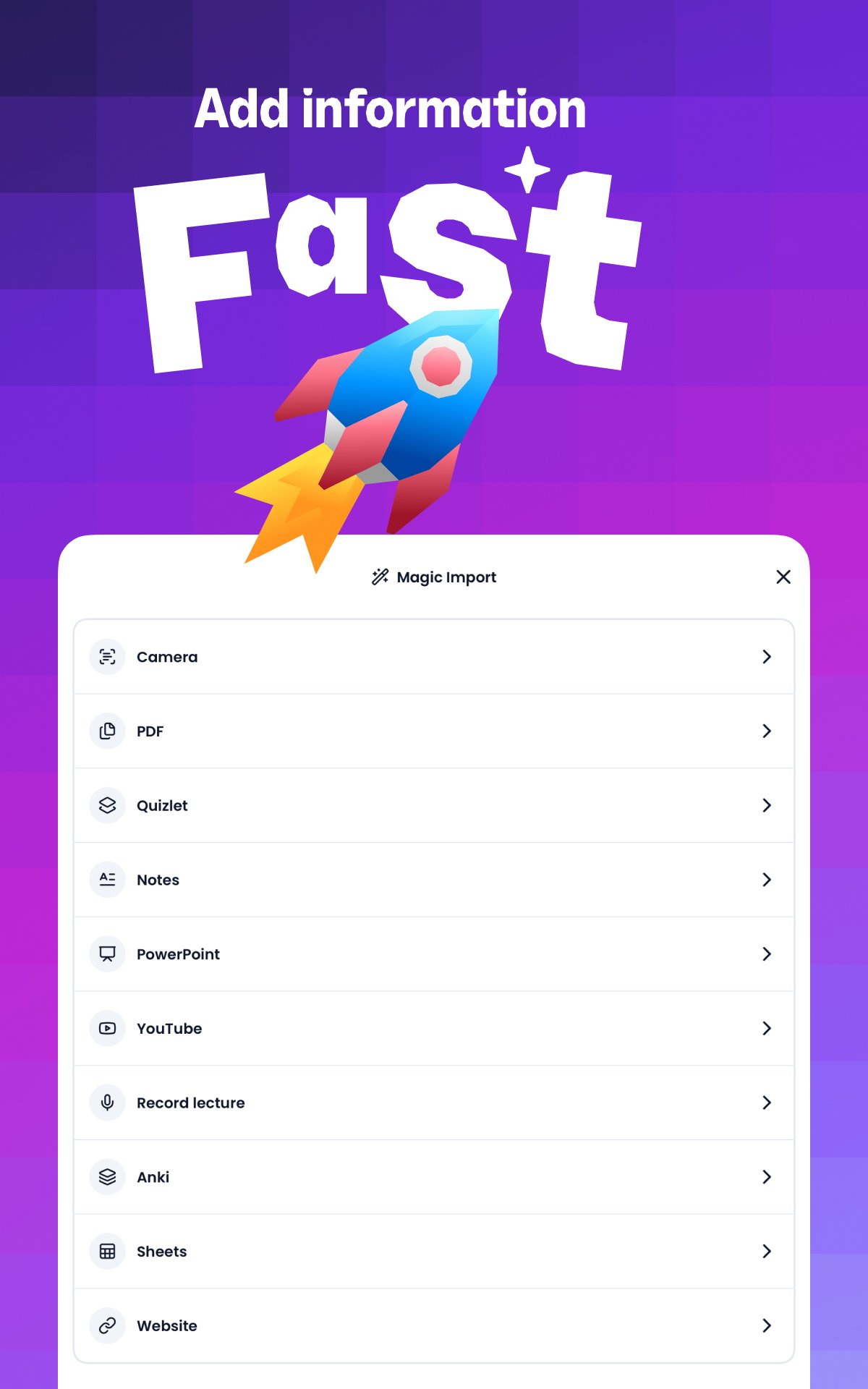
Gizmo converts your content into flashcards with a simple import. You can use YouTube links, PDFs, notes, or PowerPoint files, then let the app build cards around definitions, formulas, and explanations. This approach saves time on setup, so you can move straight into review. It also helps keep topics organized by source or subject.
Generate quizzes for quick review
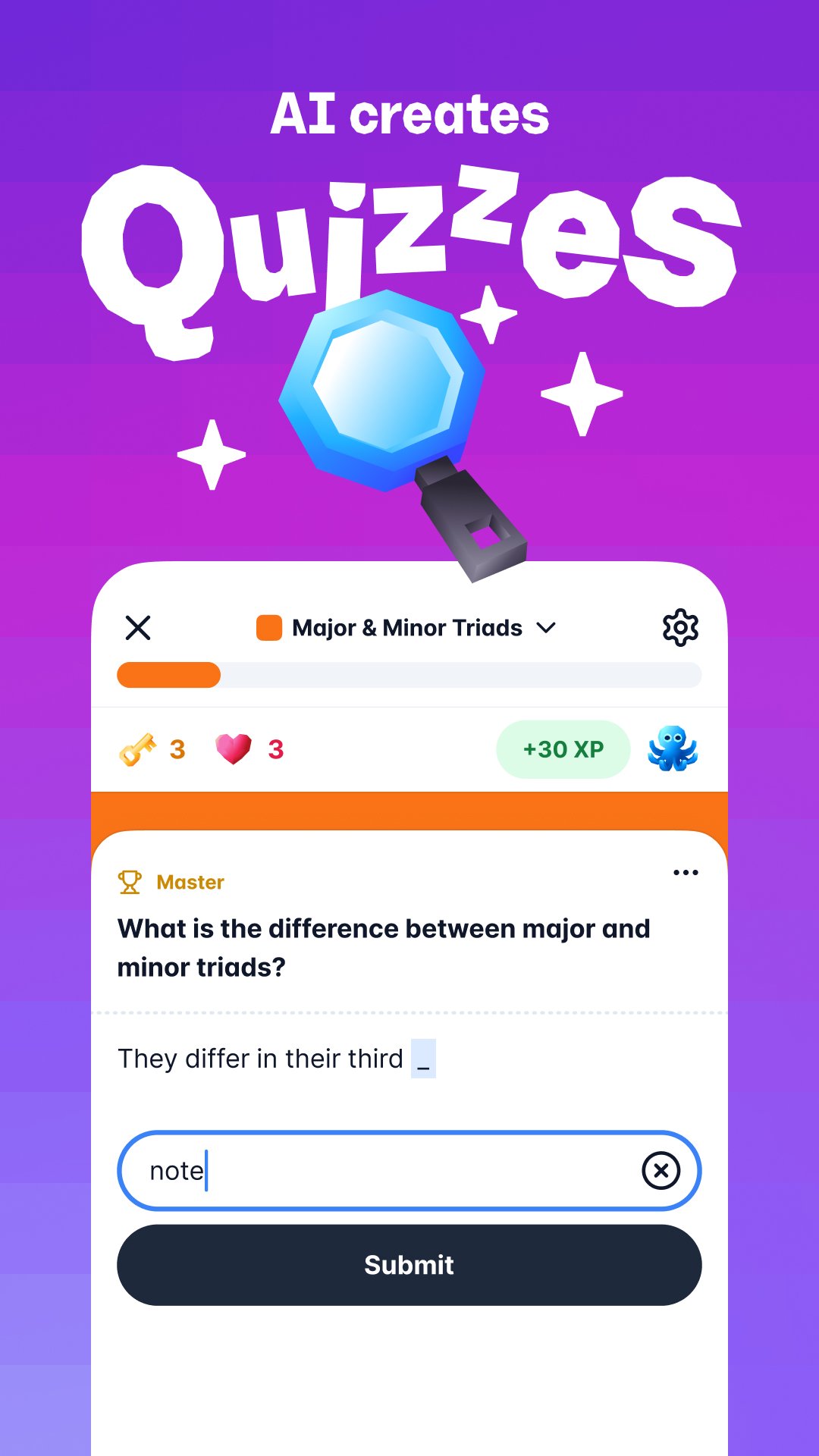
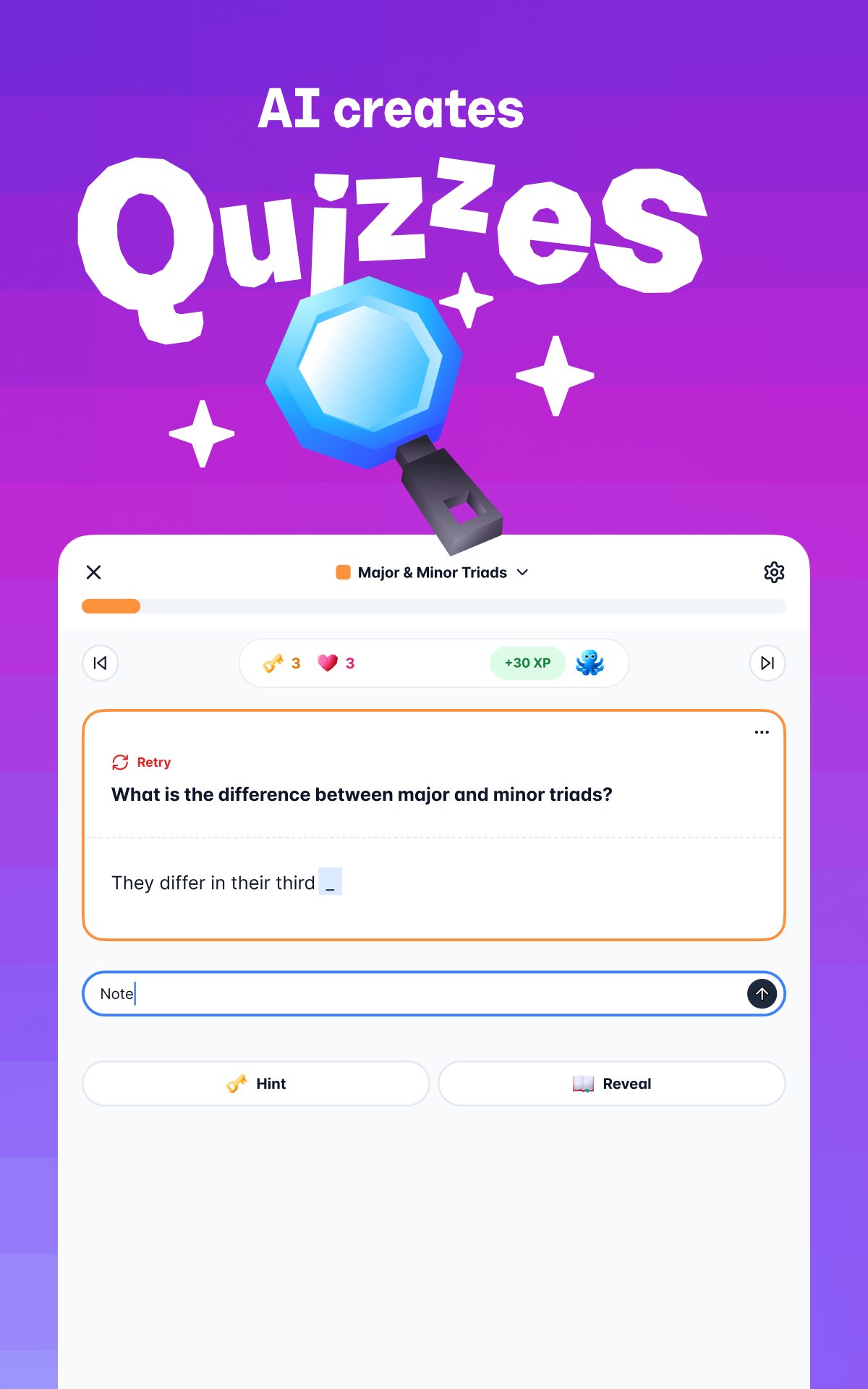
Gizmo can auto-generate quizzes from the same materials. These questions help you check recall and identify weak areas in a few minutes. After a short session, you can revisit items you missed and refine what to study next. This makes it easier to fit practice into a busy day.
Ask the AI tutor for help
When a concept is unclear, you can ask the built-in tutor for an explanation. It can walk through problems, show how to approach exam-style answers, and offer guidance for homework steps. Follow-up questions allow you to adjust the level of detail. This keeps study momentum going when you get stuck.
Summarize long files and videos
Long PDFs, slide decks, and videos can be converted into short summaries. Gizmo breaks down key ideas so you can scan main points before a deeper review. This is useful when you need a quick refresh before class or a practice session. From there, you can decide what to turn into cards or quizzes.
Start fast on mobile or web
Gizmo supports a quick start whether you open the Android app or use the web. You can log in, import materials, and begin using tools in one session. This reduces setup time and keeps your focus on studying. Switching between tasks is simple when everything is ready to go.
You can begin on Android or visit the Gizmo website if you prefer to study on a larger screen. If login issues appear, check your connection and try again after a short wait. For the first session, gather a few core materials such as a PDF handout or a slide file to speed up your initial setup and practice.
The following steps outline a simple path from installation to your first study session. After installing the Gizmo APK, you can import materials and create resources in minutes. Keep one topic in mind at a time for a focused start.
Gizmo turns your class materials into practical study resources that you can build and review quickly. For a smooth setup on Android, install the Gizmo latest version and begin your first session in a few steps.
For official information and support, use the link below.
Last updated on May 5, 2026
Gizmo live made easier
Latest Version
 3.0.102
Uploaded by
Kevin Ocaranza
Requires Android
Android 7.1+
Available on

Category
Report



Discover what you want easier, faster and safer.

Gizmo
AI Flashcards and Tutor3.0.102 by Save All
May 5, 2026