


Use APKPure App
Get GameHub old version APK for Android

GameHub is a gaming platform app that brings PC style play to Android through emulation, cloud, and streaming.
GameHub focuses on letting you play PC style games on an Android phone or tablet in a simple, familiar way. It suits users who want quick setup, flexible controls, and a consistent experience across different play modes. You can switch between offline emulation or online options without learning a new interface. In addition, the app is developed by GameSir, which helps users align controllers and settings with fewer steps. For convenient installation and updates, some users look for GameHub APK when setting up on various devices.
Run Windows PC games on Android
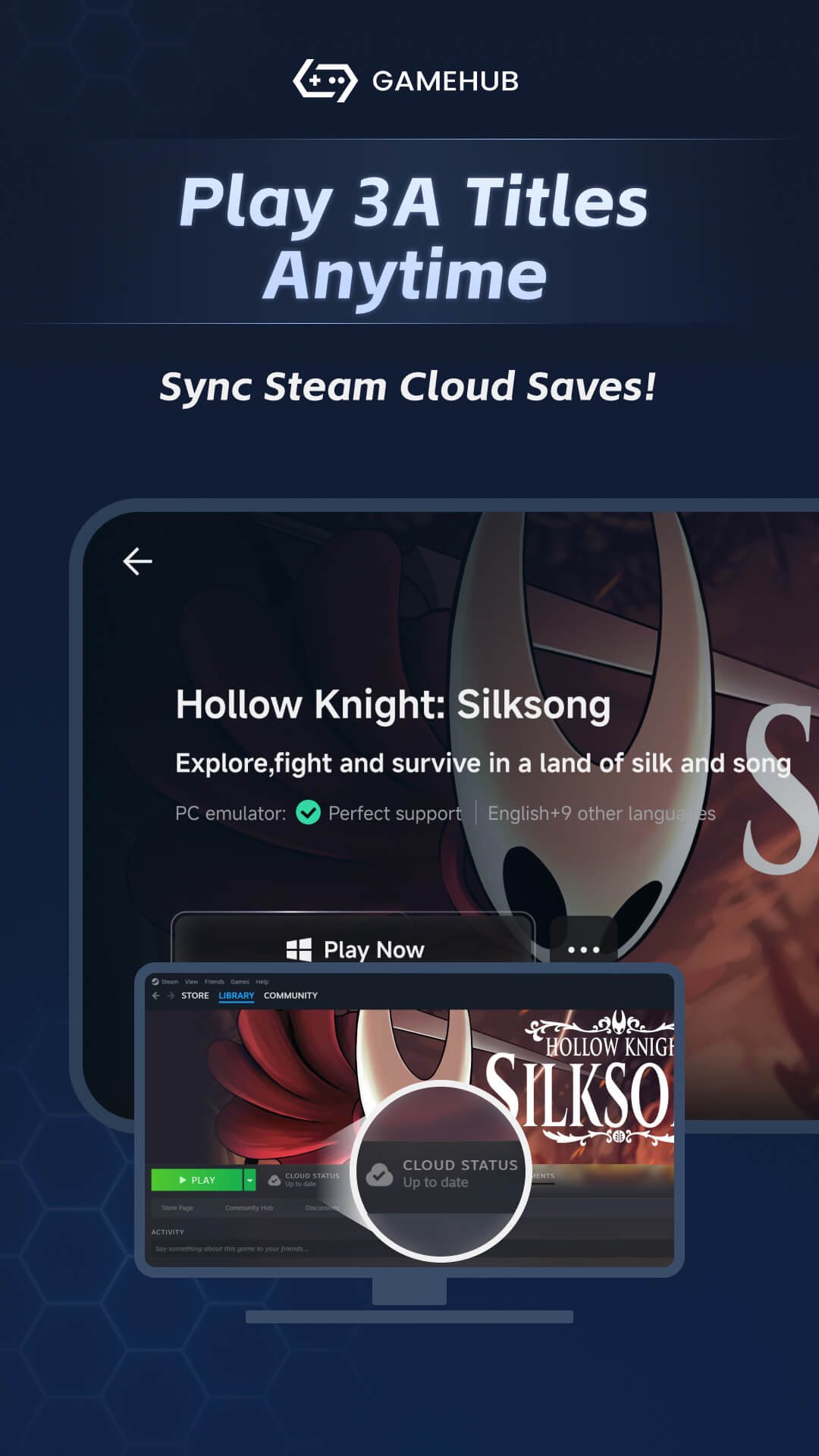
GameHub focuses on high precision compatibility so you can start PC titles with one click. The app handles the setup in the background, so there is no complex configuration for common cases. You launch a game from your library and GameHub prepares the environment automatically. This approach helps you move from install to gameplay with fewer prompts.
Three ways to play, online or offline
GameHub supports PC emulation for offline sessions, which is useful when you are away from a network. It also supports cloud gaming and game streaming, which require a stable internet connection for reliable performance. You can pick a mode based on where you are and how strong your connection is. This keeps your play routine consistent as you move between home and on the go.
Controller and touch input flexibility
GameHub recognizes GameSir controllers through USB C with plug and play behavior, so you can start playing without manual pairing steps. If you prefer not to use a controller, you can use on screen touch controls. The app presents clear prompts when an input method is detected so you can confirm or switch quickly. This helps you adapt to different games and play spaces without extra setup.
Capture and share your highlights
GameHub includes flashback recording that saves recent moments for later review. You can trim short clips, take one touch screenshots, and sync highlights to wireless cloud storage. This makes it easier to share a specific scene without leaving your session. Note that screenshot actions can vary by controller model, and some controllers may not support screenshot shortcuts.
Cross device library access and desktop companion
GameHub is designed to work with a broad range of games, including local Android titles, PC games through emulation, and titles you access through cloud services. Availability depends on the content and services you already use. For organization, GameHub also supports a companion desktop tool called GameHub Manager that helps with library management and related file tasks. This keeps your collection easier to navigate across phone and computer.
Brand clarity for search
GameSir’s app is named GameHub. It is separate from similarly named services such as GameHub Plus or other hubs that may appear in search. When searching or installing, confirm the developer name is GameSir to avoid confusion.
App identity and access
GameHub is free to start using, and the official site provides product details and support. If you plan to use cloud gaming or streaming, ensure you have a stable connection from your provider. For offline emulation, prepare your game files in advance so you can import them during setup.
To get started, install the app and open it on your device, then follow a short first time setup. For best results with GameHub latest version, keep a stable connection ready if you plan to use cloud or streaming modes.
GameHub brings PC style games, cloud access, and flexible controls into a single Android experience. It focuses on quick setup, clear input choices, and practical capture tools, so you can play in more places with fewer steps. If you are ready to install, you can download GameHub and begin with the mode that fits your connection.
For official information and support, use the links below.
Last updated on Apr 18, 2026
Minor bug fixes and improvements. Install or update to the newest version to check it out!
Latest Version
 5.3.7.02
Uploaded by
Guangzhou Chicken Run Network Technology Co.,Ltd.
Requires Android
Android 10.0+
Available on
Category
Report



Discover what you want easier, faster and safer.
