



Use APKPure App
Get Folder Widget old version APK for Android
Folder Widget – Large Folders is a personalization app that places super sized folders on your home screen.
Folder Widget – Large Folders helps users manage crowded home screens by grouping apps and tools into large, touch friendly folders. It focuses on faster launching and clear organization, so everyday actions take fewer taps and swipes. As a result, you can keep common apps within reach while maintaining a neat layout that fits your launcher. For users exploring options, download Folder Widget – Large Folders to set up bigger folders that match your style without changing how you use Android.
Quick launch from the folder box
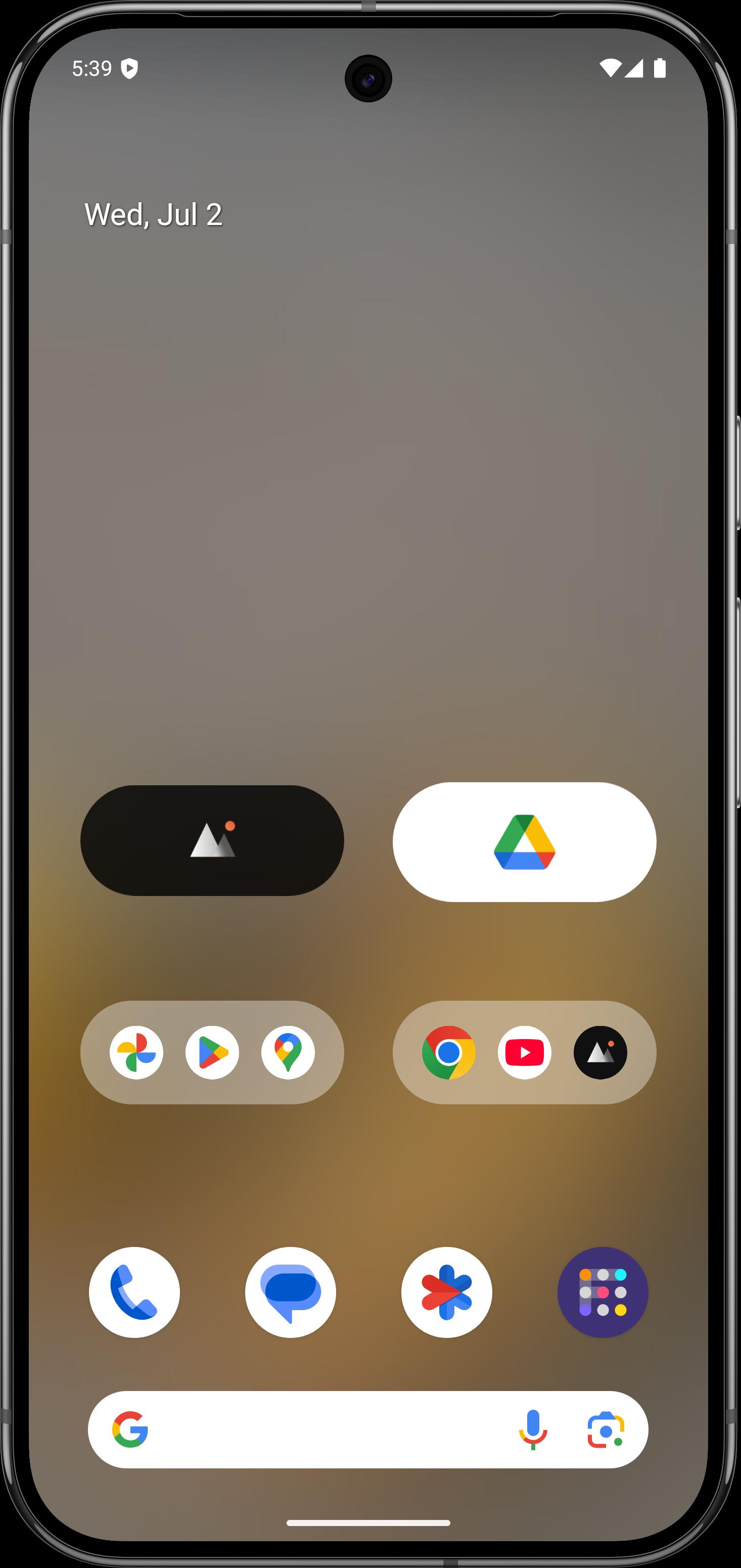
Folder Widget lets you open apps straight from a large folder or icon, so you avoid switching to a separate folder view. A tap on the lower right corner enters the folder when you need to browse inside. This design reduces steps for routine actions and keeps your focus on the home screen.
Wide shortcut coverage
You can add more than app icons. Folder Widget supports system settings, in app shortcuts, files and folders, web pages, and activities. It also includes accessibility actions like Home, Back, Recent, Power, Screenshot, and Lock, plus custom schema links and shell commands. These options help you place deep actions next to everyday apps in the same folder.
Flexible grids and in folder scrolling
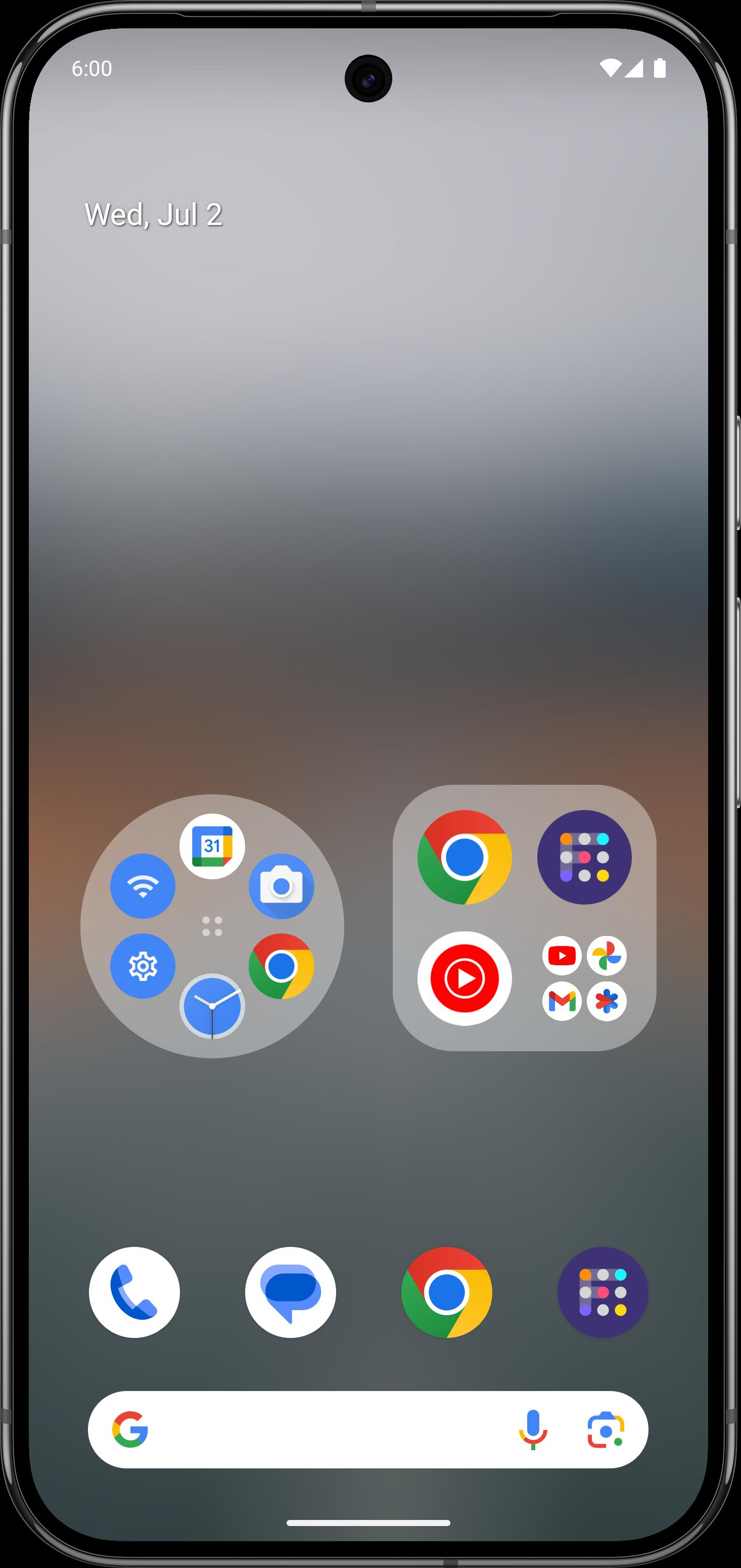
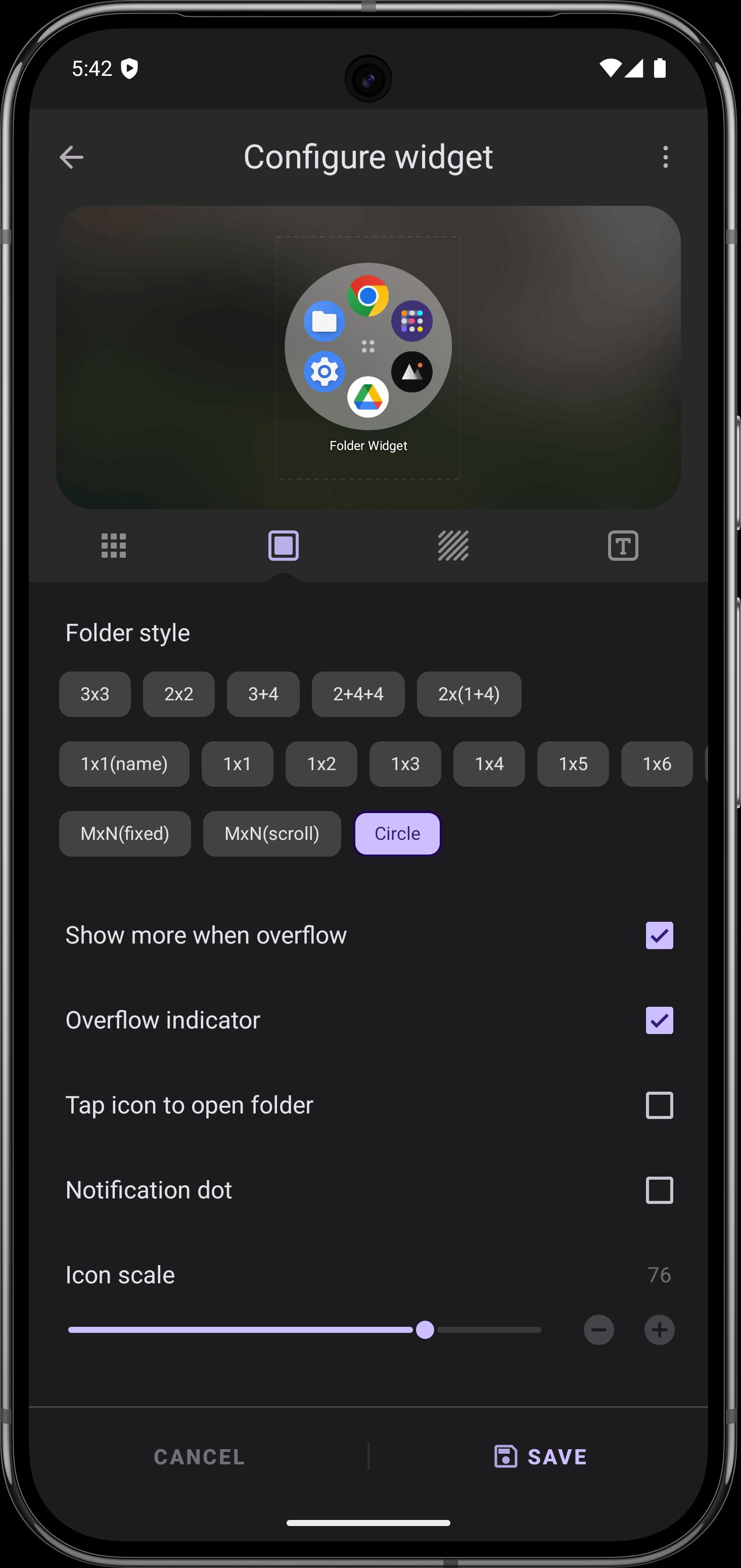
Layout choices include presets such as 2x2, 3x3, 4x4, 1x5, and mixed options like 3+4. Custom MxN and scrollable MxN allow more items while keeping the shape that fits your screen. You can scroll vertically inside the folder box to view more apps and still stay within the grid, which is useful for small widgets that need to show extra items.
Deep visual customization
Adjust widget size, background color, corner radius, margins, and padding to match your launcher design. Set the folder name with your preferred text color, size, and padding, then choose grid size and whether icon labels appear. Auto dark background and name shadow help content remain readable in light or dark setups. Icon packs, adaptive shapes, and masking are supported for consistent icon styling.
Widgets and files inside folders
Place popup widgets inside large folders or icons to surface quick actions without opening another screen. One tap access to selected file and folder paths lets you reach documents and downloads directly. This approach keeps diverse tools in one place while keeping the home screen uncluttered.
Set a compact 2x2 grid for everyday apps like camera, messages, maps, and music. If work apps need more space, switch to a scrollable MxN grid to keep everything in one folder and swipe to reveal more without changing pages. A circle layout is useful for a game hub where icons wrap around a central look. Try an icon pack and adaptive shapes to keep icons uniform across folders.
Combine accessibility actions such as Back, Home, and Lock with key apps in a single folder to speed up navigation. Use custom schema links to jump into deep screens inside supported apps, and shell commands for advanced actions if you already use them. If you manage installations directly, Folder Widget – Large Folders APK can fit an existing workflow without changing how folders behave on the home screen.
Start with a simple setup, then add more items as you refine your layout. To keep installation choices open, you can look for Folder Widget – Large Folders latest version when updating.
Folder Widget – Large Folders organizes apps and actions into large, customizable folders that stay on your home screen. For direct updates, check for Folder Widget – Large Folders latest version to keep layouts and shortcuts current.
For support or feedback, use the official contact below.
Last updated on Mar 6, 2026
⭐ New: list-style large folder layout
⭐ New: hide scrollbar and change items name color options
⭐ Edit Popup widget background dim amount
⭐ New: save template and apply online template
⭐ New: Activities and Accessibility, Contact, File/Folder,schema, shell, web page , System settings shortcuts
⭐ New: Circle Folder, Folder border, Large icon
⭐ New: Import widgets & shortcuts
⭐ Folder image background and dark color
⭐ Custom folder grid size and show icon name
⭐ Notification dot type
Latest Version
 10.8.2
Uploaded by
Ahmed Murad
Requires Android
Android 5.0+
Available on

Category
Report



Discover what you want easier, faster and safer.
