


Use APKPure App
Get تطبيق Rotation Control old version APK for Android
تطبيق التحكم في التدوير. للتحكم في تدوير الشاشة.
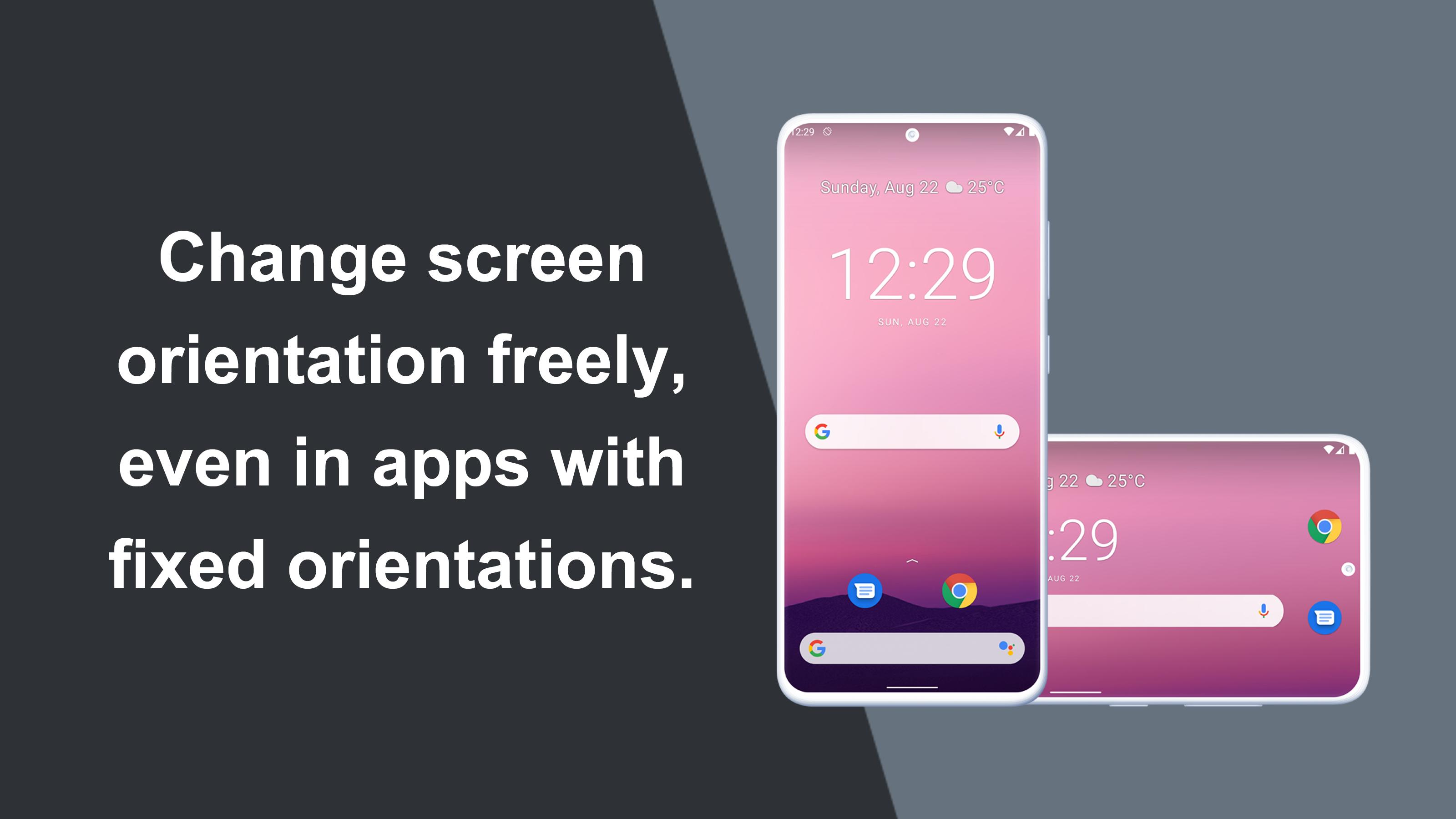
يمكن فرض تدوير معين على التطبيقات ذات اتجاه الشاشة الثابت.
تصميم بسيط مع وظائف يسهل فهمها واستخدامها.
=-=-=-=-=-=-=-=-=-=-=-=-=-=-=-=
موصى به للأشخاص الذين:
- الراغبين في استخدام الشاشة الرئيسية للهاتف الذكي في وضع أفقي
- الراغبين في استخدام الألعاب في الوضع الأفقي أو تطبيقات الفيديو في الوضع الرأسي
- الراغبين دائمًا في استخدام الجهاز اللوحي في الوضع الأفقي
- الراغبين في التبديل بين الاتجاهات الثابتة بنقرة واحدة عبر شريط المعلومات
=-=-=-=-=-=-=-=-=-=-=-=-=-=-=-=
الميزات
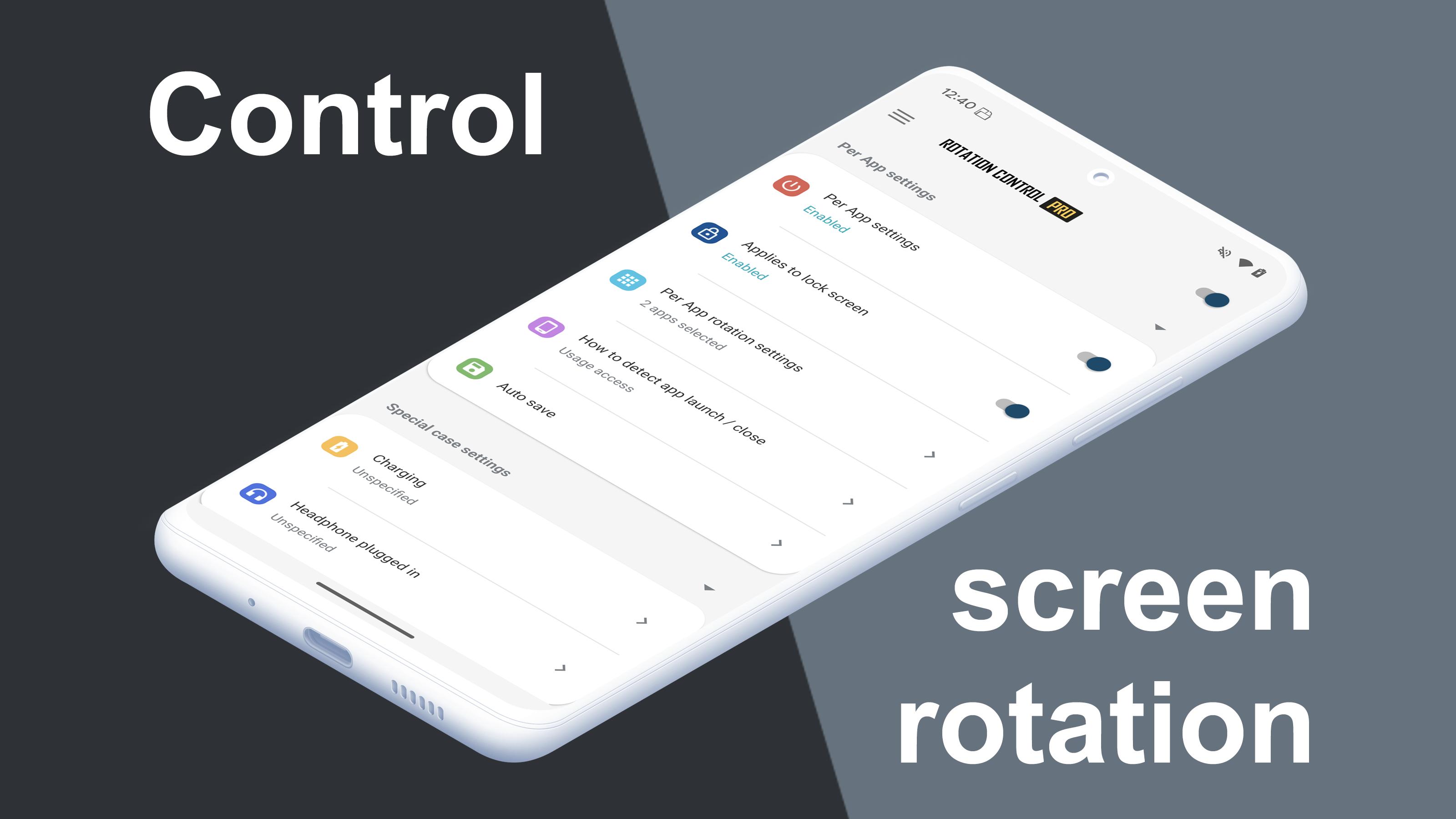
►إعدادات التدوير
إمكانية تهيئة تدوير الشاشة.
►إعدادات الإعلامات
التحكم في تدوير الشاشة بسهولة من شريط الإعلام.
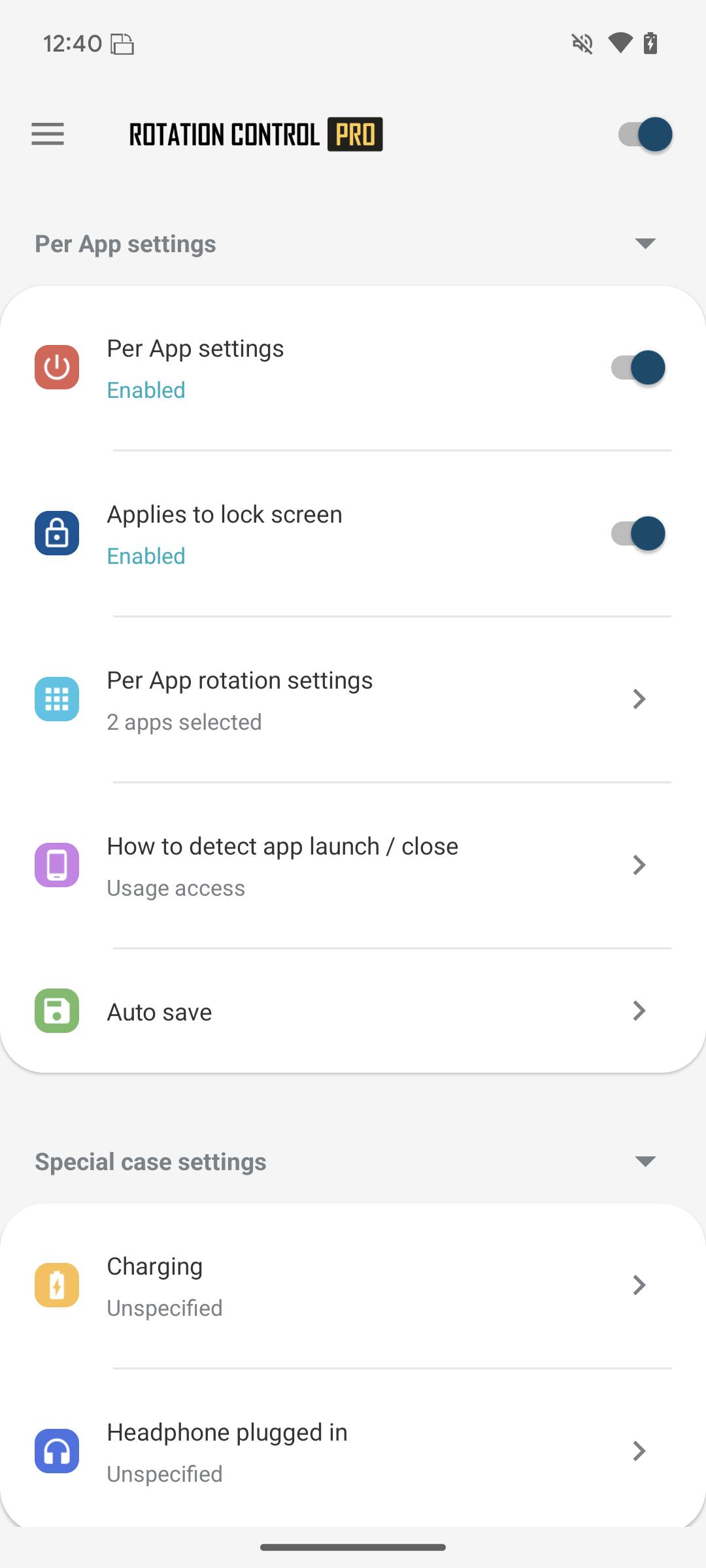
►إعدادات تدوير حسب كل تطبيق
إمكانية تهيئة عمليات تدوير مختلفة لكل تطبيق.
التدوير إلى اتجاه الشاشة المعين مسبقًا عند بدء التطبيق.
العودة إلى اتجاه الشاشة الأصلي عند إغلاق التطبيق.
►إعدادات الحالة الخاصة
اكتشاف متى يتم توصيل أجهزة الشحن أو سماعات الرأس وتدويرها باتجاه الشاشة المحدد مسبقًا.
الرجوع إلى اتجاه الشاشة الأصلي عند إزالتها.
Difference from PRO version
This is a free version that allows you to check the app's operations and functions.
It will expire 2 days after installation.
Pro version
https://play.google.com/store/apps/details?id=jp.snowlife01.android.rotationcontrolpro&referrer=store
التدوير
التلقائي: تدوير الشاشة استنادًا إلى جهاز استشعار.
الأفقي: يتم تثبيت الشاشة إلى اتجاه أفقي.
الأفقي (العكسي): يتم تثبيت الشاشة أفقيًا بصورة معكوسة.
الأفقي (التلقائي): يتم التدوير تلقائيًا إلى اتجاه أفقي استنادًا إلى جهاز استشعار.
العمودي: يتم تثبيت الشاشة إلى اتجاه رأسي.
العمودي (العكسي): يتم تثبيت الشاشة رأسيًا بصورة معكوسة.
العمودي (التلقائي): يتم التدوير تلقائيًا إلى اتجاه رأسي استنادًا إلى جهاز استشعار.
* قد لا يتوافق بعض اتجاهات التدوير وذلك وفقًا لمواصفات الجهاز. وهي ليست مشكلة داخل التطبيق.
[Use of AccessibilityService API]
This app utilizes the AccessibilityService API to provide the following features:
- Lock Screen Orientation Control: Used to change the screen orientation on the lock screen, where control is typically restricted for standard applications.
- Per-App Orientation Settings: Used to detect the launch and closure of specified applications to automatically apply the designated orientation settings for each app.
Privacy and Data Handling:
- This app does not collect personal information, record keystrokes, or read any on-screen content through this API.
- Any information processed is used exclusively for executing the app's functions within the device and is never transmitted to external servers or third parties.
- To use these features, the user must explicitly grant permission through the system settings.
Last updated on 18/03/2026
[Feature Restored] Lock Screen Rotation Control
After re-evaluating the latest policy guidelines, we have determined that this feature can be offered safely with proper disclosure and user consent. We have re-enabled it as a result. While this feature uses the Accessibility API, it is used exclusively for rotation control and will never be used for data collection or any other purpose.
احدث اصدار
 7.0.0
7.0.0
محمل
Jesus Antonio Herrera Chable
Android متطلبات النظام
Android 8.0+
Available on

الفئة
الإبلاغ




Discover what you want easier, faster and safer.
