


Use APKPure App
Get APK Editor old version APK for Android

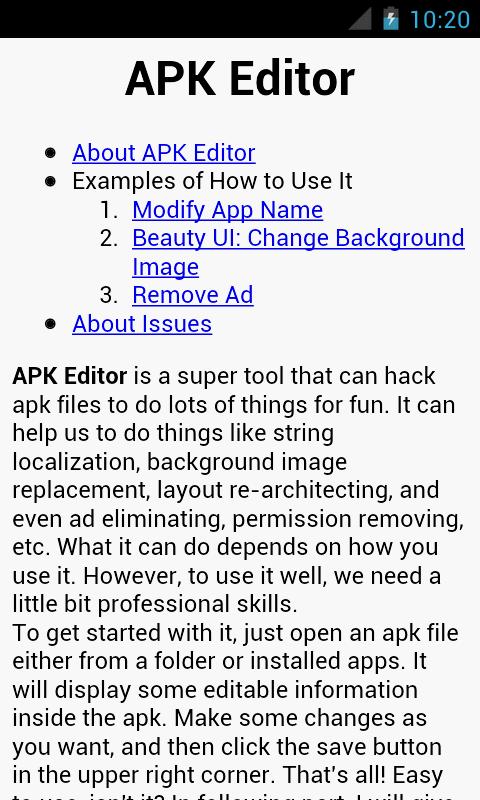
APK Editor is a utility app that lets you view and modify a single APK on Android.
APK Editor fits situations where you need to localize text, swap images, or review permissions without a desktop. It focuses on single APK files so you can make small changes and test them quickly on your phone. The workflow guides you from opening a package to rebuilding and installing, which suits beginners and advanced users working on internal tests. To start, download APK Editor and import a standalone APK, then move through an editing mode that matches your skills.
Two editing modes
APK Editor provides Simple Edit for quick resource swaps and Full Edit for deeper changes that recompile the APK. Simple Edit suits fast string updates or image replacements with minimal steps. Full Edit opens the full package structure for advanced edits and is better for users who understand how resources and code are organized.
Flexible import options
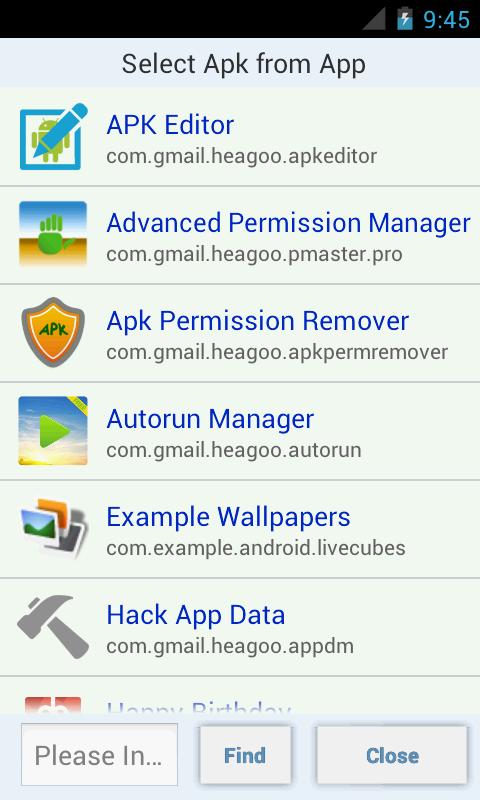
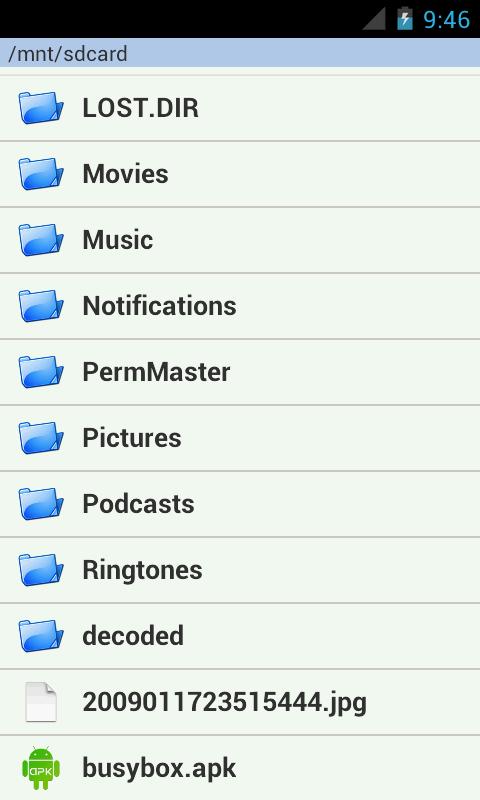
You can open an APK from local storage or extract the APK from an installed app with one tap. This flexibility helps when the file is already on your device, or when you want to analyze an app you have installed. After import, the app organizes files into a clear layout so you can move directly into the editing mode that fits the task.
Resource editing for localization and visuals
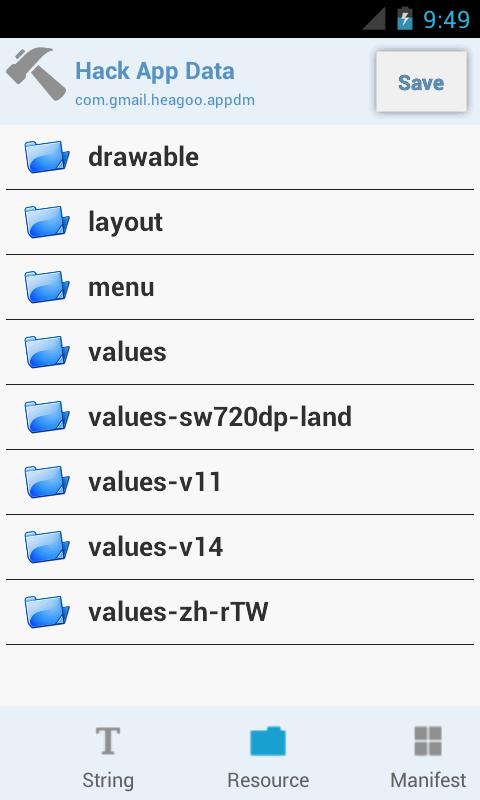
APK Editor lets you localize strings, adjust the app label, and replace images or icons. You can also review layouts to align visuals or spacing. Helpful in-app hints make common changes like text updates or icon swaps more approachable, so you spend less time searching for the right file.
Permissions and component review
You can review requested permissions to see what the app asks for at install time. With caution, you can remove unwanted or ads related resources and components. Because these changes can affect how an app runs, it is recommended to make small edits and validate them step by step.
Rebuild and test in one flow
When edits are ready, APK Editor compiles your changes and prepares an installable package. You can then install immediately to check labels, images, or behaviors in context. This fast loop helps you verify results quickly and adjust if something does not look or work as expected.
The free APK Editor focuses on resource level changes and does not support direct manifest editing. APK Editor Pro adds advanced controls intended for deeper workflows. Choose the edition based on the type of edits you plan to perform and your comfort with package internals.
APK Editor supports single APK files. Split APKs and app bundles are not supported. Before editing, make sure you import a standalone APK to avoid build or install issues during testing.
Edits can break app behavior, so test on non-critical data and keep backups of the original file. It is recommended to download the latest version from APKPure and verify file integrity. Validate each change in small steps so you can trace issues if the rebuilt app fails to install or run as expected.
This quick guide outlines the basic flow from import to testing. For best results, install the APK Editor latest version and prepare a standalone APK before starting.
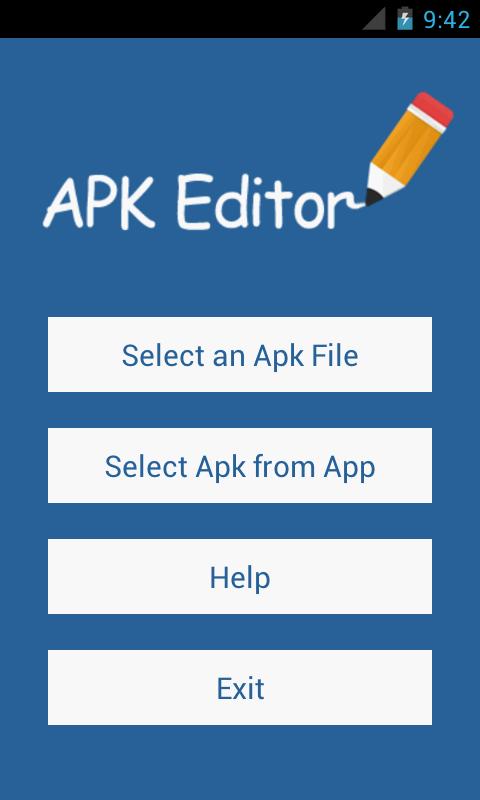
Open APK Editor, then choose the option to import an APK. Select a file from local storage or extract one from an installed app.
After import completes, pick Simple Edit for fast resource swaps or choose Full Edit for deeper modifications that require recompiling.
Next, make changes such as updating strings, replacing icons or images, and reviewing permissions or components as needed. Save your progress as you go.
When ready, tap the rebuild option to compile your edits into a new package. Wait for the process to complete and review any messages before proceeding.
Finally, tap install to load the rebuilt APK onto your device. Launch the app and verify labels, visuals, and basic behavior to confirm the result.
APK Editor enables focused resource tweaks and permission reviews for single APKs with a fast rebuild loop. It suits quick localization, asset swaps, and internal tests carried out on your device. If this workflow fits your needs, download APK Editor latest version APK from APKPure and validate changes step by step.
Last updated on Nov 10, 2022
Minor bug fixes and improvements. Install or update to the newest version to check it out!
Latest Version
 1.9.0
1.9.0
Uploaded by
SteelWorks
Requires Android
Android 3.2+
Category
Report



Discover what you want easier, faster and safer.
