



Use APKPure App
Get AirScreen old version APK for Android
AirScreen is a wireless streaming receiver app that mirrors and casts media from phones and computers to TVs with AirPlay, Cast, Miracast, and DLNA.
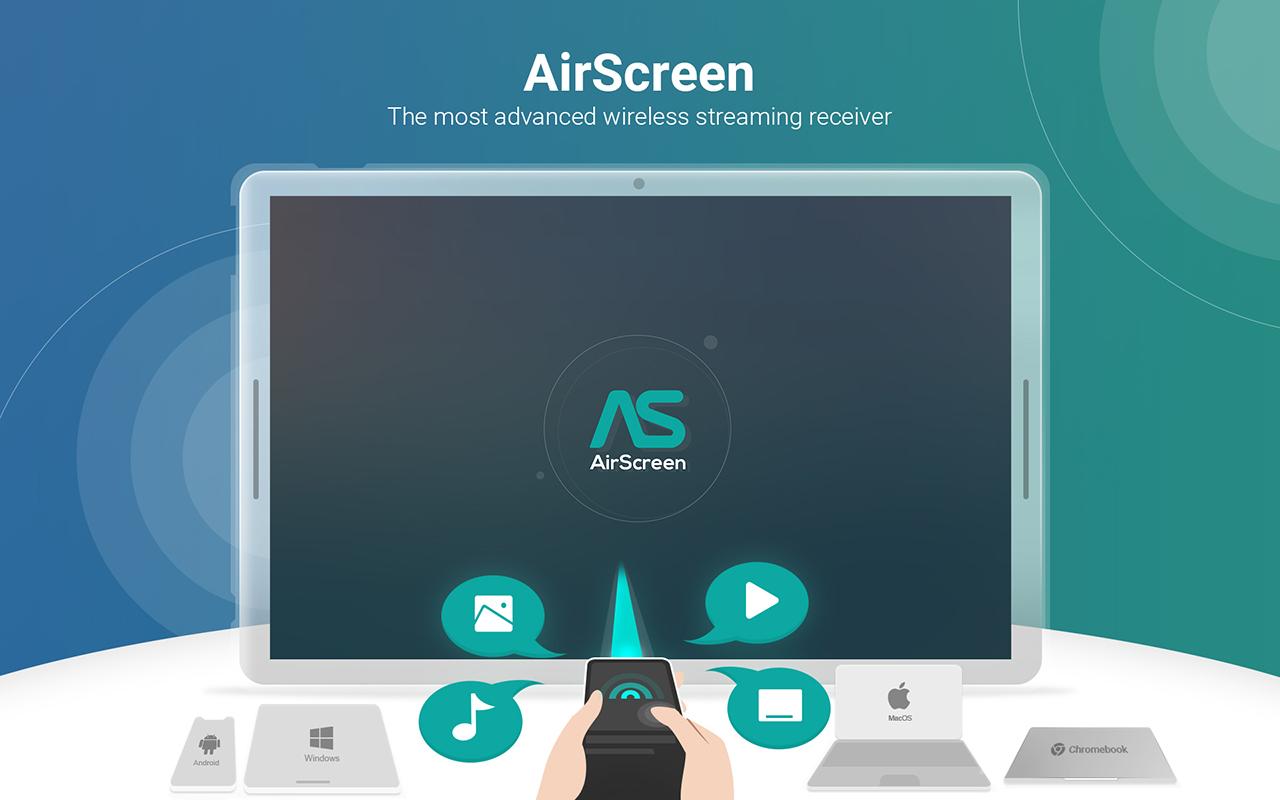
AirScreen helps you move photos, videos, music, web pages, and presentations to a bigger screen without cables. It receives from popular devices and browsers so you can cast or mirror from iPhone, iPad, Android, Mac, Windows, and ChromeOS in a few taps. The app focuses on quick setup and stable playback for daily streaming at home, school, or work. Get the AirScreen APK latest version to keep compatibility current and improve performance across new devices. You can download AirScreen on this page and start casting right away, and updates are simple to install.
Multi protocol receiving
AirScreen receives with AirPlay, Google Cast, Miracast, and DLNA so you can mirror and cast from most phones, tablets, and laptops. This reduces switching and makes it easy to use your preferred apps for sharing.
Broad device and app support
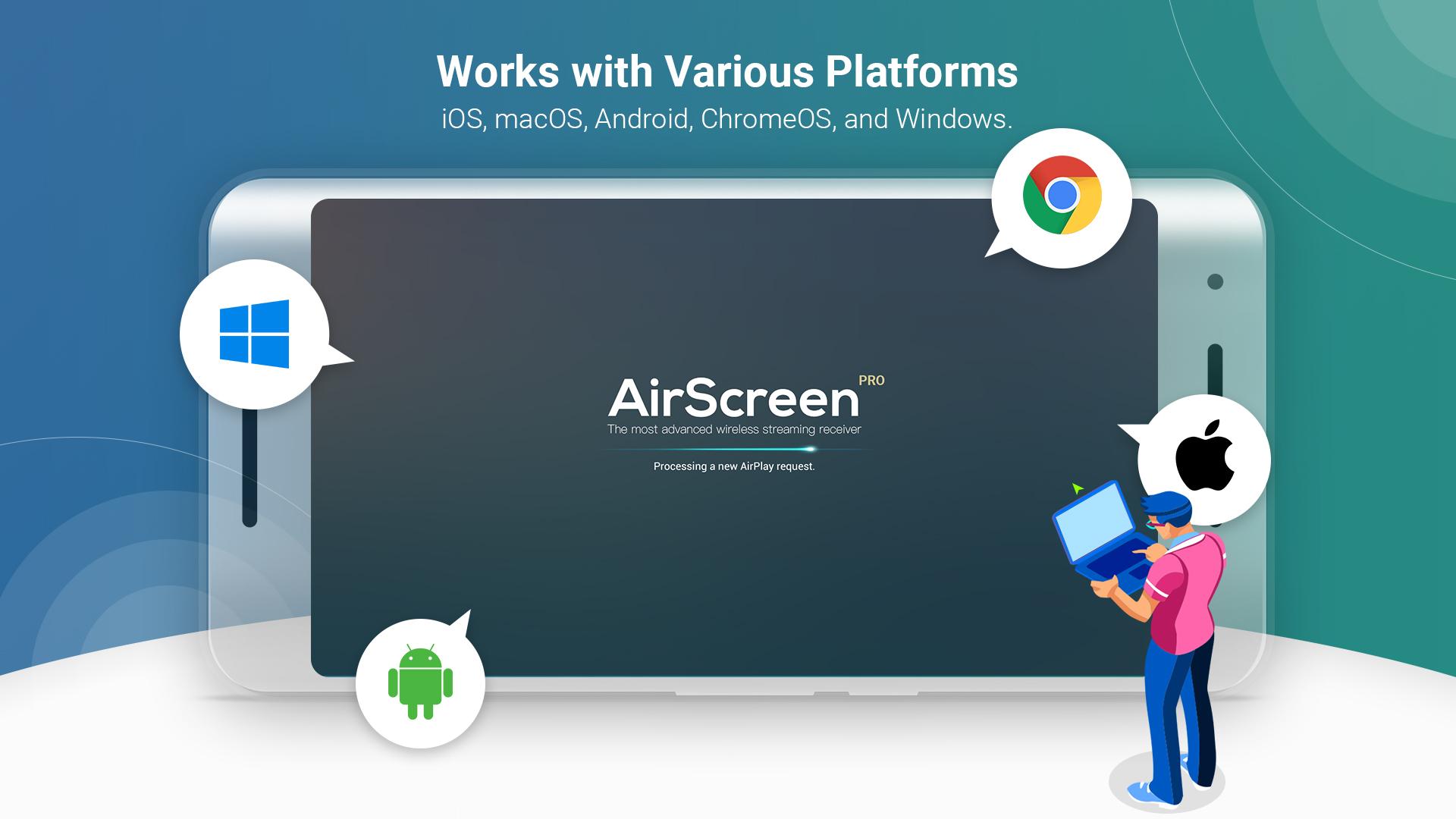
AirScreen works with iOS 8 to 18, macOS 10.5 to 15, Android 5 to 15, ChromeOS 63 to 134, and Windows 7 to 11. It also cooperates with many popular apps and browsers, which helps videos and web pages render correctly.
Install only on the receiver
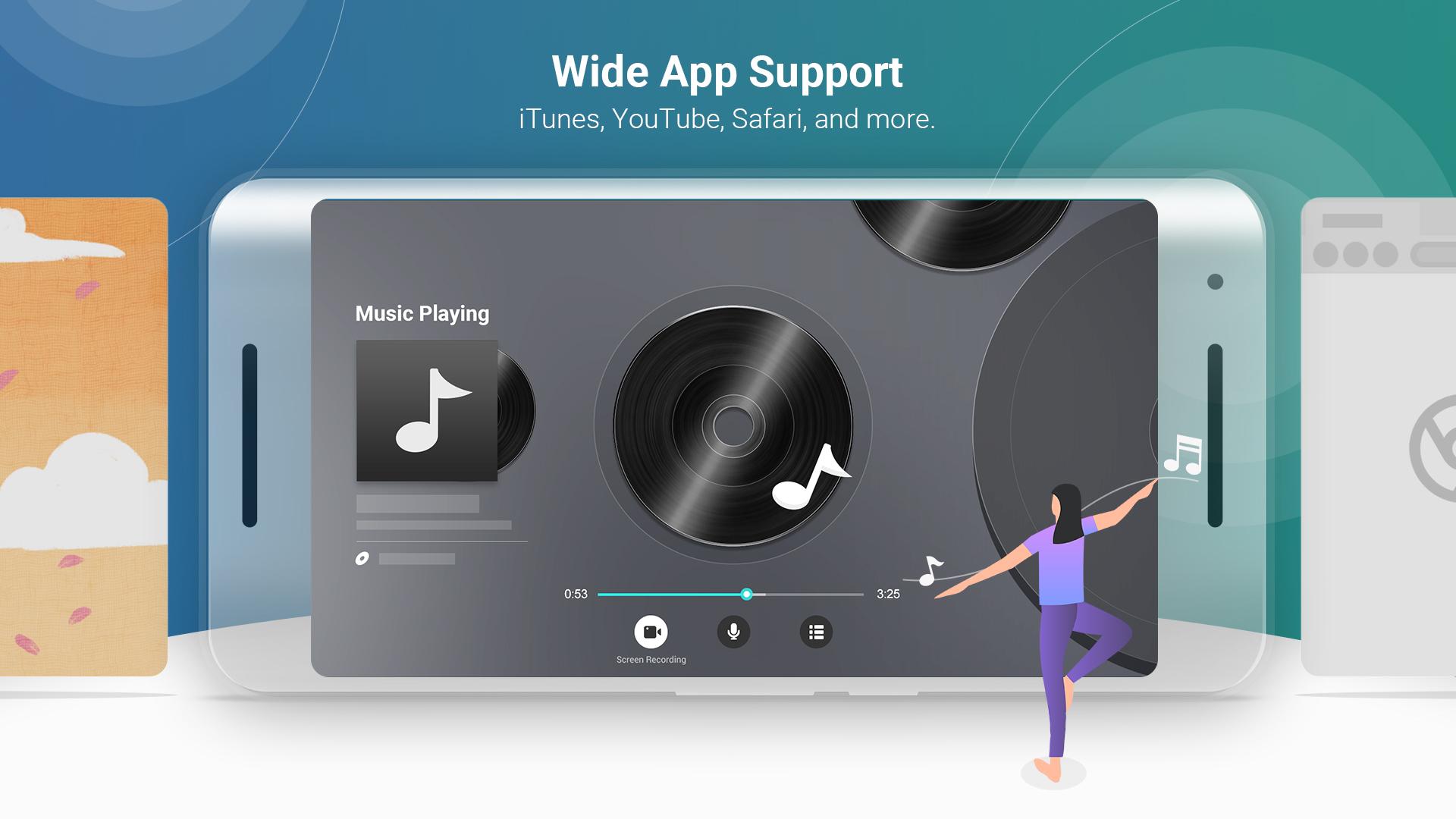
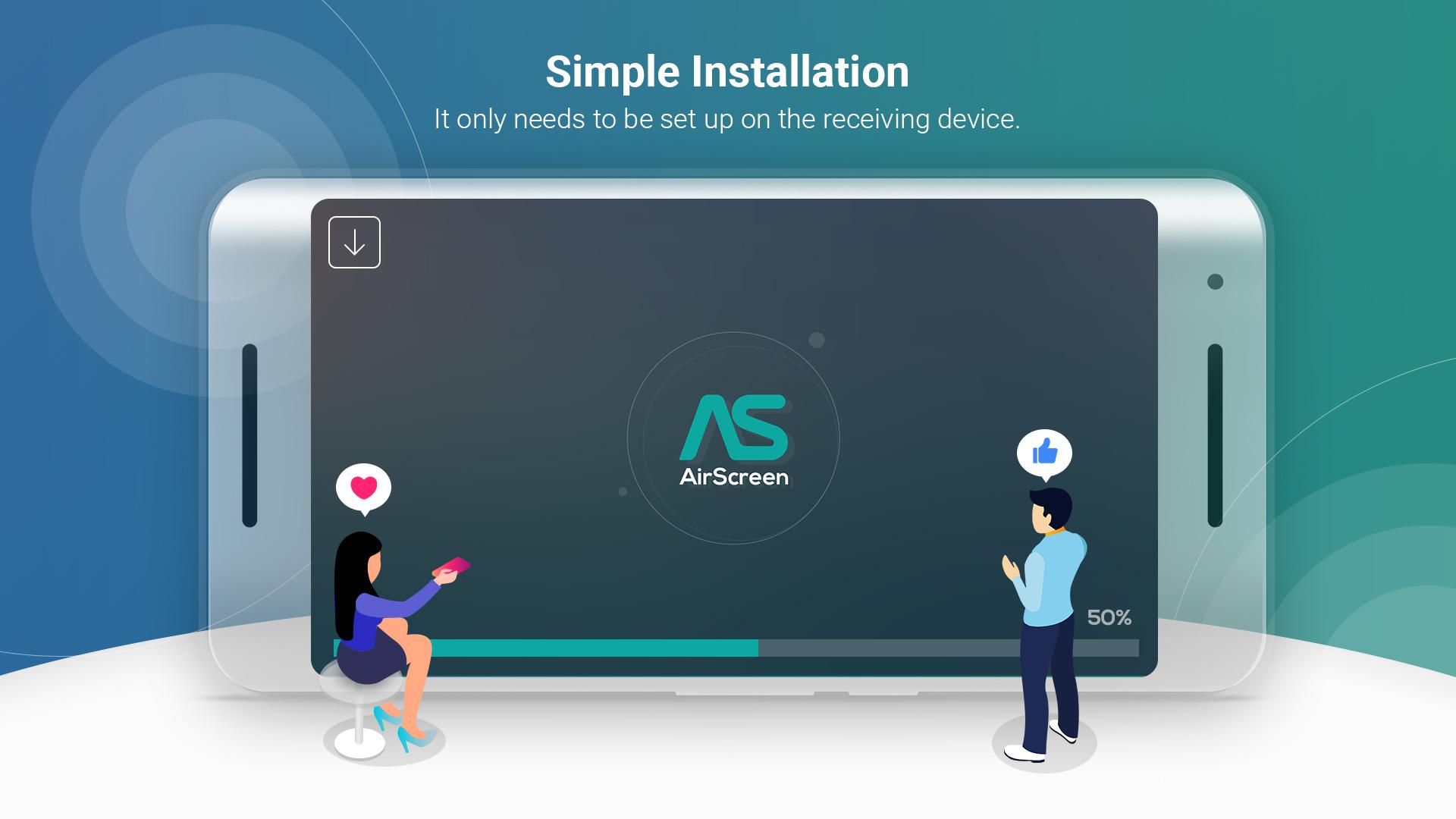
You set up AirScreen on the TV box or smart TV, and no sender app is required on your phone or computer. This keeps the sending device clean and lets you cast from YouTube, iTunes, Safari, Chrome, and many other apps.
Private and controlled streaming
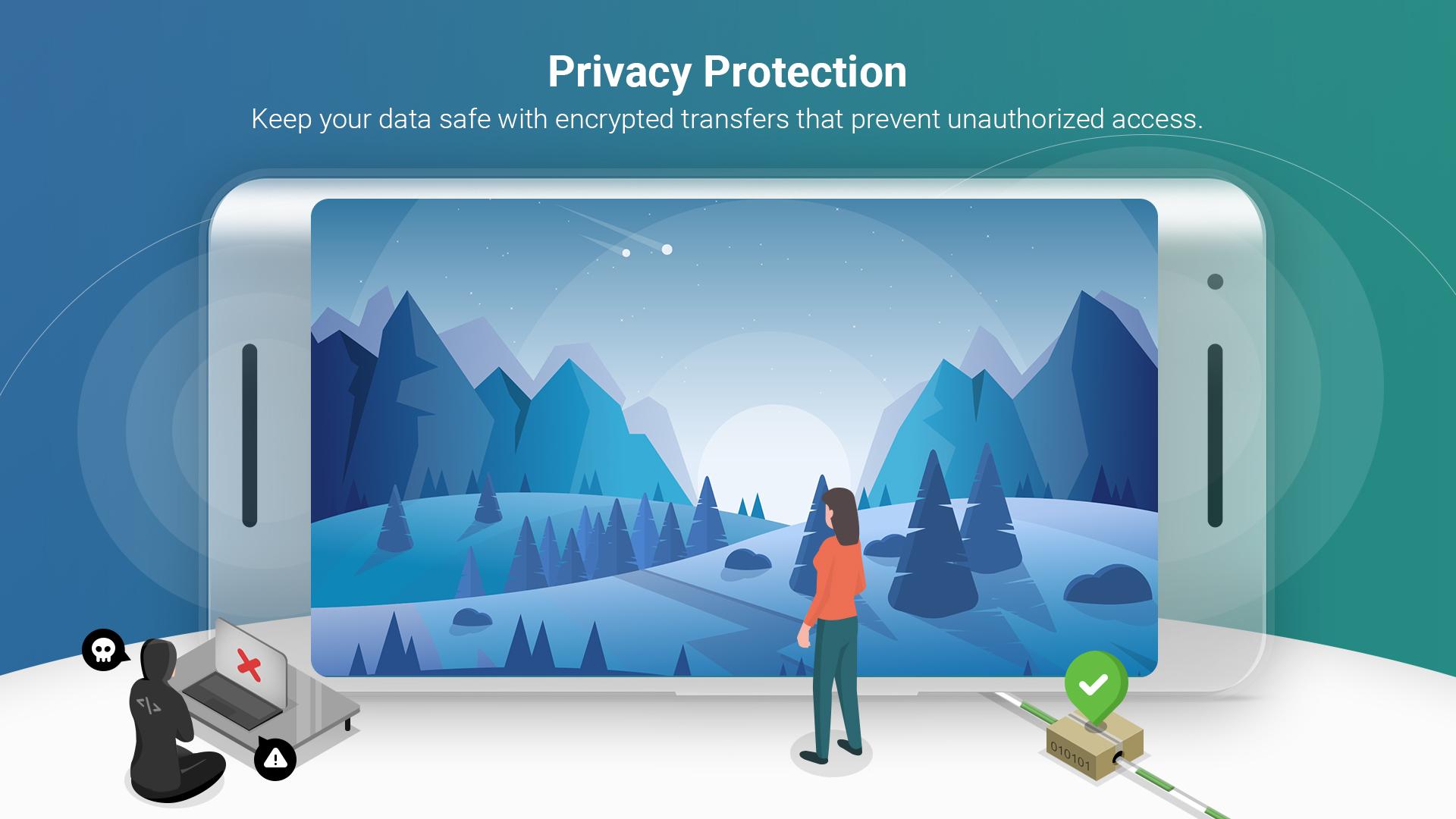
AirScreen uses encrypted transfers with AES, RSA, and SHA to protect content. You can set access control so only people on your network can connect, which is helpful for classrooms and shared spaces.
High quality playback and performance
AirScreen supports 4K Ultra HD where available and uses hardware acceleration to reduce lag. A Cast rendering engine improves compatibility with Cast enabled apps, and the background service keeps sessions running while you multitask.
Recording and multi display options
You can record a session to review later, which is useful for demos and lessons. In addition, you can duplicate a shared screen from one AirScreen device to another for multi room viewing.
AirScreen pricing and plans
AirScreen is free to download and use with core casting and mirroring. An optional subscription removes certain limits and prompts, and it unlocks advanced options where supported. The exact list of premium features appears inside the app and may include extended recording time or enhanced quality controls.
AirScreen compatibility notes
Miracast sending was disabled by the Android system from Android 8.0, so Miracast may not show on newer Android phones. You can still use AirPlay and Google Cast, and DLNA is available for compatible apps.
AirScreen development and reliability
The app has been in continuous development since 2016 with multi million downloads. It introduced early support for Cast enabled apps on Android and added Widevine DRM support in 2022 to improve playback of protected content where permitted.
This quick guide walks you through mirroring an iPhone or iPad to a Fire TV, Android TV, or other compatible receiver using AirScreen APK. You only need to install AirScreen on the receiving device.
AirScreen makes everyday casting and mirroring straightforward across phones, computers, and TVs. Download AirScreen to move your media to a bigger screen and keep your workflow simple.
If you need help or want more details, see the official resources below.
Is the AirScreen app free?
AirScreen is free to use for core casting and mirroring on supported devices. There is also an optional subscription that removes limits and prompts and enables certain advanced options. You can download AirScreen here and decide in the app if you want to upgrade.
What does the AirScreen subscription include?
The subscription adds premium features on top of the free AirScreen experience, such as removing usage limits and unlocking advanced settings in supported scenarios. The exact benefits can vary by device and version, and the current list appears in the app before you confirm any purchase.
Does AirScreen work with iPhone and iPad?
Yes, AirScreen receives from iPhone and iPad using AirPlay, and it works with iOS 8 through iOS 18. You can mirror the entire screen or stream from supported apps, and control playback from the sender device.
How can I upgrade or update AirScreen on my device?
To update, get the AirScreen APK latest version from this page and install it over your current app. Your settings remain in place, and you can open the app afterward to confirm the version in the About section.
How do I enable background service on Amazon Fire TV?
Open the AirScreen app on your Fire TV and go to Settings, then look for Background service and turn it on. This keeps the receiver active so sessions continue even when you switch apps or return to the home screen.
My Fire TV remote does not control AirScreen playback. Why?
Some sessions are controlled by the sender app, so volume and transport controls may work only on the phone or tablet. In these cases, use the controls in the casting app on your device, or mirror the screen and adjust volume directly on the sender.
Get the AirScreen APK now to start casting, and check back anytime to download AirScreen updates and keep features current.
Last updated on Dec 20, 2025
Minor bug fixes and improvements. Install or update to the newest version to check it out!
Latest Version
 2.14.2
Uploaded by
Ionitech
Requires Android
Android 6.0+
Available on

Category
Report




Discover what you want easier, faster and safer.
