



Use APKPure App
Get Yidio old version APK for Android
Yidio is a streaming guide app that shows where to watch movies and TV shows.
Yidio helps users who juggle several streaming subscriptions quickly see where a title is available and how much it costs. The app pulls together movie and TV information from many providers, then directs you to the right place to watch. It also keeps your viewing organized with simple tools for tracking and timing what to watch next. As a result, it removes guesswork and jumping between apps. If you prefer manual installs, searching for Yidio APK may be useful.
Universal search across services
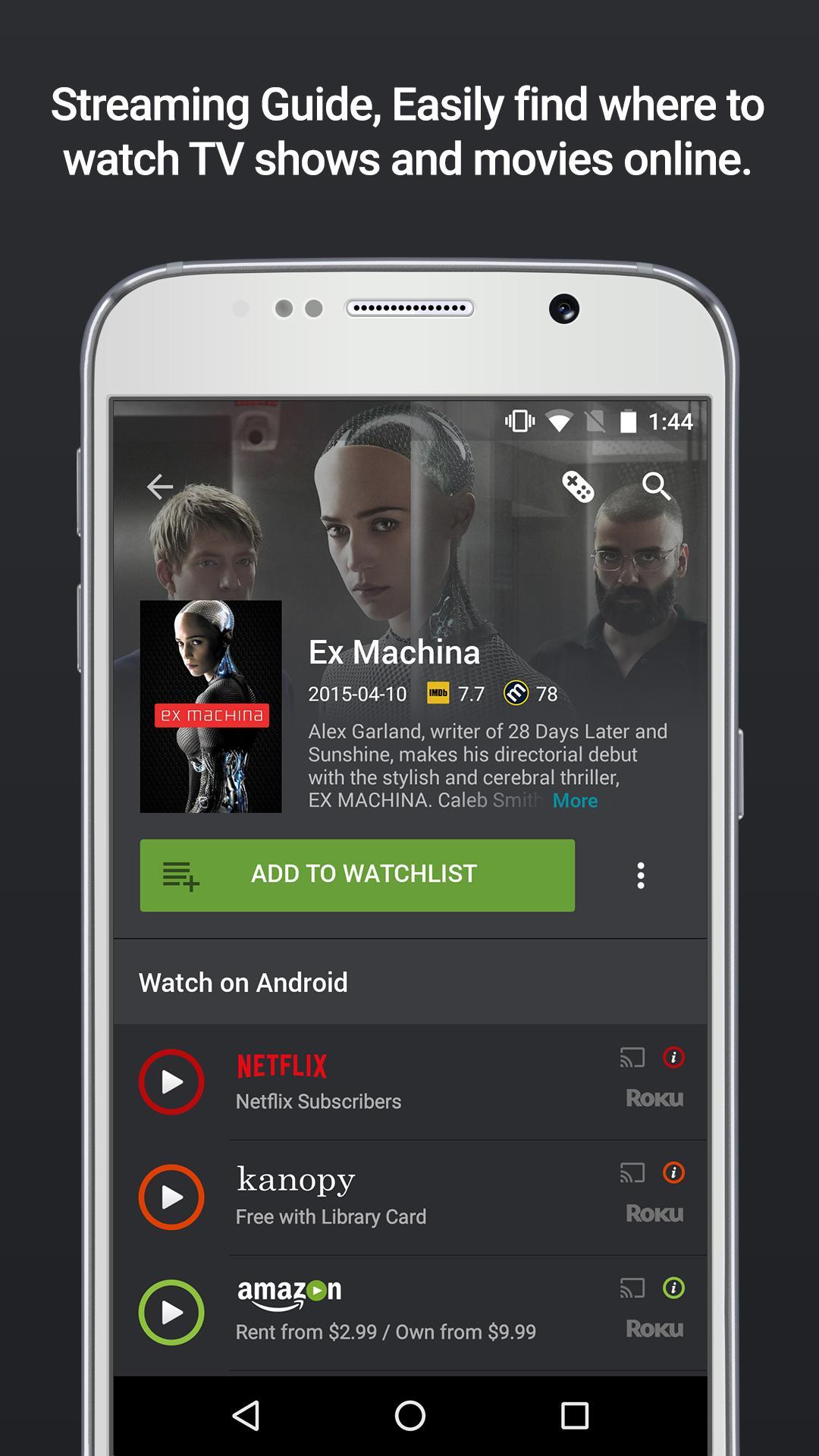
With Yidio, you search once and see results from over one hundred streaming providers in the same place. You can find movies, shows, and episodes from services like Netflix, Hulu, Prime Video, Apple TV, Paramount Plus, HBO, and YouTube without switching apps. This saves time and helps you compare options side by side.
Recommendations and watchlist
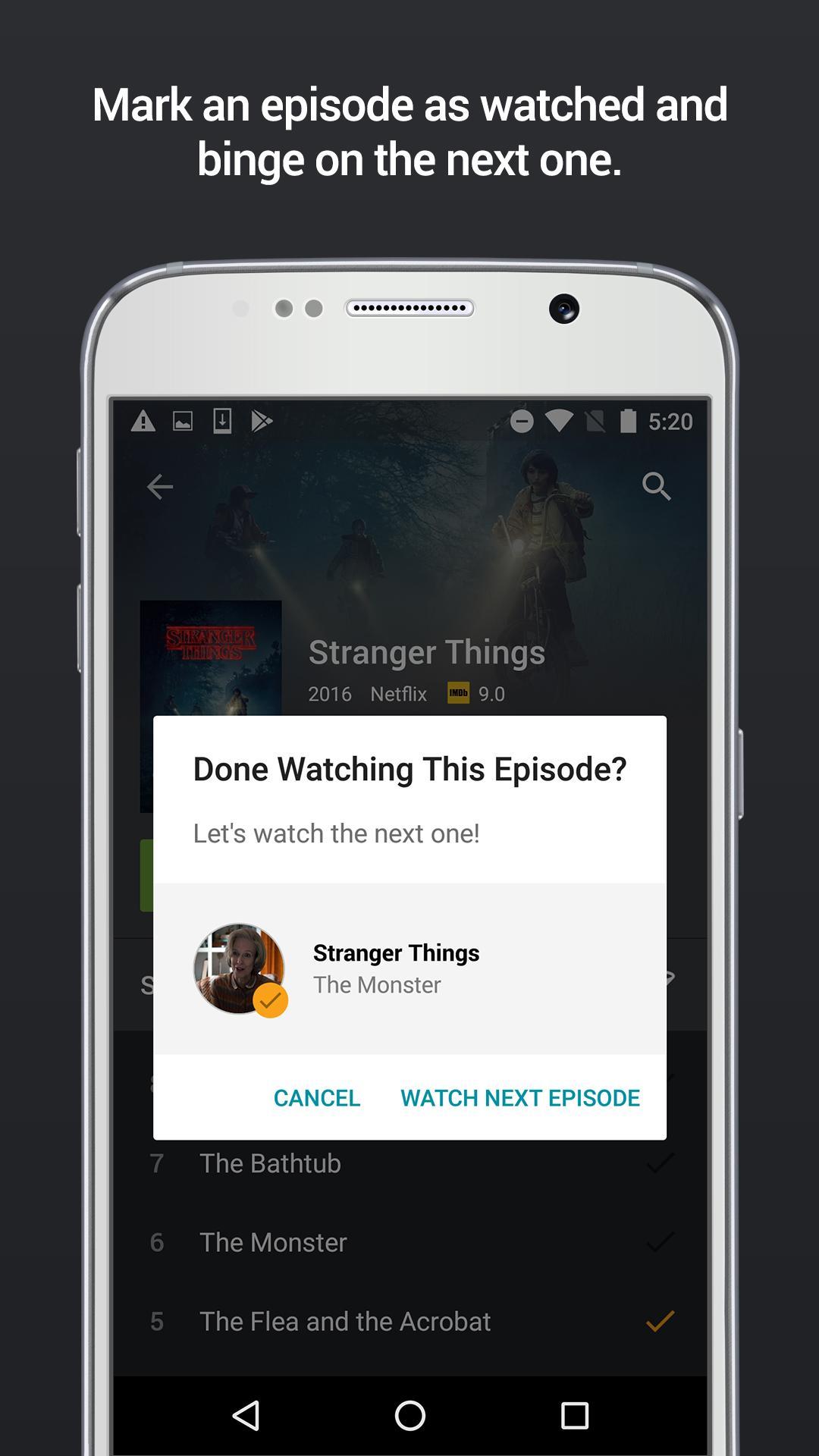
Yidio suggests titles based on what you follow and watch, so you discover new options that match your habits. You add movies and shows to a watchlist to keep track of what you plan to watch and what you already finished. Over time, this list helps you manage across multiple services with less effort.
Alerts and reminders
You receive notifications for new episodes, returning seasons, and changes in availability. These reminders help you catch fresh releases on the day they arrive and avoid missing when a title moves or expires. Adjust the alert settings to match how often you want updates.
Price comparison and free filters
Yidio shows rent, buy, and subscription options in one view, so you can choose the cheapest or best value way to watch. You can apply a Free filter to surface titles available at no cost from supported providers. This makes it easy to pick a free option when it exists, or a lower price when it does not.
Deep links and device support
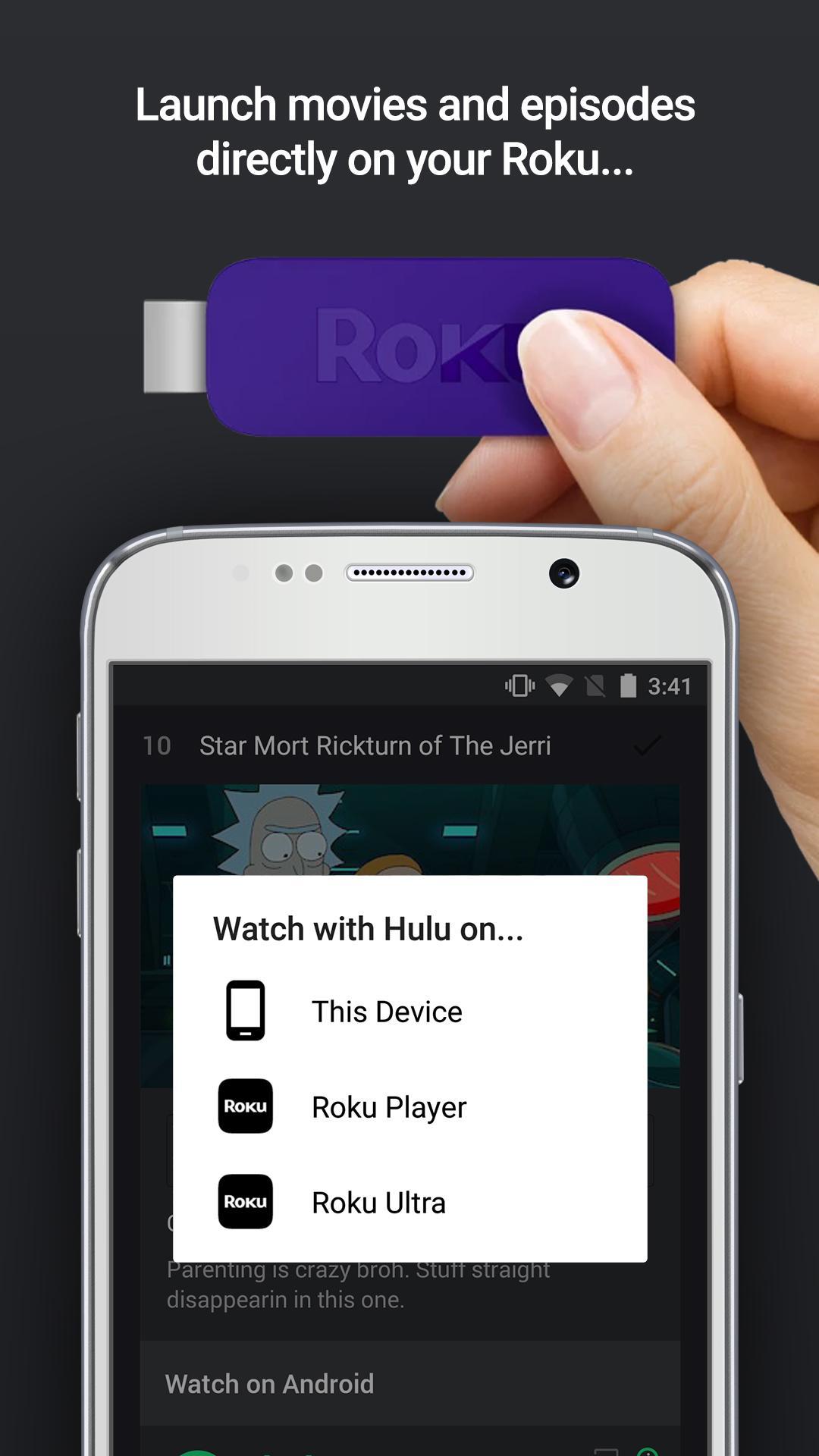
Once you pick a title, Yidio opens the provider app or website with one tap, so you can start watching right away. If you use Roku or Chromecast, you can control playback or cast content directly from your phone. This keeps the flow simple from discovery to viewing.
Yidio is a guide, not a hosting service. It monitors availability across providers, unifies search results, and then links you to the official app or site to watch. A background system checks for changes throughout the day, which powers personalized alerts and timely lists. Because playback happens on partner platforms, a subscription or rental may be required for some titles even if Yidio itself is free to use.
Yidio includes discovery modules designed for quick browsing. You can check Trending Now to see what other users are watching, look at Just Aired Episodes to find the latest additions, and view TV Schedule to plan ahead. The Free filter highlights titles currently available at no cost, and those options change regularly. This setup helps you scan what is new and what is free without visiting each provider separately.
Yidio Premium offers an ad free experience along with real time reminders and priority support. It is optional and does not change the core guide functions. A seven day trial is available, with monthly and yearly subscription choices after the trial. Premium can be helpful if you rely on alerts to start episodes right when they arrive.
After you download Yidio, setup takes only a moment. The app works whether you sign in or continue as a guest, and you can adjust services later. For a smooth start, follow these steps.
Yidio organizes streaming choices, shows prices and free options, and sends helpful alerts so you can watch without extra steps. It simplifies discovery and quickly connects you to the right provider. To stay current, check for the Yidio latest version when updating.
For official resources and more details, visit the Yidio site below.
Last updated on May 8, 2026
- More major upgrades to the Yidio app architecture
- Updated SDK and library dependencies
- Bugs found and squashed
**Yidio makes it easy to find where to watch over 1 million TV shows and movies across over tons of different streaming services.**
Latest Version
 4.0.4
4.0.4
Uploaded by
Thu Kha ThuKha
Requires Android
Android 5.0+
Available on

Category
Report





Discover what you want easier, faster and safer.
