


Use APKPure App
Get Yeetalk old version APK for Android

Yeetalk is a global social and language-exchange app that connects learners with native speakers through chat and communities.
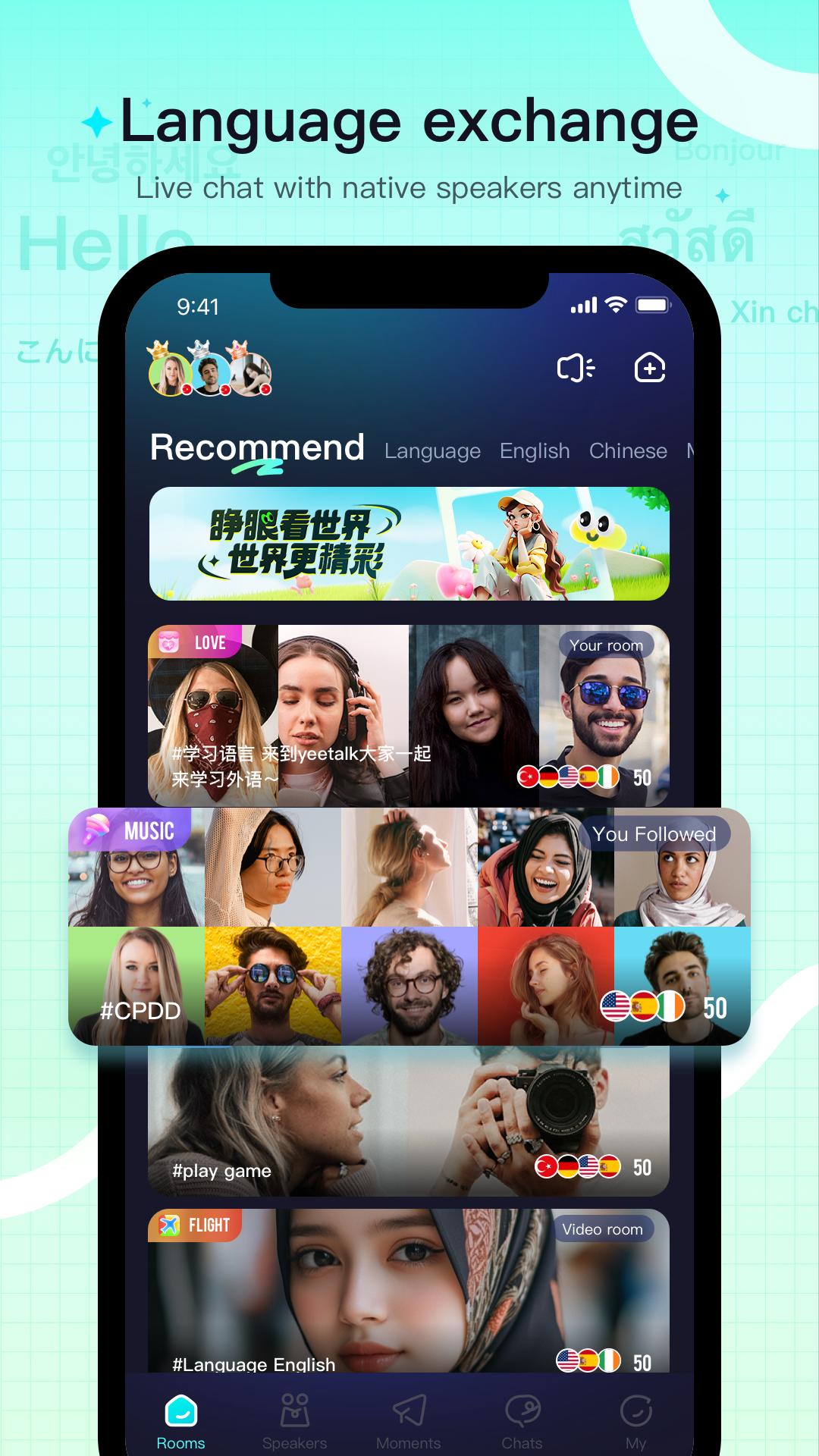
Yeetalk helps users who want to practice a new language with real people and learn about daily life in other countries. It connects you with partners who share goals and keeps conversations going even if you do not share a common language. As conversations grow, you can explore group spaces and community updates to see how people live and communicate. To keep up with improvements and community tools, consider using the Yeetalk latest version when you start, so you can focus on natural conversation.
Smart language partner matching
Yeetalk recommends partners based on your native language, target language, nationality, and hobbies. You can adjust filters to refine suggestions and find people who match your learning goals. This setup helps you start a chat with someone who fits your interests. As you use it more, recommendations adapt to your choices.
Live voice and video chatrooms
You can join real-time audio or video rooms to practice speaking and meet people from different countries. Rooms give you a place to listen, talk, and get used to natural conversation. If you prefer observing first, you can join quietly and speak when ready. After a session, continue chats with new contacts in private messages.
Free translations for over 100 languages
Yeetalk includes built-in translation that supports more than one hundred languages. You can translate messages without limits while you chat, which helps keep conversations moving. This tool is useful when you are a beginner or when a topic gets complex. As you learn more, you can reduce translations and rely on your own words.
Global Moments feed
You can share photos, short updates, and questions to show daily life and learn about others. The feed lets you comment and react to posts from users worldwide. It is a simple way to spot cultural details you may not find in textbooks. Over time, you can follow people who post content that matches your interests.
Controls for a safer experience
Yeetalk provides tools to limit unwanted contact and keep conversations comfortable. If a message or user makes you uneasy, you can stop future interactions and send a report. These controls support a respectful space while you focus on language practice. Use them anytime to keep your experience consistent with your goals.
Yeetalk is designed for language exchange and cultural sharing. Some users also look for friends or social connections, but the platform is not positioned as a dating service. Set clear goals in your profile and accept chat requests that match your intent. If a conversation moves away from learning, you can step back and choose partners who focus on practice.
Community posts often highlight everyday habits, school life, work topics, and local events. If you share content, avoid sensitive personal details and keep discussions respectful. This approach helps you build steady connections that support language progress. When in doubt, prioritize learning topics that both sides find comfortable.
Yeetalk for Android supports sign up and returning access across devices, so you can continue conversations wherever you are. Account creation is simple, and Yeetalk login options are available after your first setup. If you prefer direct installation on Android devices, the Yeetalk APK package offers an alternative way to install the app. Choose the option that fits your device and your typical usage.
After a Yeetalk APK download, open the app and set up your profile to start language practice. The process is straightforward and focuses on matching and conversation.
Yeetalk connects you with partners for practical conversation across languages and cultures. When you are ready, download Yeetalk and start practicing with people around the world.
For official resources and help, see the links below.
Last updated on Apr 21, 2026
New Version:
1. Added support for Japanese and Korean
2. App performance optimization, the experience is smoother~
3. Fixed known issues and enhanced stability
Latest Version
 2.46.1
Uploaded by
علوش العمدة
Requires Android
Android 7.0+
Available on

Category
Report



Discover what you want easier, faster and safer.
