


Use APKPure App
Get WPS Connect old version APK for Android

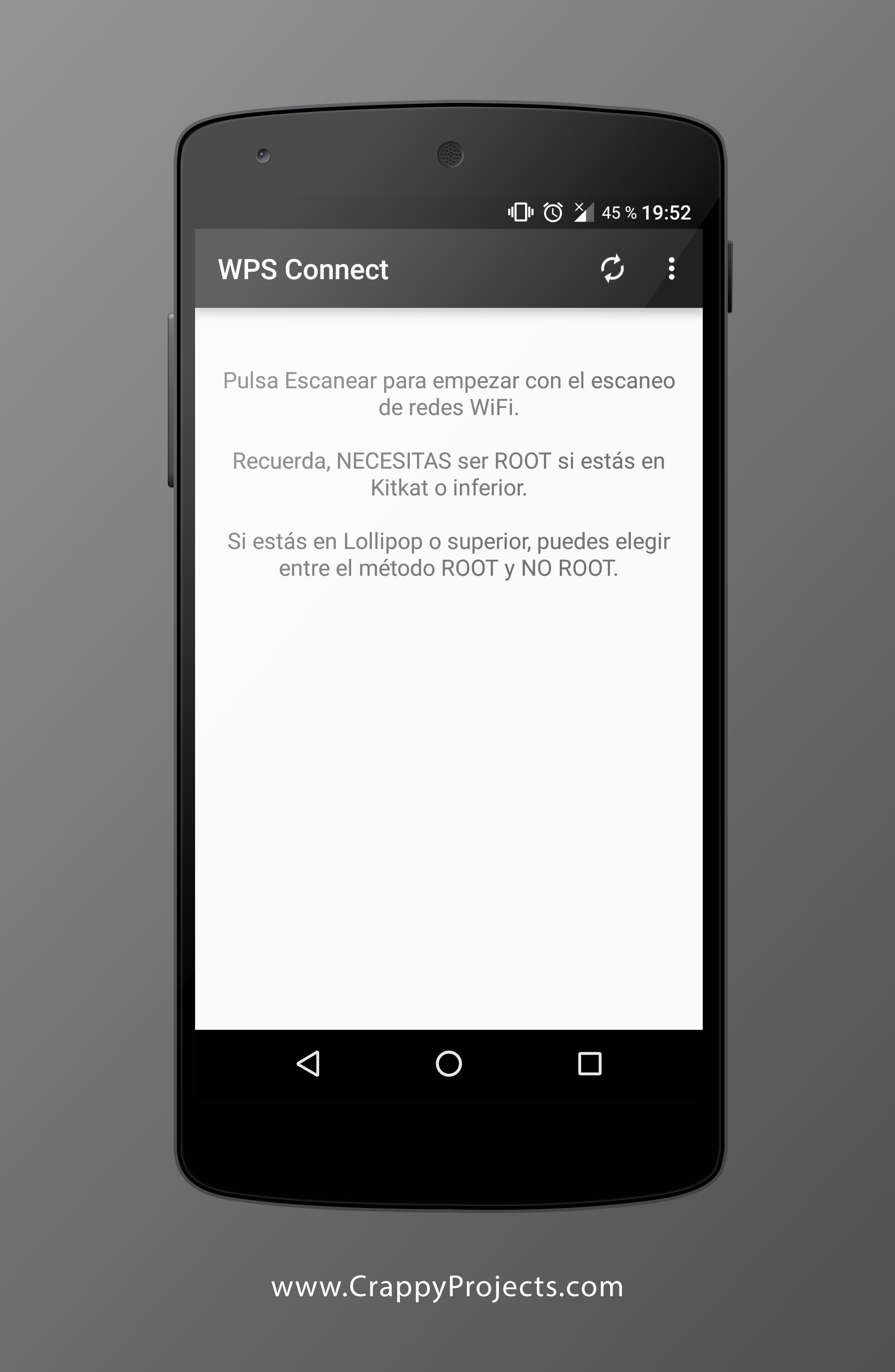
WPS Connect is a WiFi security audit app that checks WPS PIN vulnerabilities and allows WPS connections.
WPS Connect helps users evaluate whether a home or office router is exposed through WPS. It focuses on practical testing so you can confirm if default PINs work on your own network, then decide what to change for better protection. The app supports both rooted and non rooted workflows, and it is designed for educational use and responsible security checks. For quick access on Android, many users look for WPS Connect APK to test and verify their router setup.
Security audit for WPS
WPS Connect checks if your router is vulnerable to common or default WPS PINs. The app runs a targeted audit on your own network so you can see whether a connection is possible through WPS. This practical result helps you decide the next step, such as changing credentials or disabling WPS.
Built in PIN algorithms
WPS Connect includes well known PIN algorithms to streamline testing. It supports Zhao Chesung ComputePIN and Stefan Viehböck easyboxPIN, along with common default PINs used by many routers. With these methods available in one place, testing becomes consistent and easier to repeat.
Connect via WPS to verify exposure
When your router allows WPS, you can attempt to connect using known or default PINs. If the app joins your network through WPS, that confirms exposure and shows the risk level clearly. From there, you can adjust router settings and re test to confirm the fix.
Root and No Root modes
WPS Connect supports No Root connection on Android 5 and above, which covers many modern devices. Rooted devices gain advanced options that are not available otherwise. This flexibility lets you choose the workflow that suits your phone and testing needs.
WiFi password recovery (Root only)
On rooted devices, WPS Connect can display stored credentials for currently saved networks. This helps you audit what passwords are retained on the device and tidy up old or unused access points. Use it as part of a broader review of your WiFi security posture.
WPS Connect is intended for auditing your own networks only. Unauthorized access to networks you do not own or manage is prohibited and may be illegal. Use the app to identify vulnerabilities on your router, then fix them promptly.
Many routers and Android builds reduce or disable WPS due to security risks, so results will vary. Successful connection depends on your router settings, device support, and whether WPS is enabled. If a test fails, review router configuration or consider other steps such as firmware updates and disabling WPS.
Developer disclosures indicate that location and app activity may be collected or shared for functionality and analysis. Data is encrypted in transit, and users can request deletion of collected data. Review settings and documentation before testing to understand how your information is handled.
Use WPS Connect to confirm whether your router is exposed through default or known PINs. For stability and new fixes, many users prefer the WPS Connect latest version. Follow the steps below to run a simple audit on your own network.
WPS Connect offers practical tools to check WPS PIN exposure and confirm if your own router is at risk. To try these functions on Android, download WPS Connect and run a quick audit, then adjust your settings for better protection.
Last updated on Mar 30, 2019
Versión 1.3.9
- Bugfix
Latest Version
 1.3.9
1.3.9
Uploaded by
Nestor Vega
Requires Android
Android 4.0+
Category
Report



Discover what you want easier, faster and safer.
