


Use APKPure App
Get Win 11 Simulator old version APK for Android

Win 11 Simulator is a simulation app that brings a Windows 11 style desktop to Android.
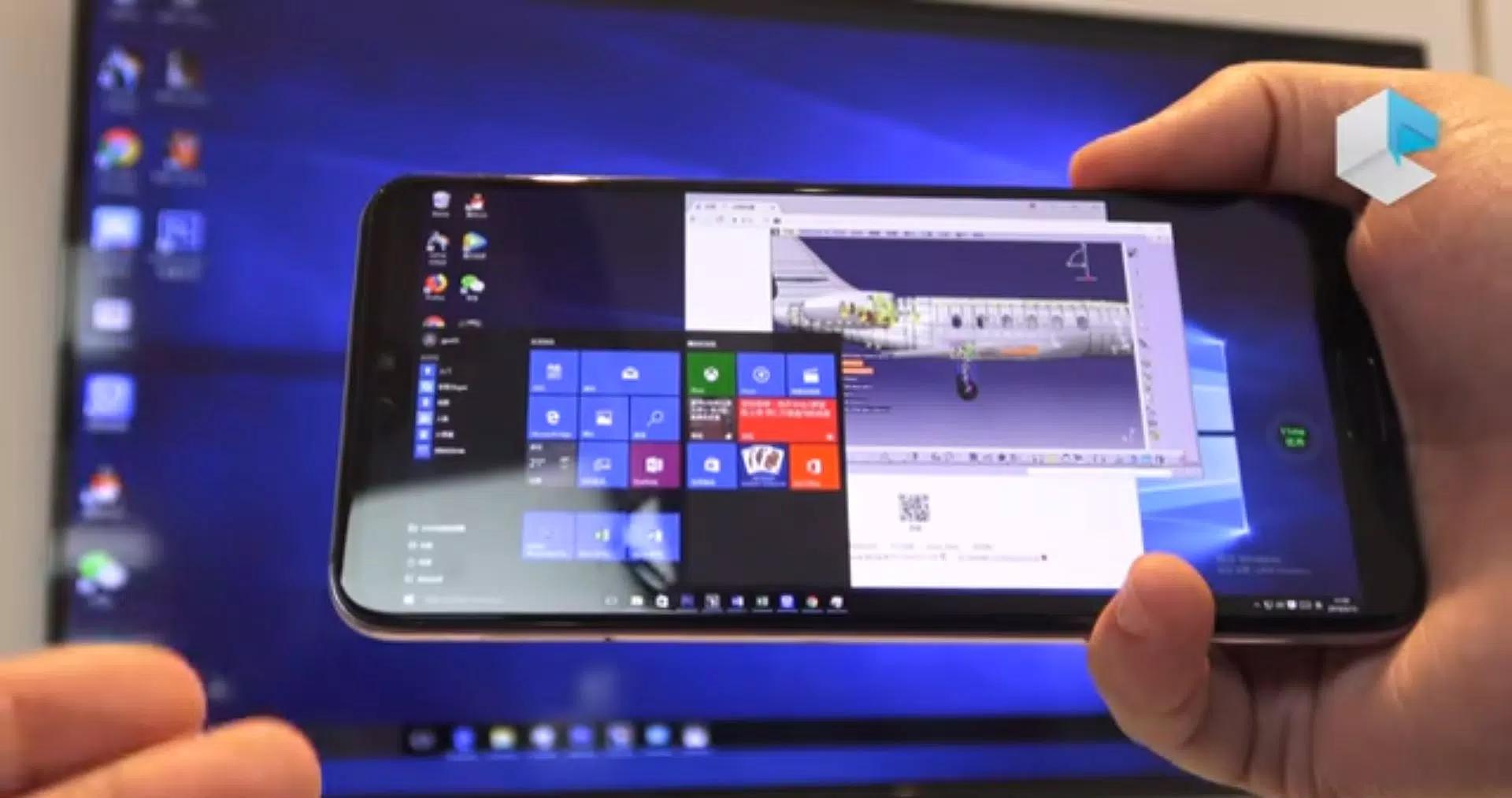
Win 11 Simulator helps you preview the Windows 11 interface on your phone without changing anything on your device. It places familiar desktop elements in one place so you can practice navigation and learn where common tools live. With Win 11 Simulator APK, you can open simulated apps, look around Settings, and try everyday actions safely. As a result, it suits students, first time users, or anyone curious about the Windows 11 user experience.
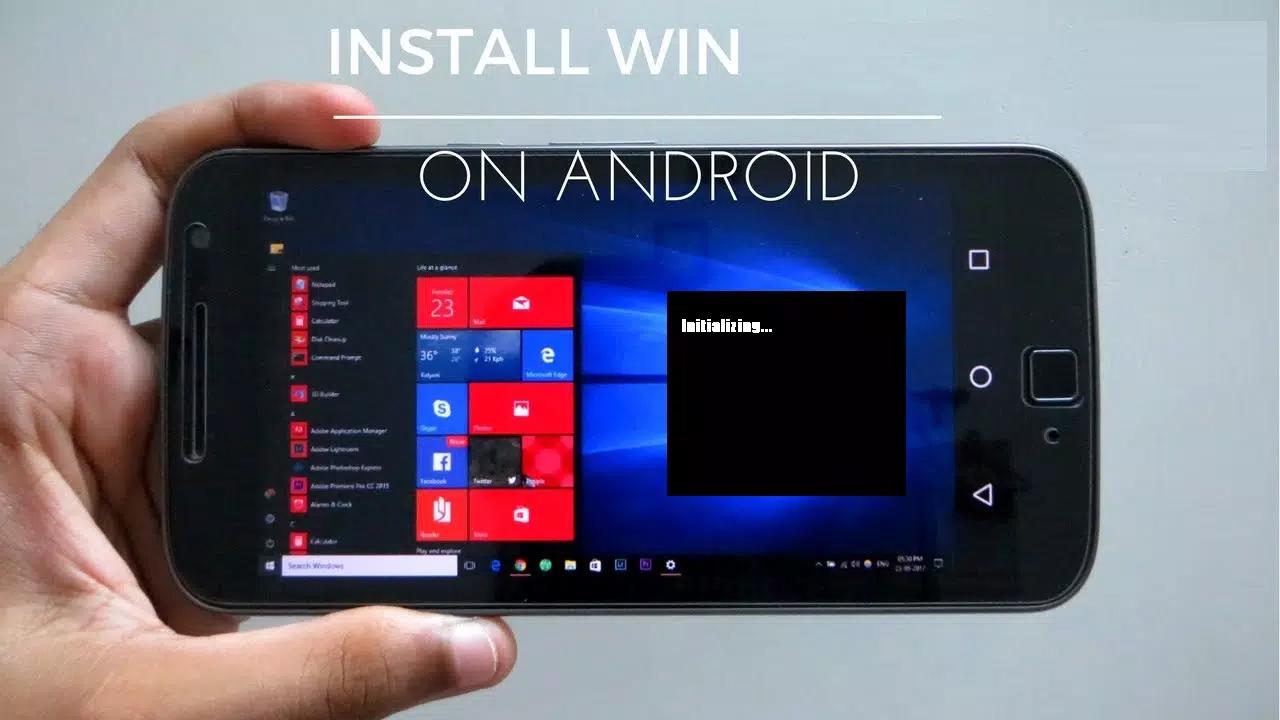
Win 11 Simulator presents a centered taskbar, the Start menu, Search, and Widgets on a desktop style screen. You can open Start to see pinned items and tile style shortcuts. The layout follows familiar PC cues so you quickly understand where to begin.
Desktop like navigationMove between windows, switch focus, and close items much like on a computer. Long press an icon or window to act like a right click and open context options. This flow helps you learn how desktop actions translate to touch on a phone.
Simulated system appsOpen File Explorer, Notepad, Calculator, Camera, Task Manager, Browser, and a basic Store to try typical tasks. The Settings area is organized into clear categories you can explore:
These sections let you practice clicks and menu paths without any effect on your actual system.
Personalisation optionsAdjust themes and desktop elements to match the Windows 11 look. You can switch styles and see how icons and colors change on screen. This helps you test a setup that feels comfortable before using a real PC.
Safe sandbox for learningThe simulation runs in its own space and does not modify files or settings on your device. You can test workflows, open multiple simulated apps, and close them when done. The app is lightweight, so setup is quick on most Android phones and tablets.
This app is a user interface simulation, not a full desktop operating system. It is not an official Microsoft product and is not Windows 365. The simulation is for education and preview purposes only, and it does not install Windows or change your Android system.
Some websites may refuse to load inside the embedded browser view and display “Refused to connect.” This is expected for sites that block embedded frames for security reasons. If a page will not open, try another site inside the simulation or use your regular mobile browser.
After you download Win 11 Simulator, launch it to see the desktop style home screen. The interface resembles Windows 11, so you can move around with simple taps and long presses. Use this guide to try common actions step by step.
Win 11 Simulator replicates the Windows 11 desktop look on Android in a safe, self contained space. It is useful for learning navigation and previewing Settings before using a desktop PC. To get the Win 11 Simulator latest version, review the version details on this page and install when ready.
Last updated on Apr 24, 2024
Minor bug fixes and improvements. Install or update to the newest version to check it out!
Latest Version
 2.0
2.0
Uploaded by
خاليد خه يلاني
Requires Android
Android 5.1+
Category
Report

Discover what you want easier, faster and safer.
