


Use APKPure App
Get WiFi FTP Server old version APK for Android
WiFi FTP Server is a utility app that turns your Android device into a file transfer server.
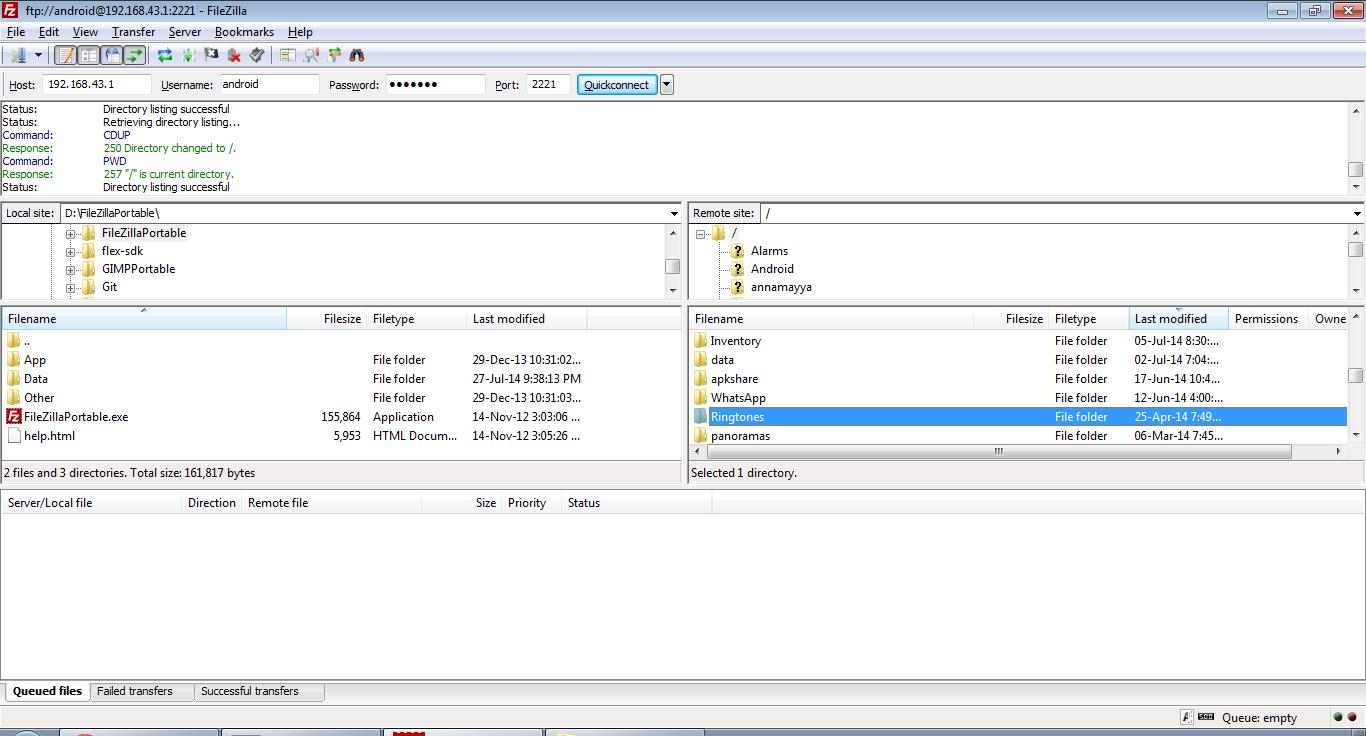
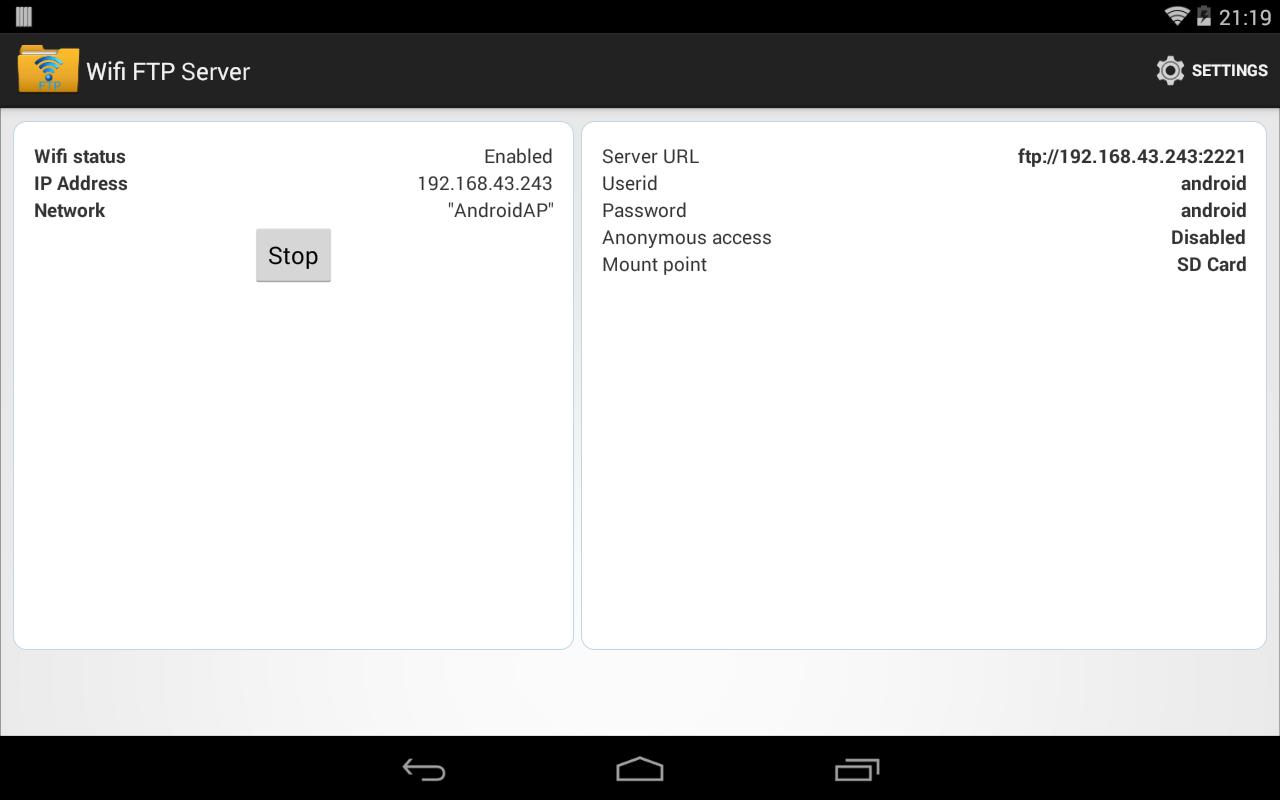
WiFi FTP Server helps when you want to move photos, movies, songs, or backups without plugging in a cable. With a WiFi connection, you start a local server on your phone and connect from an FTP client on your computer to send or receive files. This approach gives you control over where files are stored and how they are accessed. To get started quickly, install WiFi FTP Server APK and follow the on-screen steps.
Quick setup and usage
Secure transfers with FTPS
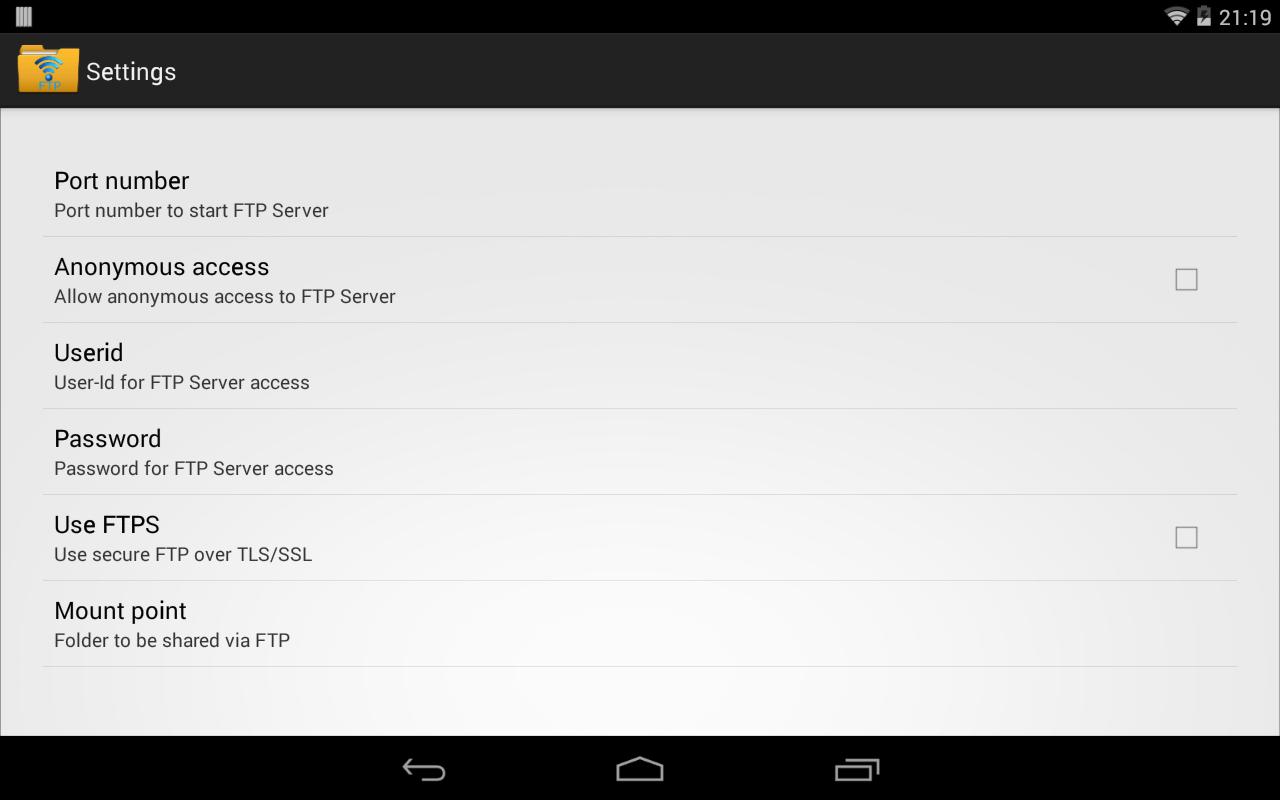
WiFi FTP Server supports FTP over TLS or SSL for encrypted sessions. When using FTPS, the server address begins with ftps:// instead of ftp://. SFTP is not supported, so use an FTPS capable client if you need encryption.
Configurable access and folders
Works on WiFi and hotspot
You can run the server on a standard WiFi network or in hotspot mode. This helps when a router is not available and you still need local file access.
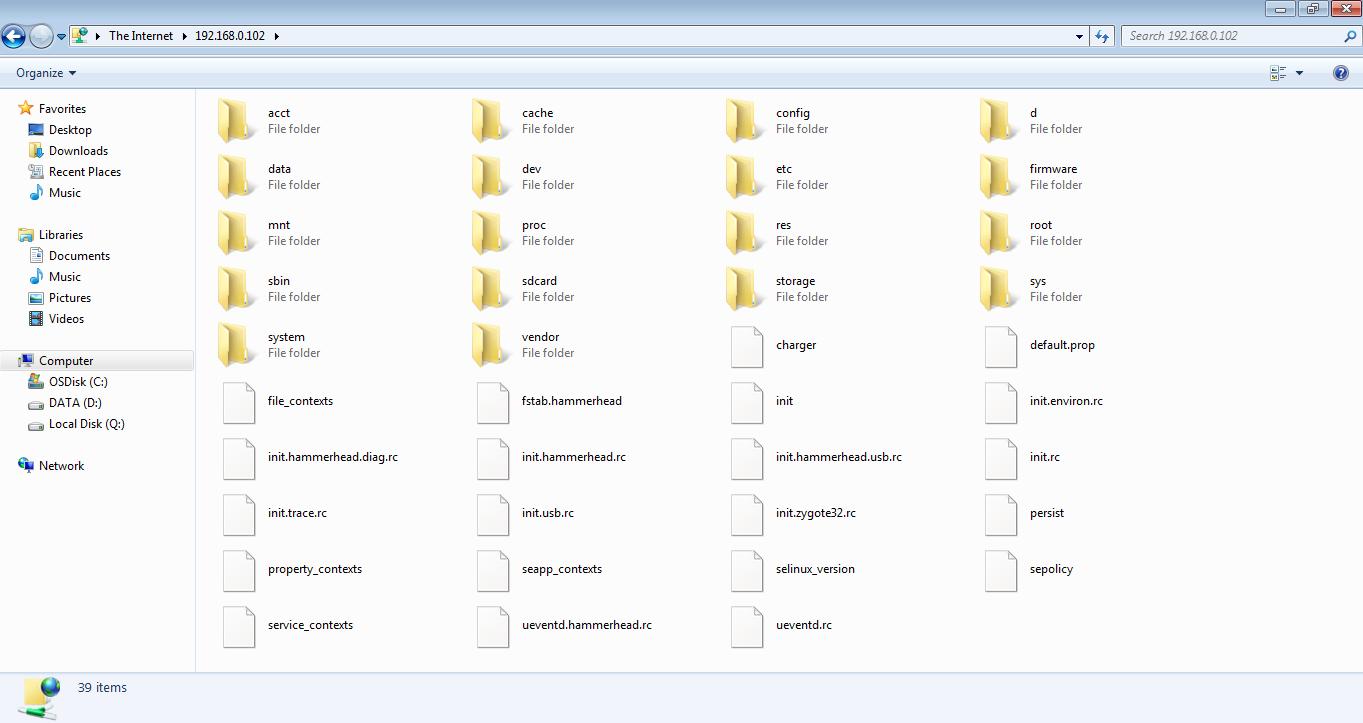
WiFi FTP Server offers simple local transfers between your phone and computer. For cable free file movement and basic security options, download WiFi FTP Server and follow the setup steps. Use an FTP client like FileZilla or Windows File Explorer to connect and manage your files.
Last updated on Jan 6, 2026
Minor issue fixes
Latest Version
 2.4.3
2.4.3
Uploaded by
Awat Bokani
Requires Android
Android 6.0+
Available on

Category
Report



Discover what you want easier, faster and safer.
