


Use APKPure App
Get Wavelet old version APK for Android

Wavelet is a system wide audio equalizer app that optimizes headphone sound on Android.
Wavelet helps when your headphones sound uneven across music, video, and calls. It offers practical controls to balance audio so your favorite tracks and podcasts feel clear and consistent on your device. The app recognizes your listening setup and keeps your preferred tuning ready, which makes switching between wired and wireless simple. It also aims to keep the experience steady across different players. You can install Wavelet APK to start setting up your headphones without extra steps.
AutoEq profiles and custom imports
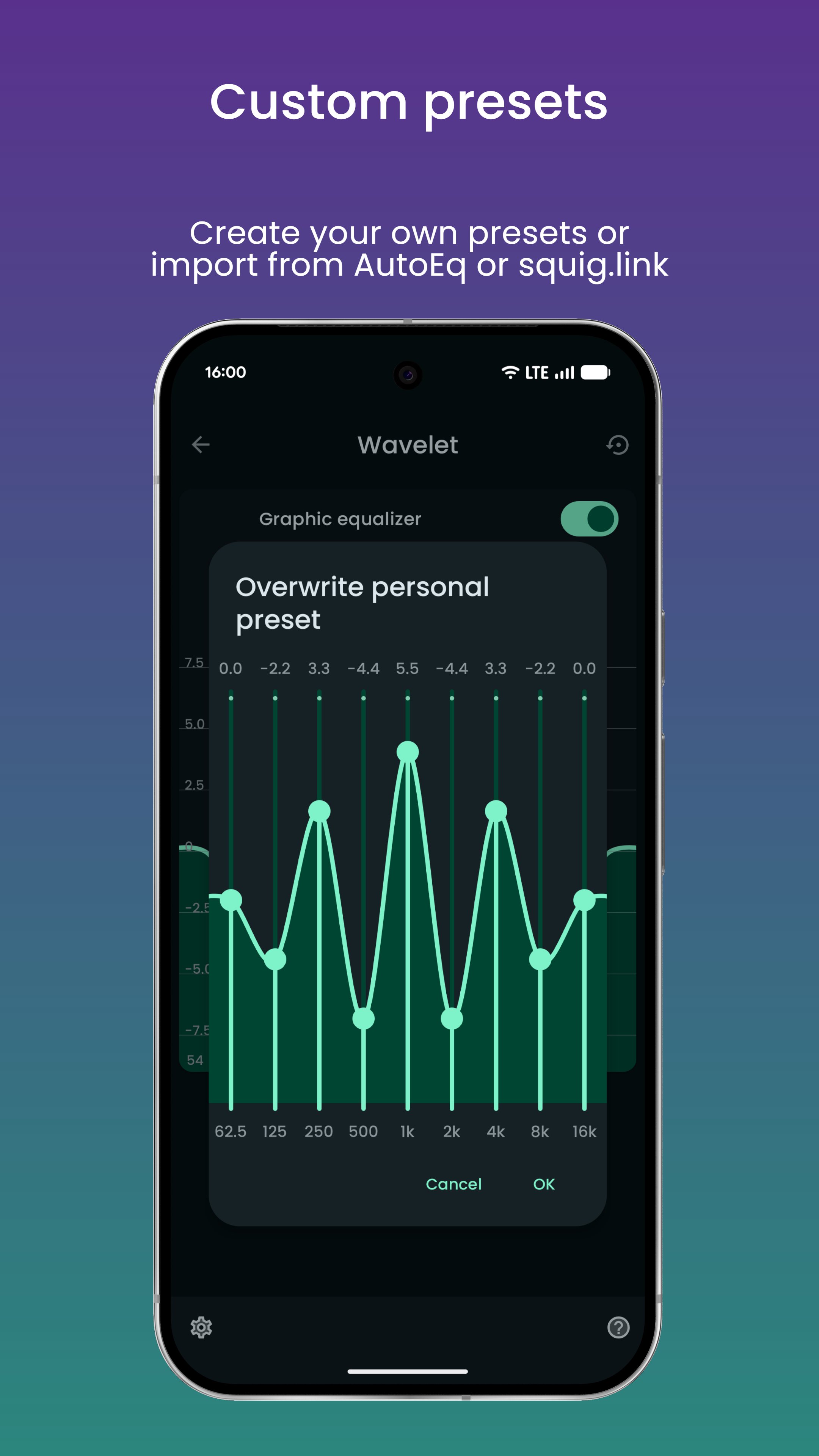
Wavelet offers more than five thousand AutoEq profiles based on the Harman target to help correct headphone response. Selecting a profile takes only a moment. You can also import your own calibration data to match personal preferences.
Adaptive to your setup
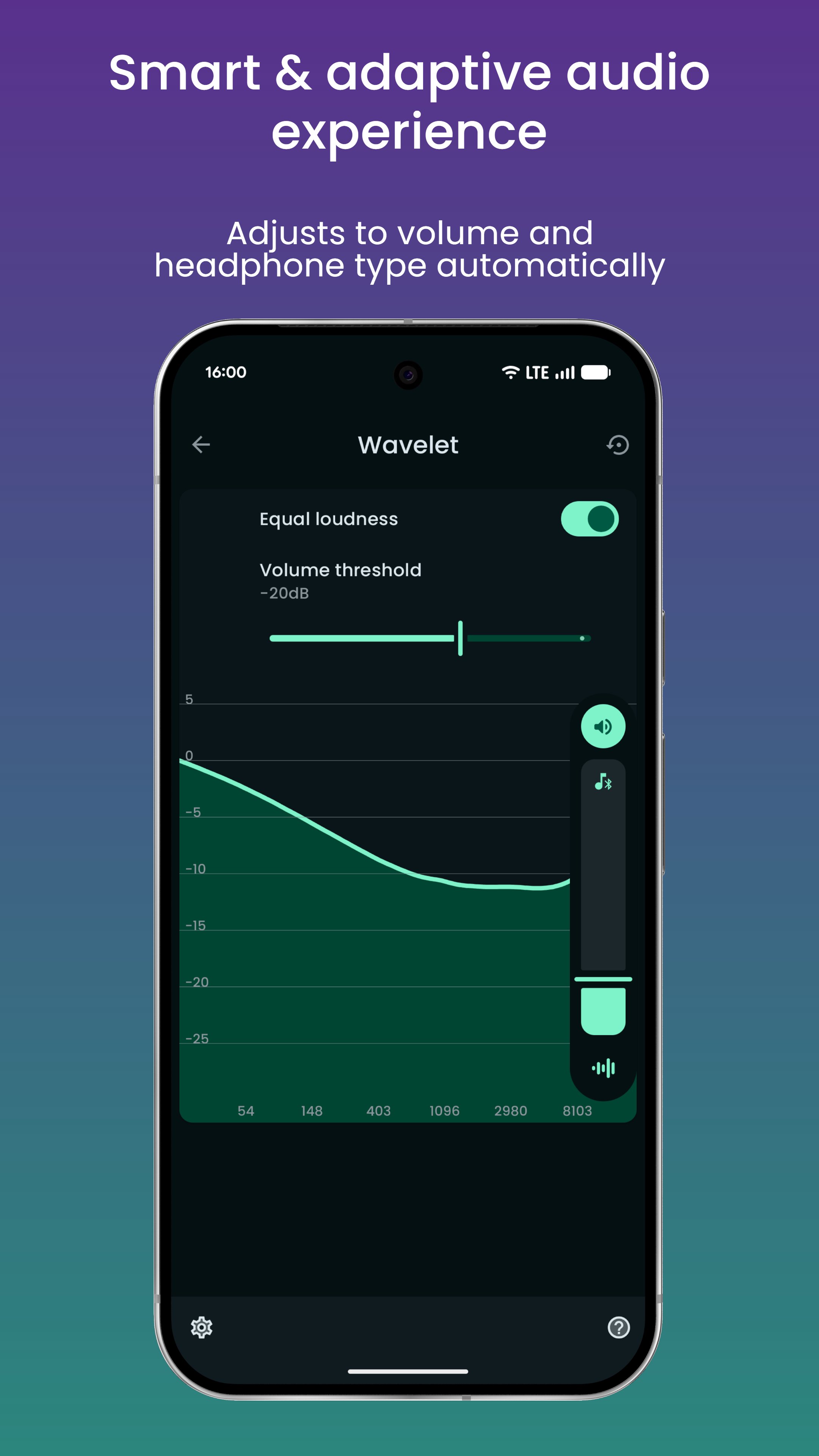
Beyond presets, Wavelet adjusts in real time to connected gear. Headphone specific controls appear when you connect wired, Bluetooth, or USB devices, and your saved profile loads automatically when you switch. Equal loudness compensation based on ISO 226 can adapt to your listening volume.
Works across apps
To keep listening consistent, Wavelet processes audio from many sources, so you get a stable sound whether you use streaming services or local players. This helps keep your tuning active without managing separate settings per app. It stays active while you listen. These options are available in the Wavelet latest version.
Bass tuner and audio tools
Wavelet provides a straightforward way to tune headphone audio across your device. Set up presets, adapt to your gear, and adjust details with focused tools. To begin, download Wavelet and follow the in app guidance to create a profile that fits your listening.
Last updated on May 24, 2026
- Update AutoEq database
- Update UI with Material Expressive elements
- Expand enhanced session detection capabilities
- Replace AIDL mode with automatic AIDL detection. Not al features are available in this mode: https://pittvandewitt.github.io/Wavelet/Troubleshooting/#some-feature-is-missing
If you wish to help translate Wavelet into your language, please visit https://github.com/Pittvandewitt/Wavelet-strings
Latest Version
 26.05
26.05
Uploaded by
សប ម៉ាឡៃ
Requires Android
Android 10.0+
Available on

Category
Report




Discover what you want easier, faster and safer.
