


Use APKPure App
Get Wallpaper Engine old version APK for Android

Wallpaper Engine is a personalization app that brings dynamic live wallpapers to Android.
Wallpaper Engine helps users who enjoy animated wallpapers on a Windows PC and want the same experience on an Android phone. It works as a companion that connects to the desktop app, so your favorite scenes can move with you on mobile. You can manage your collection, decide what plays, and keep resource use under control. If you download Wallpaper Engine, the setup focuses on a straightforward transfer and day to day use without ads or tracking.
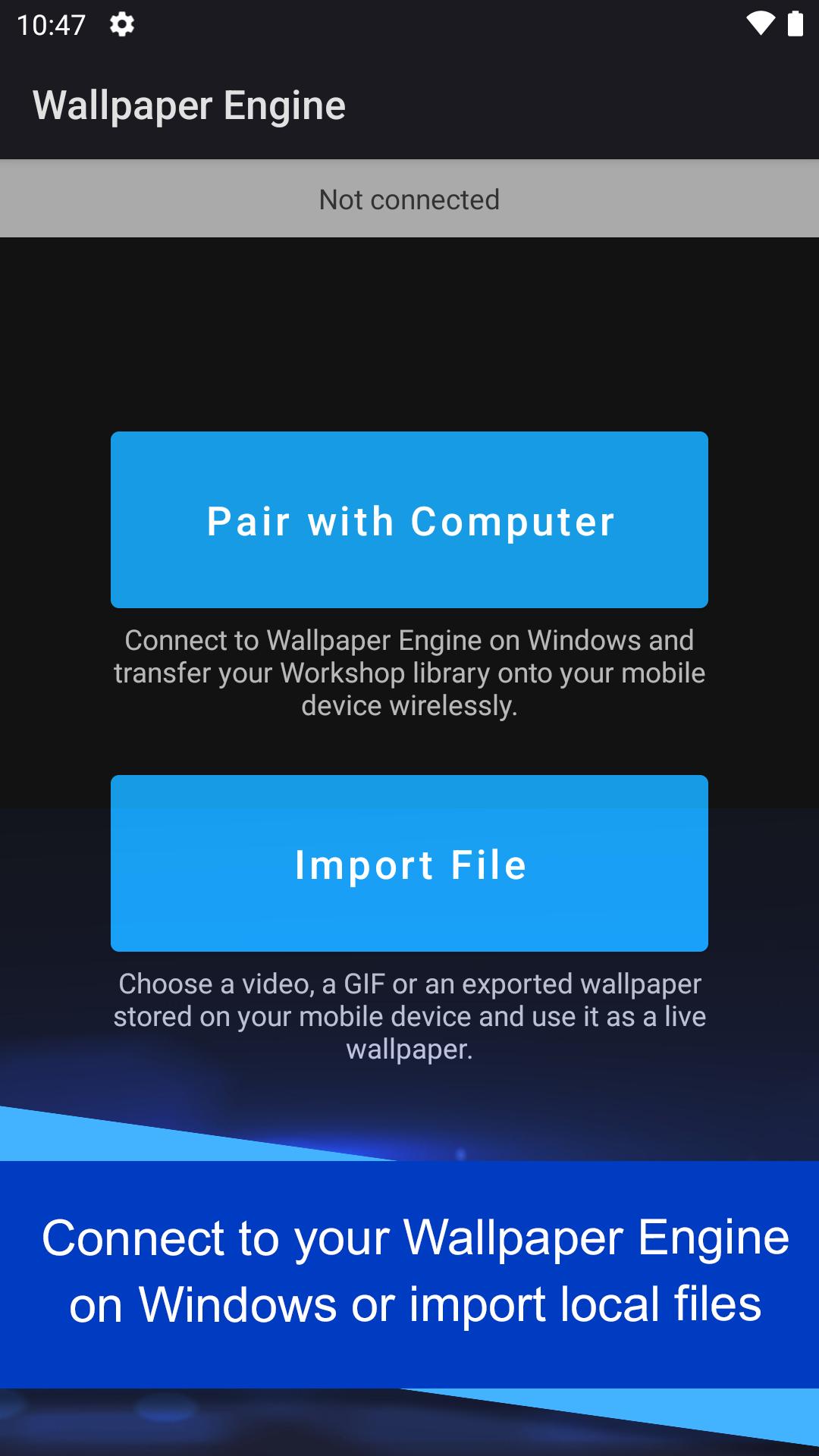
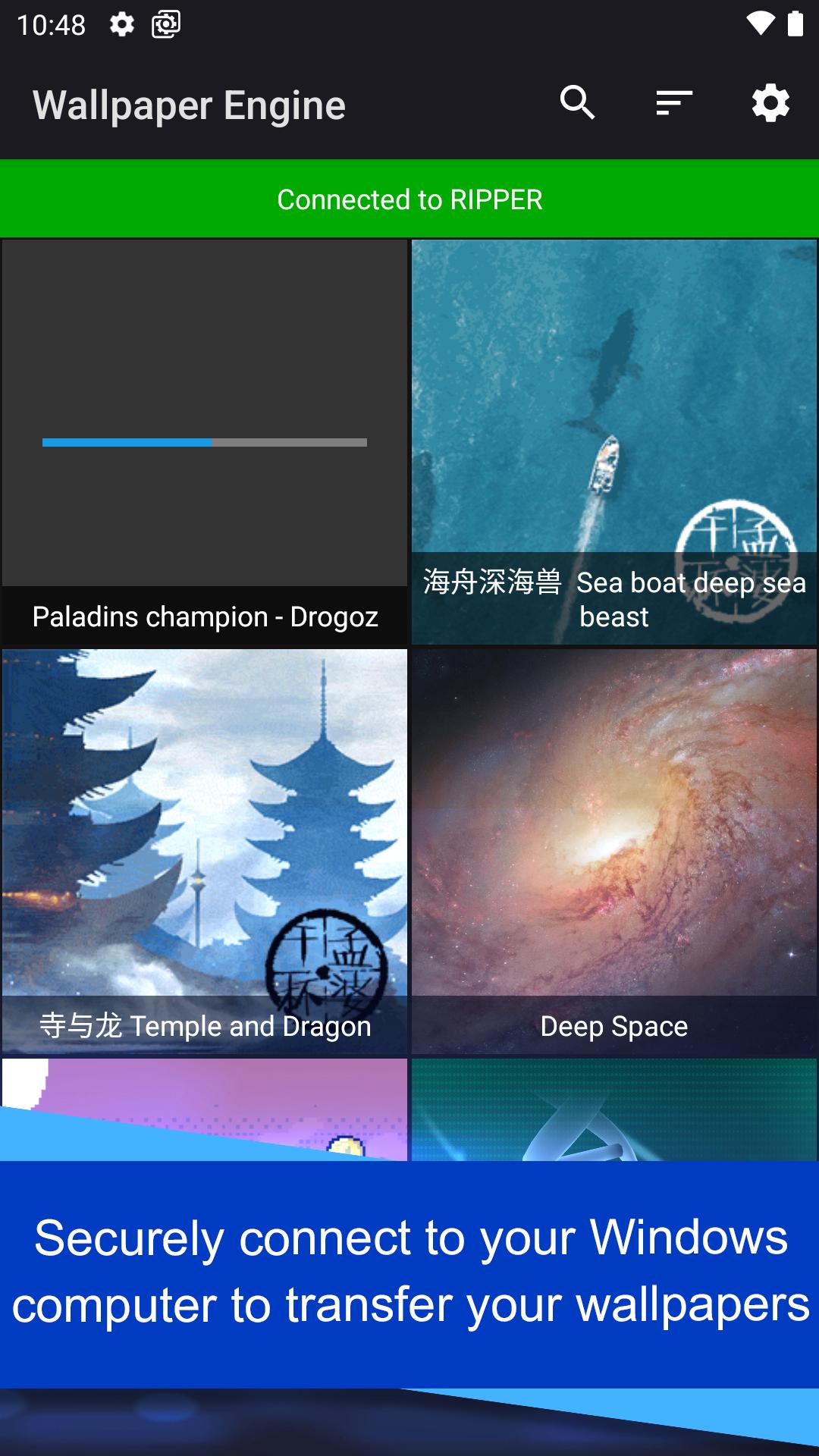
Wallpaper Engine lets you bring your desktop wallpaper library to your phone over your local network. You start the connection on Android and pair it with the Windows app, then choose what to import. The Android app does not browse the Steam Workshop directly, so new items are first added on Windows and then synced to your device. This keeps your phone focused on playback and management.
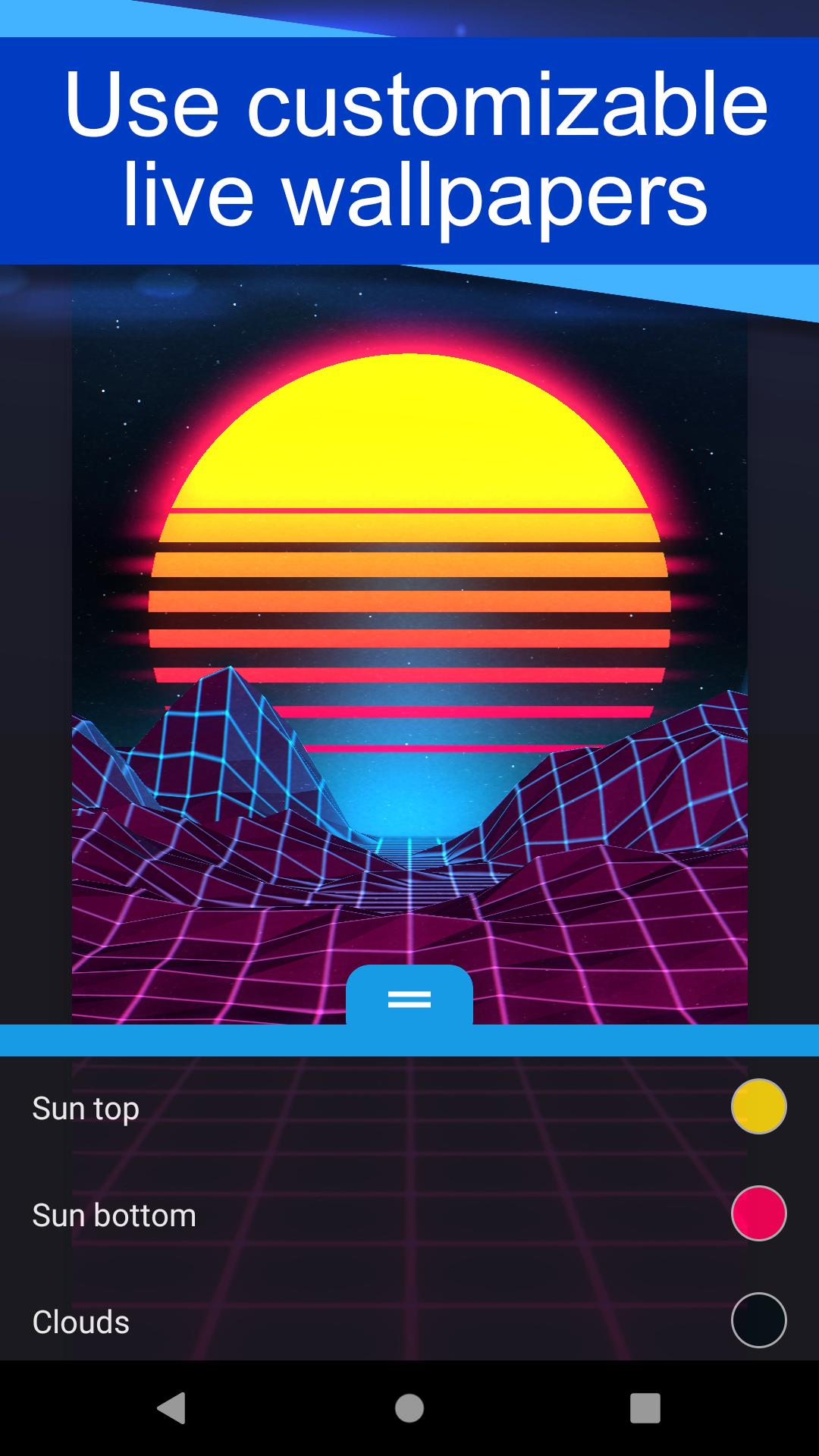
Dynamic formats for live wallpapersYou can set videos, GIFs, and interactive 2D or 3D scenes as live wallpapers. These play on your home screen with motion and effects suited to mobile use. Wallpaper Engine handles different formats so you can mix simple loops with complex scenes in one library. This gives you flexibility when switching between lightweight clips and richer visuals.
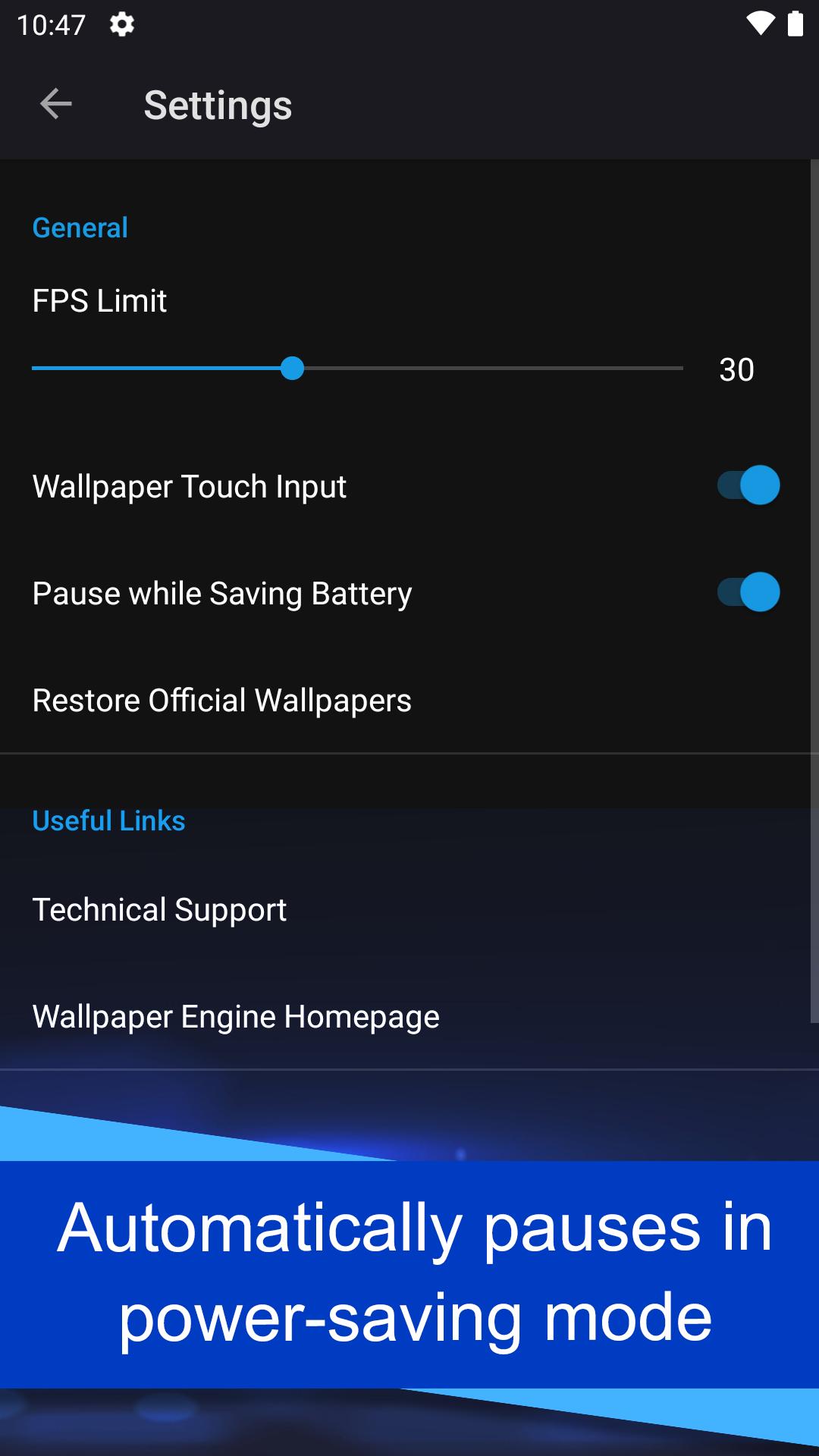
Fine control over performanceWallpaper Engine provides quality presets and frame rate limits that you can adjust for each wallpaper or for all of them. You can lower visual quality or cap FPS when you want to save battery, or raise them when your device can handle more. The app applies your choices immediately, which makes it easy to find a balance between smooth animation and resource use. You stay in control instead of relying on automatic settings.
Playlists and schedule optionsYou can create playlists that rotate wallpapers at set intervals or at specific times of day. This helps you keep the home screen fresh without changing anything manually. For example, you can play brighter scenes during the day and calmer ones at night. Wallpaper Engine handles the timing quietly in the background while you use the phone as usual.
Smart battery behavior and privacyWallpaper Engine only runs when the wallpaper is visible and can pause itself when the device enters a power saving state. This behavior reduces battery drain during tasks like video playback or when the screen is off. The app is ad free and does not track your activity. Lock screen support varies by manufacturer and Android version, so some devices can show live wallpapers on the lock screen while others limit this to the home screen.
The Android app is a companion to the Windows desktop application. It does not connect to the Steam Workshop on its own. To add more items, first get them on the Windows app, then transfer them to your phone over your local network. Keeping both sides updated helps ensure smooth pairing and playback.
If you are concerned about battery or heat, start with a lower quality preset and a modest FPS limit, then increase settings if performance is stable. Power saving modes on some devices will pause live wallpapers, which is expected behavior. Lock screen support depends on device maker features, so results may differ across brands and models.
After installing the Wallpaper Engine APK, you can connect it to the Windows app to import your collection. The process is simple and keeps control on your phone.
Wallpaper Engine brings your desktop collection to Android with wireless transfer, flexible formats, and practical controls. It focuses on performance, battery awareness, and privacy while keeping setup straightforward. To stay current and maintain compatibility, consider installing the Wallpaper Engine latest version when available.
For official resources and help, visit the links below.
Last updated on Sep 5, 2025
Add support for Wallpaper Engine 2.7 features.
Latest Version
 2.7.4
2.7.4
Uploaded by
Ahmed Makram
Requires Android
Android 8.1+
Available on

Category
Report



Discover what you want easier, faster and safer.
