


Use APKPure App
Get VRidge old version APK for Android
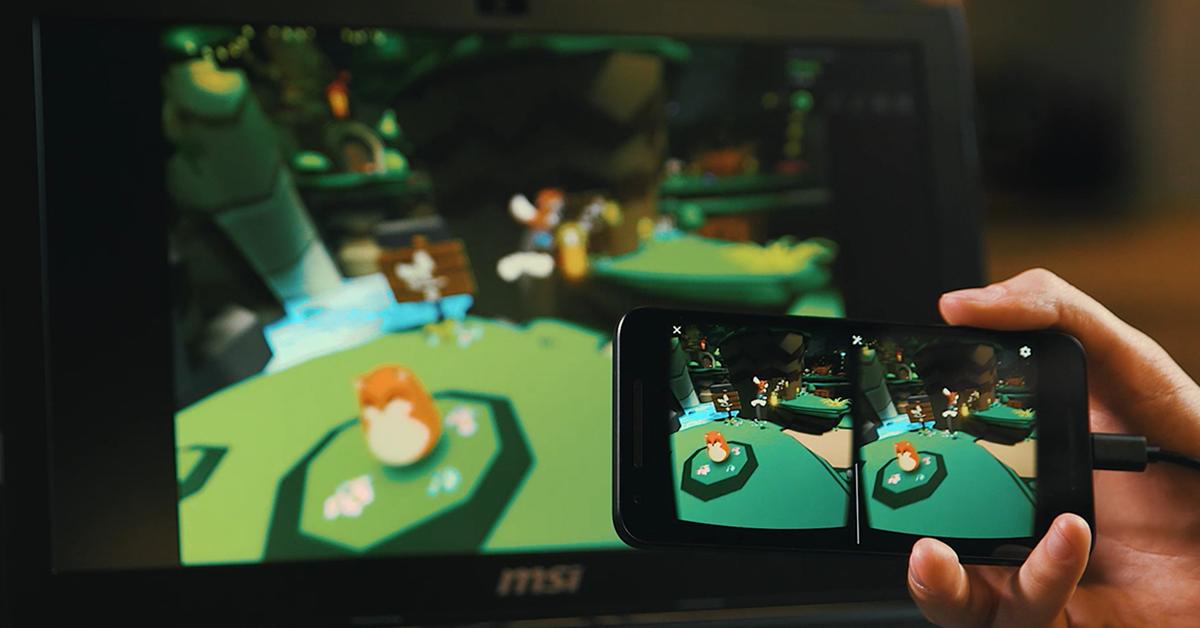
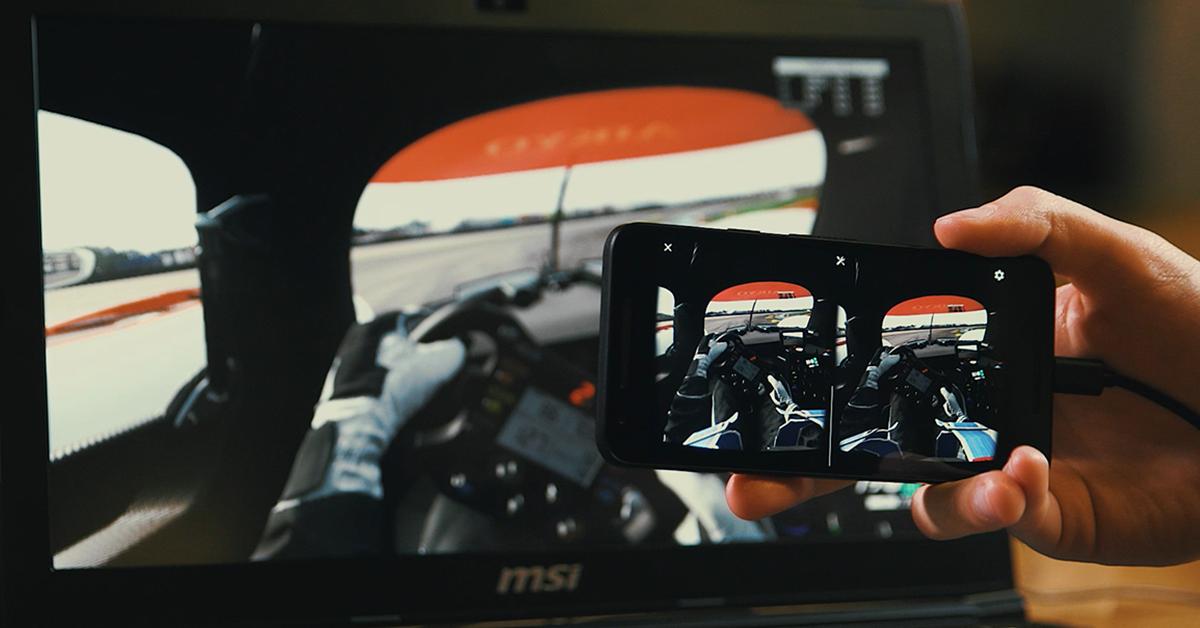
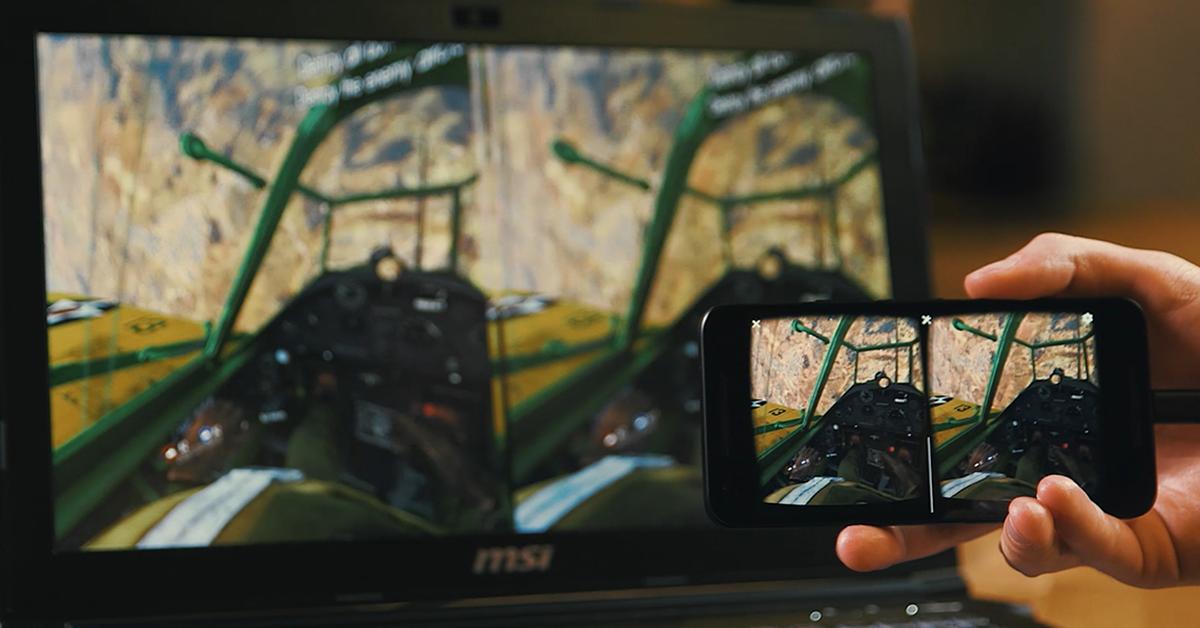
VRidge is a VR streaming app that turns your Android phone into a PC VR display.
VRidge lets you play PC VR titles using a mobile headset and your existing desktop. It streams visuals from the computer to your phone over WiFi, so the phone becomes the screen inside a simple headmount like Google Cardboard. With the RiftCat client on PC, it emulates popular VR devices, so many games recognize the connection and run as expected. The VRidge APK prepares the Android client for pairing.
PC-to-phone VR streaming
VRidge uses your desktop PC to render VR games and streams the image to your Android phone over WiFi. Connect the phone and PC on the same network, then start the RiftCat desktop client to allow pairing after installing the VRidge latest version. This approach uses your PC's graphics hardware for rendering while the phone acts as the display.
Accurate head rotation handling
Additionally, VRidge tracks head movements so your view responds inside supported mobile headmounts. Tracking keeps the scene aligned as you look around in PC VR titles, which helps interactions feel natural.
PC VR device emulation
In addition, VRidge simulates popular headsets like Oculus Rift, so many desktop VR games detect a compatible device and can run through the stream. Titles that rely on headset detection often work once the emulation is active.
Designed for simple mobile headmounts
VRidge brings PC-powered VR to an Android phone inside a simple headmount. A desktop RiftCat client is required for streaming, and WiFi is used for connection. To try it on your device, download VRidge and follow the prompts to pair with your PC and start playing. Check your headset fit and network stability before longer sessions.
Last updated on May 12, 2026
- Fixes to rare crashes
- Improved compatibility with more Android devices
Latest Version
 2.7.14
Uploaded by
Djwar H Salih
Requires Android
Android 5.0+
Available on

Category
Report



Discover what you want easier, faster and safer.

VRidge
2.7.14 by RiftCat Sp. z o.o.
May 12, 2026