


Use APKPure App
Get VRChat old version APK for Android
VRChat is a social platform app that lets you explore and create shared 3D worlds.
VRChat suits users looking for a place to meet people, hang out, and move naturally through interactive spaces with an expressive avatar. It works on mobile and desktop, and VR is optional, so you can start on a phone and add a headset later if you want. Conversations feel casual thanks to smooth movement and lifelike social presence, and you can drop in for quick visits or longer sessions. For easy setup, find the VRChat APK and begin exploring when ready.
Make Friends. Explore Worlds. Create Anything.
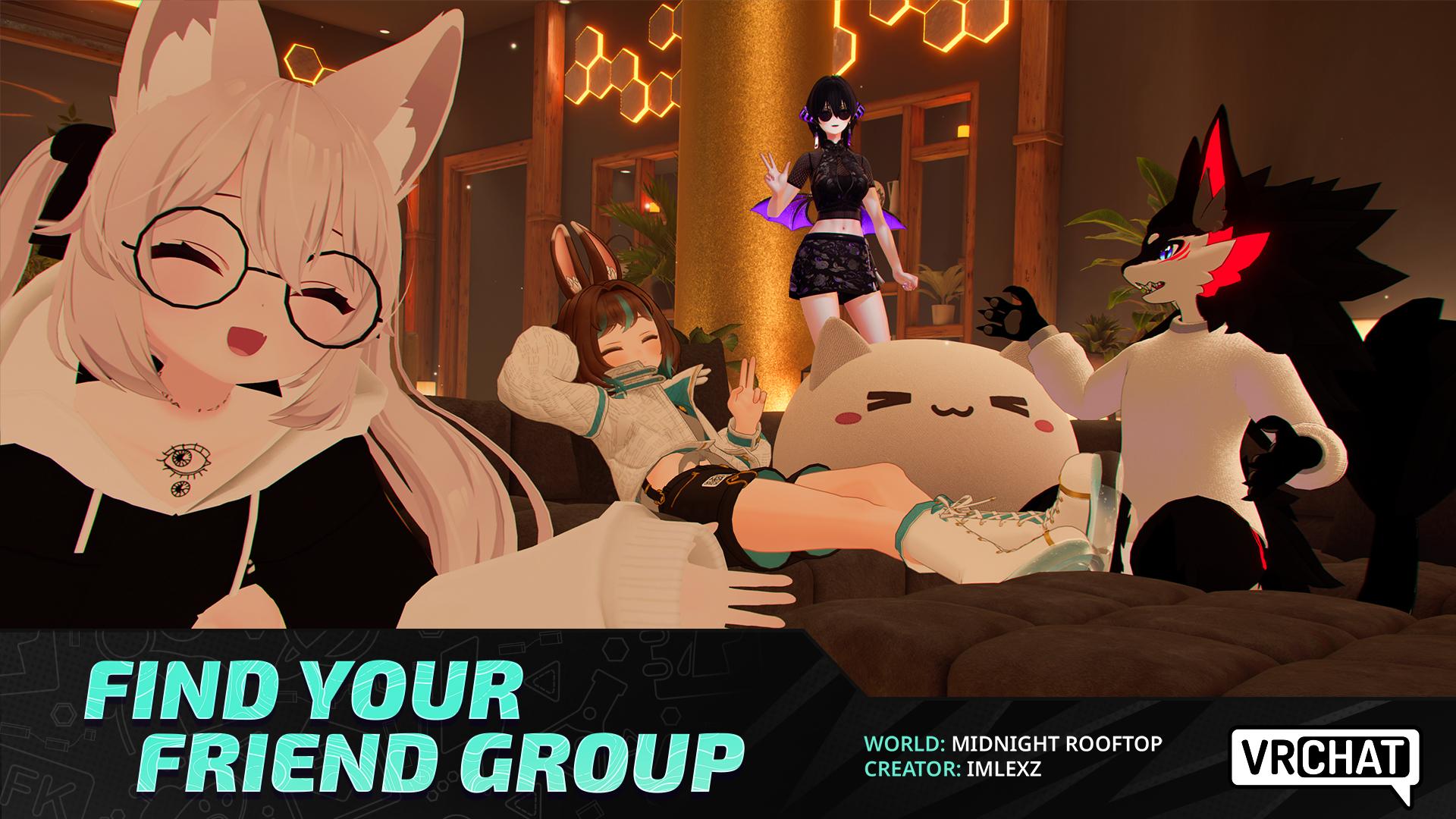
VRChat focuses on social presence that feels close to real life, with avatars that show body language and gestures clearly. You can chat, wave, and interact in small hangouts or larger meetups without complex menus getting in the way. As you move between spaces, it remains simple to keep conversations going and meet new people.
Explore vast community-built worlds
You can browse and enter hundreds of thousands of worlds built by the community. Millions of unique avatars are available, which makes it easy to find a look that fits a casual hangout or a themed roleplay. Moving across places stays straightforward, so switching from a quiet lounge to a busy hub takes just a moment.
Play games across genres
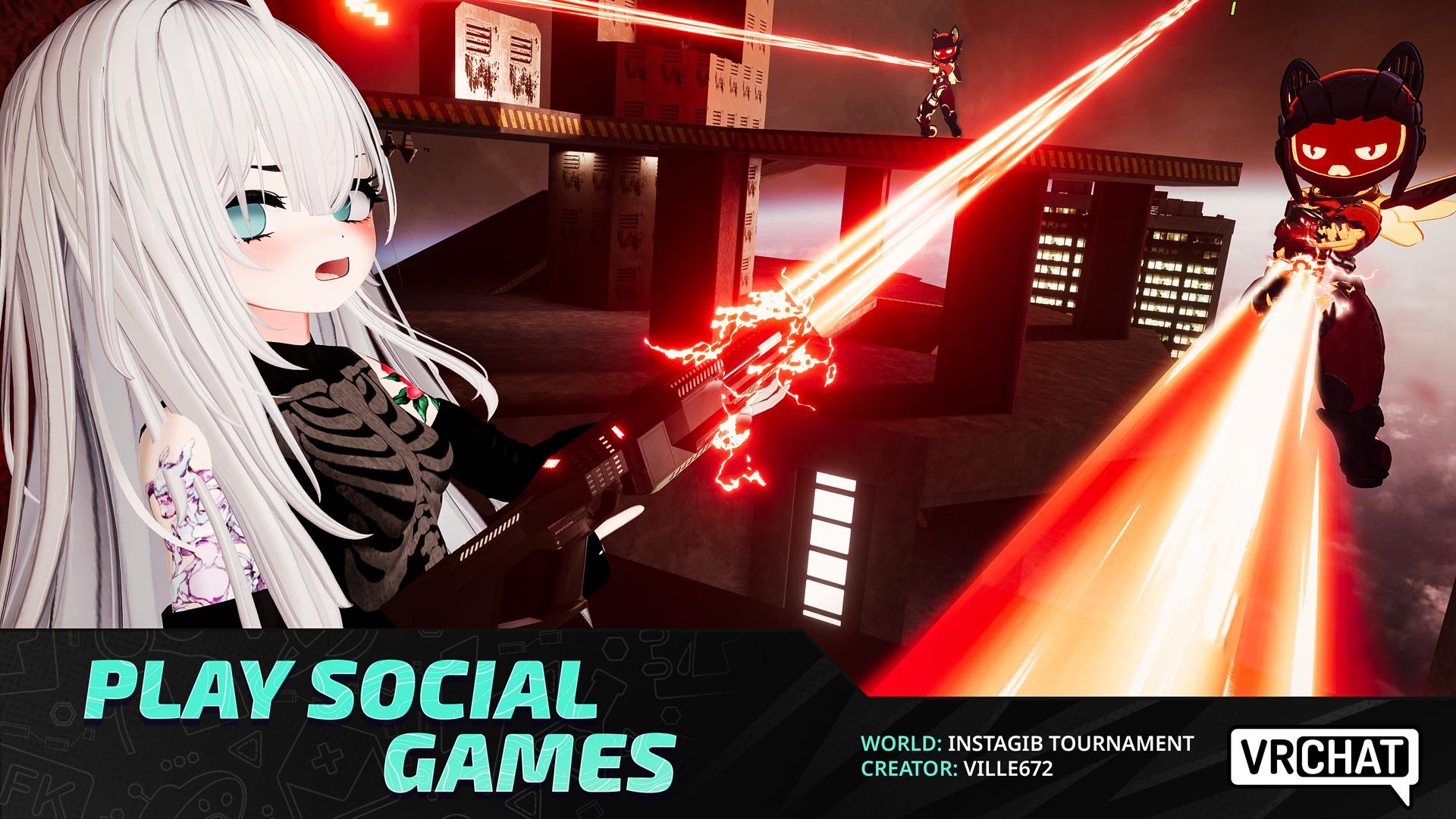
VRChat includes thousands of interactive games, such as card games, shooters, racing, platformers, puzzles, horror, and party games. Join quick sessions with friends or explore longer experiences when you have time. As you change activities, VRChat keeps controls consistent, which helps you settle into a new game faster.
Deep avatar customization and optional VR tracking
You can customize your avatar to reflect your style, from simple adjustments to detailed creations. On compatible VR hardware, VRChat supports full body and finger tracking for more precise movement, so gestures and expressions are clearer in conversation. Even without VR, movement and interaction remain smooth and accessible.
Build and publish with the VRChat SDK
Creators use Unity and Udon scripting to craft worlds and avatars, then publish them for others to visit. The Avatar Marketplace helps you discover and share avatar content in a way that respects creators and users. This workflow supports learning by example, so new builders can study existing projects and grow their skills over time.
VR is not required. You can join on mobile and desktop, and later add a headset if you prefer physical tracking. VRChat Android and other platforms are supported, which makes it easier to play with friends regardless of device. Names of specific stores vary by platform, so choose the channel that fits your device and region.
VRChat is free to start, with an optional VRC+ subscription for extra perks. VRC+ includes age verification and tools for age gated group instances, which help communities manage 18+ spaces responsibly. For guidance on community rules and moderation, check the official website for Help Center articles, guidelines, forums, and the wiki. These resources explain group settings, event hosting, and best practices before you publish or join.
This quick guide explains the basics to help you get started after you download VRChat on your phone. It focuses on simple steps so you can enter a world, talk to people, and manage your avatar without extra setup.
VRChat offers social spaces, games, and creation tools in one place, with VR entirely optional. To keep features current, look for the VRChat latest version when installing or updating.
For official resources and community support, visit:
Last updated on Apr 8, 2026
https://docs.vrchat.com/docs/vrchat-202613p1
Latest Version
 2026.1.3p1-1819-fc538a6485-Release
Uploaded by
Thanh Nguyễn
Requires Android
Android 10.0+
Available on

Category
Report




Discover what you want easier, faster and safer.
