


Use APKPure App
Get VBoxManage Android old version APK for Android
Control your VirtualBox virtual machine by your mobile.
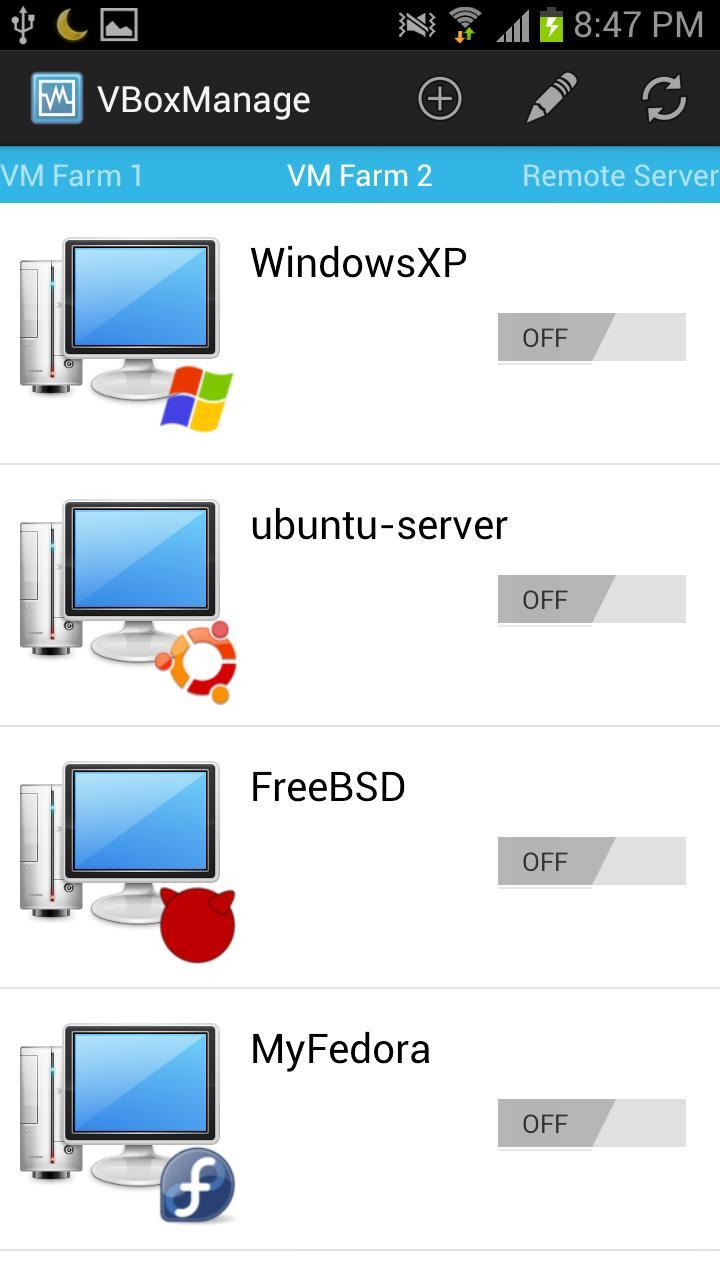
VBoxManage Android is an easy-to-use VirtualBox monitor and controller on your mobile.
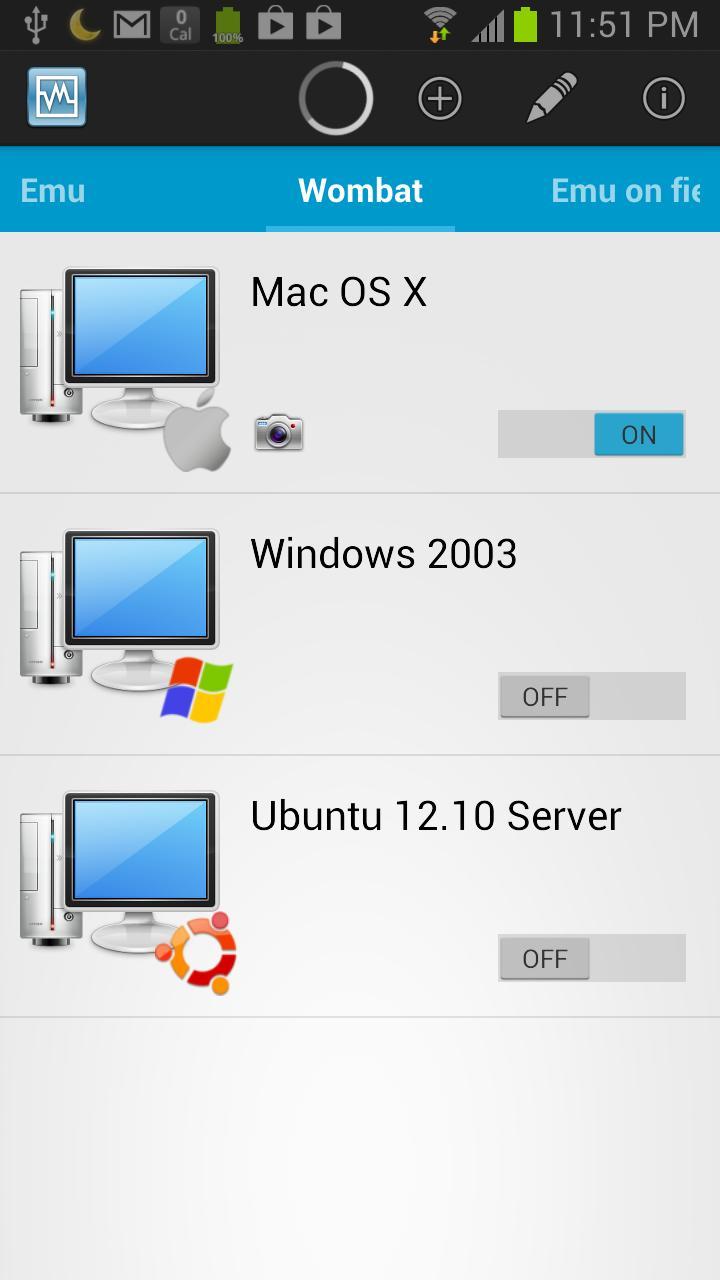
It can easily monitor the virtual machines status, and power on/off them if you like. For job like this, you will never need a PC again. You can control them on your mobile, at any time and any where you like.
Features Highlight
* Monitor Server's accessibility;
* Monitor VirtualBox virtual machines' running status;
* Power on/off VirtualBox virtual machines;
* Show SSH connection's command log;
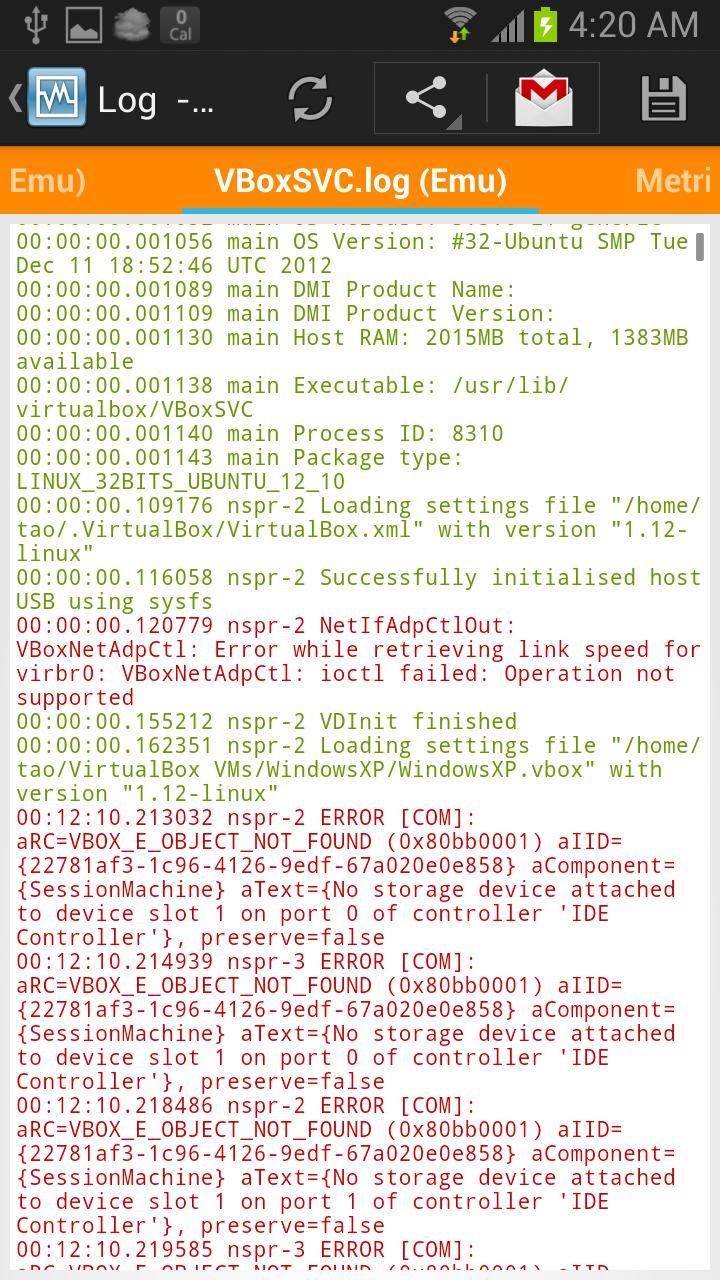
* Show VBoxSVC.log;
* Show VBox.log for each virtual machine;
* Show VirtualBox metrics (performance counter);
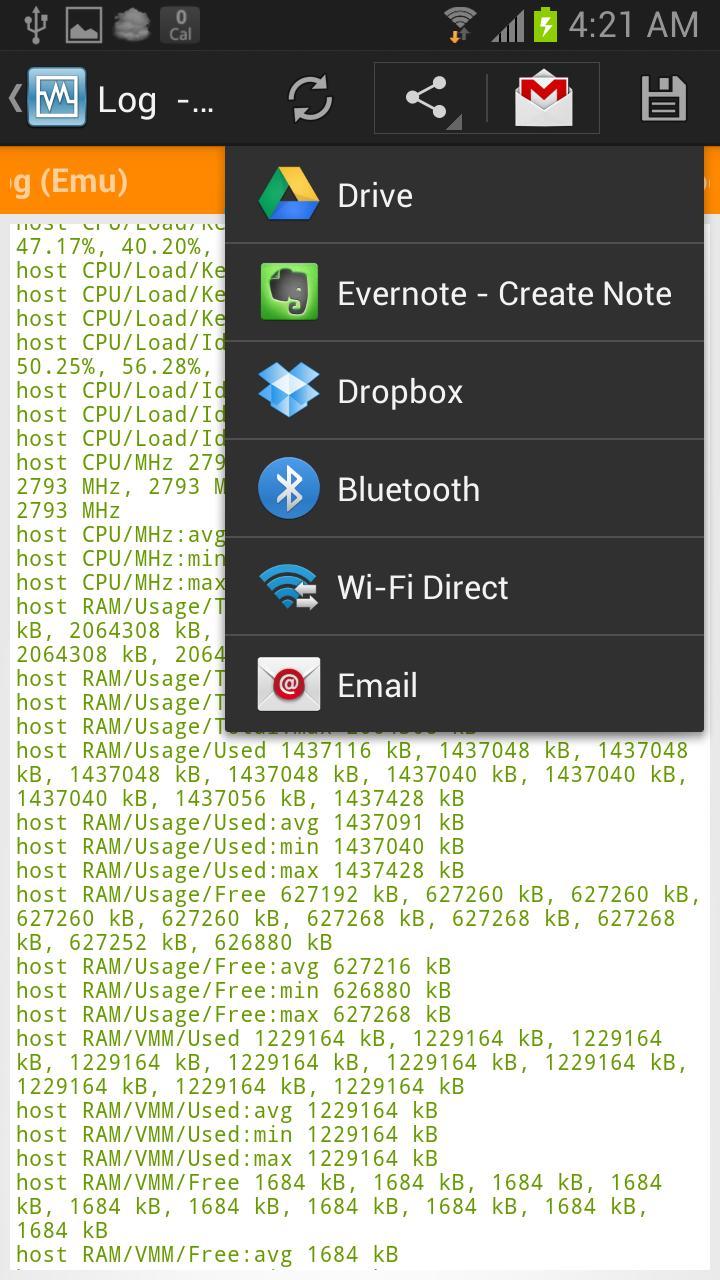
* Save Logs to SD card or External Storage as a ZIP file;
* Share the saved log zip file to other apps, such as Gmail, Dropbox, Evernote, etc.;
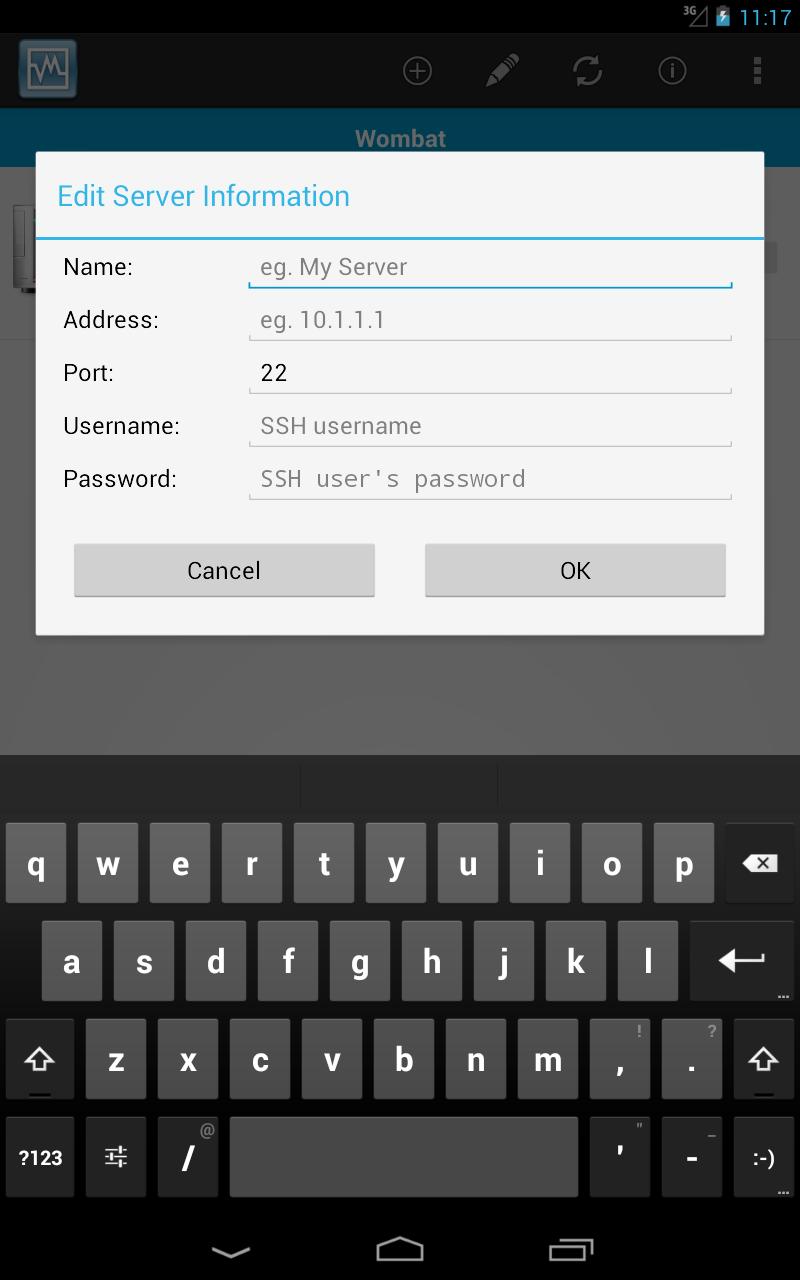
* specify SSH port;
* fetch and show virtual machine screenshot;
* Add domain name support for host address;
* Improved UI for tablet;
* User can specify whether should check server availibility before SSH connection;
* User can specify how to start the virtual machine by default in Settings;
* User can specify how to stop virtual machine by default in Settings;
* No additional software need to be installed on server in most case;
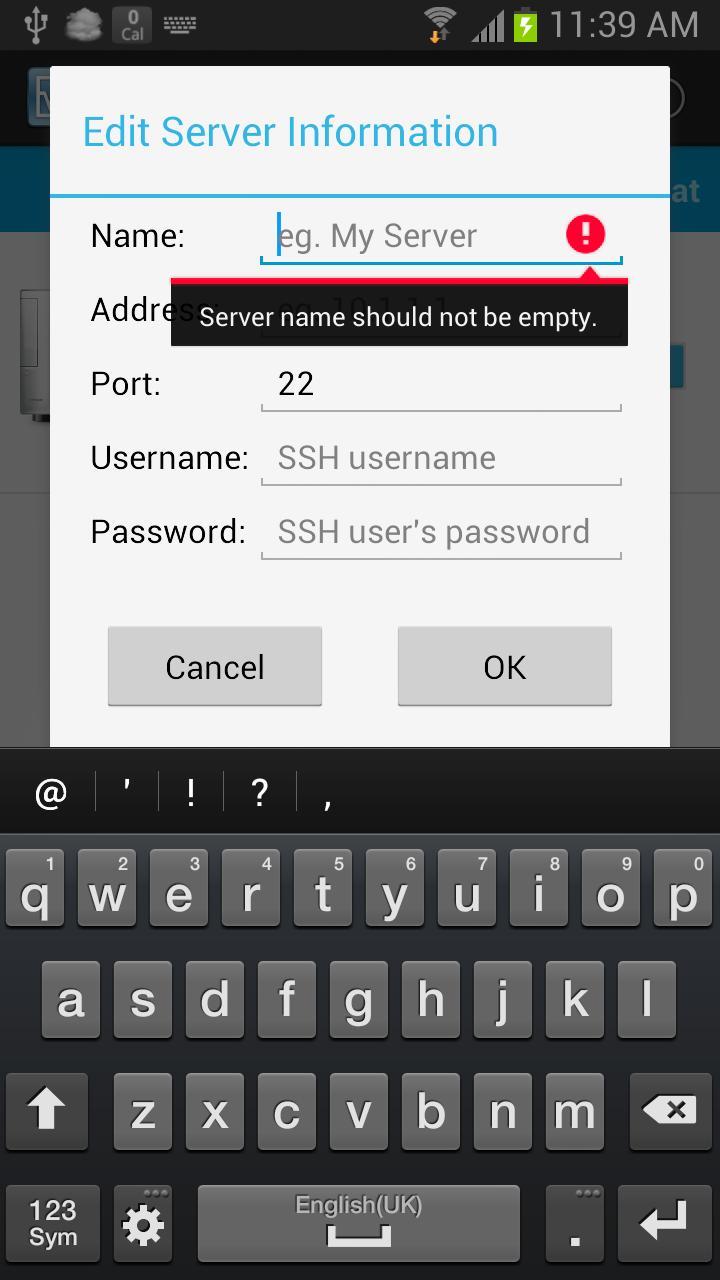
VBoxManage Android controls the virtual machine by 'VBoxManage' command via SSH connection. So, everything you need to provide are a Linux SSH server address and login information, and make sure the login user is able to execute 'VBoxManage' command to control the virtual machines. It's not necessary to install any additional software on your server.
The virtual machine can be started as Headless mode, which is typical in server environment. So, please make sure the virtual machine is ready to boot in headless mode if you choose headless in the settings. For more information about Headless mode, see:
http://www.virtualbox.org/manual/ch07.html
http://www.howtoforge.com/vboxheadless-running-virtual-machines-with-virtualbox-4.1-on-a-headless-ubuntu-12.04-server
VBoxManage Android is in active development stage. Any suggestions or bug reports are welcome. More features will coming soon.
Last updated on Jun 17, 2016
Version 0.15
* Fixed several bugs;
Version 0.14
* You can sort the virtual machine list by Default, Operating System or Name, check Settings;
* Update dependencies;
* Fixed a few bugs;
Version 0.13
* Add ACRA exception report;
* Add Google Analytics;
* Fixed a few bugs;
Version 0.12
* Fixed a bug of showing Ads multiple times;
Latest Version
 0.15
0.15
Uploaded by
Kureky Be Wafa
Requires Android
Android 2.2+
Category
Report


Discover what you want easier, faster and safer.

VBoxManage Android
0.15 by Tao Wang
Jun 17, 2016